


WorldCard Cloud
العب على الكمبيوتر الشخصي مع BlueStacks - نظام أندرويد للألعاب ، موثوق به من قبل أكثر من 500 مليون لاعب.

Play WorldCard Cloud on PC
* Work Effectively and Efficiently
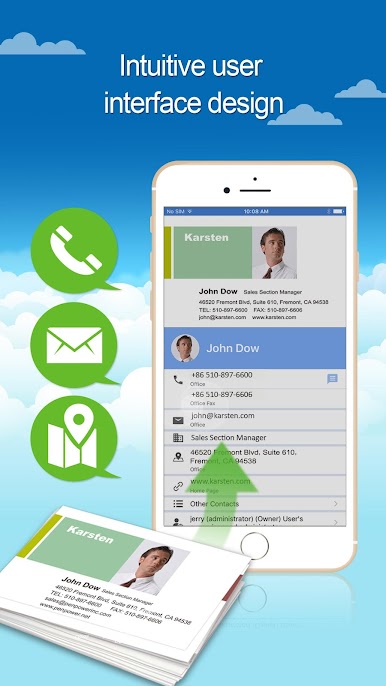
- User-friendly interface facilitates users to search contacts with keyword easily. It is also efficient for users to make calls or emails and plan route while visiting customers.
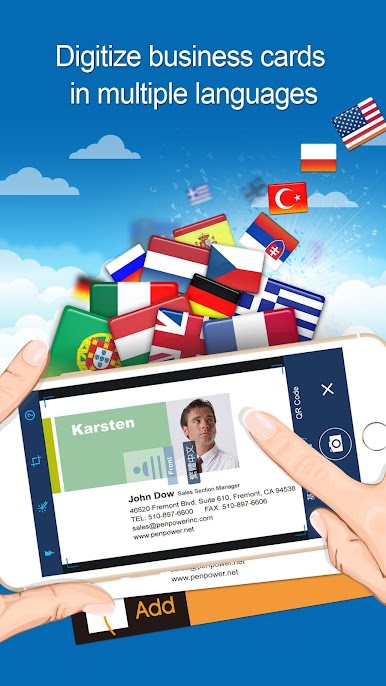
- Users can simply save contact information into smartphone and PC by scanning or capturing the business cards. PenPower’s best of the breed technology ensures extremely high recognition rates for 26 languages, such as English, Japanese, Korean, French, German, Italian, Traditional and Simplified Chinese, etc. The contacts can be categorized into different groups and searched by keywords.
* Store Contacts Permanently
- Users can digitize business cards by scanner or App. Owing to the automatic data synchronization, users can ubiquitously save or access contacts between smartphone and PC.
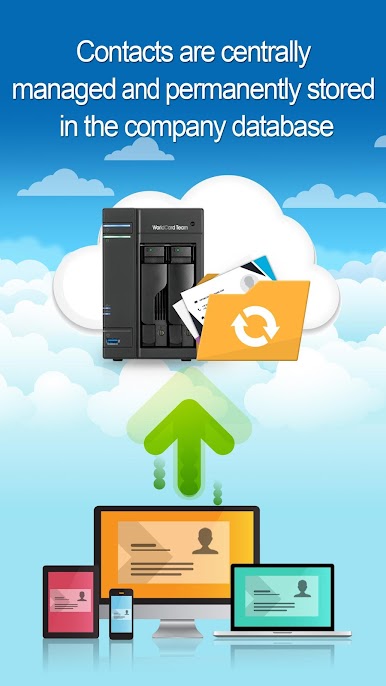
- All contact information and the original business card images are securely stored into the WorldCard Cloud server. Companies won’t suffer any data loss resulting from the turnover of employees.
- Keep all of the contacts data safe while in transmission.
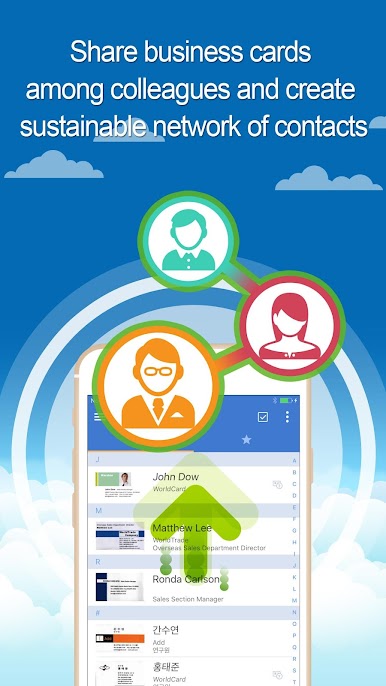
* Share business cards among colleagues and create sustainable network of contacts.
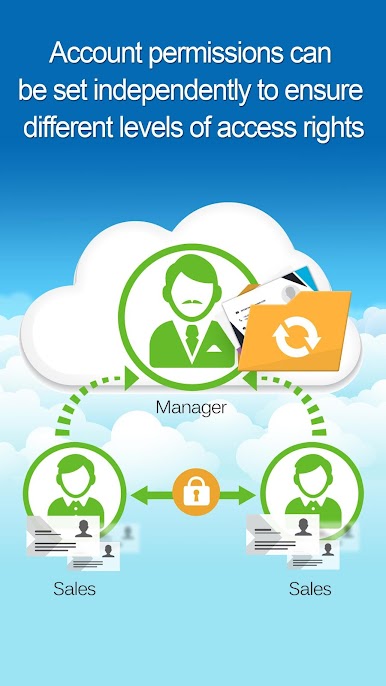
- Managers are able to assign tedious scanning work to their assistants or secretaries. The contact data will be transferred to manager’s account without leaving a copy in assistant’s account after the scanning work.
* Advanced Applications
- WorldCard Cloud can seamlessly integrate with Salesforce/Office 365 system by exporting the contacts to Salesforce/Office 365 and saving its users from manual entry of the contact data.

العب WorldCard Cloud على جهاز الكمبيوتر. من السهل البدء.
-
قم بتنزيل BlueStacks وتثبيته على جهاز الكمبيوتر الخاص بك
-
أكمل تسجيل الدخول إلى Google للوصول إلى متجر Play ، أو قم بذلك لاحقًا
-
ابحث عن WorldCard Cloud في شريط البحث أعلى الزاوية اليمنى
-
انقر لتثبيت WorldCard Cloud من نتائج البحث
-
أكمل تسجيل الدخول إلى Google (إذا تخطيت الخطوة 2) لتثبيت WorldCard Cloud
-
انقر على أيقونة WorldCard Cloud على الشاشة الرئيسية لبدء اللعب

