

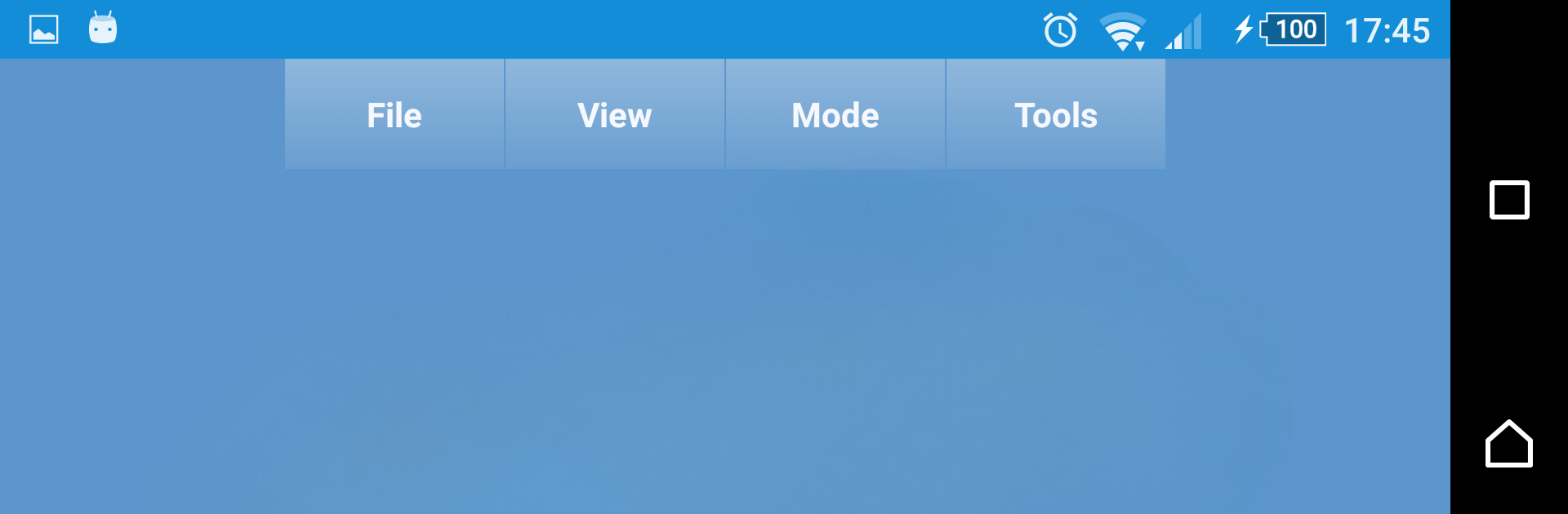
Fast STL Viewer
在電腦上使用BlueStacks –受到5億以上的遊戲玩家所信任的Android遊戲平台。

Run Fast STL Viewer on PC or Mac
Get freedom from your phone’s obvious limitations. Use Fast STL Viewer, made by Fast STL Viewer, a Productivity app on your PC or Mac with BlueStacks, and level up your experience.
About the App
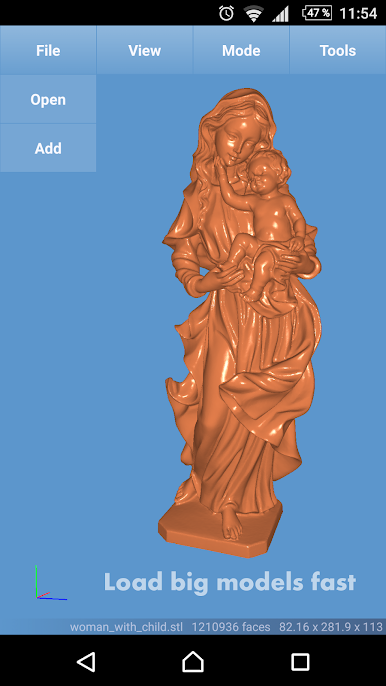
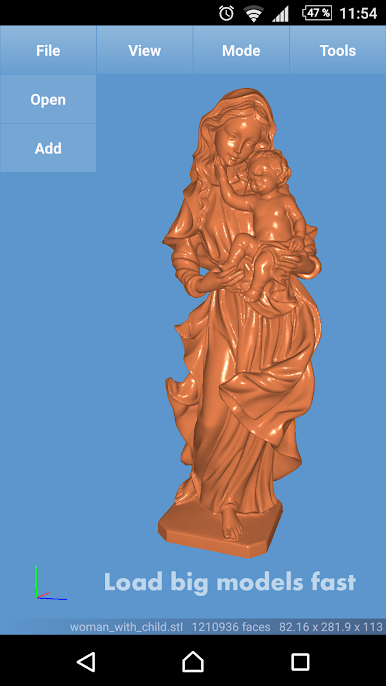
Fast STL Viewer is for folks who work with 3D models and want an easy, no-nonsense way to quickly look over STL files on their Android device. Whether you’re sorting through prototypes, checking print files, or just managing a pile of models, this app keeps things simple and efficient. Expect smooth handling of even hefty models, a clear interface, and enough tools to actually get things done—even if you’re juggling files from different sources.
App Features
-
Support for Multiple Files
Open and view several 3D models at once, so you can easily compare or switch between your projects without the hassle of constant back-and-forth. -
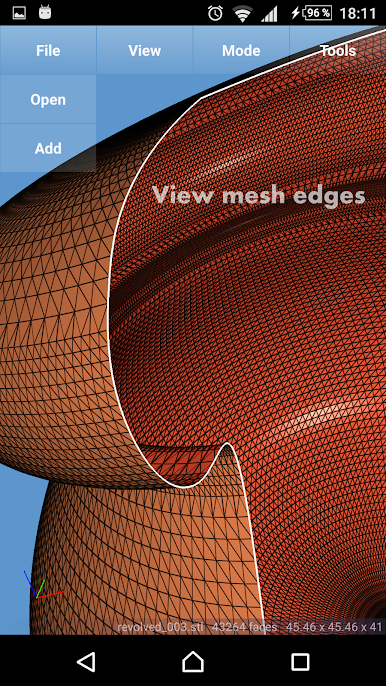
Flexible Viewing Modes
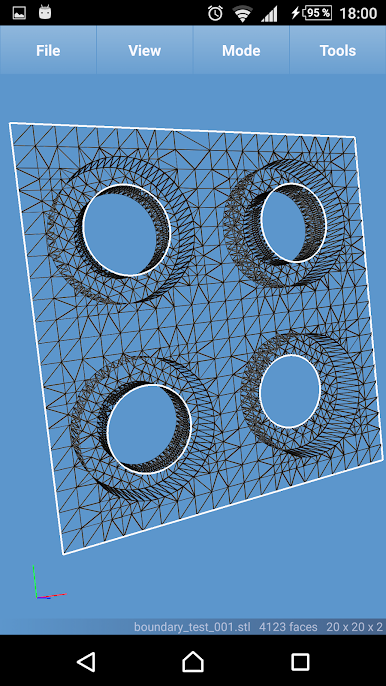
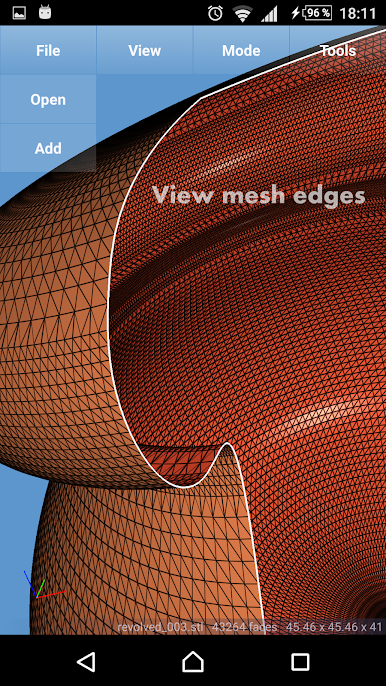
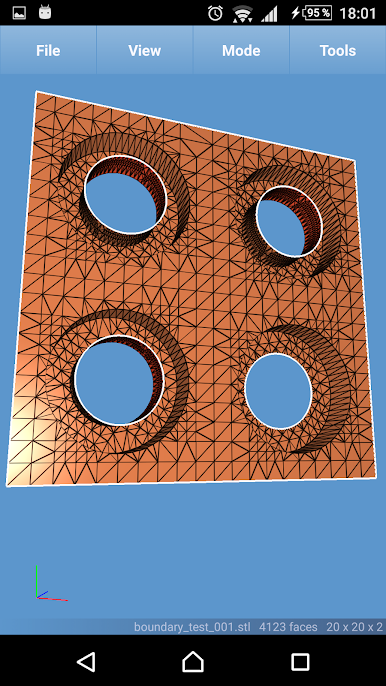
Flip between shaded, wireframe, shaded-with-wireframe, and points modes depending on what kind of detail or style you need to see. -
Distinct Face Coloring
Front and back faces on your model show up in different colors—handy when you’re troubleshooting print issues or need to spot problem spots at a glance. -
Fast File Loading
No endless waiting when opening large or complex STL files, even those with millions of triangles. The app doesn’t get bogged down easily. -
Works with Big Models
Bring on the heavy-duty STL files—Fast STL Viewer’s built to handle substantial mesh sizes without crashing. -
Binary & ASCII Compatibility
View both binary and ASCII STL files. If you’re not sure which file type you have, don’t worry—the app supports both out of the box. -
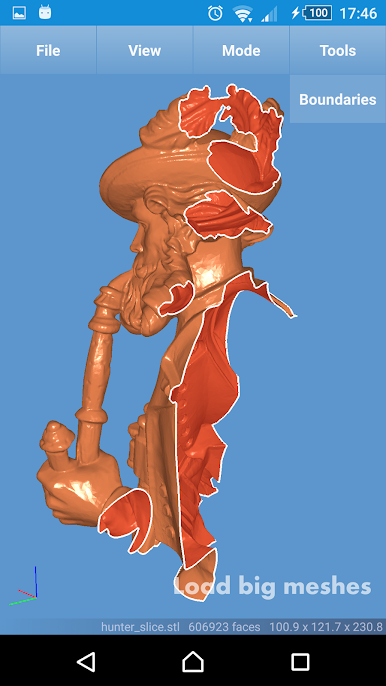
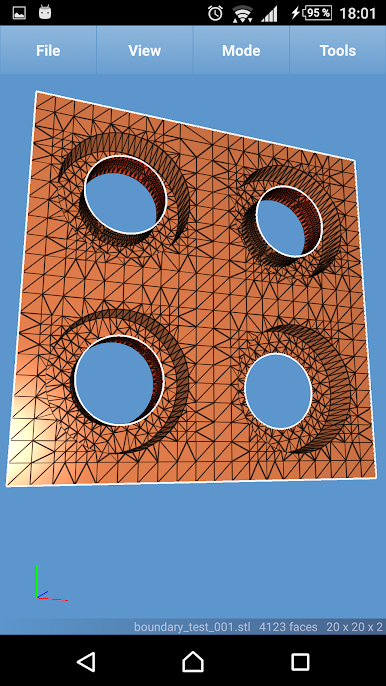
Mesh & Boundary Detection
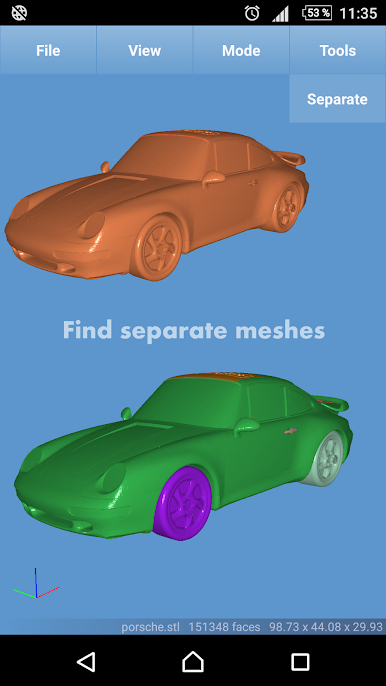
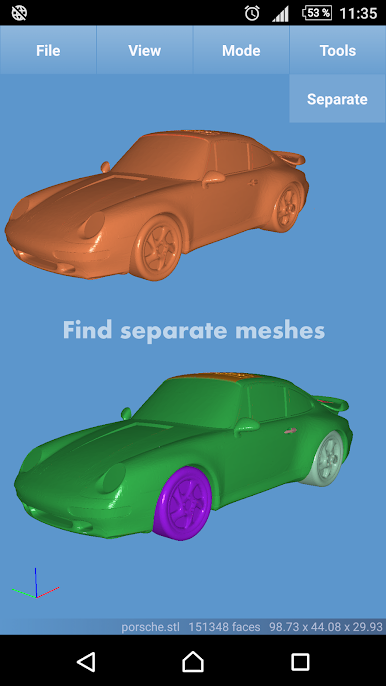
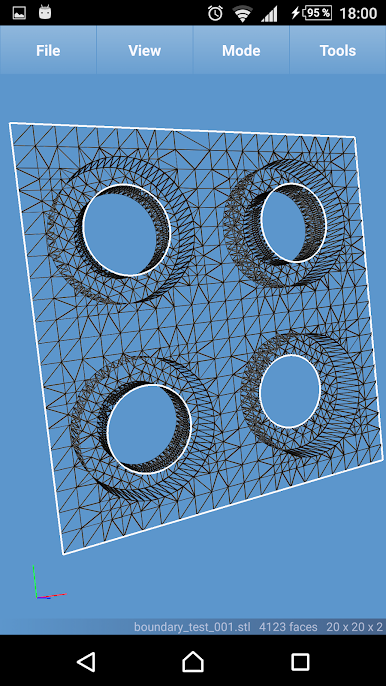
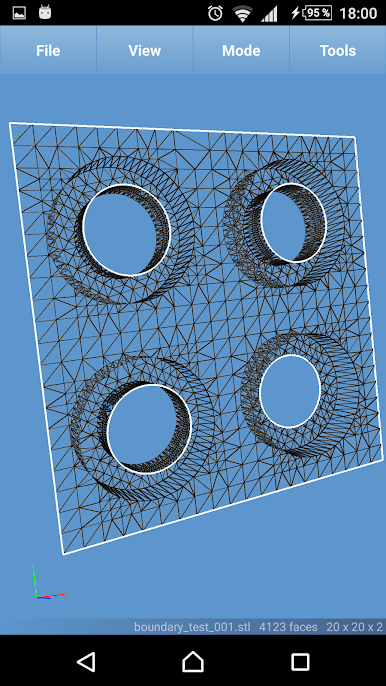
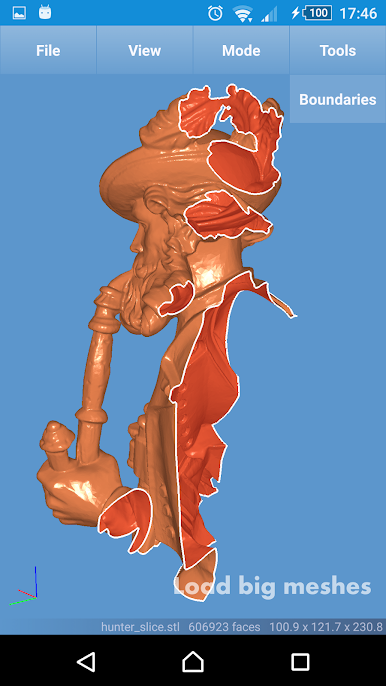
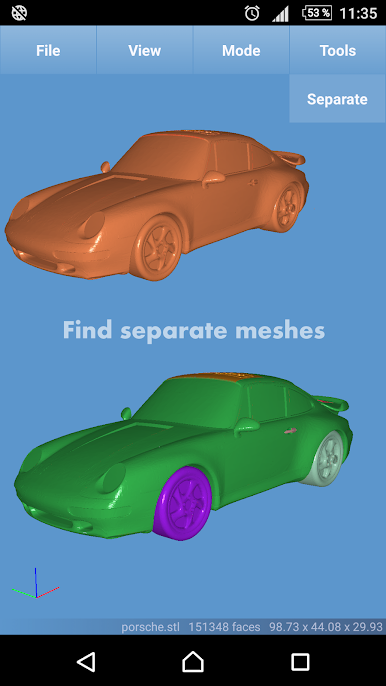
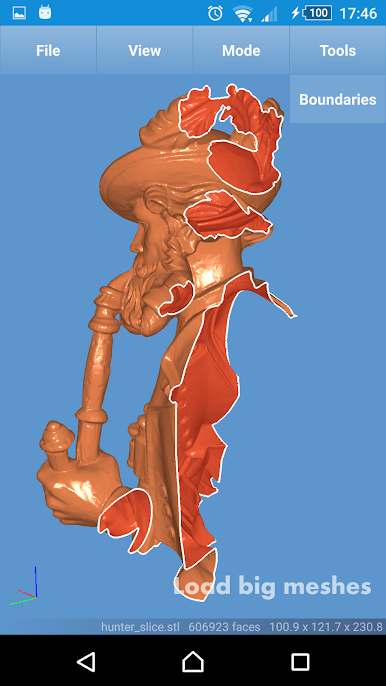
See mesh boundaries and unconnected parts clearly highlighted, making it easier to spot separate pieces and edges within your models. -
Quick Selection Tools
Just press and hold on your model to select it, or tap and hold the background to clear your selection. This makes it straightforward to focus on one part at a time. -
Bounding Box Details
Get instant feedback on the size and placement of any selected part thanks to live bounding box information in the status area. -
Invert Normals & Delete Parts
Fix odd-looking models by inverting normals with a tap, or remove unwanted parts right in the viewer. -
Easy File Access From Other Apps
Open STL files directly from attachments in Gmail or from your favorite cloud storage service—Google Drive, Dropbox, OneDrive, you name it. -
3D Printing Shortcut
Send models straight to Treatstock for 3D printing without having to mess around with extra steps. -
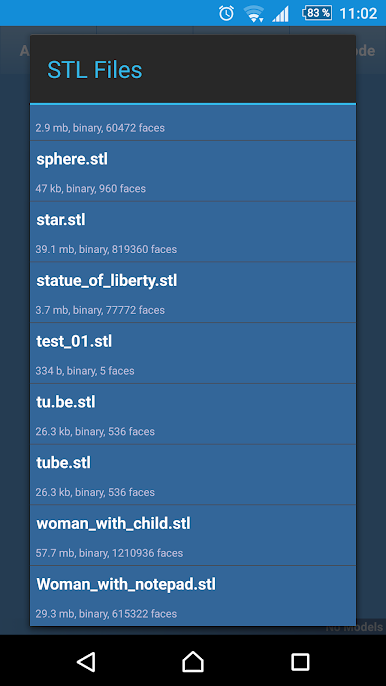
Recent Files Tracking
The built-in manager keeps tabs on your last ten viewed files, making it quicker to jump back into whatever you were working on. -
Custom Scene Colors (In-App Purchase)
If you want to tweak the colors for faces, wireframes, vertices, or the background, unlock the options with an in-app purchase. -
Volume Calculation (In-App Purchase)
Need a quick way to check the volume of a selected part in cubic centimeters? The volume calculation feature has you covered. -
Ad Removal (In-App Purchase)
If you want a cleaner interface, there’s an option to disable banner ads.
P.S. If you prefer managing files with something other than Samsung’s “My Files,” that’s a good call—it’ll make opening STL files with Fast STL Viewer way smoother. And if you ever need a bigger screen, running the app with BlueStacks is always an option.
Eager to take your app experience to the next level? Start right away by downloading BlueStacks on your PC or Mac.
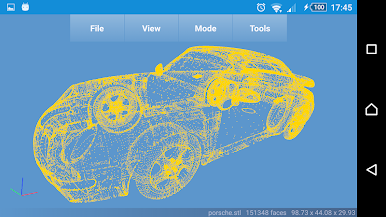
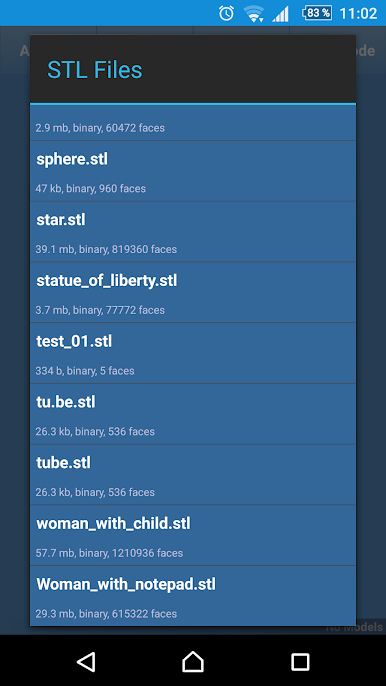
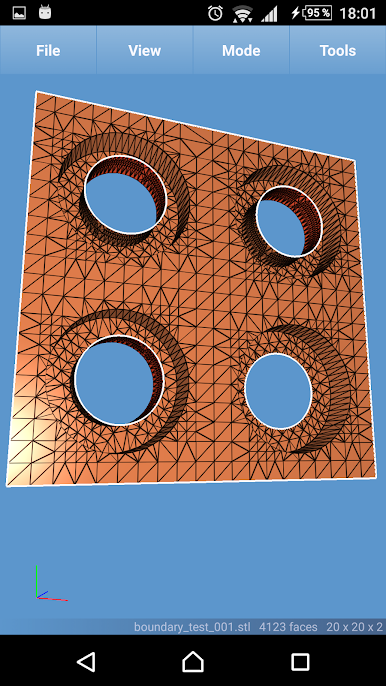
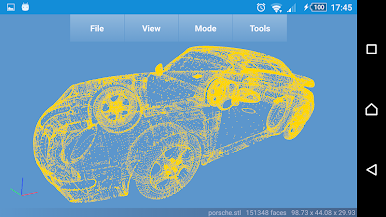
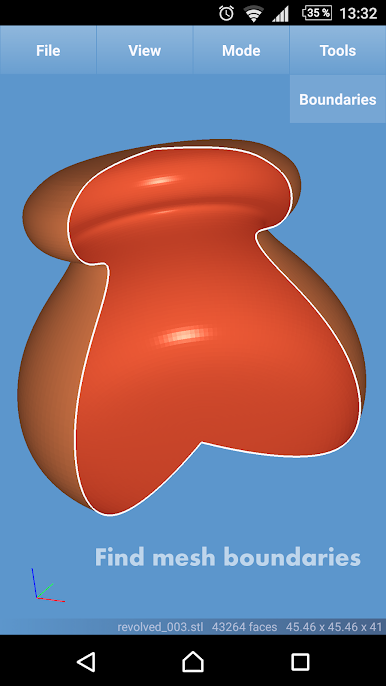
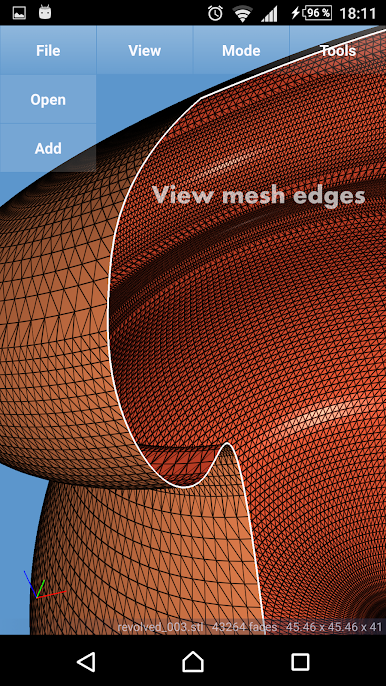
在電腦上遊玩Fast STL Viewer . 輕易上手.
-
在您的電腦上下載並安裝BlueStacks
-
完成Google登入後即可訪問Play商店,或等你需要訪問Play商店十再登入
-
在右上角的搜索欄中尋找 Fast STL Viewer
-
點擊以從搜索結果中安裝 Fast STL Viewer
-
完成Google登入(如果您跳過了步驟2),以安裝 Fast STL Viewer
-
在首頁畫面中點擊 Fast STL Viewer 圖標來啟動遊戲

