

Physics Experiment Lab School
Jogue no PC com BlueStacks - A Plataforma de Jogos Android, confiada por mais de 500 milhões de jogadores.

Página modificada em: Sep 19, 2024
Run Physics - Experiments for High School and College on PC or Mac
Multitask effortlessly on your PC or Mac as you try out Physics – Experiments for High School and College, a Education app by A_K on BlueStacks.
About the App
Physics – Experiments for High School and College turns tricky physics concepts into something you can actually see and play with. It’s an interactive lab from A_K in the Education genre, built around simulations that show how classic experiments behave in real time. Expect visuals, sliders, and data readouts that help you connect the theory to what’s really happening.
App Features
- Interactive simulations: Watch core experiments unfold step by step—no lab bench required. See motion, waves, and fields respond the moment you change a setting.
- Tweak and test: Adjust masses, angles, voltages, slit spacing, magnetic fields, initial speeds, and more. Run it again and compare outcomes in seconds.
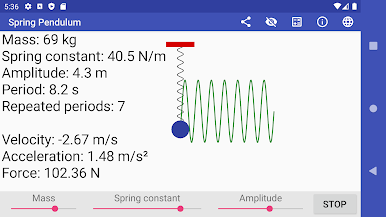
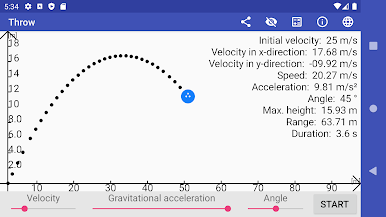
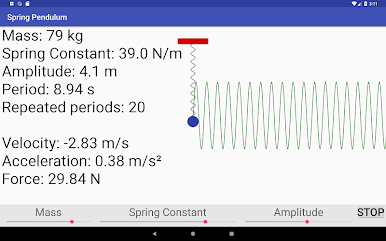
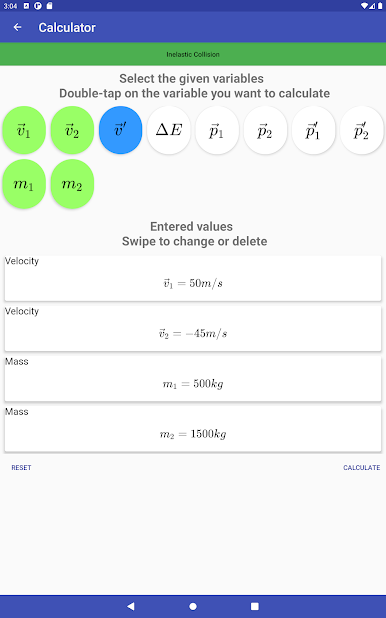
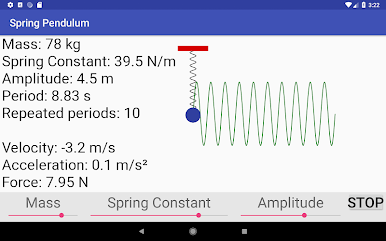
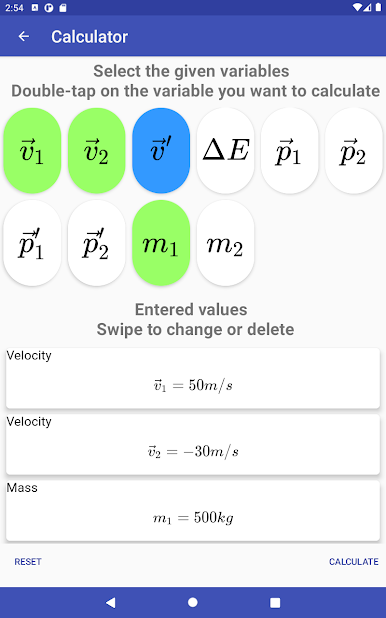
- Real numbers, not just pictures: Get live readouts and plots for things like velocity, force, energy, and vectors so you can do proper quantitative analysis.
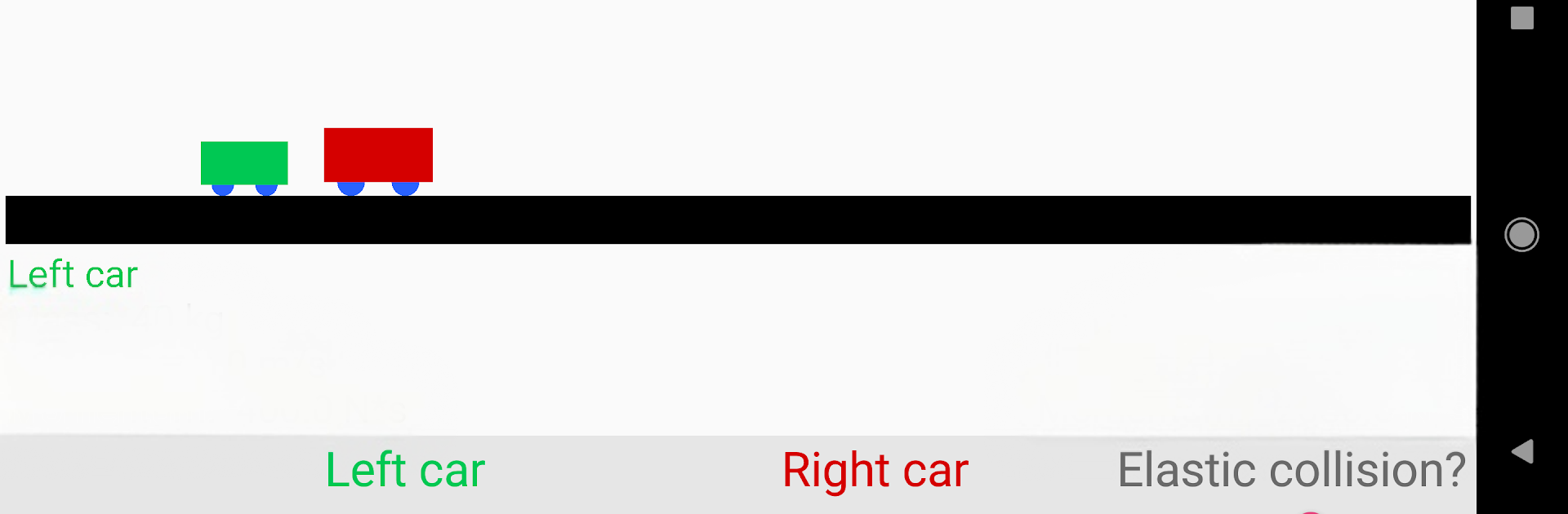
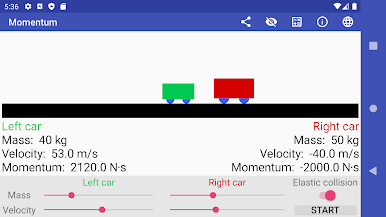
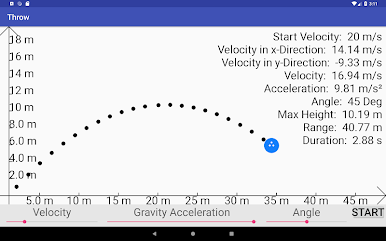
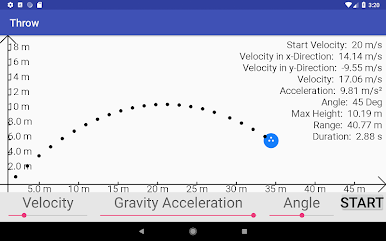
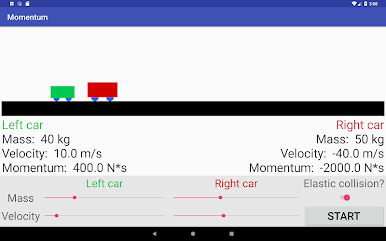
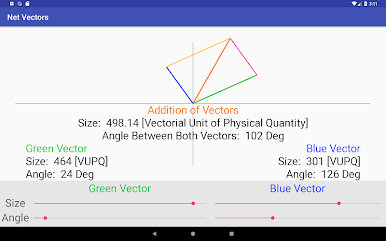
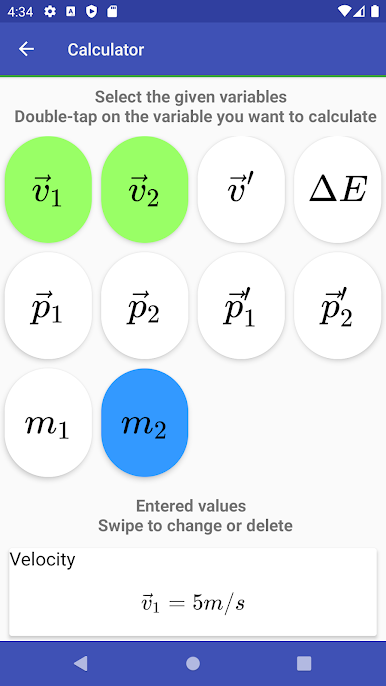
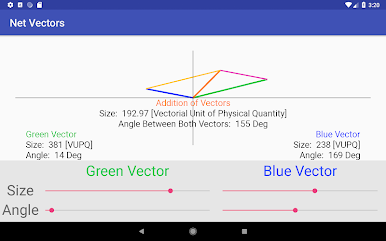
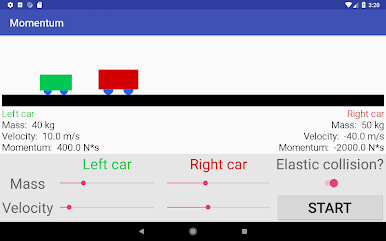
- Mechanics lab: Explore accelerated and constant motion, elastic and inelastic collisions, a spring pendulum, vectors, circular motion, and both horizontal and angled projectile motion.
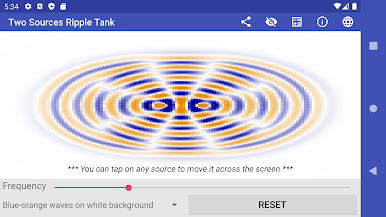
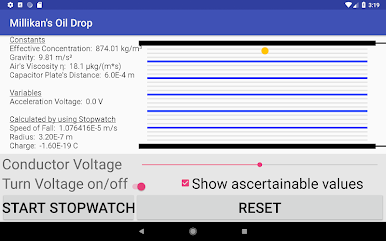
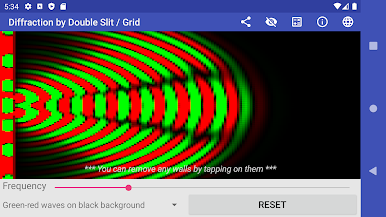
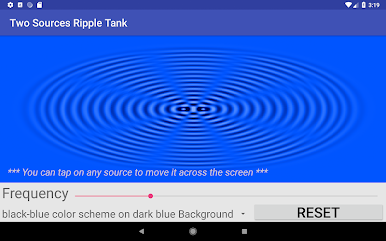
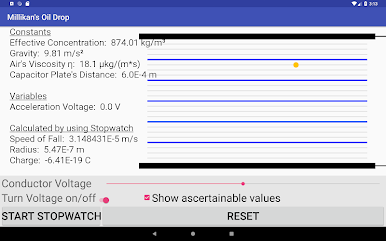
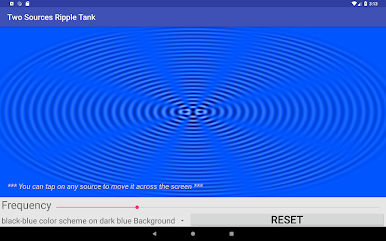
- Waves and modern physics: Experiment with a ripple tank (two sources), double-slit and diffraction grating patterns, the photoelectric effect, Millikan’s oil drop, the Teltron tube, and electron diffraction.
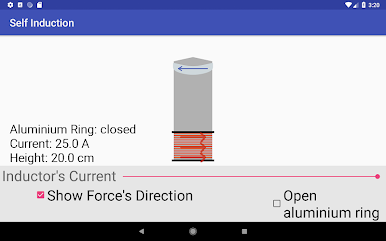
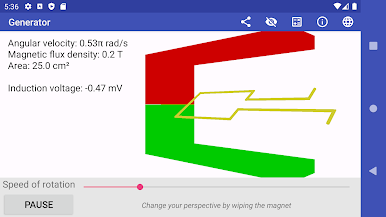
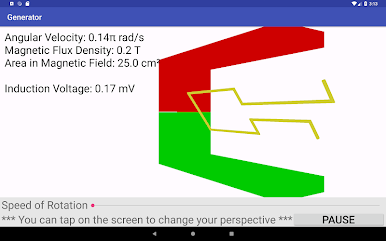
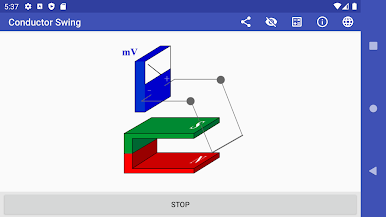
- Electrodynamics essentials: Visualize the Lorentz force, self-induction (Gauss’s cannon), induced currents in a conductor loop, plus generator and transformer behavior.
- Focused learning space: Ads stay in the menus—experiments themselves run without interruptions. There’s also a pro option if you want everything ad‑free.
- Night mode: A clean, dark theme that’s easy on the eyes during late study sessions.
- Quick study break: Atom Smasher, a fast mini-game where you collect quarks, dodge electrons, and nab extra points with protons or neutrons. Google Play Games support adds achievements and global rankings.
- Great for exam prep: Helpful for high school, college, or Abitur-level topics when you need to see the process, not just memorize formulas.
- Big-screen friendly: Prefer learning on your computer? It works nicely with BlueStacks for a roomier view.
Eager to take your app experience to the next level? Start right away by downloading BlueStacks on your PC or Mac.

Jogue Physics Experiment Lab School no PC. É fácil começar.
-
Baixe e instale o BlueStacks no seu PC
-
Conclua o login do Google para acessar a Play Store ou faça isso mais tarde
-
Procure por Physics Experiment Lab School na barra de pesquisa no canto superior direito
-
Clique para instalar Physics Experiment Lab School a partir dos resultados da pesquisa
-
Conclua o login do Google (caso você pulou a etapa 2) para instalar o Physics Experiment Lab School
-
Clique no ícone do Physics Experiment Lab School na tela inicial para começar a jogar

