


Color Rings
Jogue no PC com BlueStacks - A Plataforma de Jogos Android, confiada por mais de 500 milhões de jogadores.

Página modificada em: Oct 7, 2025
Play Color Rings on PC or Mac
Color Rings brings the Puzzle genre to life, and throws up exciting challenges for gamers. Developed by Pink Pointer, this Android game is best experienced on BlueStacks, the World’s #1 app player for PC and Mac users.
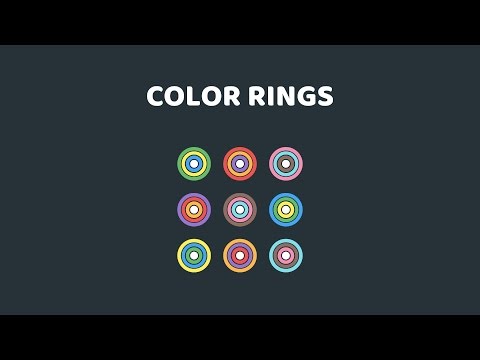
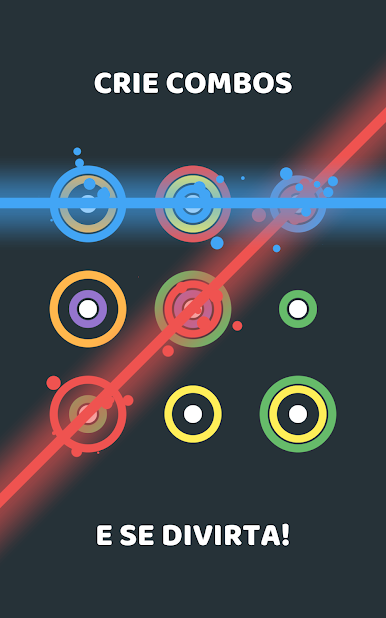
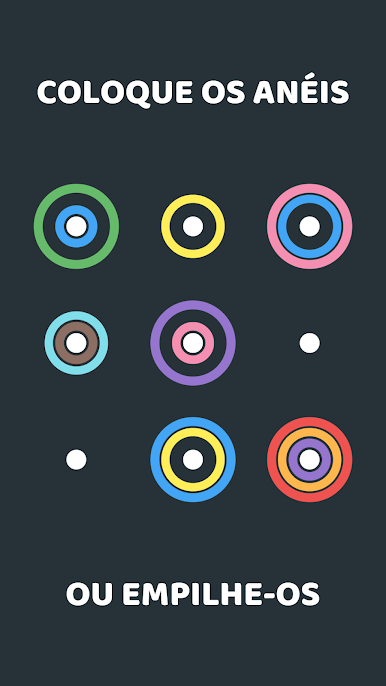
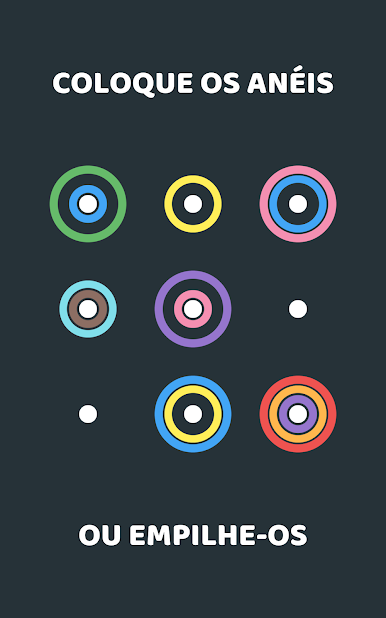
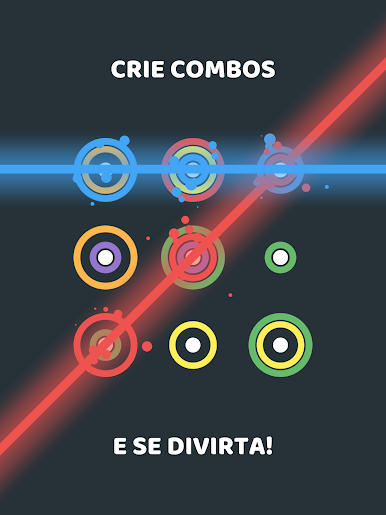
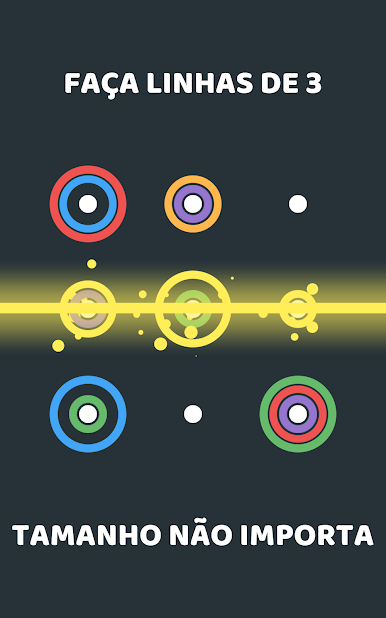
Color Rings is a chill match-three puzzler with a neat twist. The board fills with colorful ring pieces and the player drops them into spots to make things line up. There are two main ways to clear space. Either connect at least three of the same color in a straight line, or stack three rings of the same color in one spot. Both count, and mixing the two is where the satisfying chain reactions happen. Rings can sit together in a cell without blocking each other, so planning which size and color goes where turns into a fun little brain tease rather than a grind. It is easy to understand in a minute, and it still creates those “oh, that fits perfectly” moments after a long run.
There are four modes that change the pace, from relaxed to more demanding, and the game lets players switch around whenever they want and keep going. Online leaderboards give score chasers something to aim at, and there are plenty of achievements plus a long list of challenges that nudge new tricks and placements. The look is clean, the colors pop, and the sound effects are soft and tidy, which helps when the screen gets busy. On PC with BlueStacks, dragging rings with a mouse feels very precise and the larger view makes spotting lines and stacks easier. No fiddly menus either, the interface is smooth and reacts fast, so the focus stays on clearing space and setting up combos.
Make your gaming sessions memorable with precise controls that give you an edge in close combats and visuals that pop up, bringing every character to life.




Jogue Color Rings no PC. É fácil começar.
-
Baixe e instale o BlueStacks no seu PC
-
Conclua o login do Google para acessar a Play Store ou faça isso mais tarde
-
Procure por Color Rings na barra de pesquisa no canto superior direito
-
Clique para instalar Color Rings a partir dos resultados da pesquisa
-
Conclua o login do Google (caso você pulou a etapa 2) para instalar o Color Rings
-
Clique no ícone do Color Rings na tela inicial para começar a jogar

