


XP Remote - Voice Commands
Jogue no PC com BlueStacks - A Plataforma de Jogos Android, confiada por mais de 500 milhões de jogadores.

Página modificada em: Sep 18, 2025
Play XP Remote - Voice Commands on PC
FEATURES
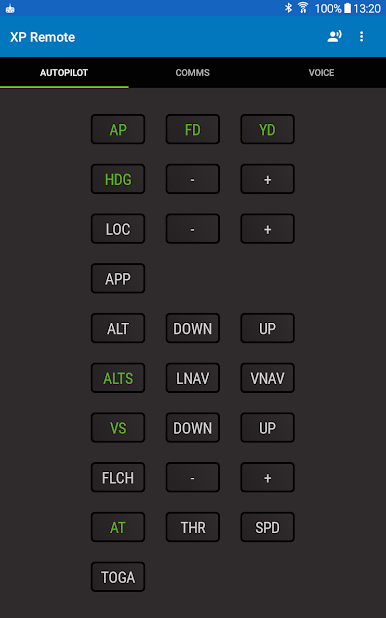
• Control autopilot/autothrottle modes
• Tune radio frequencies
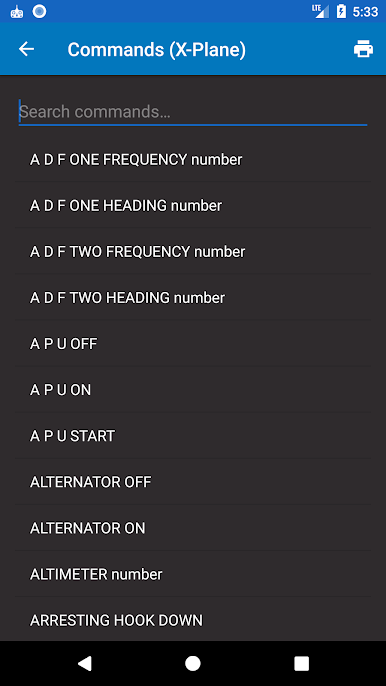
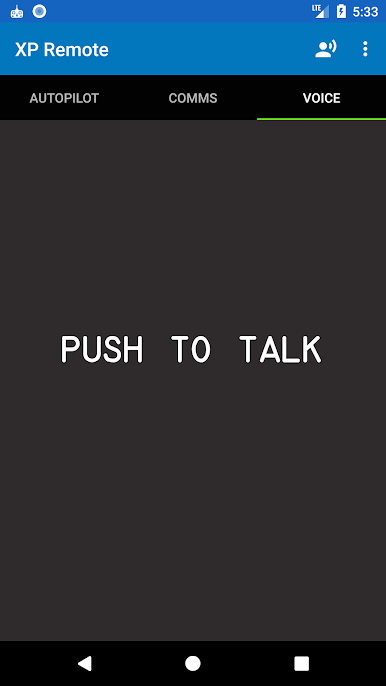
• Use your voice to control aircraft systems (with over 200 built-in voice commands)
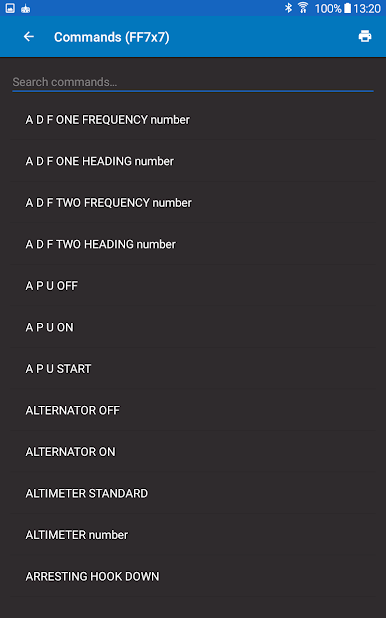
• Supplied with voice command profiles for generic X-Plane, Zibo 737, EADT x737, Flight Factor 757/767, ToLiss Airbus (A319, A20N, A321, A339 and A340), Flight Factor A320 Ultimate, Hot Start TBM 900 and SSG Boeing 747-8 Inter v2 aircraft
• Customize or add voice command profiles for your favorite aircraft
• Bluetooth headset support
• Initiate voice commands using a joystick button or keyboard shortcut assigned from within X-Plane (Pro version only - the Pro Upgrade in-app purchase will also remove ads).
• Broadcast aircraft location to other GPS apps on the device, e.g. Google Maps
REQUIRES
• X-Plane 11 or 12 (64-bit only)
• Our version of the ExtPlane plugin, available here Link: http://www.planetcoops.com/apps/xp-remote/extplane
• The Flight Factor A320 Ultimate profile requires our version of the FFA320Connector plugin, available here Link: http://www.planetcoops.com/apps/xp-remote/ffa320connector



Jogue XP Remote - Voice Commands no PC. É fácil começar.
-
Baixe e instale o BlueStacks no seu PC
-
Conclua o login do Google para acessar a Play Store ou faça isso mais tarde
-
Procure por XP Remote - Voice Commands na barra de pesquisa no canto superior direito
-
Clique para instalar XP Remote - Voice Commands a partir dos resultados da pesquisa
-
Conclua o login do Google (caso você pulou a etapa 2) para instalar o XP Remote - Voice Commands
-
Clique no ícone do XP Remote - Voice Commands na tela inicial para começar a jogar

