

G-Stomper Producer Demo
5억명 이상의 게이머가 신뢰하는 안드로이드 게임 플랫폼 BlueStacks으로 PC에서 플레이하세요.

Run G-Stomper Producer DEMO on PC or Mac
Multitask effortlessly on your PC or Mac as you try out G-Stomper Producer DEMO, a Music & Audio app by planet-h.com on BlueStacks.
About the App
Ever dreamed of building your own tracks from the ground up, right on your device? With G-Stomper Producer DEMO by planet-h.com, you get a hands-on experience as both a producer and performer—no fancy equipment required. This Music & Audio app packs a real digital studio into your pocket, letting you sketch out beats, record riffs, play with synths, and shape your songs in real time. Whether you’re jamming live or piecing together ideas late at night, G-Stomper Producer DEMO gives you plenty of tools to make your own sound, your way.
App Features
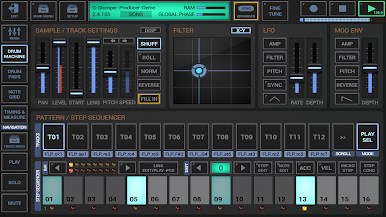
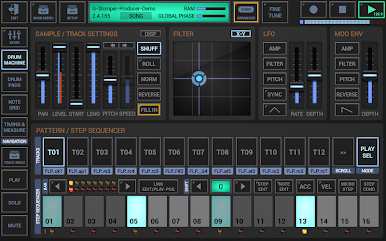
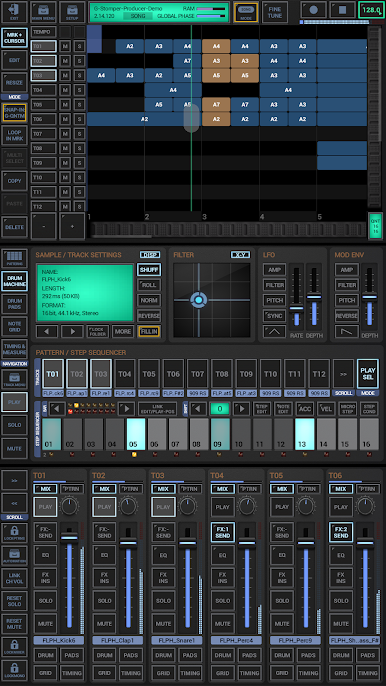
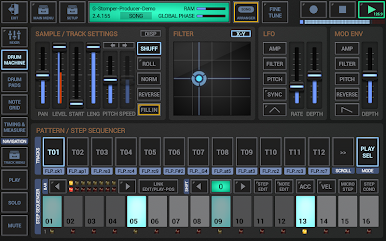
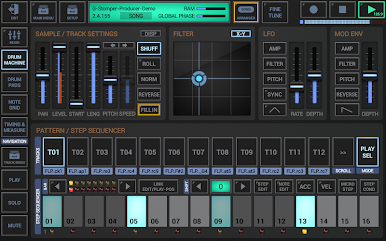
- Sampler & Drum Machine: Play with deep, sample-based drum kits, load up to 24 tracks, and bang out original patterns using 24 responsive drum pads.
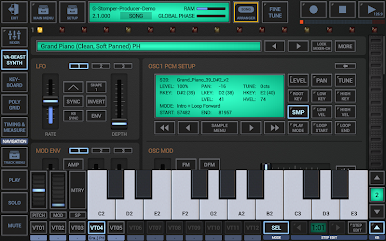
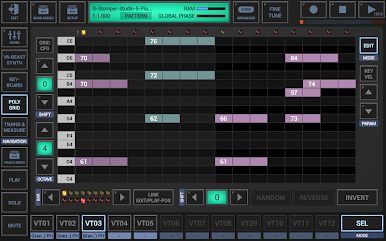
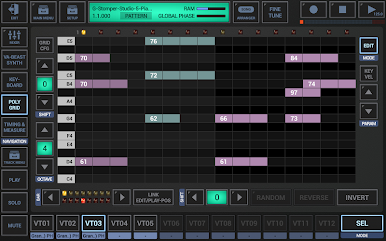
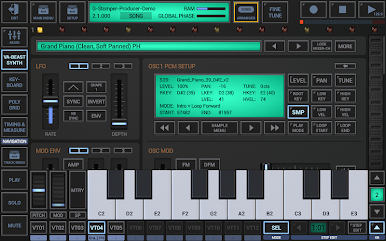
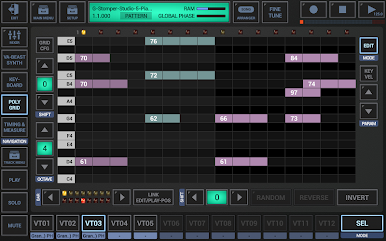
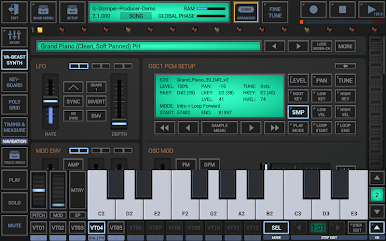
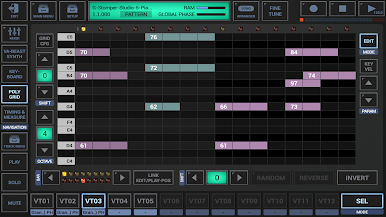
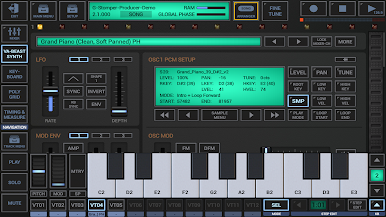
- Synth & Step Sequencer: Dive into the VA-Beast polyphonic synth for fat analog leads and melodics, complete with cool FM tweaks and multi-sample flexibility. Sequence your ideas with dedicated note and poly grids.
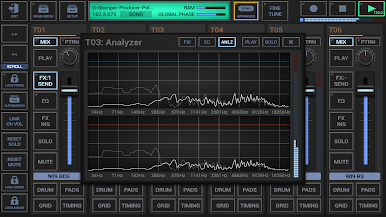
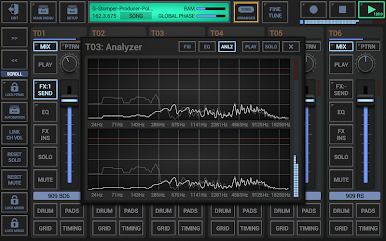
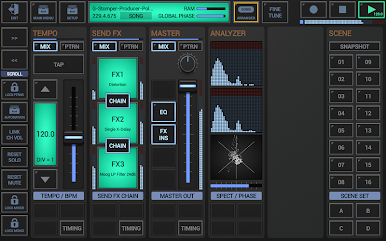
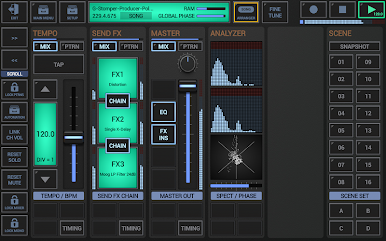
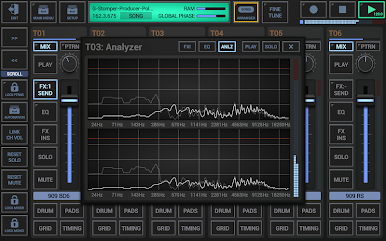
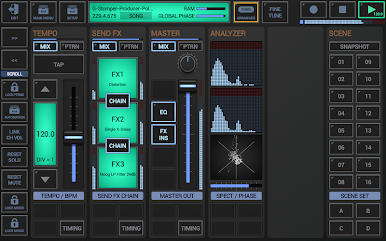
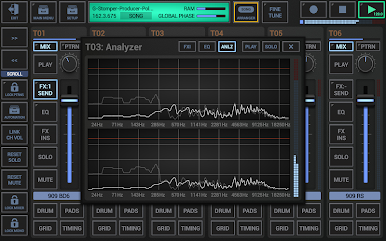
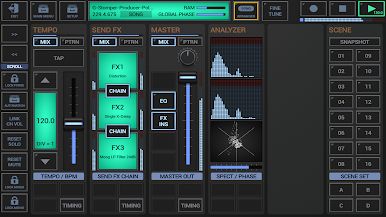
- Mixing & Effects: Get hands-on with a full-sized mixer (36 channels!), each with EQ, insert effects, and parametric controls. Toss in classic effects like reverb, delay, distortion, and more—there are over 40 to choose from.
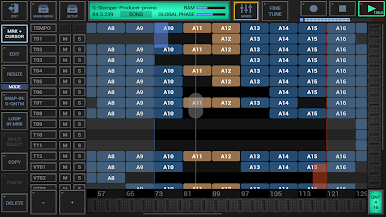
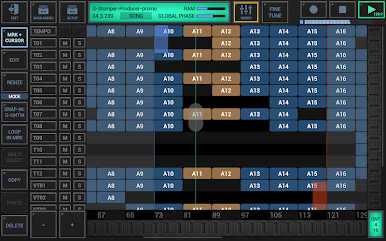
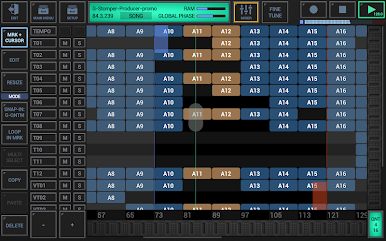
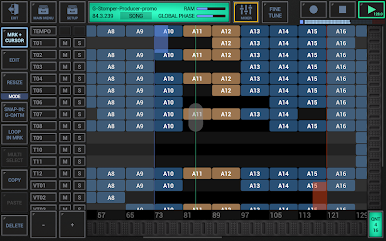
- Creative Arrangers: Arrange your loops, layers, and full tracks using pattern, scene, and multi-track song arrangers. Perfect for mapping out quick ideas or composing entire songs, visually.
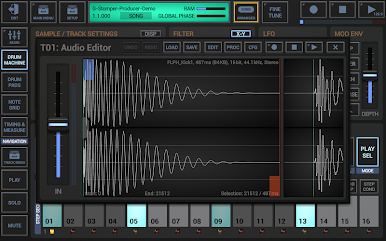
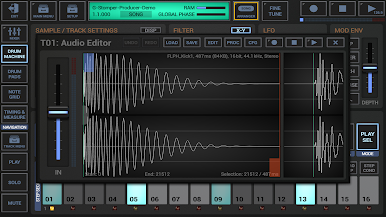
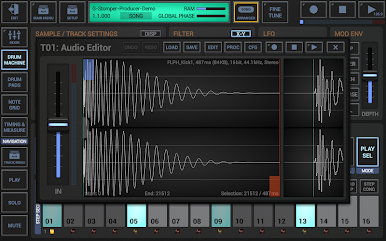
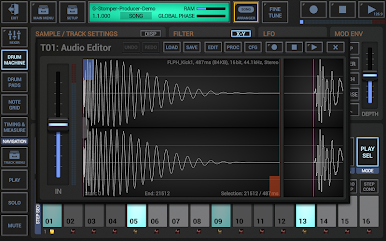
- Audio Editing: Need to trim a sample or record something fresh? The built-in audio editor has you covered for chopping, tweaking, and sampling on the fly.
- MIDI Capabilities: Connect MIDI controllers or sync with Ableton Link to hook into your studio setup, or jam alongside other apps. Bluetooth MIDI is supported, too, for less cable mess.
- Automation & Modulation: Automate mixer moves, filter sweeps, FX changes—pretty much anything, and keep everything moving with tempo-sync capabilities.
- User Samples: Import your own samples in WAV or AIFF, no need to rely only on bundled sounds.
- High-Quality Audio: Studio-level 32-bit float processing delivers clean, punchy audio, with support for high sample rates.
You can even try G-Stomper Producer DEMO on a bigger screen with BlueStacks for more space to work those tracks. The demo version does have a few limits, but it’s a great playground for anyone curious about beat-making and music production.
Ready to experience G-Stomper Producer DEMO on a bigger screen, in all its glory? Download BlueStacks now.
PC에서 G-Stomper Producer Demo 플레이해보세요.
-
BlueStacks 다운로드하고 설치
-
Google Play 스토어에 로그인 하기(나중에 진행가능)
-
오른쪽 상단 코너에 G-Stomper Producer Demo 검색
-
검색 결과 중 G-Stomper Producer Demo 선택하여 설치
-
구글 로그인 진행(만약 2단계를 지나갔을 경우) 후 G-Stomper Producer Demo 설치
-
메인 홈화면에서 G-Stomper Producer Demo 선택하여 실행

