


PLAYMOBIL Hospital Pediátrico
Jogue no PC com BlueStacks - A Plataforma de Jogos Android, confiada por mais de 500 milhões de jogadores.

Página modificada em: Jul 14, 2016
Jogue PLAYMOBIL Hospital Pediátrico para PC
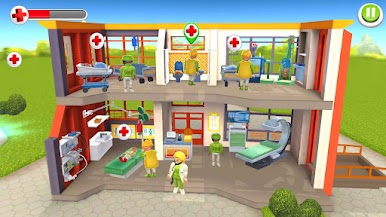
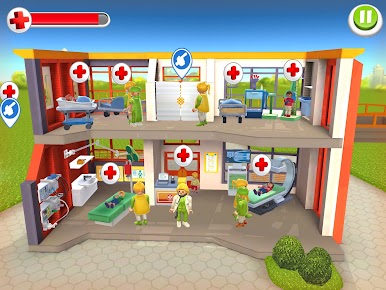
Gostavas de gerir a tua própria clínica e ajudar os pequenos pacientes a melhorarem?
Ótimo, este é o local ideal!
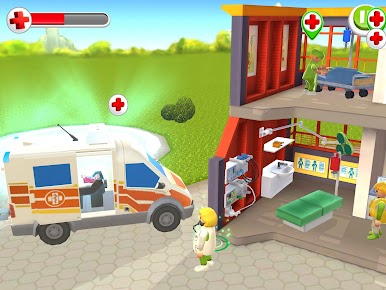
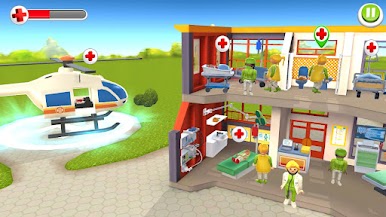
A tua tarefa é estares sempre atento aos pacientes e encaminhar os médicos diretamente para onde são necessários.
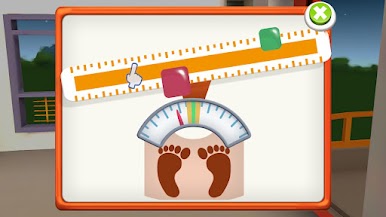
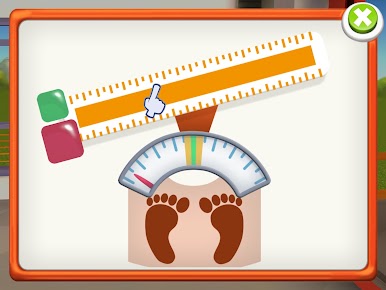
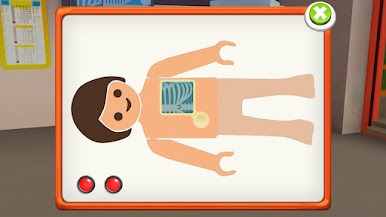
Mostra as tuas competências médicas em 12 mini jogos simples e, como recompensa, podes fazer melhorias no teu hospital, com equipamento novo e mais pessoal.
• Regista a altura e o peso dos teus doentes
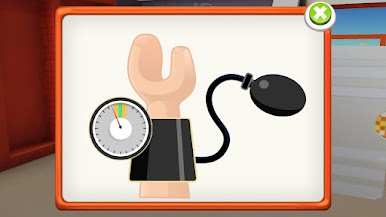
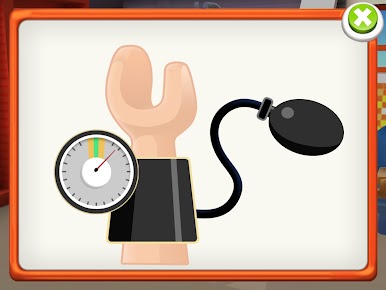
• Verifica o batimento cardíaco e mede a tensão arterial
• aplica ligaduras e trata ossos partidos
• tira amostras de sangue e coloca o soro
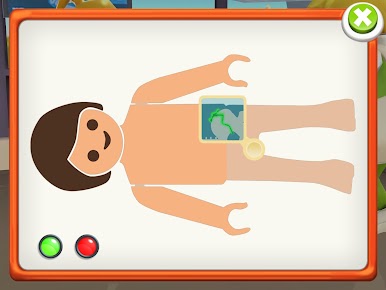
• organiza os arquivos médicos e prepara os raios X
• e não te esqueças de desinfetar as mãos
Vem aí a ambulância – abre as portas e vamos embora!
Jogue PLAYMOBIL Hospital Pediátrico no PC. É fácil começar.
-
Baixe e instale o BlueStacks no seu PC
-
Conclua o login do Google para acessar a Play Store ou faça isso mais tarde
-
Procure por PLAYMOBIL Hospital Pediátrico na barra de pesquisa no canto superior direito
-
Clique para instalar PLAYMOBIL Hospital Pediátrico a partir dos resultados da pesquisa
-
Conclua o login do Google (caso você pulou a etapa 2) para instalar o PLAYMOBIL Hospital Pediátrico
-
Clique no ícone do PLAYMOBIL Hospital Pediátrico na tela inicial para começar a jogar

