


Podkicker - Podcast App Player
العب على الكمبيوتر الشخصي مع BlueStacks - نظام أندرويد للألعاب ، موثوق به من قبل أكثر من 500 مليون لاعب.

Run Podkicker Pro on PC or Mac
Let BlueStacks turn your PC, Mac, or laptop into the perfect home for Podkicker Pro, a fun Music & Audio app from qvga.
About the App
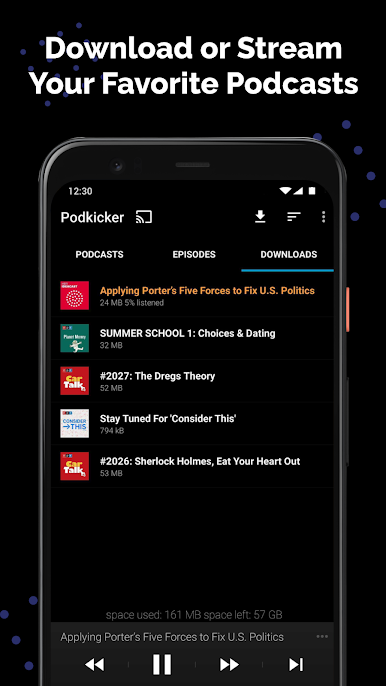
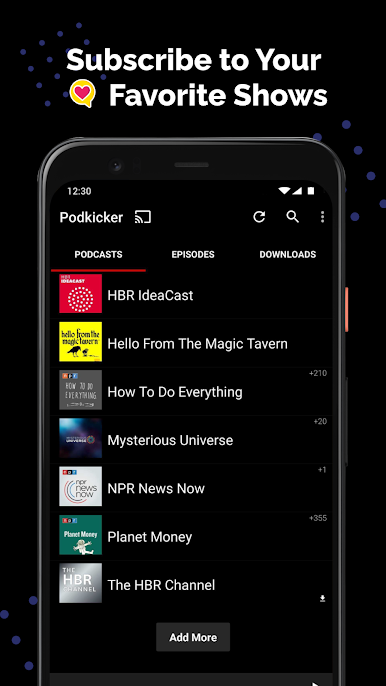
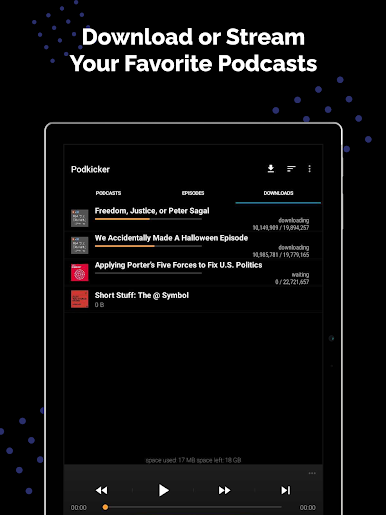
Podkicker Pro, from qvga, is all about letting you manage and enjoy your podcasts your way. Whether you’re a longtime podcast addict or just searching for a simple way to keep track of your favorite shows, this Music & Audio app aims to keep things quick, clean, and super easy to use. Expect a straightforward listening experience—and no interruptions from ads.
App Features
-
Ad-Free Listening
You get to listen to your podcasts without any ads getting in the way. It’s all about you and your shows. -
Priority New Features
As updates roll out, Podkicker Pro users get to try new features before they reach everyone else. No waiting around for the latest tools or touches. -
Streamlined Podcast Management
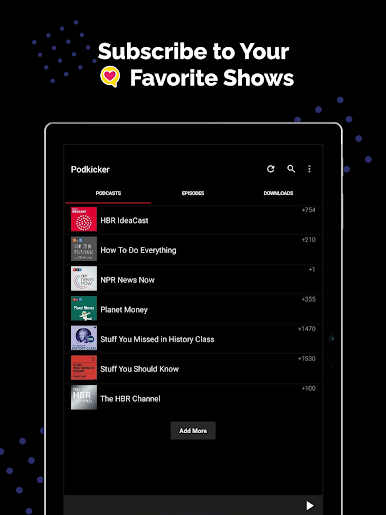
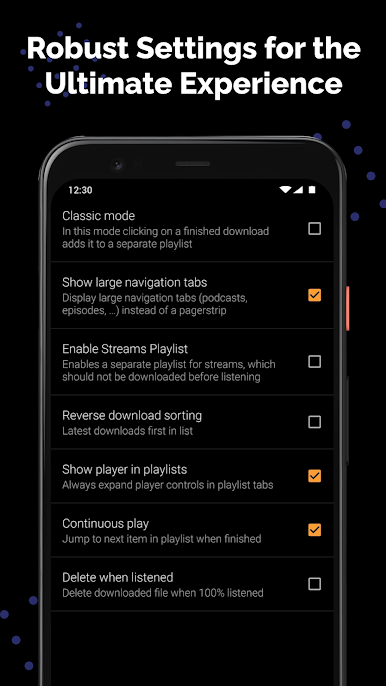
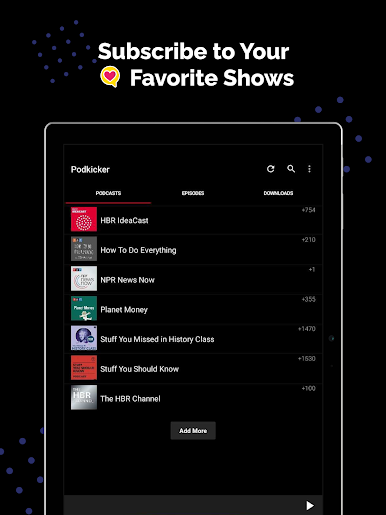
Subscribing, deleting, or sorting? It’s all easy to handle. The interface stays clear, so you don’t waste time hunting down your next episode. -
Offline Playback
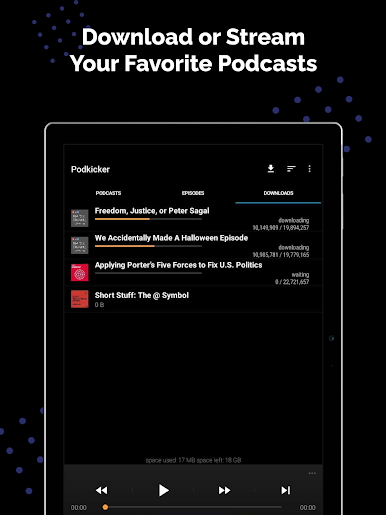
Download episodes straight to your device. Perfect for that commute, flight, or anytime you don’t want to burn through your data. -
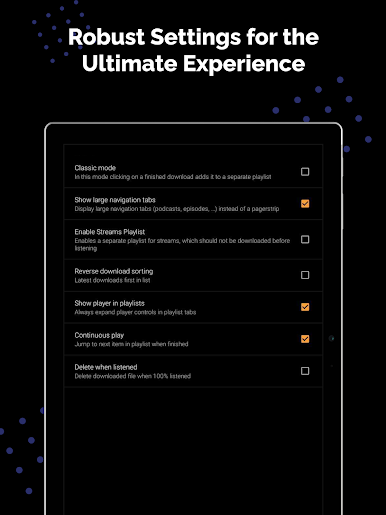
Customizable Playlists
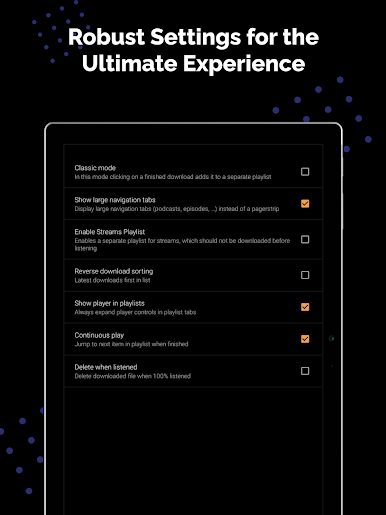
Queue up your favorite episodes or make playlists for a marathon session—up to you how you listen. -
Simple Organization
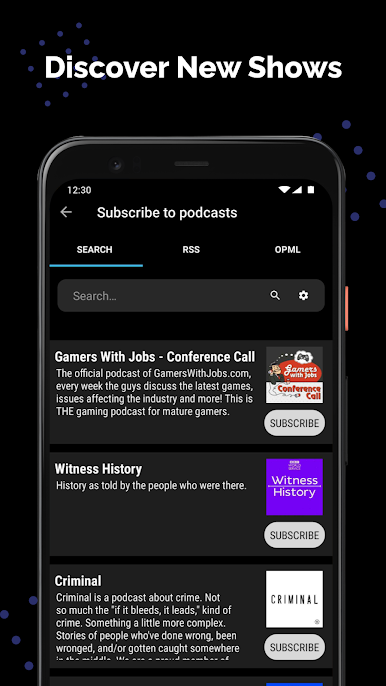
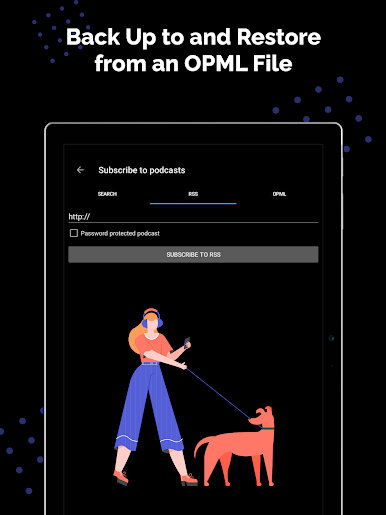
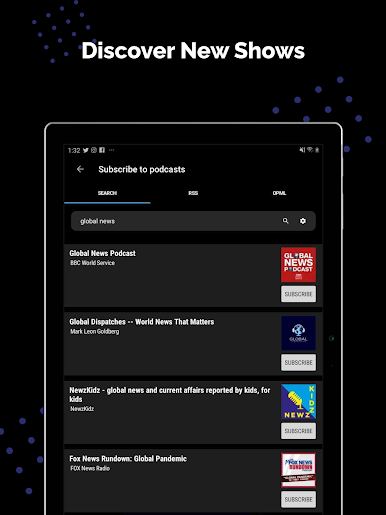
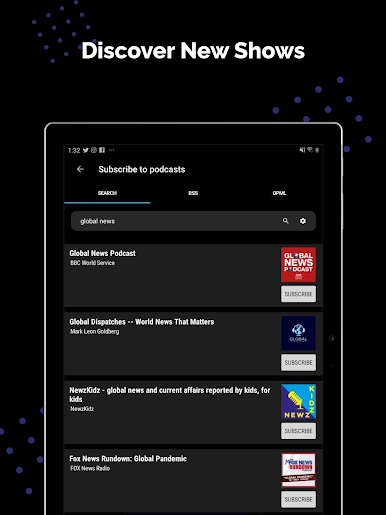
Browse by categories, search for something specific, or discover something new. It’s straightforward, but with enough options to keep even picky listeners happy.
And if you’re using BlueStacks, everything feels seamless on your desktop, too.
Eager to take your app experience to the next level? Start right away by downloading BlueStacks on your PC or Mac.
العب Podkicker - Podcast App Player على جهاز الكمبيوتر. من السهل البدء.
-
قم بتنزيل BlueStacks وتثبيته على جهاز الكمبيوتر الخاص بك
-
أكمل تسجيل الدخول إلى Google للوصول إلى متجر Play ، أو قم بذلك لاحقًا
-
ابحث عن Podkicker - Podcast App Player في شريط البحث أعلى الزاوية اليمنى
-
انقر لتثبيت Podkicker - Podcast App Player من نتائج البحث
-
أكمل تسجيل الدخول إلى Google (إذا تخطيت الخطوة 2) لتثبيت Podkicker - Podcast App Player
-
انقر على أيقونة Podkicker - Podcast App Player على الشاشة الرئيسية لبدء اللعب

