

Cool Sticky Notes Rich Notepad
العب على الكمبيوتر الشخصي مع BlueStacks - نظام أندرويد للألعاب ، موثوق به من قبل أكثر من 500 مليون لاعب.

Run Cool Sticky Notes Rich Notepad on PC or Mac
What’s better than using Cool Sticky Notes Rich Notepad by Pro Data Doctor Pvt. Ltd.? Well, try it on a big screen, on your PC or Mac, with BlueStacks to see the difference.
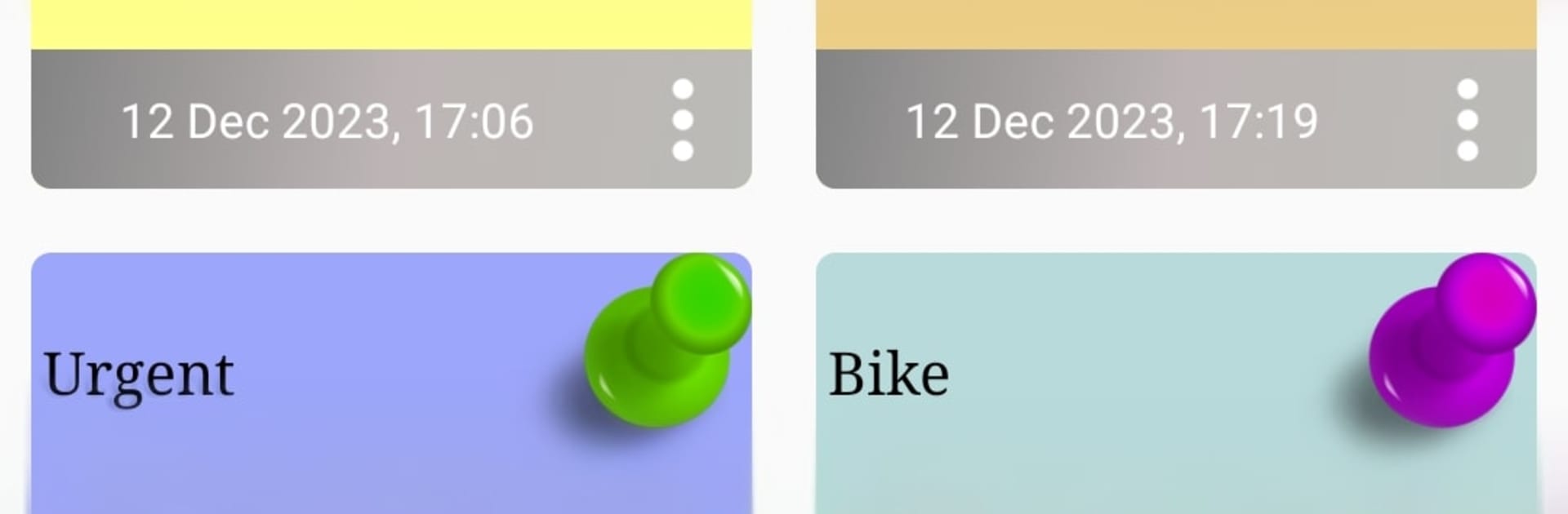
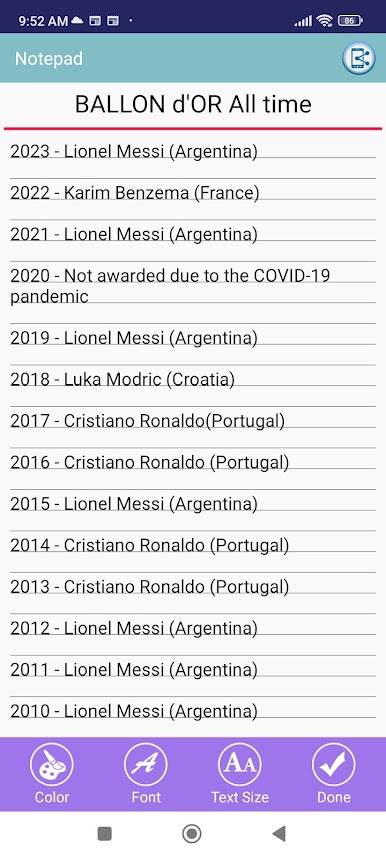
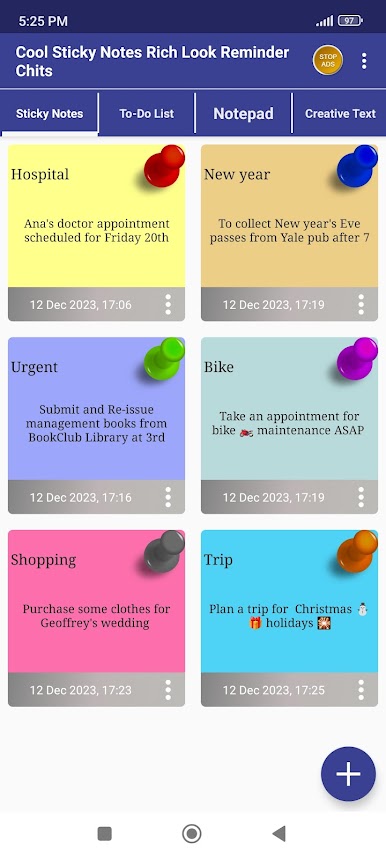
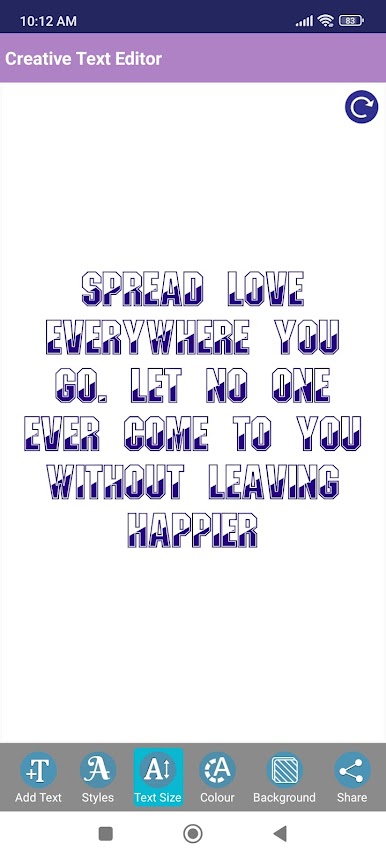
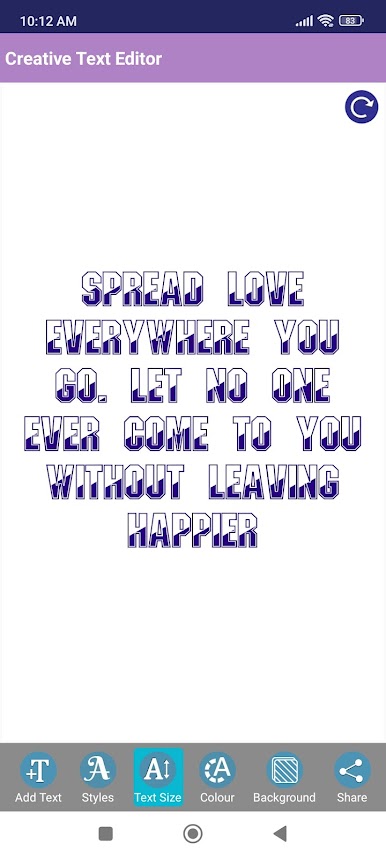
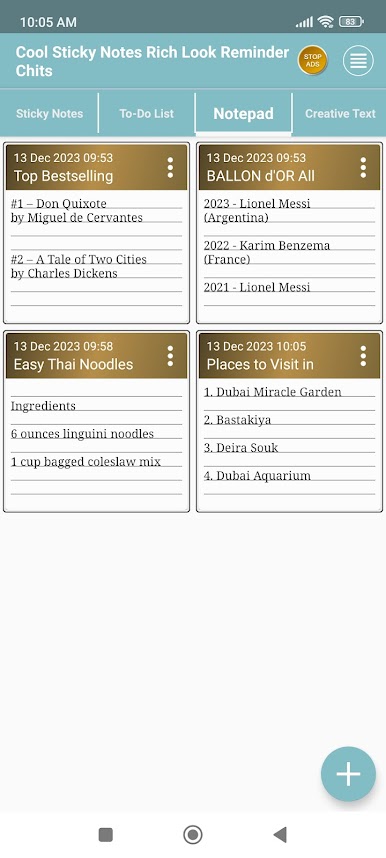
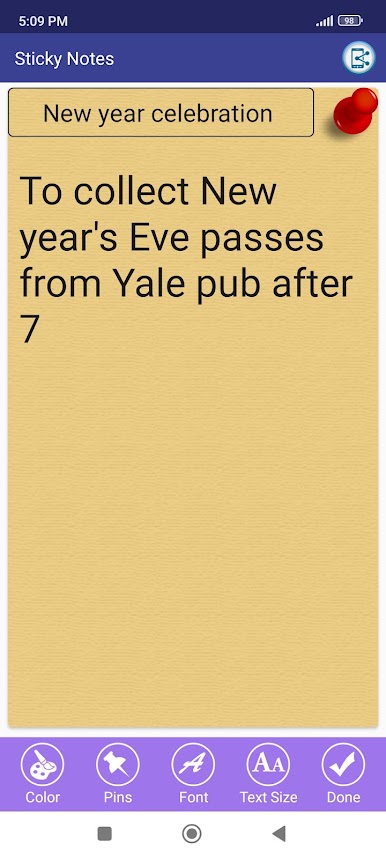
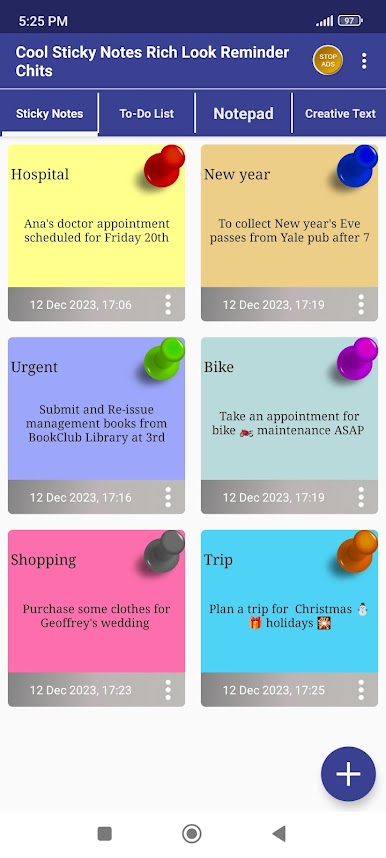
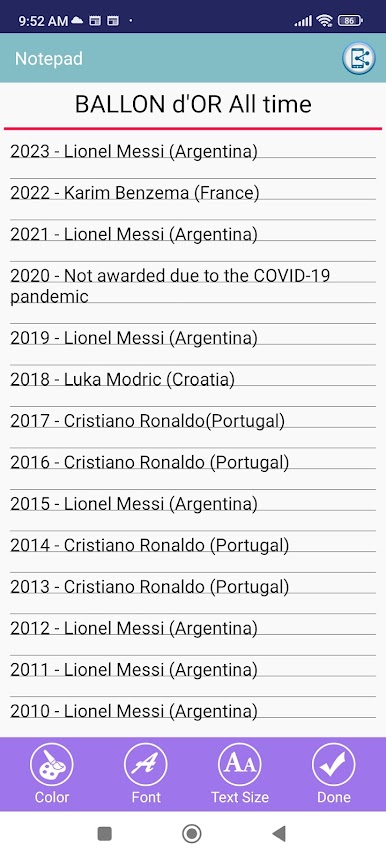
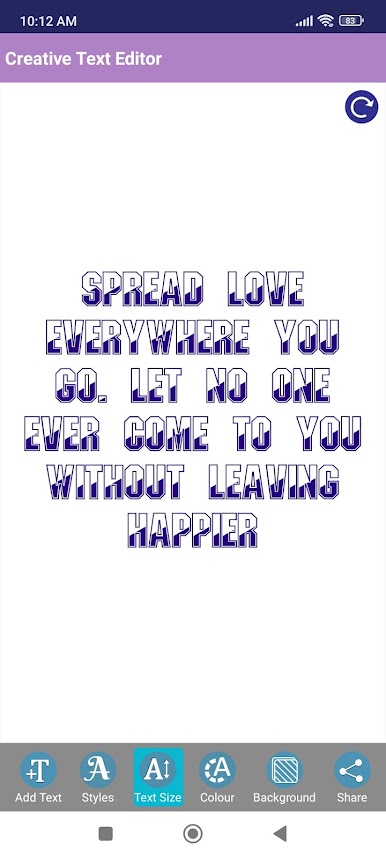
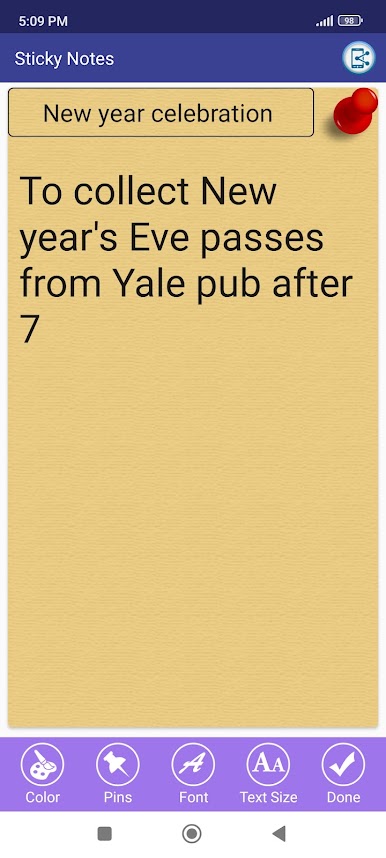
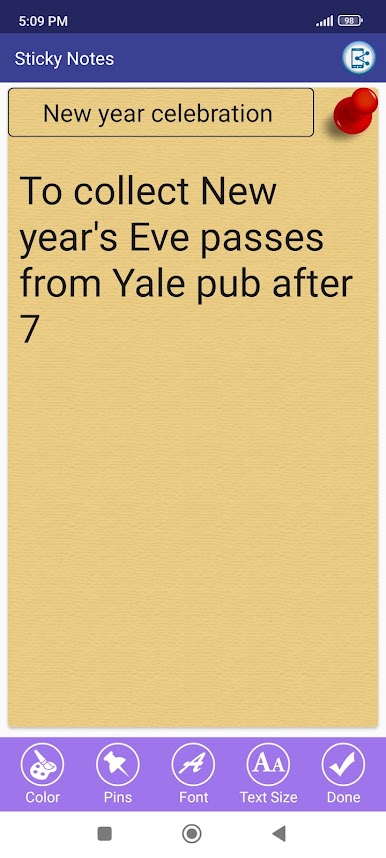
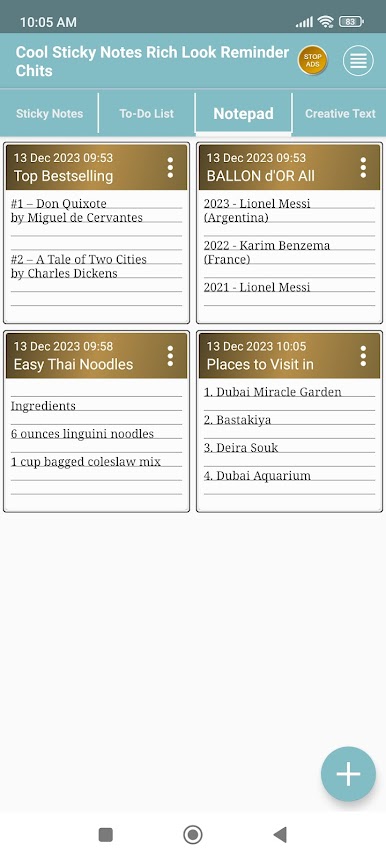
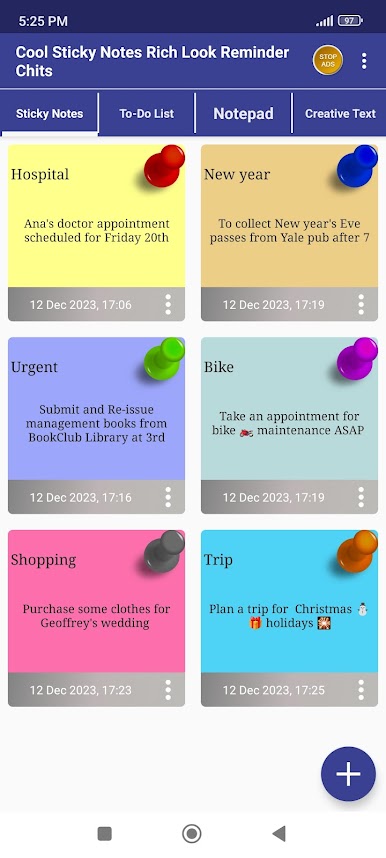
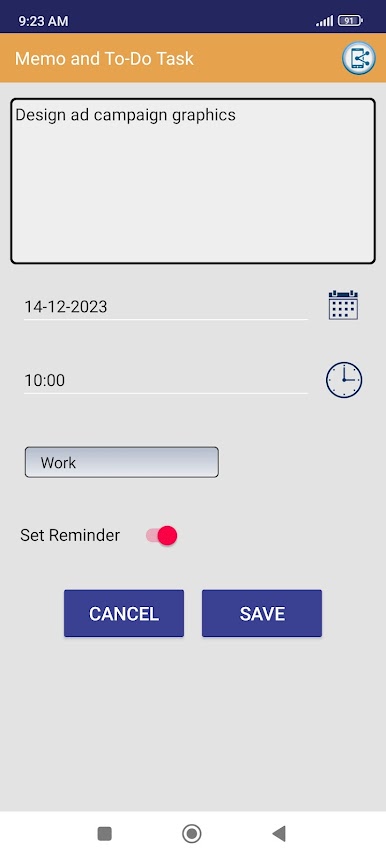
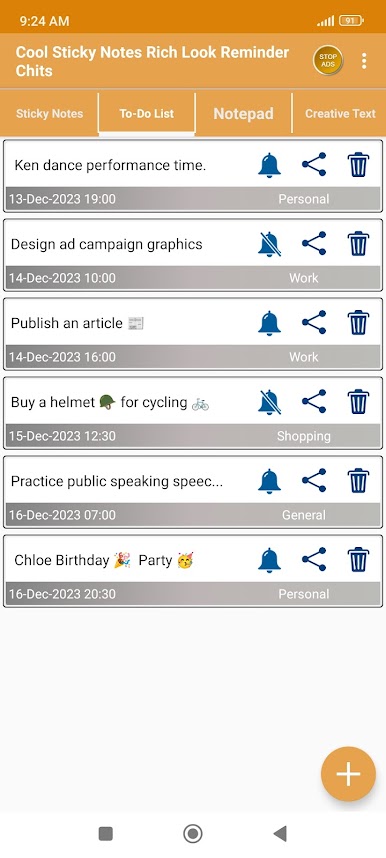
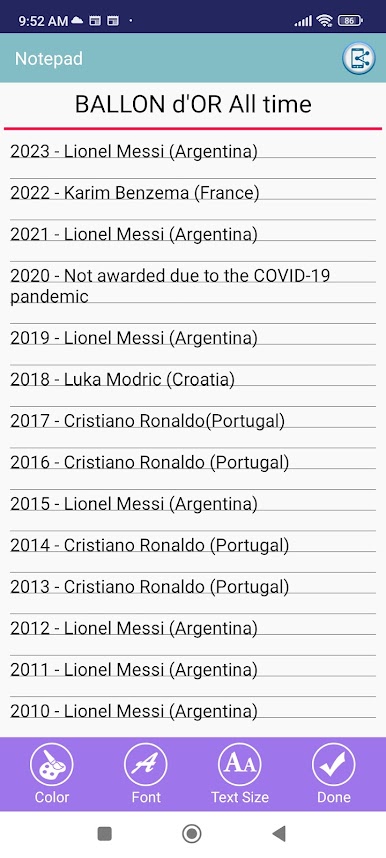
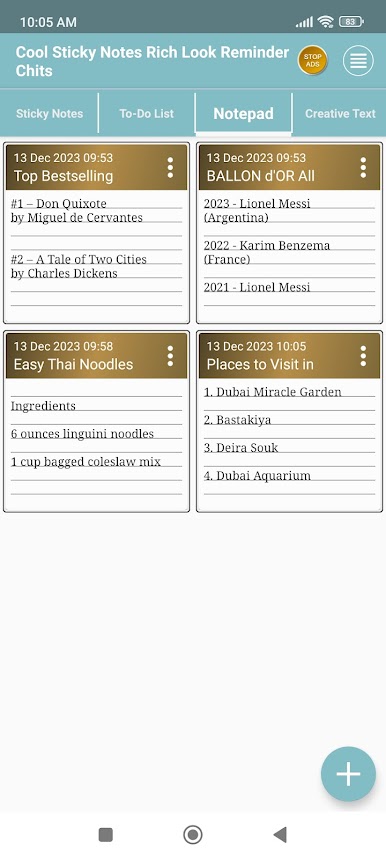
Cool Sticky Notes Rich Notepad feels like having a little corkboard on the screen, but tidier. On PC with BlueStacks, it works nicely with a mouse and keyboard, so typing a bunch of quick thoughts or to do items is fast, then each note can be resized and moved around like real sticky paper. Colors and font styles are a big part of it, so someone can color code work, errands, or reminders, and switch between cute pin icons if they want the board to look a bit fun rather than plain.
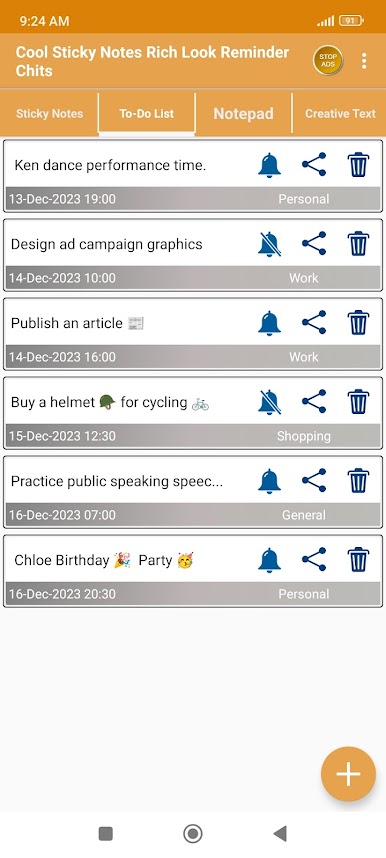
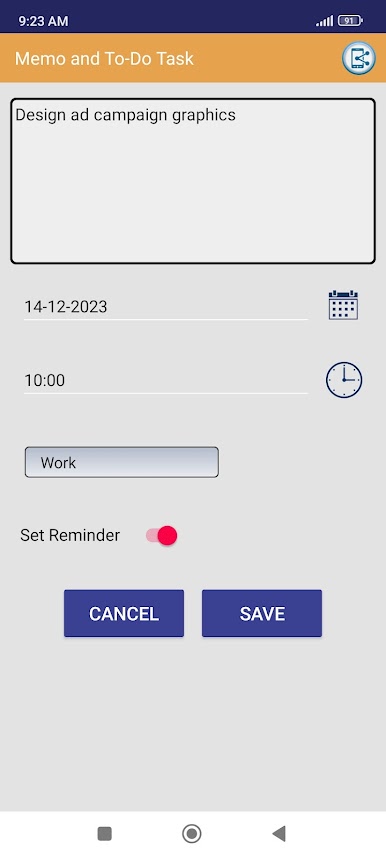
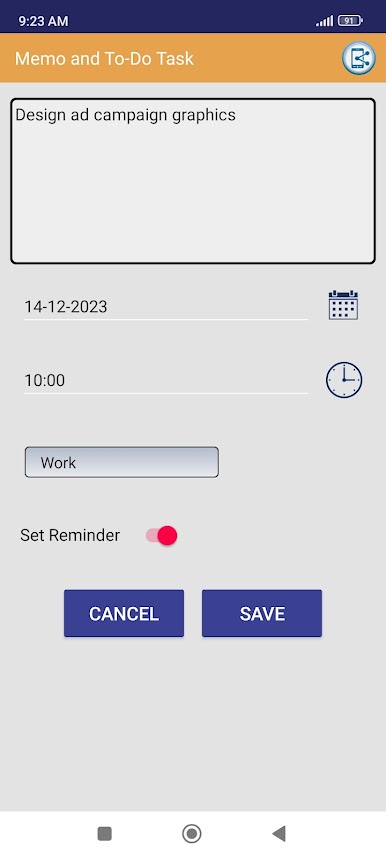
Everything stays visible at a glance, which makes skimming through a bunch of notes surprisingly easy. Search is quick, so finding that one shopping list or phone number does not feel like a hunt. The reminder part is simple but helpful, just set a note to ping at a time and it will not slip by. Sharing text out of a note to chat or social apps is straightforward too, so passing a list to a friend is not a pain. It is not bloated with heavy features, it is mainly about quick notes, colors, and reminders that look like actual stickies. On a bigger monitor it almost turns into a mini command center, and it suits anyone who likes visual organization without messing with complicated folders or tags.
Switch to BlueStacks and make the most of your apps on your PC or Mac.



العب Cool Sticky Notes Rich Notepad على جهاز الكمبيوتر. من السهل البدء.
-
قم بتنزيل BlueStacks وتثبيته على جهاز الكمبيوتر الخاص بك
-
أكمل تسجيل الدخول إلى Google للوصول إلى متجر Play ، أو قم بذلك لاحقًا
-
ابحث عن Cool Sticky Notes Rich Notepad في شريط البحث أعلى الزاوية اليمنى
-
انقر لتثبيت Cool Sticky Notes Rich Notepad من نتائج البحث
-
أكمل تسجيل الدخول إلى Google (إذا تخطيت الخطوة 2) لتثبيت Cool Sticky Notes Rich Notepad
-
انقر على أيقونة Cool Sticky Notes Rich Notepad على الشاشة الرئيسية لبدء اللعب

