


Aprenda Russo em Português
Jogue no PC com BlueStacks - A Plataforma de Jogos Android, confiada por mais de 500 milhões de jogadores.

Página modificada em: Sep 5, 2025
Run Learn Russian. Speak Russian. Study Russian. on PC or Mac
Upgrade your experience. Try Learn Russian. Speak Russian. Study Russian., the fantastic Education app from Bluebird Languages, from the comfort of your laptop, PC, or Mac, only on BlueStacks.
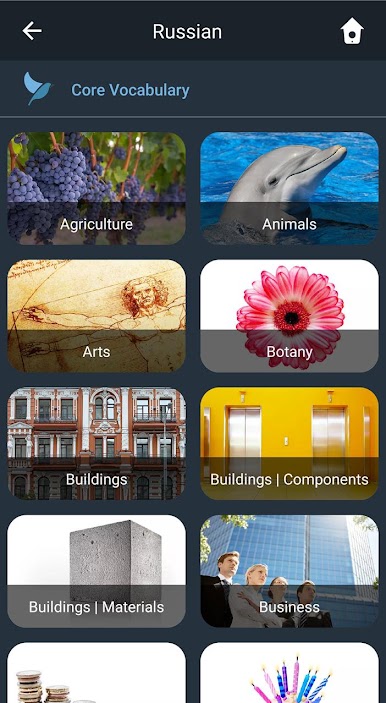
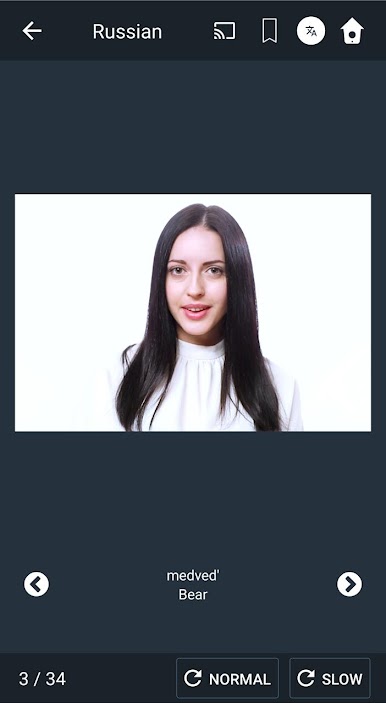
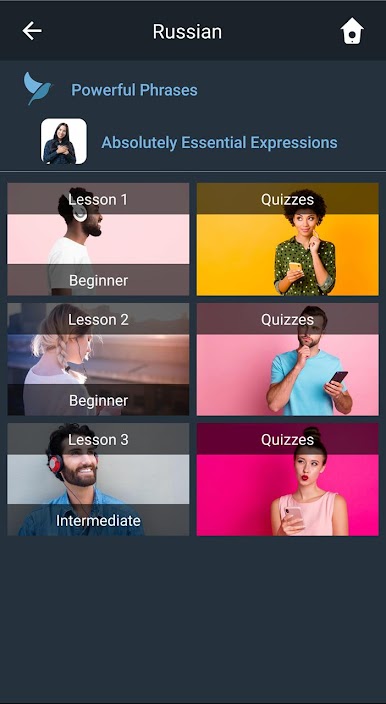
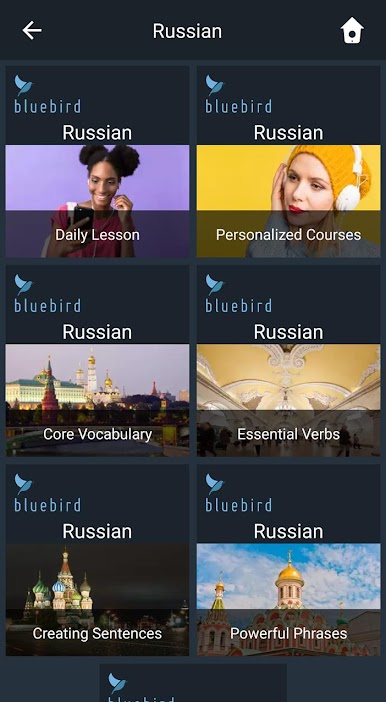
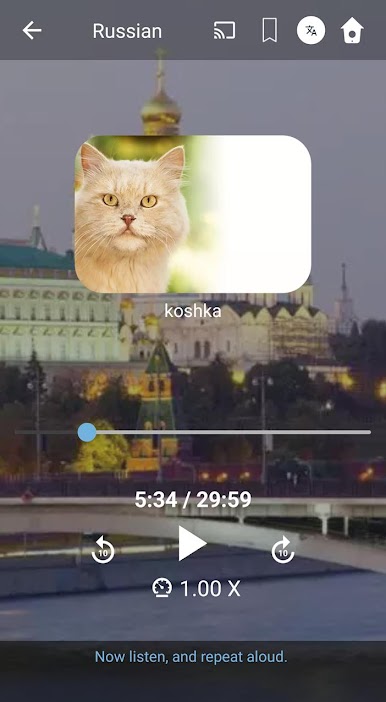
Learn Russian. Speak Russian. Study Russian. feels like having a patient language coach in the room. The app leans on short, guided video and audio sessions where a narrator talks in one of many languages, then Russian follows, and the user repeats. There are thousands of ready lessons to pick from, or a custom course can be built around hobbies or even a specific job field, which is a neat touch for work prep. Lessons usually run around half an hour, so it fits into a lunch break or a quiet evening. The spaced repetition is noticeable, words come back again and again in a way that sticks without feeling naggy. It is hands free too, so learning while cooking or stretching is easy, or it can be sent to a speaker or TV. On a PC with BlueStacks, the bigger screen and steady audio make it feel calm and focused, no phone juggling.
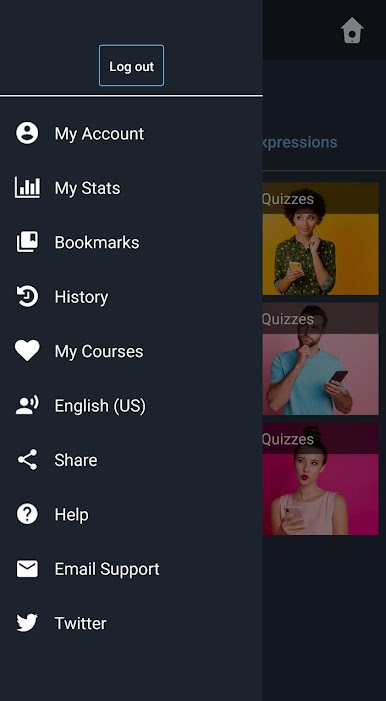
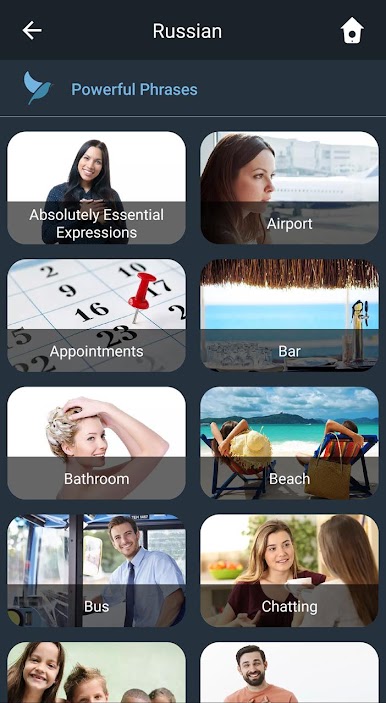
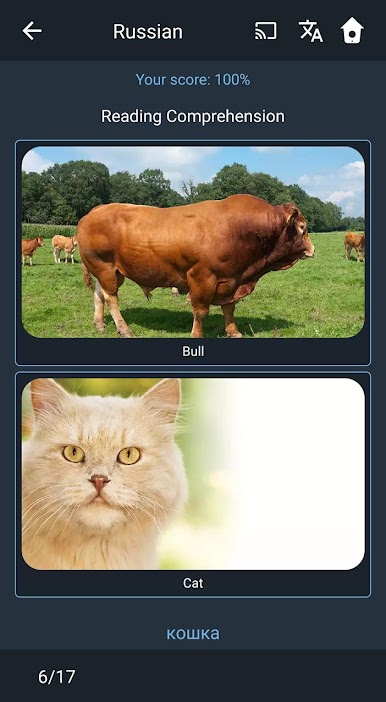
Content wise, it aims for useful stuff first. About two thousand common words, the most important hundred verbs with past, present, future forms, and plenty of sentence building to handle day to day situations and longer chats. Quizzes check listening, reading, and some writing, and the stats page shows what is improving without being confusing. The voices are clear and natural, and the overall tone stays friendly for all ages. It is not flashy or gamified, more like a structured course with a giant library, which some people will love. Choice overload can happen on day one, and grammar charts are lighter than a textbook, but the scope is huge and the repeat-listen format makes practice feel steady rather than stressful.
Eager to take your app experience to the next level? Start right away by downloading BlueStacks on your PC or Mac.
Jogue Aprenda Russo em Português no PC. É fácil começar.
-
Baixe e instale o BlueStacks no seu PC
-
Conclua o login do Google para acessar a Play Store ou faça isso mais tarde
-
Procure por Aprenda Russo em Português na barra de pesquisa no canto superior direito
-
Clique para instalar Aprenda Russo em Português a partir dos resultados da pesquisa
-
Conclua o login do Google (caso você pulou a etapa 2) para instalar o Aprenda Russo em Português
-
Clique no ícone do Aprenda Russo em Português na tela inicial para começar a jogar

