


Intranet Prosegur
Jogue no PC com BlueStacks - A Plataforma de Jogos Android, confiada por mais de 500 milhões de jogadores.

Página modificada em: Oct 24, 2025
Run Intranet Prosegur on PC or Mac
Multitask effortlessly on your PC or Mac as you try out Intranet Prosegur, a Productivity app by Prosegur Compañía de Seguridad on BlueStacks.
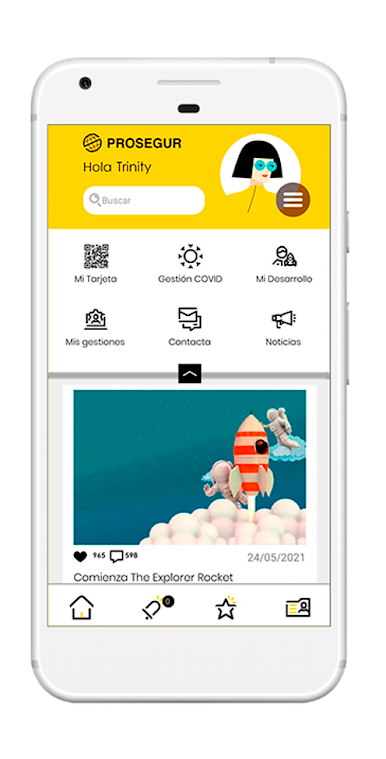
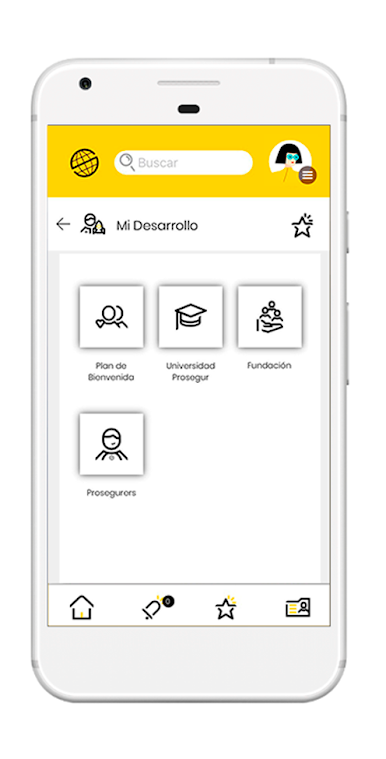
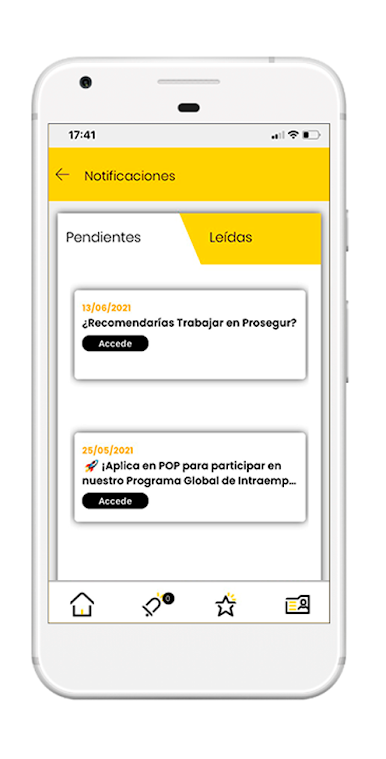
So, Intranet Prosegur isn’t the usual kind of app you’d just find and start playing around with — it’s mainly for people working at Prosegur. Once someone logs in (and yeah, you’ve gotta be an employee), it sort of becomes a central hub for a bunch of company stuff. The interface is pretty straightforward, so it doesn’t take a lot of clicking to get to what you need. What really stands out is how it brings together different things in one place: there’s news about what’s happening across all the different countries where Prosegur works, which is handy if someone wants to stay in the loop but doesn’t feel like sifting through emails.
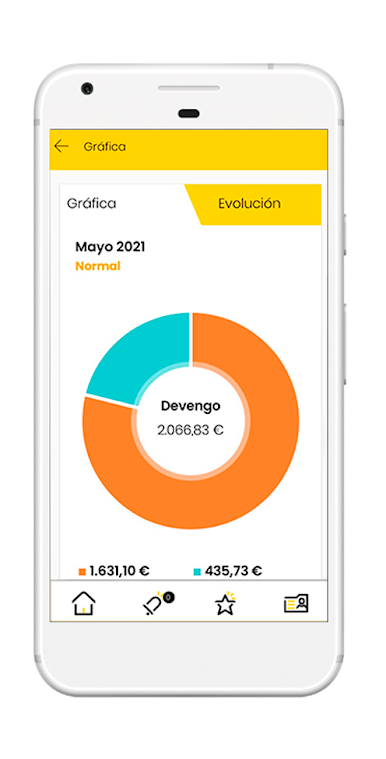
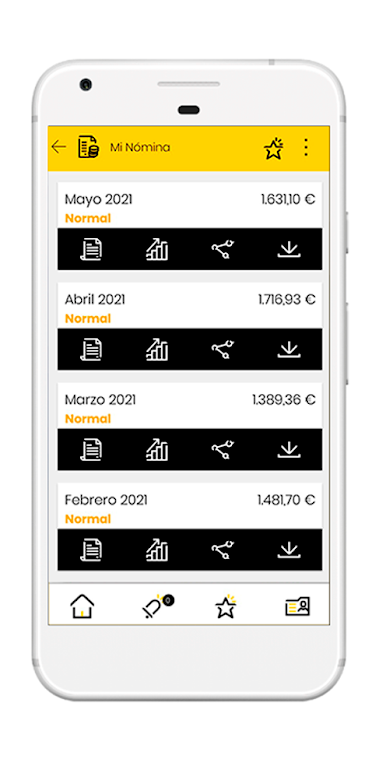
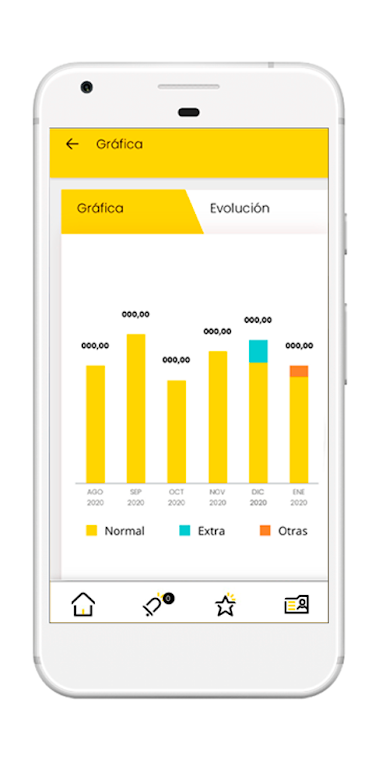
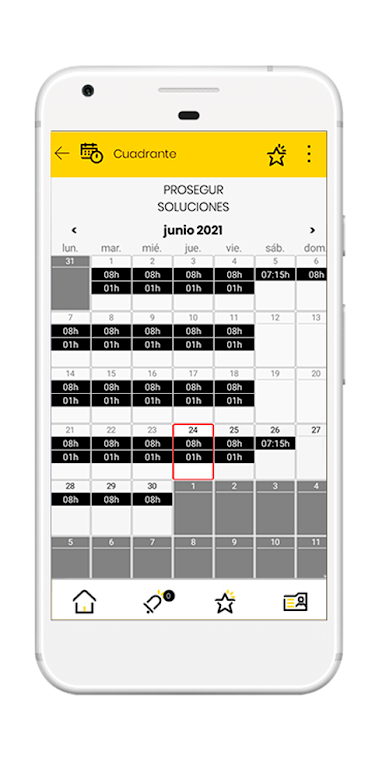
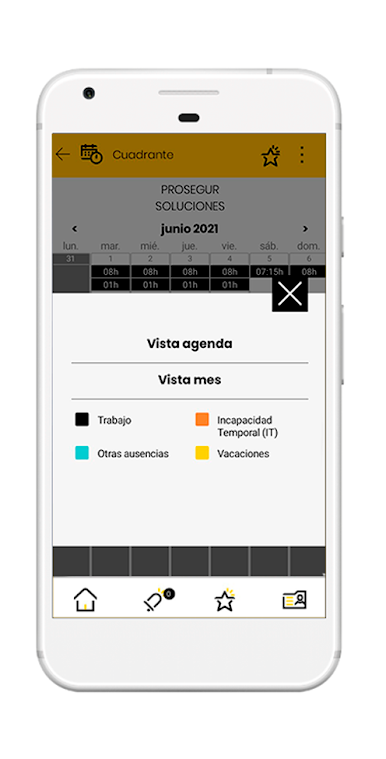
Another big thing is payroll — just checking payslips without having to email HR or dig through old attachments feels practical, and these can be downloaded or sent elsewhere right from inside the app. They’ve also put rosters right there, so anyone working shifts can just check when they’re supposed to be where, no confusion. There’s even info about the routes to different job locations, which saves a bit of hassle, especially for those always on the move. Running this on a PC with BlueStacks makes it a bit easier for folks who prefer a bigger screen, so checking all these details or pulling up documents feels more comfortable than doing it on a phone. Overall, if someone needs to keep up with work stuff, the app covers a lot of bases and keeps everything in order, but it really only shines if they’re actually part of the Prosegur crew.
BlueStacks gives you the much-needed freedom to experience your favorite apps on a bigger screen. Get it now.
Jogue Intranet Prosegur no PC. É fácil começar.
-
Baixe e instale o BlueStacks no seu PC
-
Conclua o login do Google para acessar a Play Store ou faça isso mais tarde
-
Procure por Intranet Prosegur na barra de pesquisa no canto superior direito
-
Clique para instalar Intranet Prosegur a partir dos resultados da pesquisa
-
Conclua o login do Google (caso você pulou a etapa 2) para instalar o Intranet Prosegur
-
Clique no ícone do Intranet Prosegur na tela inicial para começar a jogar

