


QVR Pro Client
生產力 | QNAP
在電腦上使用BlueStacks –受到5億以上的遊戲玩家所信任的Android遊戲平台。

暢玩 QVR Pro Client 電腦版
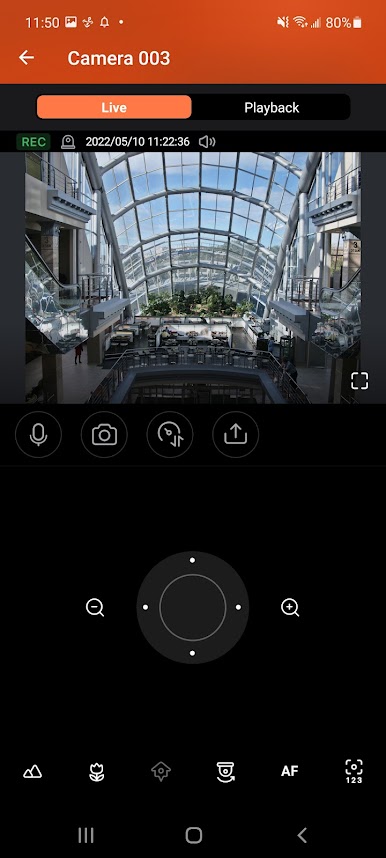
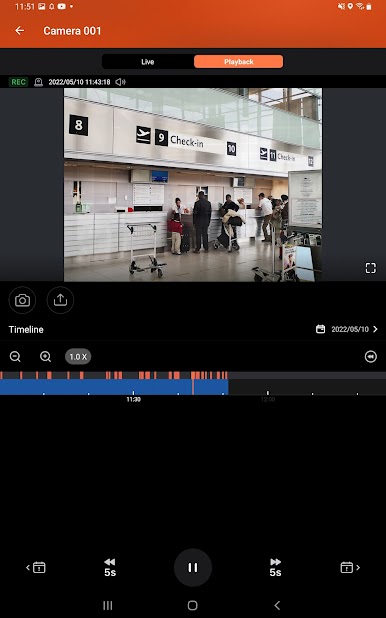
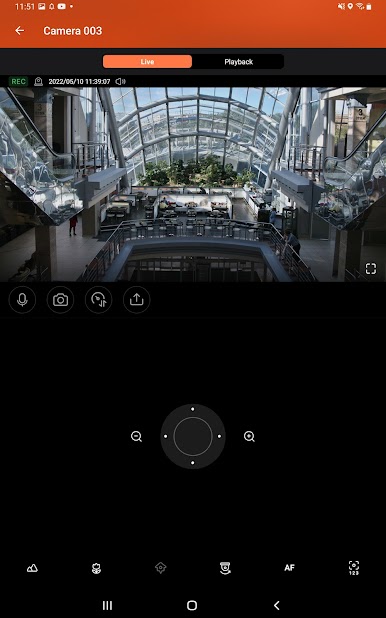
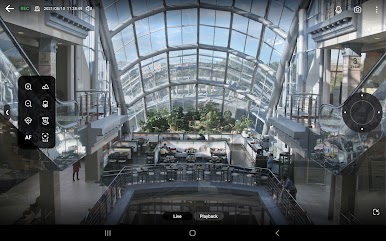
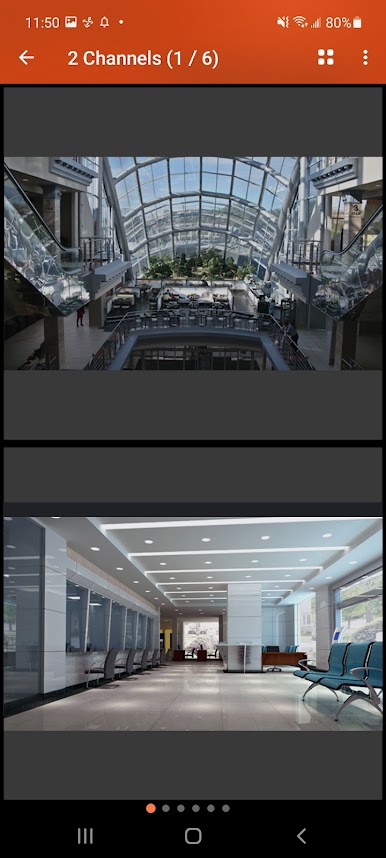
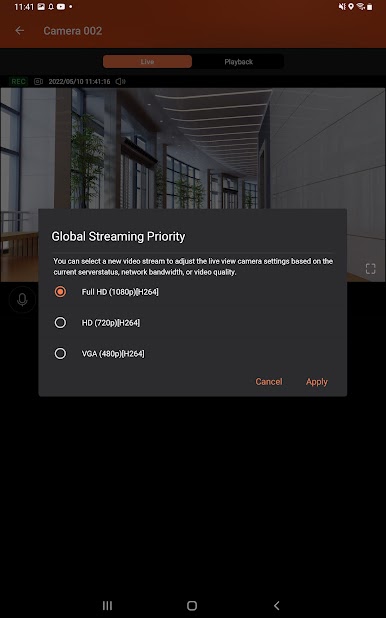
QVR Pro Client provides an intuitive interface for your QVR Pro server, helping you manage IP cameras, monitor live views, and play back previous recordings using your mobile devices.
Minimum system requirements:
- QVR Pro installed and initialized on the QNAP NAS running QTS 4.3.0
- The latest version of QTS 4.3.4 is required for enabling push notifications and activating licenses.
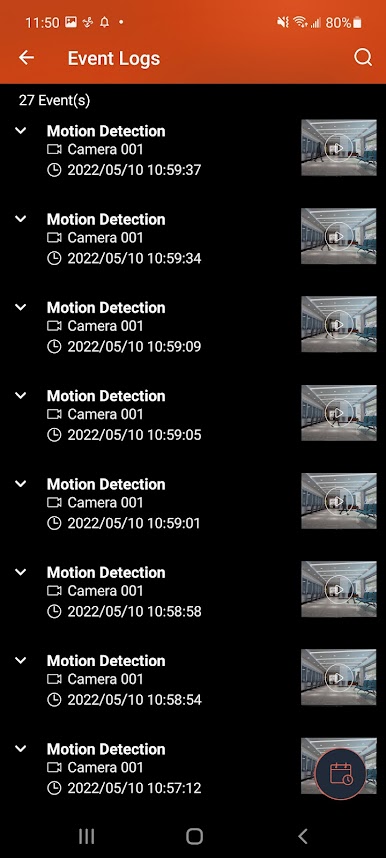
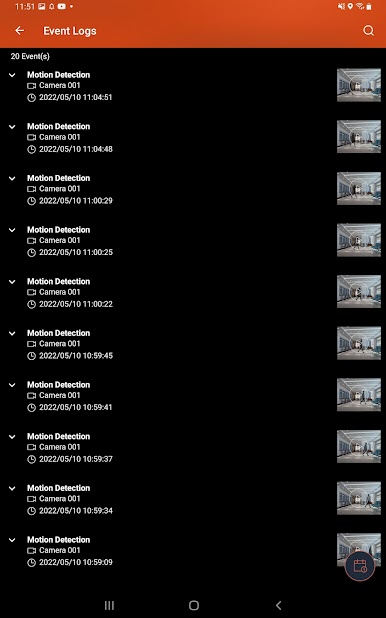
- QVR Pro 1.1.0 is required for querying event logs.
Key Features:
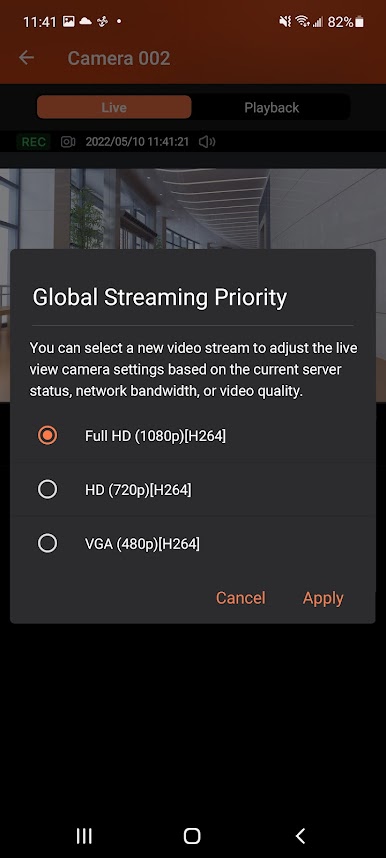
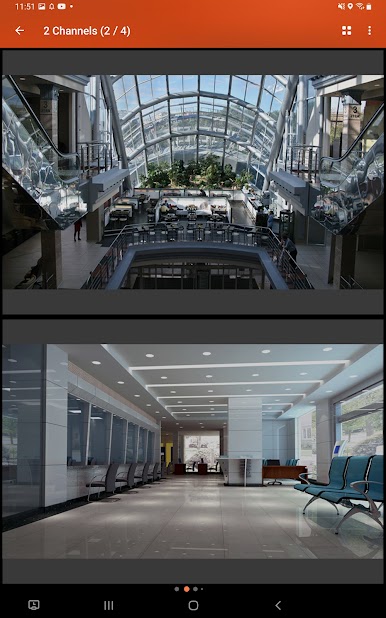
- Supports viewing multiple IP cameras connected to QVR Pro.
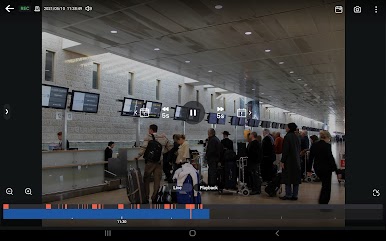
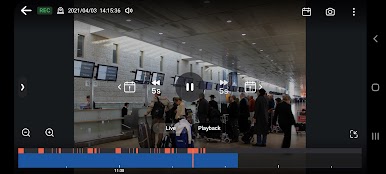
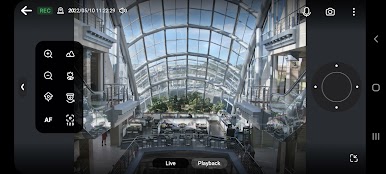
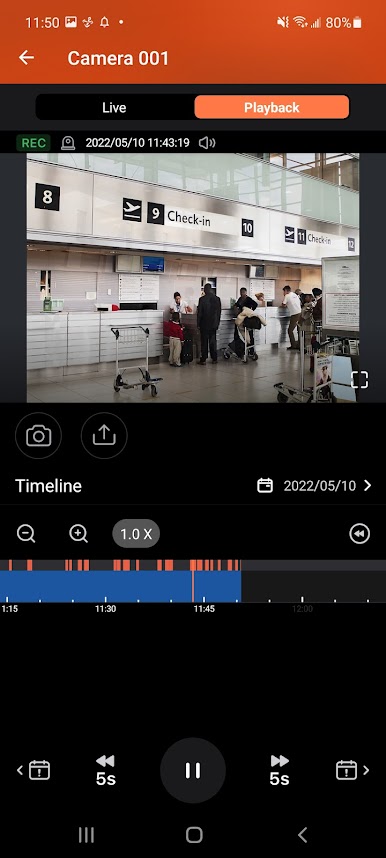
- Supports switching instantly between the Live and Playback modes and clicking the timeline to play back recordings from a specific moment.
- Provides various advanced monitoring options: Sequential mode, PTZ control, auto cruising and preset point control.
- Supports sending instant push notifications.
- Provides the option to click snapshots in event logs to play back previous events.
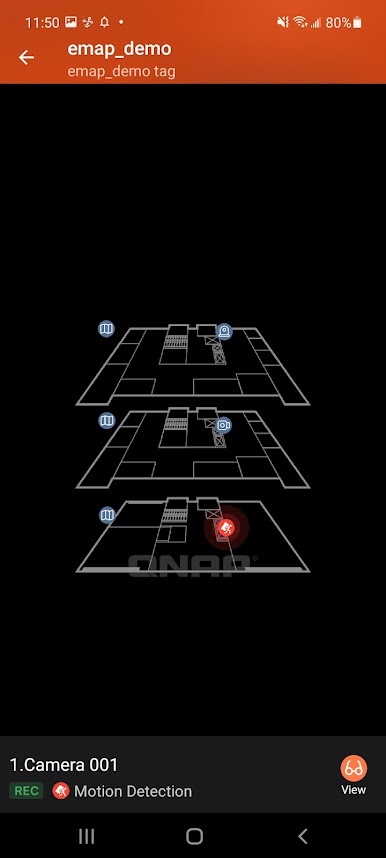
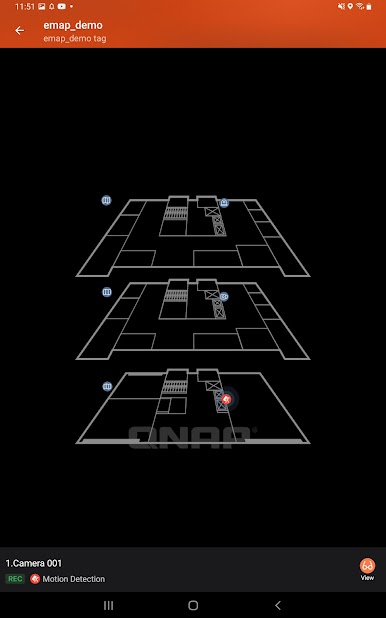
- Displays camera locations and event icons on E-maps to allow for comprehensive monitoring.
Minimum system requirements:
- QVR Pro installed and initialized on the QNAP NAS running QTS 4.3.0
- The latest version of QTS 4.3.4 is required for enabling push notifications and activating licenses.
- QVR Pro 1.1.0 is required for querying event logs.
Key Features:
- Supports viewing multiple IP cameras connected to QVR Pro.
- Supports switching instantly between the Live and Playback modes and clicking the timeline to play back recordings from a specific moment.
- Provides various advanced monitoring options: Sequential mode, PTZ control, auto cruising and preset point control.
- Supports sending instant push notifications.
- Provides the option to click snapshots in event logs to play back previous events.
- Displays camera locations and event icons on E-maps to allow for comprehensive monitoring.
在電腦上遊玩QVR Pro Client . 輕易上手.
-
在您的電腦上下載並安裝BlueStacks
-
完成Google登入後即可訪問Play商店,或等你需要訪問Play商店十再登入
-
在右上角的搜索欄中尋找 QVR Pro Client
-
點擊以從搜索結果中安裝 QVR Pro Client
-
完成Google登入(如果您跳過了步驟2),以安裝 QVR Pro Client
-
在首頁畫面中點擊 QVR Pro Client 圖標來啟動遊戲

