


三星智能电视遥控
工具 | Quanticapps FZ LLE
在電腦上使用BlueStacks –受到5億以上的遊戲玩家所信任的Android遊戲平台。

暢玩 三星智能电视遥控 電腦版
使用手机控制三星智能电视,不再有寻找遥控器的烦恼!
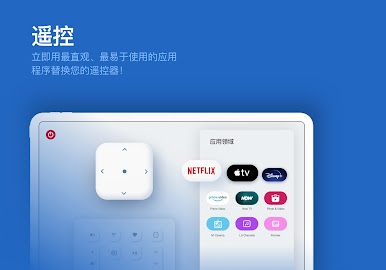
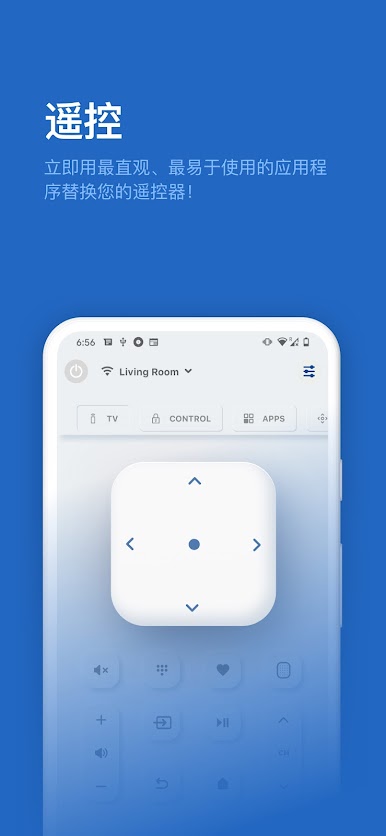
Romove TV是功能最为强大的三星智能电视遥控应用。
它不仅有原装遥控器的全部功能,
还提供更多智能控制电视的方式!
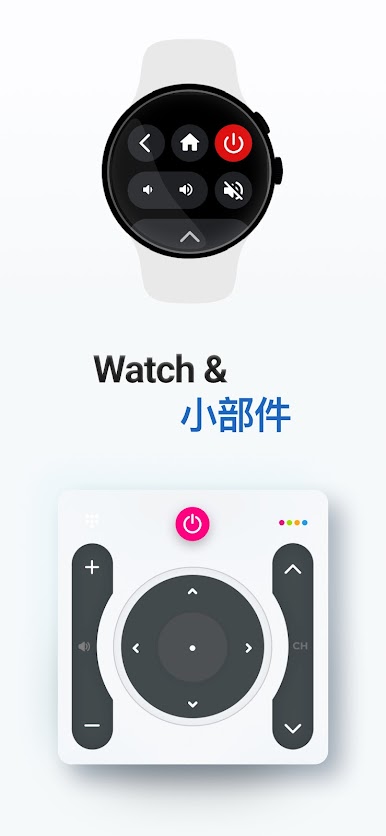
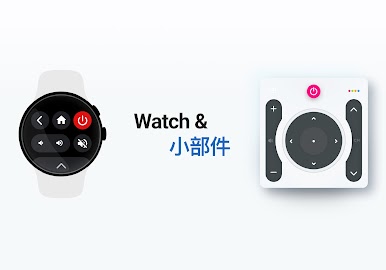
* 借助 Wear OS 應用程序,從手腕控制您的電視。
* 控制电视的开机与关机(限特定电视机型)
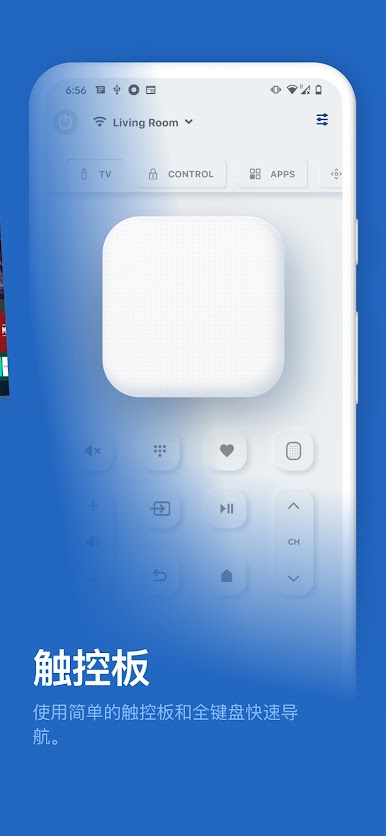
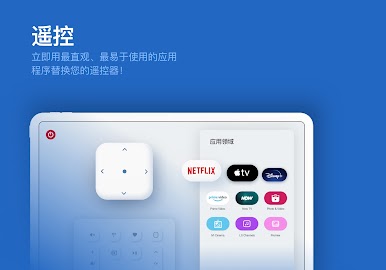
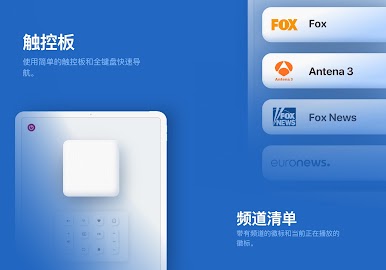
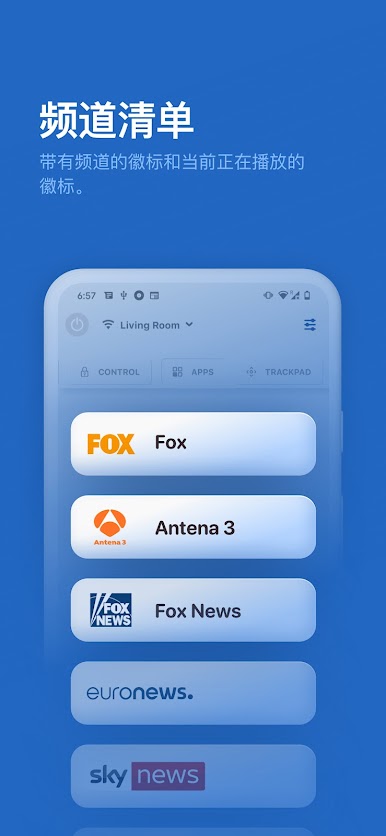
* 使用导航键、数字键盘切换电视频道
* 调整智能电视音量
* 一键静音功能(静音按钮)
* 更换电视信号源(HDMI、PC、AV… 等)
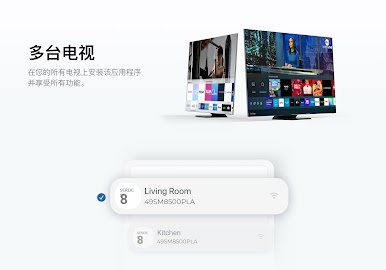
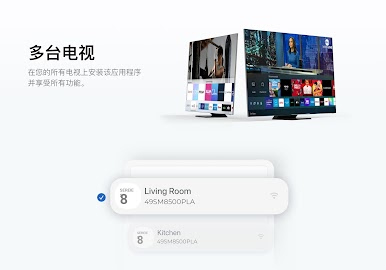
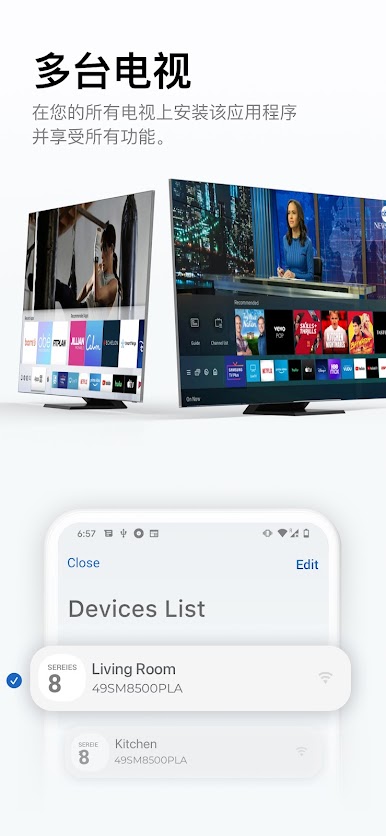
* 在应用内同时管理多台智能电视
* 更多智能电视操作功能
* 在电视主屏幕内添加智能工具箱
* 使用触屏功能浏览网页
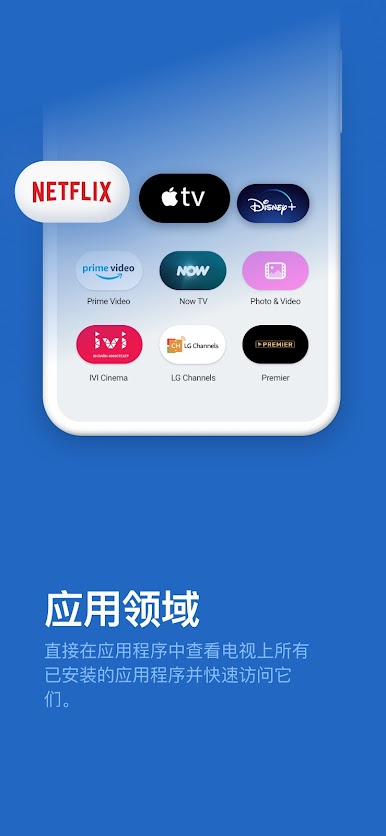
* 内置Netflix等视频网站的快速通道
不用更换电池、不用再到处寻找遥控器!
三星电视专用智能遥控器应用,给您前所未有的方便与智能家居体验!
我们抱着极大的热情开发了这款智能遥控应用,并一直在不断
完善和开发它的功能!我们迫切希望收到用户的反馈,
如有任何想法与意见,请联系我们!
免责声明:
本款应用并不是三星电视的官方软件。我们与三星电子没有任何附属关系。
Romove TV是功能最为强大的三星智能电视遥控应用。
它不仅有原装遥控器的全部功能,
还提供更多智能控制电视的方式!
* 借助 Wear OS 應用程序,從手腕控制您的電視。
* 控制电视的开机与关机(限特定电视机型)
* 使用导航键、数字键盘切换电视频道
* 调整智能电视音量
* 一键静音功能(静音按钮)
* 更换电视信号源(HDMI、PC、AV… 等)
* 在应用内同时管理多台智能电视
* 更多智能电视操作功能
* 在电视主屏幕内添加智能工具箱
* 使用触屏功能浏览网页
* 内置Netflix等视频网站的快速通道
不用更换电池、不用再到处寻找遥控器!
三星电视专用智能遥控器应用,给您前所未有的方便与智能家居体验!
我们抱着极大的热情开发了这款智能遥控应用,并一直在不断
完善和开发它的功能!我们迫切希望收到用户的反馈,
如有任何想法与意见,请联系我们!
免责声明:
本款应用并不是三星电视的官方软件。我们与三星电子没有任何附属关系。




在電腦上遊玩三星智能电视遥控 . 輕易上手.
-
在您的電腦上下載並安裝BlueStacks
-
完成Google登入後即可訪問Play商店,或等你需要訪問Play商店十再登入
-
在右上角的搜索欄中尋找 三星智能电视遥控
-
點擊以從搜索結果中安裝 三星智能电视遥控
-
完成Google登入(如果您跳過了步驟2),以安裝 三星智能电视遥控
-
在首頁畫面中點擊 三星智能电视遥控 圖標來啟動遊戲

