


night talking clock
Jogue no PC com BlueStacks - A Plataforma de Jogos Android, confiada por mais de 500 milhões de jogadores.

Página modificada em: Jul 4, 2023
Jogue night talking clock para PC
O relógio falante pode expressar a hora atual quando você toca na tela ou pode simplesmente acenar com a mão na frente da tela. Eles mostram quanto tempo resta de sono (sim, sim, a que horas você define o despertador, mas quanto tempo resta, diga "Sleep left: 5 hours 14 minutes", mostra o clima (temperatura e precipitação), mostra o velocidade (se você comer de carro)
Carrilhões também estão integrados - o Kremlin de Moscou, o Big Ben ou o Jingle Bells para escolher. Carrilhões podem bater o tempo a cada 15 minutos, meia hora, uma hora.
Você pode usar sons de fundo para um sono leve: ruído branco, o som do mar, chuva fraca e outros.
A capacidade de reduzir o brilho da tela à noite e aumentar o brilho antes do amanhecer.
Você pode ativar todas as funções adicionais no menu (engrenagem azul).

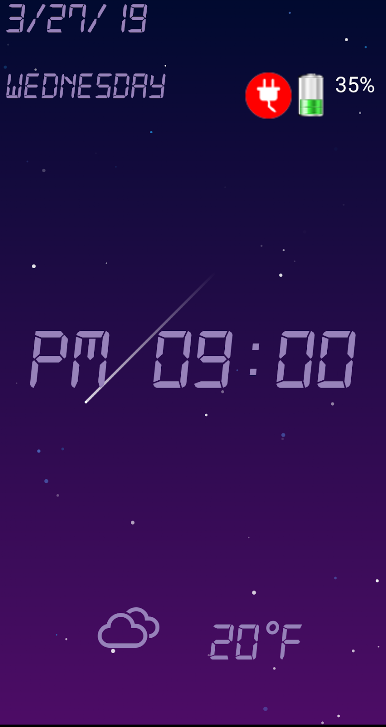
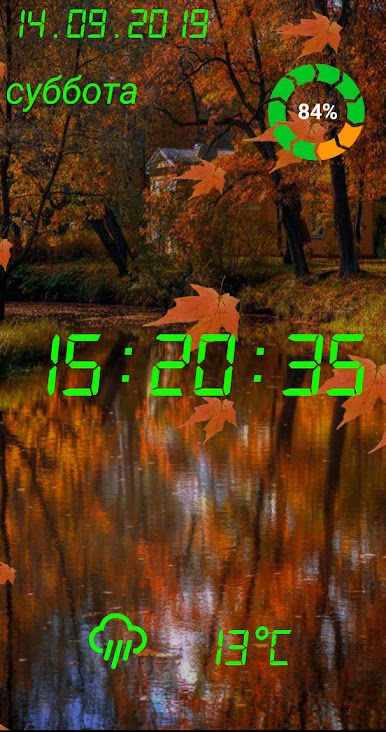
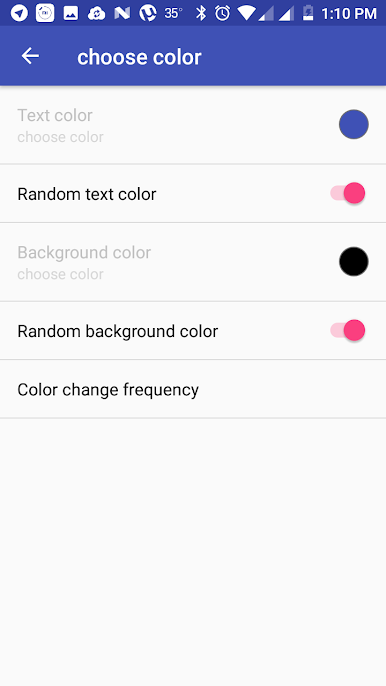
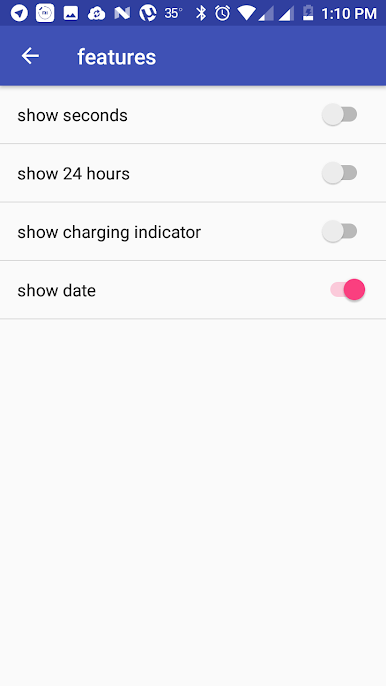
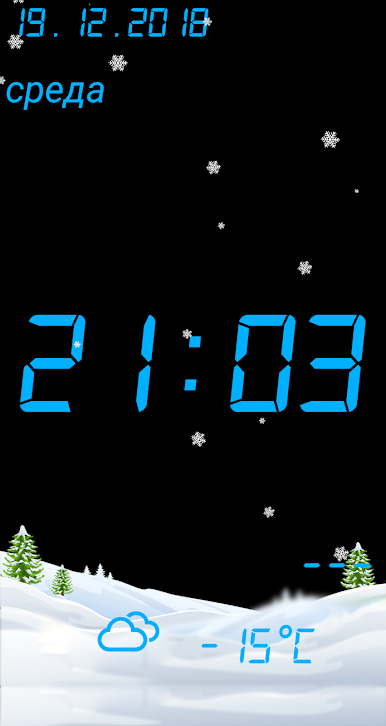
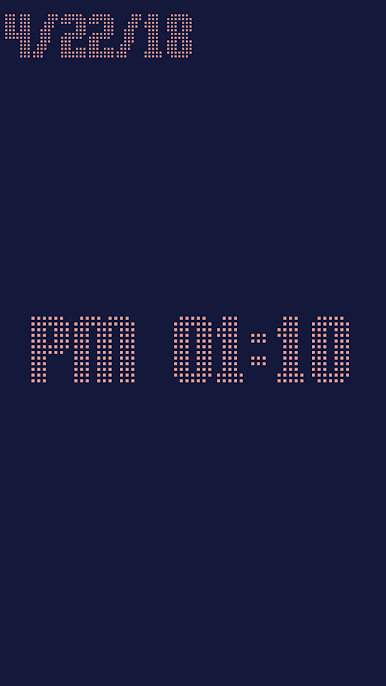
Jogue night talking clock no PC. É fácil começar.
-
Baixe e instale o BlueStacks no seu PC
-
Conclua o login do Google para acessar a Play Store ou faça isso mais tarde
-
Procure por night talking clock na barra de pesquisa no canto superior direito
-
Clique para instalar night talking clock a partir dos resultados da pesquisa
-
Conclua o login do Google (caso você pulou a etapa 2) para instalar o night talking clock
-
Clique no ícone do night talking clock na tela inicial para começar a jogar

