


음성 녹음기
5억명 이상의 게이머가 신뢰하는 안드로이드 게임 플랫폼 BlueStacks으로 PC에서 플레이하세요.

Run Voice Recorder : Recording App on PC or Mac
Get freedom from your phone’s obvious limitations. Use Voice Recorder : Recording App, made by RaySaar Technologies, a Music & Audio app on your PC or Mac with BlueStacks, and level up your experience.
About the App
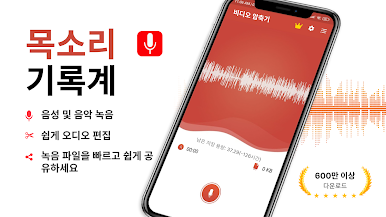
Ever wish you could quickly capture thoughts, record important conversations, or save class lectures without fumbling with complicated settings? Voice Recorder : Recording App from RaySaar Technologies takes the hassle out of recording, making it easy to save anything you’d like, whenever you need. Whether you’re jotting down audio notes or preserving the details of a meeting, this app keeps things simple while helping you stay on top of your busy life.
App Features
-
Unlimited Recording Time
No more worrying about running out of space or hitting time limits—record as many audio clips as you need, as long as you want. -
Easy File Management
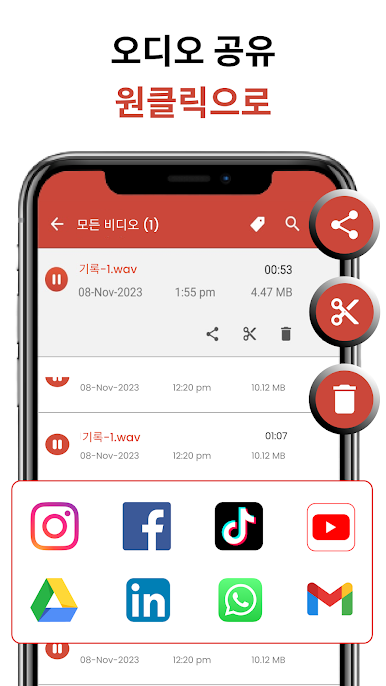
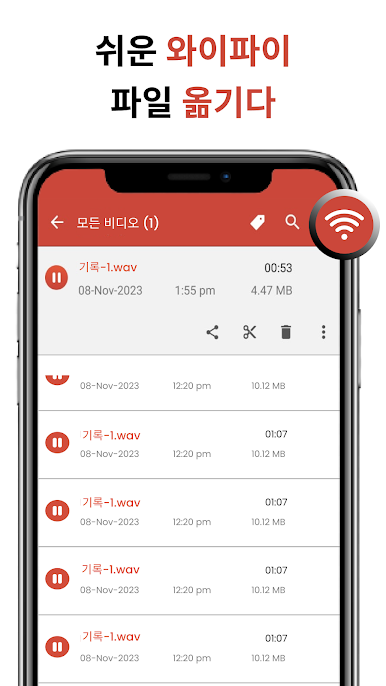
Rename, delete, and share recordings with just a couple of taps. Sorting by name, date, size, or length makes finding what you need totally painless. -
High-Quality Sound
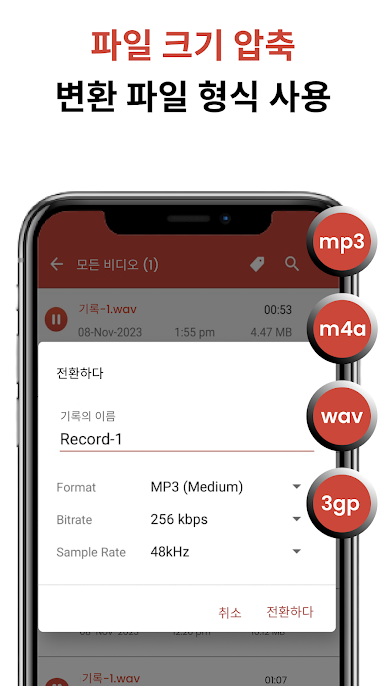
Record everything from quick memos to long lectures in crystal-clear mp3, m4a, or 3gp formats. -
Search and Organize
Can’t remember when you made that note? The fast search function helps you pull up recordings right away. -
Background Recording
Multitask like a pro—the app keeps recording even if your screen is off or you’re using other apps. -
In-App Playback
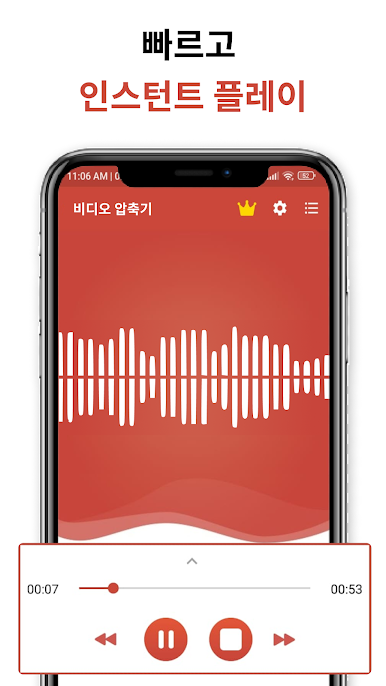
Play back your audio directly in the app. There’s even a live spectrum analyzer for some visual flair while you record. -
Trim and Edit
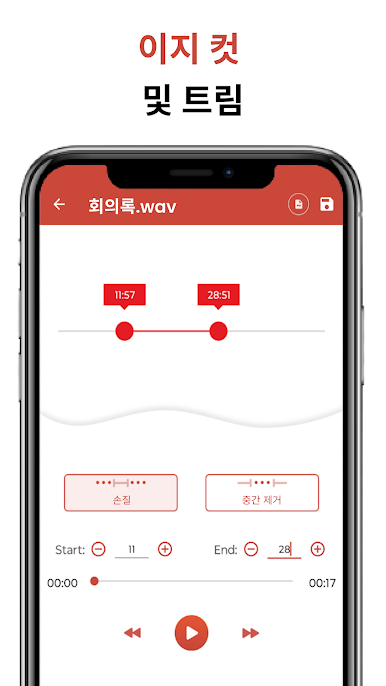
Grab just the important bits—cut out unwanted sections to tidy up your files before sharing or saving. -
Simple Sharing
Need to send a recording to a friend, colleague, or yourself? Use email or other options to share directly from the app. -
Flexible Use Cases
Capture everything, from interviews and speeches to song ideas, audio notes, or reminders—whatever pops up in your day. -
Store Recordings Locally
Everything saves straight to your phone’s storage for instant access, even on the go. -
Works Smoothly with BlueStacks
Prefer recording on your computer? This app gets along well with BlueStacks, so you can enjoy the same features on a bigger screen.
Ready to experience Voice Recorder : Recording App on a bigger screen, in all its glory? Download BlueStacks now.

PC에서 음성 녹음기 플레이해보세요.
-
BlueStacks 다운로드하고 설치
-
Google Play 스토어에 로그인 하기(나중에 진행가능)
-
오른쪽 상단 코너에 음성 녹음기 검색
-
검색 결과 중 음성 녹음기 선택하여 설치
-
구글 로그인 진행(만약 2단계를 지나갔을 경우) 후 음성 녹음기 설치
-
메인 홈화면에서 음성 녹음기 선택하여 실행

