


Simple Time Tracker
在電腦上使用BlueStacks –受到5億以上的遊戲玩家所信任的Android遊戲平台。

Run Simple Time Tracker on PC or Mac
Why limit yourself to your small screen on the phone? Run Simple Time Tracker, an app by Razeeman, best experienced on your PC or Mac with BlueStacks, the world’s #1 Android emulator.
About the App
Want to know where all your time goes every day? Simple Time Tracker from Razeeman gives you an easy, no-fuss way to keep tabs on your daily routines and tasks. Whether you’re trying to see how productive you really are, or just want a simple method to monitor different activities, this app keeps things straightforward. The experience is refreshingly simple—nothing complicated, just quick taps and clean screens so you can start, stop, and review what takes up your hours.
App Features
-
Super Clean Interface
No clutter, no confusion. Everything’s laid out in a neat, minimalist design, so you’re never lost or hunting for a button. -
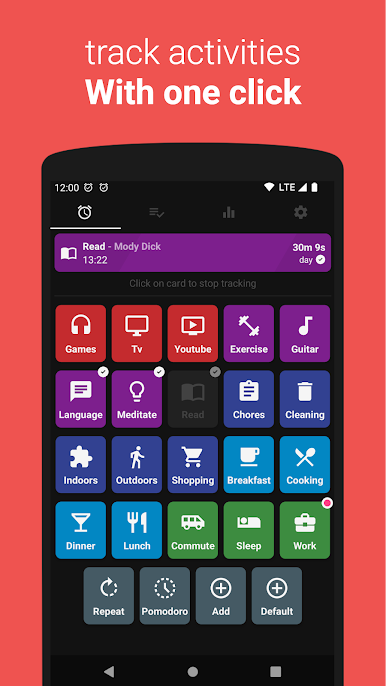
One-Tap Tracking
Switch between activities in seconds. You’re busy enough; tracking time shouldn’t slow you down. -
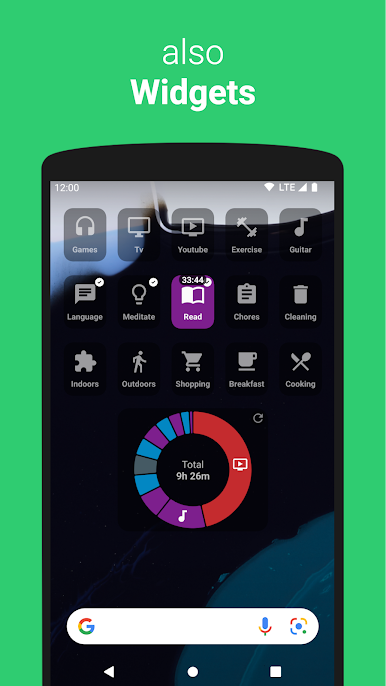
Widgets on Your Home Screen
Need to log an activity fast? Use handy widgets for instant access right from your home screen. -
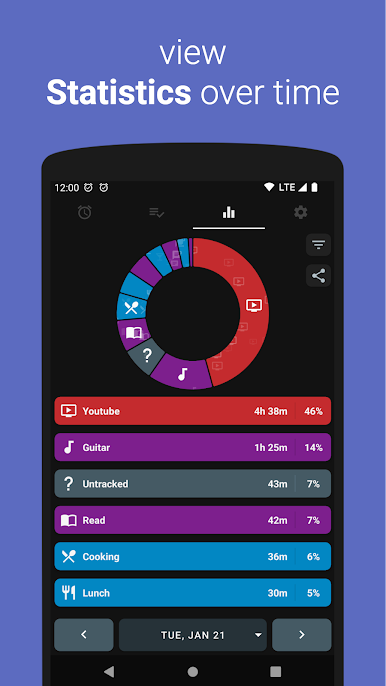
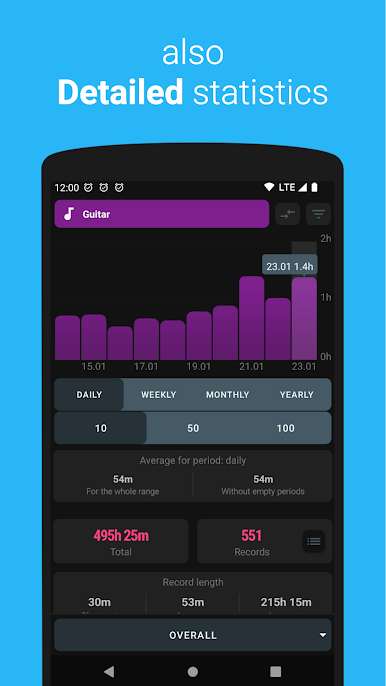
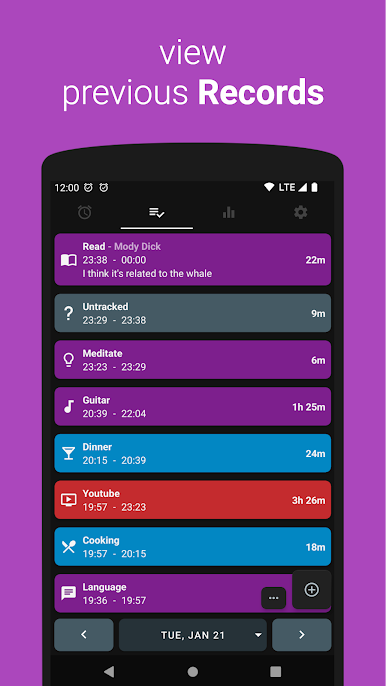
Stats and History
Dig into your past activity logs anytime. See patterns, check your progress, and spot where your time really disappears. -
No Internet? No Problem
All your data sticks to your device. You don’t need to connect online, and you never have to register or make accounts. -
Total Privacy
What you track stays private—nobody (not even Razeeman) or third-party folks can peek at your time logs. -
Ad-Free & Open Source
No pop-ups, no hidden costs, and nothing annoying in the background. If you’re curious about how it all works, the source code is out there. -
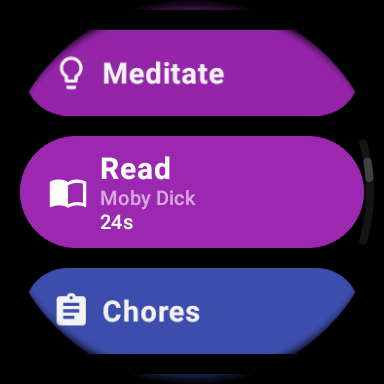
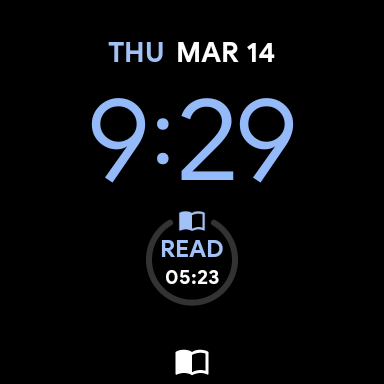
Wear OS Support
Have a smartwatch? You can monitor your tasks right from your wrist, with added complication support for quick glances. -
Handy Extras
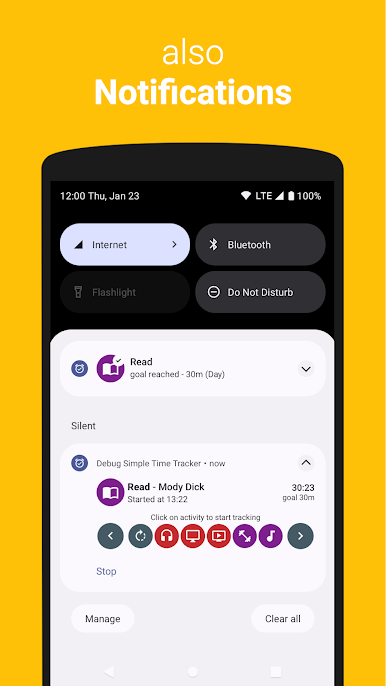
Back up your stats, get reminders with notifications, and flip the switch for dark mode when you want to be easy on your eyes.
Simple Time Tracker runs great on your phone and feels right at home if you choose to use it through BlueStacks on your laptop.
Ready to experience Simple Time Tracker on a bigger screen, in all its glory? Download BlueStacks now.
在電腦上遊玩Simple Time Tracker . 輕易上手.
-
在您的電腦上下載並安裝BlueStacks
-
完成Google登入後即可訪問Play商店,或等你需要訪問Play商店十再登入
-
在右上角的搜索欄中尋找 Simple Time Tracker
-
點擊以從搜索結果中安裝 Simple Time Tracker
-
完成Google登入(如果您跳過了步驟2),以安裝 Simple Time Tracker
-
在首頁畫面中點擊 Simple Time Tracker 圖標來啟動遊戲

