


Notify Keeper
العب على الكمبيوتر الشخصي مع BlueStacks - نظام أندرويد للألعاب ، موثوق به من قبل أكثر من 500 مليون لاعب.

Play Notify Keeper - Notification center on PC
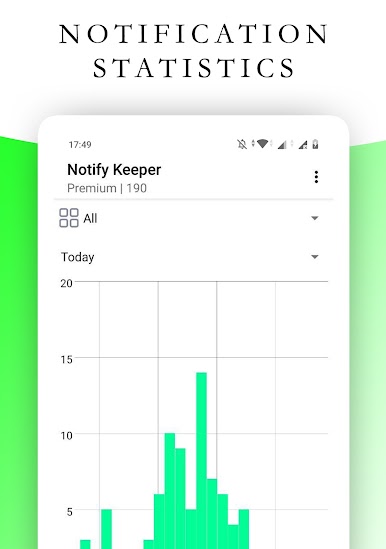
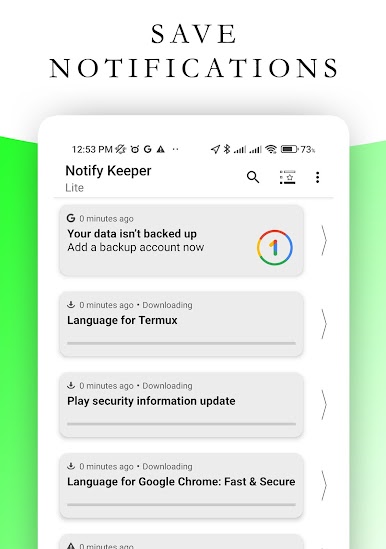
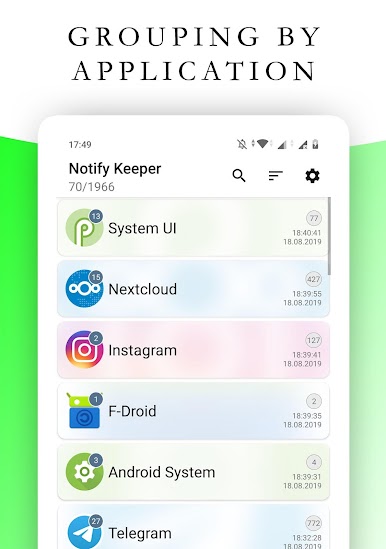
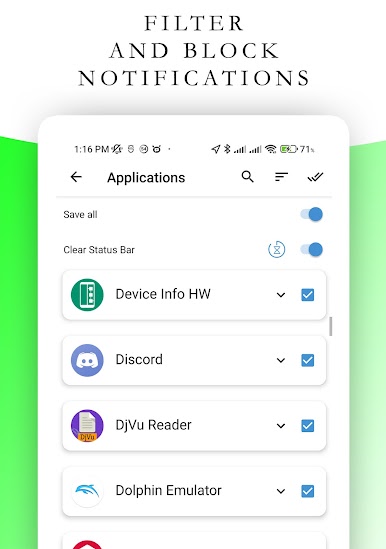
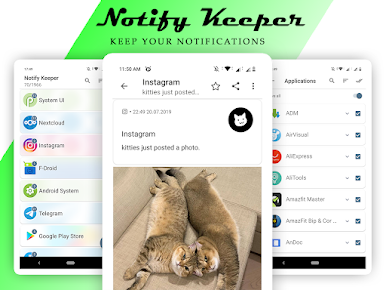
Supports grouping of notifications by applications. Supports filtering / ignoring.
Blocking notifications for annoying applications, you only need to turn on CSB mode and notifications will no longer disturb you.
Features:
- notification history
- blocking notifications (CSB mode)
- black list of applications
- search by phrase in the text of the notification or in the title
- player management (if supported by the player)
- sending messages (“Reply” button, if supported by the messenger)
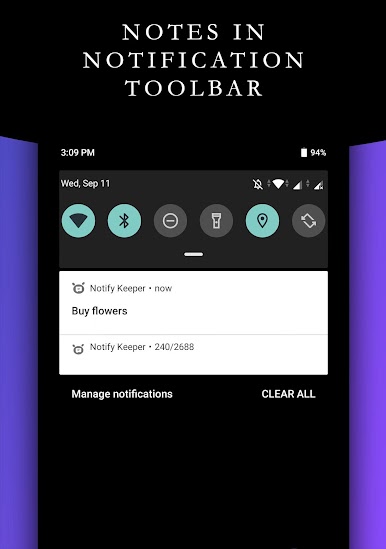
- notes in notification toolbar
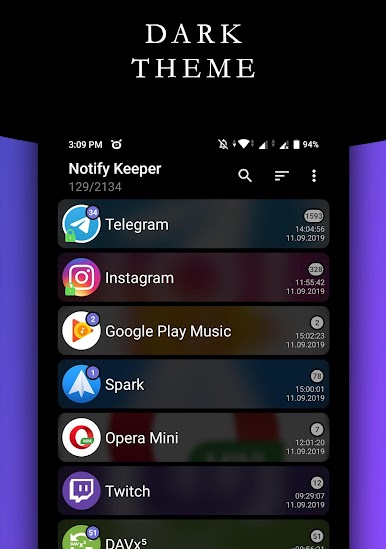
- dark theme
Note: You cannot see the notifications you received before installing this application (only if they still in status bar).
العب Notify Keeper على جهاز الكمبيوتر. من السهل البدء.
-
قم بتنزيل BlueStacks وتثبيته على جهاز الكمبيوتر الخاص بك
-
أكمل تسجيل الدخول إلى Google للوصول إلى متجر Play ، أو قم بذلك لاحقًا
-
ابحث عن Notify Keeper في شريط البحث أعلى الزاوية اليمنى
-
انقر لتثبيت Notify Keeper من نتائج البحث
-
أكمل تسجيل الدخول إلى Google (إذا تخطيت الخطوة 2) لتثبيت Notify Keeper
-
انقر على أيقونة Notify Keeper على الشاشة الرئيسية لبدء اللعب

