

蛇形機器人 卡車改造
在電腦上使用BlueStacks –受到5億以上的遊戲玩家所信任的Android遊戲平台。

Play Heavy Truck Robot Giant Truck Driver Simulator on PC or Mac
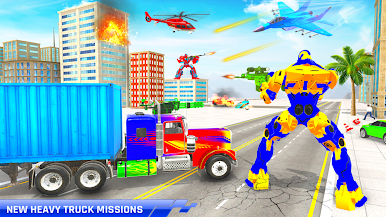
From the innovators and creators at Roadster Inc – 3D Games Action & Simulation, Heavy Truck Robot Giant Truck Driver Simulator is another fun addition to the World of Simulation games. Go beyond your mobile screen and play it bigger and better on your PC or Mac. An immersive experience awaits you.
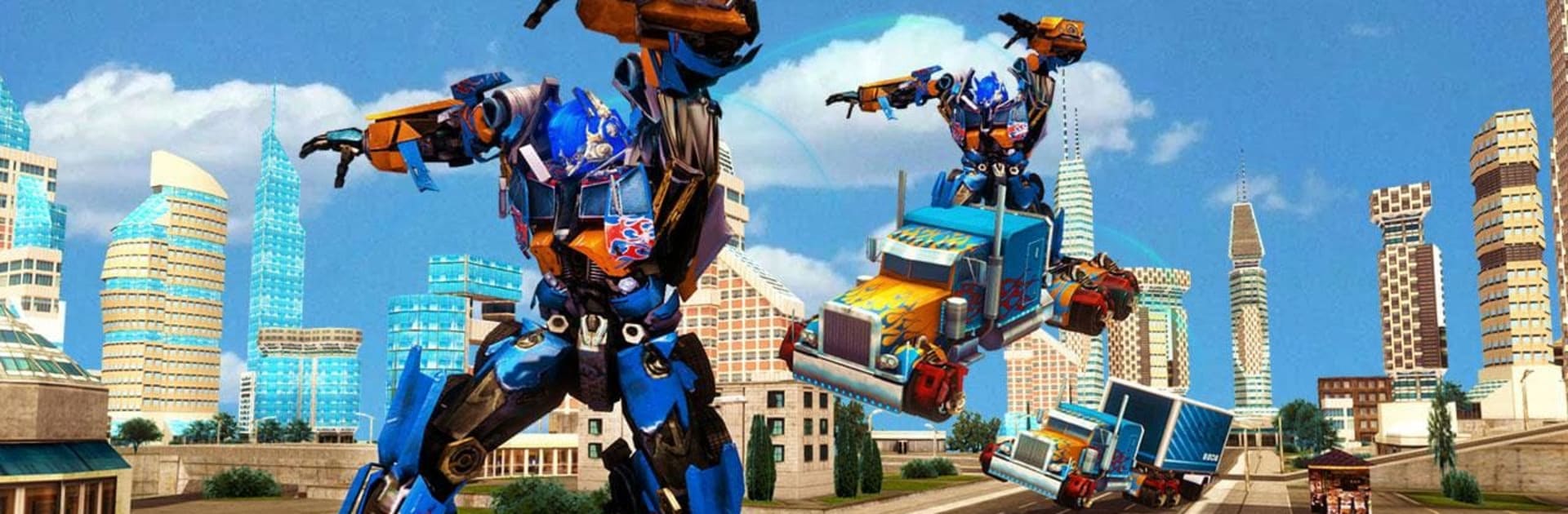
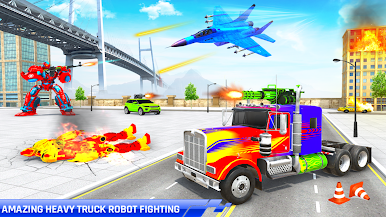
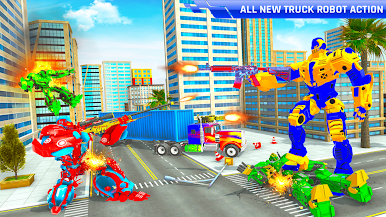
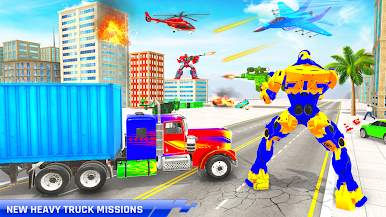
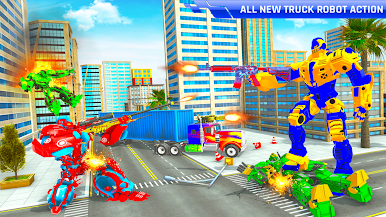
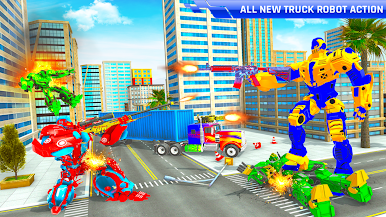
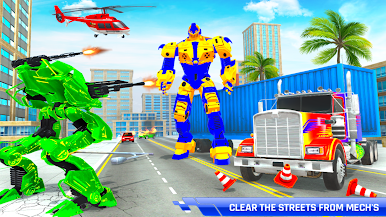
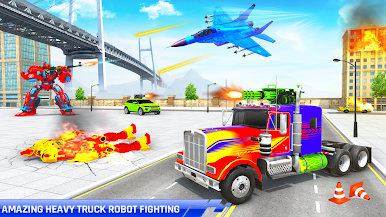
Heavy Truck Robot Giant Truck Driver Simulator is exactly what it sounds like—there’s all the truck driving stuff, but suddenly the truck can also turn into a giant robot. Most of the time, the game feels like a mix between a regular trucking sim and this kind of goofy sci-fi thing, which is actually pretty fun together. The main thing going on is hauling military cargo around a city or the countryside, steering these massive trailers and 18-wheelers through traffic and sometimes tight turns. And then, just when you get the hang of parking or maneuvering, enemies show up and you need to switch to robot mode to defend your cargo.
There are lots of missions that throw different challenges at you, like transporting sensitive stuff to army bases or just getting a huge trailer through the streets without wrecking it. Some of it’s about careful driving—lining up for truck parking, avoiding crashing, that sort of thing—but there’s always this extra layer where things heat up and you can just stomp around as a robot if you have to. The controls are simple, so it’s not a pain to play for a while, and the weather and traffic actually feel kind of realistic at times. On PC with BlueStacks, the game runs smooth and it’s easier to handle the bigger vehicles. There’s a neat mix of real trucking skills, sci-fi action, and goofy robot fights, which stands out from most trucking sims that are just about, well, trucks. It’s a fun way to mess around with driving and blasting through robot battles at the same time.
Get ready for a buttery smooth, high-performance gaming action only on BlueStacks.
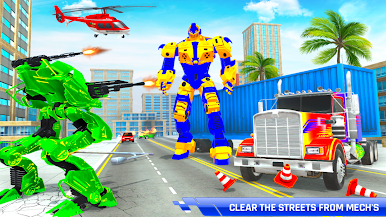
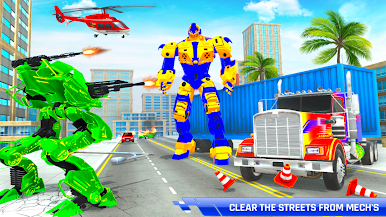
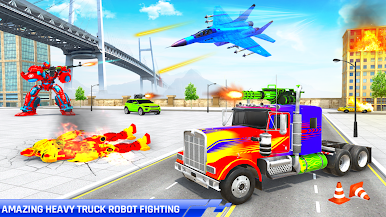
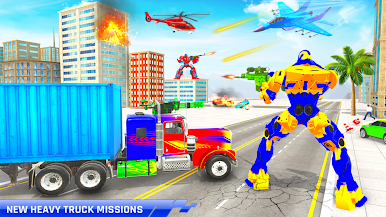
在電腦上遊玩蛇形機器人 卡車改造 . 輕易上手.
-
在您的電腦上下載並安裝BlueStacks
-
完成Google登入後即可訪問Play商店,或等你需要訪問Play商店十再登入
-
在右上角的搜索欄中尋找 蛇形機器人 卡車改造
-
點擊以從搜索結果中安裝 蛇形機器人 卡車改造
-
完成Google登入(如果您跳過了步驟2),以安裝 蛇形機器人 卡車改造
-
在首頁畫面中點擊 蛇形機器人 卡車改造 圖標來啟動遊戲

