


Text Fairy (OCR Text Scanner)
在電腦上使用BlueStacks –受到5億以上的遊戲玩家所信任的Android遊戲平台。

Run Text Fairy (OCR Text Scanner) on PC or Mac
Upgrade your experience. Try Text Fairy (OCR Text Scanner), the fantastic Productivity app from Renard Wellnitz, from the comfort of your laptop, PC, or Mac, only on BlueStacks.
About the App
Ever snapped a photo of a document and wished you could just grab the text, tweak it, and use it however you like? Text Fairy (OCR Text Scanner) makes that a reality—no fuss, just quick and reliable scanning straight from your device. Whether you’re sorting through receipts or translating a menu in another language, this productivity app from Renard Wellnitz is all about turning printed text into something you can edit, share, or save—with privacy right at the core.
App Features
- Easy Text Extraction
-
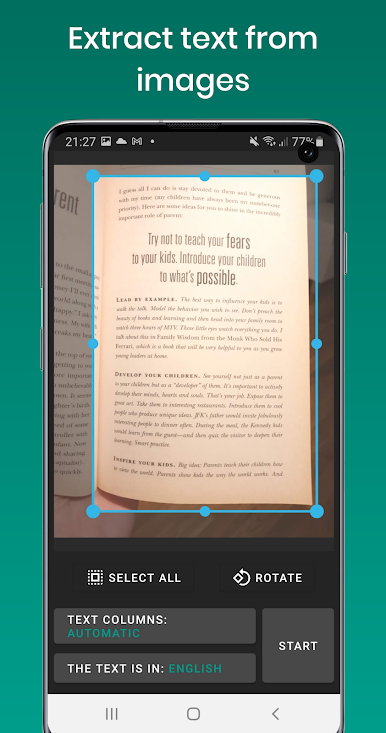
Instantly pull text out of photos or scanned pages, ready to edit or use however you want.
-
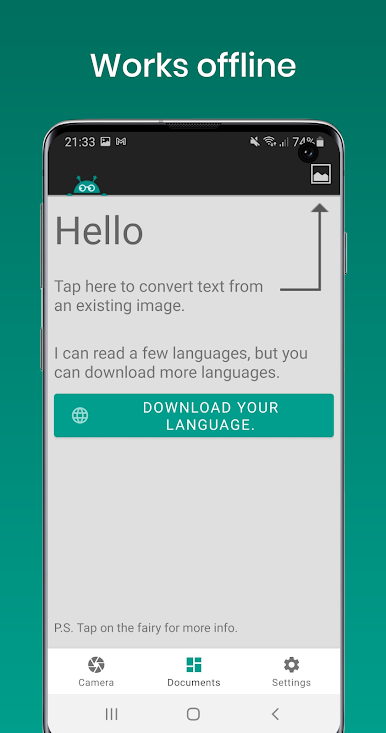
Offline Functionality
-
Everything runs without an internet connection, so your private documents always stay on your device.
-
Text-to-Speech Support
-
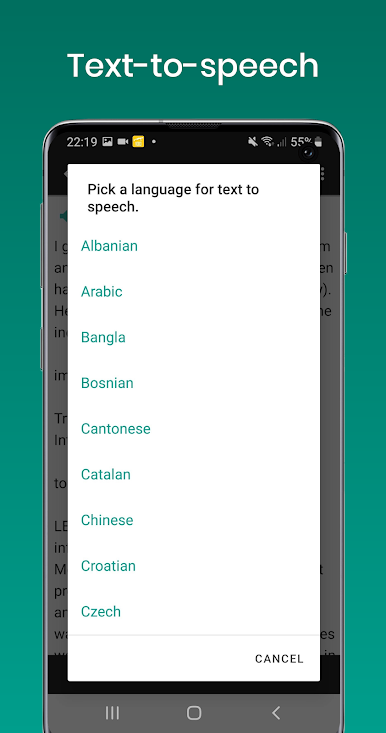
Have your scanned text read aloud with built-in TTS—handy for multitasking or accessibility.
-
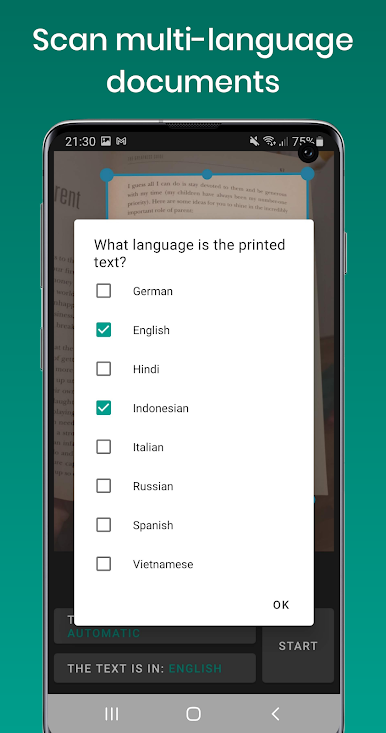
Wide Language Recognition
-
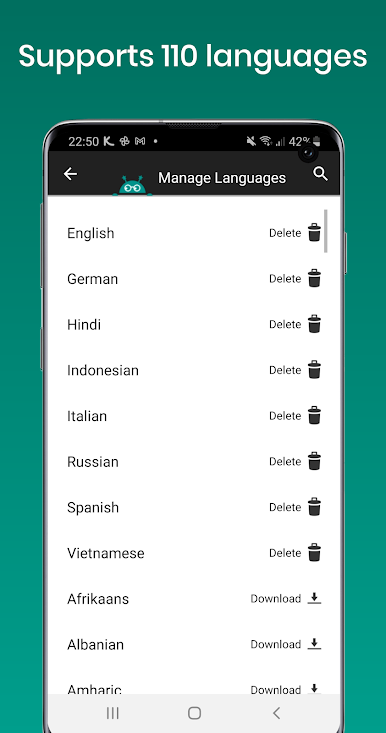
Recognizes printed text from over 110 languages, and even handles documents containing several languages at once.
-
Advanced Document Scanning
-
The app straightens crooked lines, cleans up images, and even figures out complex layouts with columns, taking the hassle out of getting a clear scan.
-
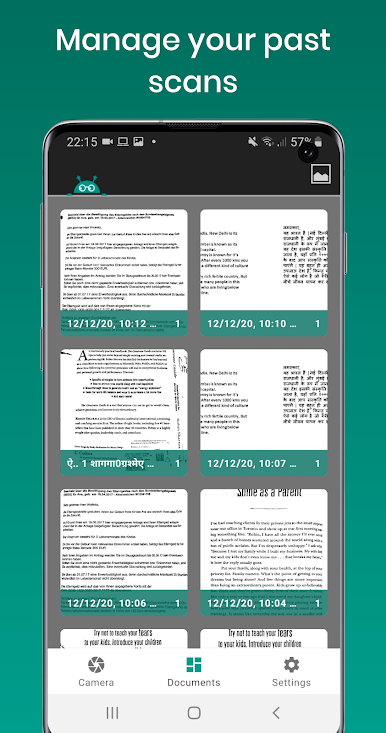
Edit, Merge, & Organize
-
Make changes to your scanned files, combine multiple scans, or remove pages you don’t need—file management made simple.
-
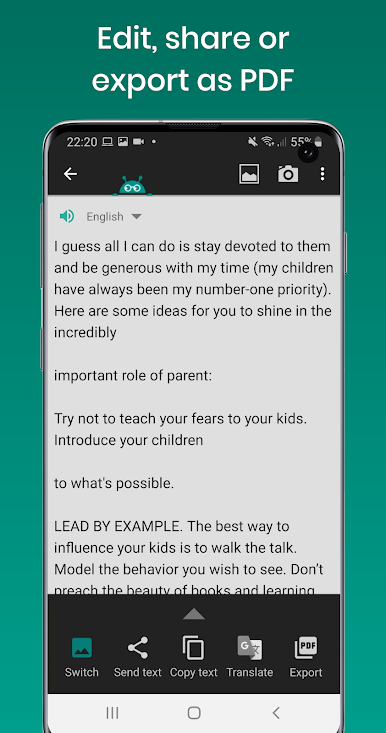
Share or Export with a Tap
- Move your text into a PDF, share it with others, or just keep it handy for later.
Text Fairy (OCR Text Scanner) runs smoothly on your phone and even better when you use BlueStacks, perfect for working on a bigger screen while staying productive. Just a note: it’s all about printed text—handwriting isn’t its thing.
Eager to take your app experience to the next level? Start right away by downloading BlueStacks on your PC or Mac.
在電腦上遊玩Text Fairy (OCR Text Scanner) . 輕易上手.
-
在您的電腦上下載並安裝BlueStacks
-
完成Google登入後即可訪問Play商店,或等你需要訪問Play商店十再登入
-
在右上角的搜索欄中尋找 Text Fairy (OCR Text Scanner)
-
點擊以從搜索結果中安裝 Text Fairy (OCR Text Scanner)
-
完成Google登入(如果您跳過了步驟2),以安裝 Text Fairy (OCR Text Scanner)
-
在首頁畫面中點擊 Text Fairy (OCR Text Scanner) 圖標來啟動遊戲

