


Telerivet Gateway
Jogue no PC com BlueStacks - A Plataforma de Jogos Android, confiada por mais de 500 milhões de jogadores.

Página modificada em: Mar 14, 2024
Run Telerivet Gateway on PC or Mac
Upgrade your experience. Try Telerivet Gateway, the fantastic Communication app from Telerivet, Inc., from the comfort of your laptop, PC, or Mac, only on BlueStacks.
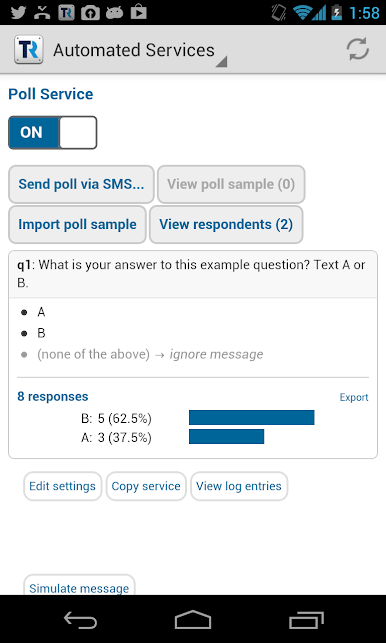
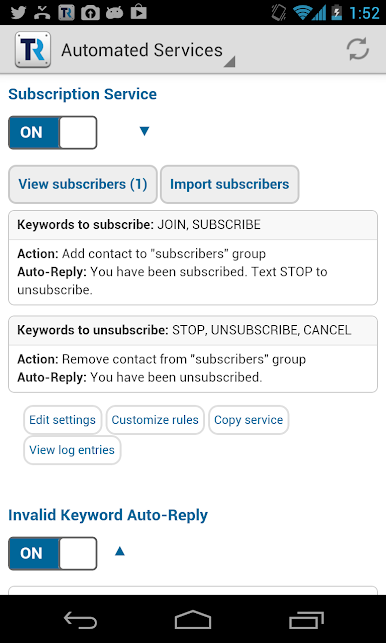
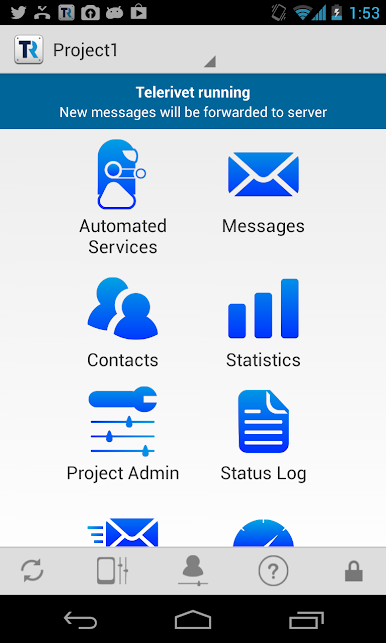
Telerivet Gateway is one of those apps that feels super practical if texting is a big part of work or group communication. Basically, it links your Android’s SMS, MMS, and call info up with a web platform, so anyone on the team can stay on top of messages from their laptop or PC, not just the phone. That means you can answer texts, set up auto-replies, or even make automated text surveys right from the couch with a keyboard, which is way faster. When using it on a bigger screen, especially through something like BlueStacks, organizing contacts and tracking conversations is a lot less cramped and easier to handle.
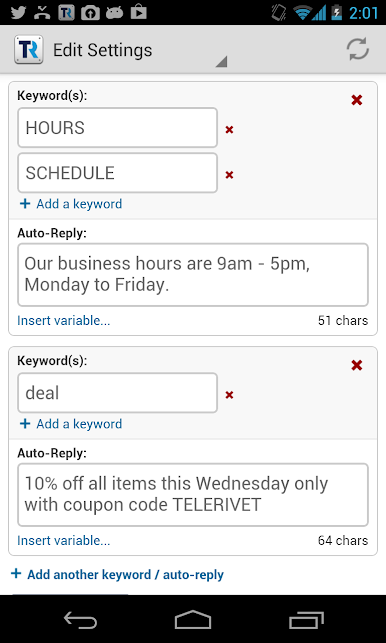
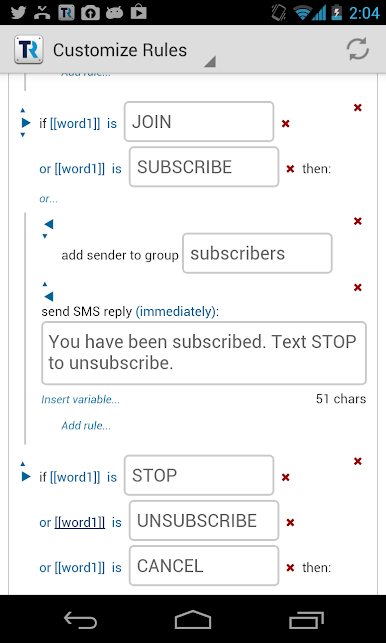
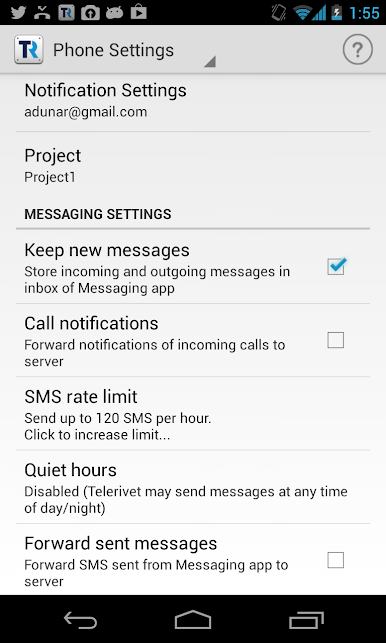
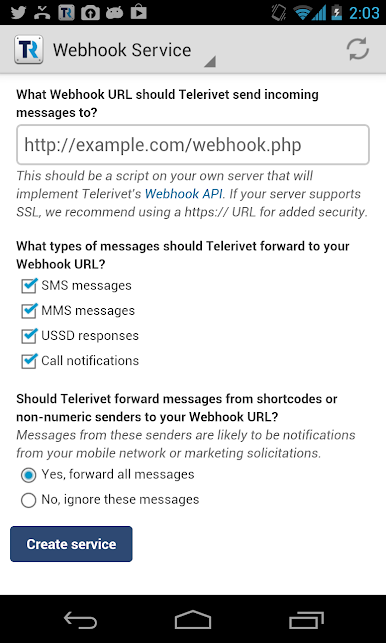
What really stands out is how much control there is—grouping messages, syncing contacts, setting up custom responses, and even using keywords that trigger auto-messages. It works with regular SMS and MMS, and can even handle USSD actions depending on your Android version, which comes in handy if your work involves phone credits or mobile money stuff. There’s a bit of setup to get permissions going (since it needs to read and send texts, plus see call logs), but nothing over the top if you’ve set up similar apps. It’s got a solid API setup for developers too, if anyone wants to plug messaging into their own systems. They let you try it out for free with a decent message limit, so you can get a real feel for it before worrying about paying. All in all, feels like a useful pick for anyone managing a bunch of messages for work, a volunteer group, or anything like that.
Eager to take your app experience to the next level? Start right away by downloading BlueStacks on your PC or Mac.
Jogue Telerivet Gateway no PC. É fácil começar.
-
Baixe e instale o BlueStacks no seu PC
-
Conclua o login do Google para acessar a Play Store ou faça isso mais tarde
-
Procure por Telerivet Gateway na barra de pesquisa no canto superior direito
-
Clique para instalar Telerivet Gateway a partir dos resultados da pesquisa
-
Conclua o login do Google (caso você pulou a etapa 2) para instalar o Telerivet Gateway
-
Clique no ícone do Telerivet Gateway na tela inicial para começar a jogar

