


Routine48: Planeador
Jogue no PC com BlueStacks - A Plataforma de Jogos Android, confiada por mais de 500 milhões de jogadores.

Página modificada em: Sep 27, 2025
Play Routine48: Time Planner on PC
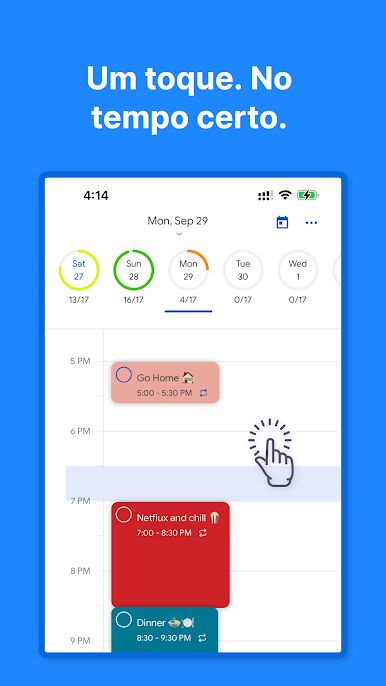
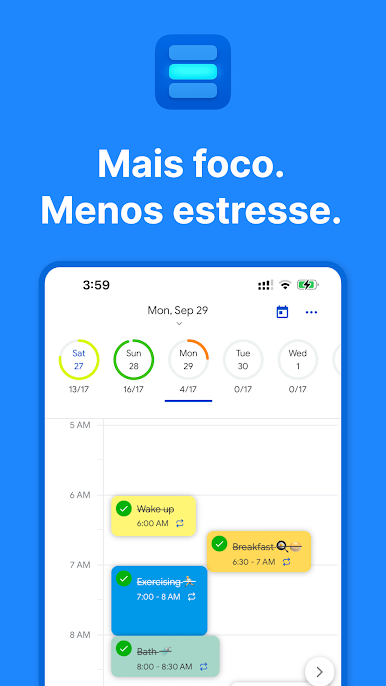
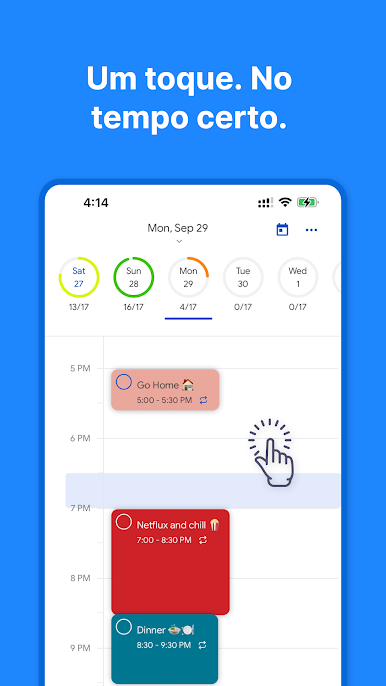
Break your day into focused time blocks and get more done with less stress. Routine48 is a weekly and daily planner designed for time blocking so you can plan ahead, organize tasks, and stay in control.
Why Routine48
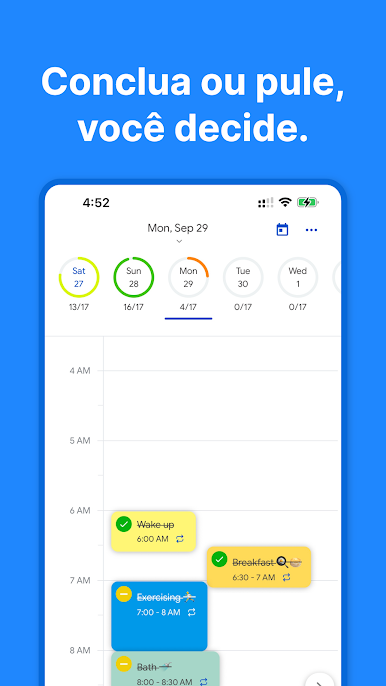
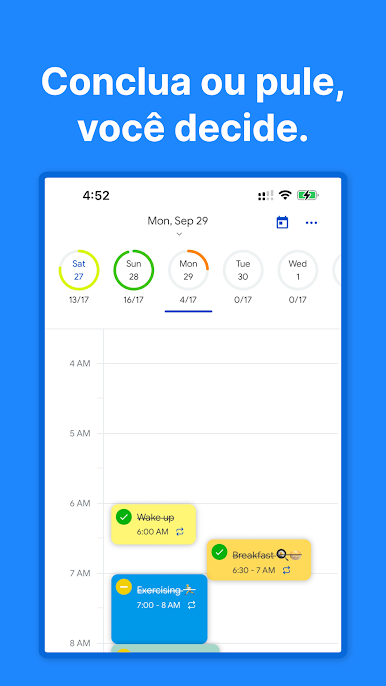
• Time blocking made easy: plan by hours using visual blocks
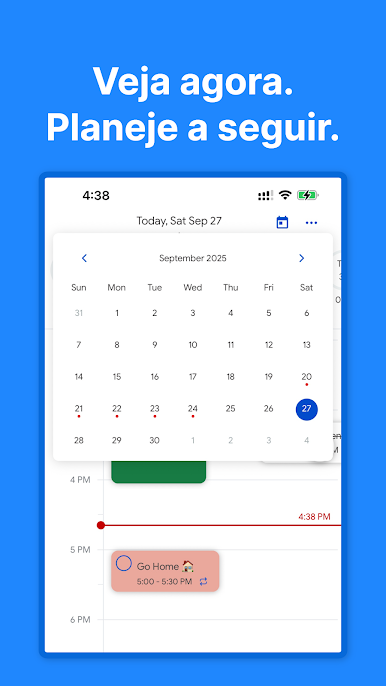
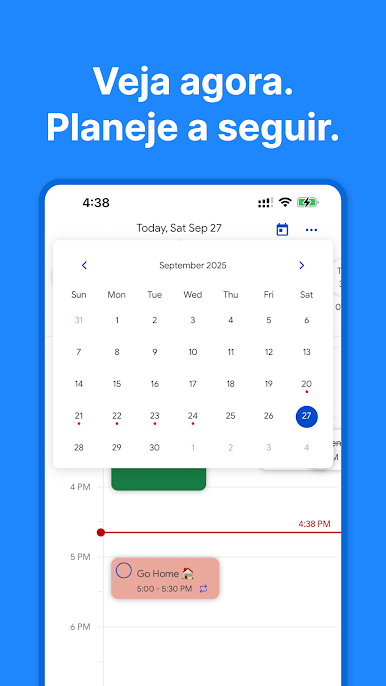
• Weekly view + daily agenda: switch seamlessly between week and day
• Routines + one‑off tasks: combine recurring routines with ad‑hoc tasks
• Conflict awareness: spot overlaps and reschedule quickly
• Progress tracking: see completion at a glance
• Fast input: add tasks without breaking your flow
Great for study timetables, work schedules, personal routines, and productivity.
Key features
• Visual time blocks by hour
• Per‑hour horizontal todo lists
• Recurring tasks and routines
• Weekly and daily planners
• Overlap visualization with easy reschedule
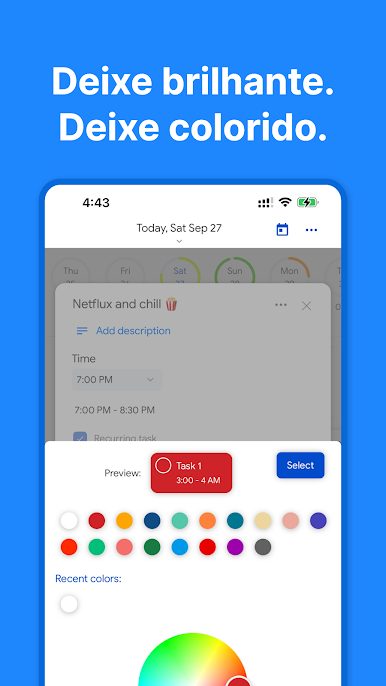
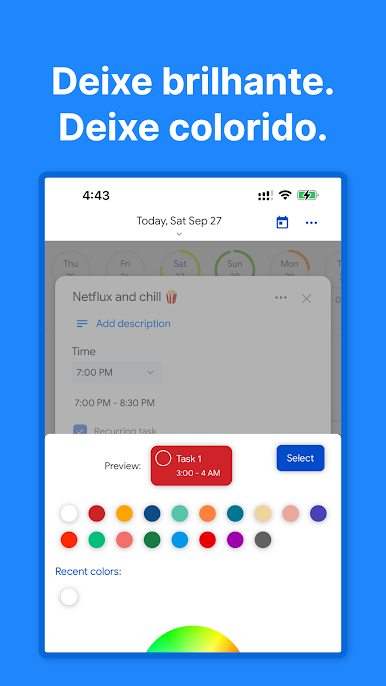
• Clean, focused design
Website: https://routine48.com

Jogue Routine48: Planeador no PC. É fácil começar.
-
Baixe e instale o BlueStacks no seu PC
-
Conclua o login do Google para acessar a Play Store ou faça isso mais tarde
-
Procure por Routine48: Planeador na barra de pesquisa no canto superior direito
-
Clique para instalar Routine48: Planeador a partir dos resultados da pesquisa
-
Conclua o login do Google (caso você pulou a etapa 2) para instalar o Routine48: Planeador
-
Clique no ícone do Routine48: Planeador na tela inicial para começar a jogar

