

R-ORG 2025: Gerçek Org Çal
在電腦上使用BlueStacks –受到5億以上的遊戲玩家所信任的Android遊戲平台。

Run R-ORG PREMIUM on PC or Mac
Let BlueStacks turn your PC, Mac, or laptop into the perfect home for R-ORG PREMIUM, a fun Music & Audio app from RTR GAMES.
About the App
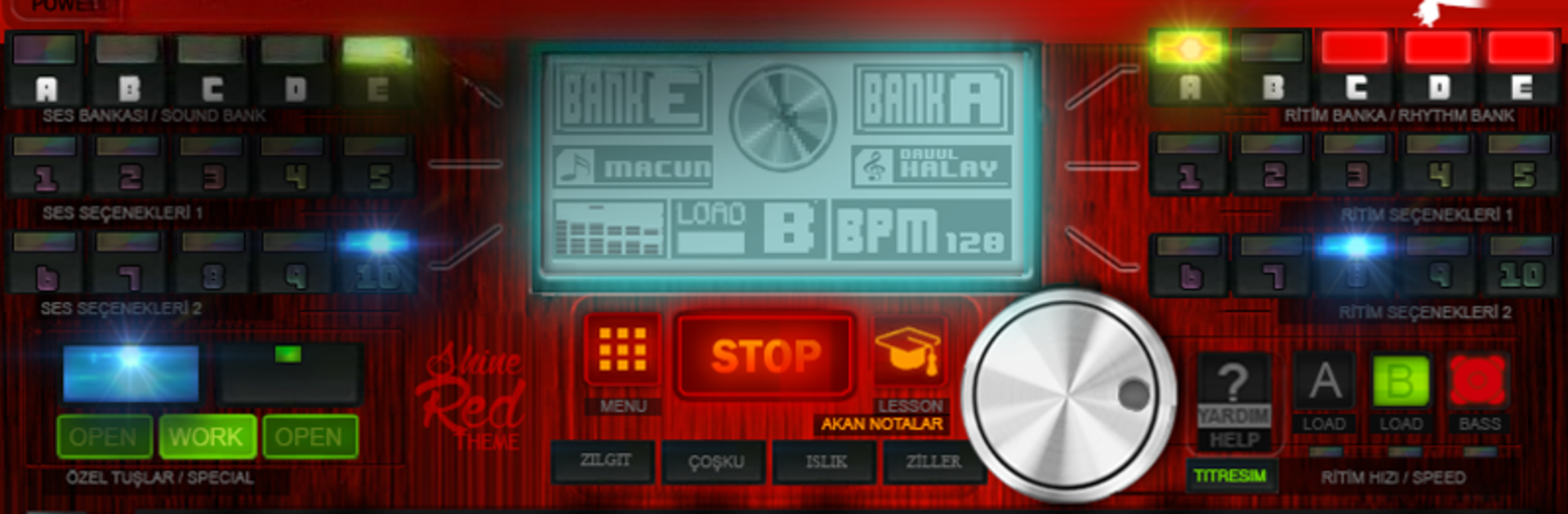
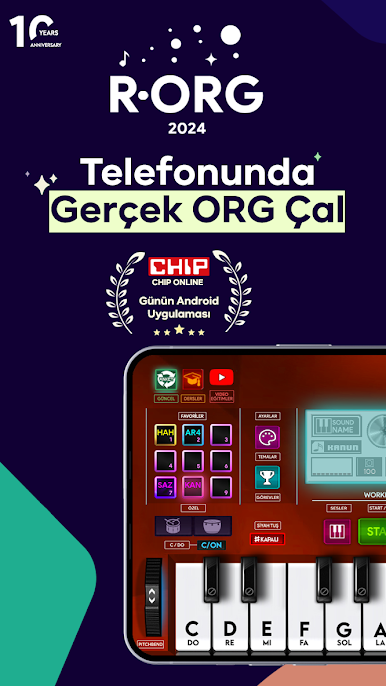
Love creating music that blends Turkish and Arabic vibes? R-ORG PREMIUM by RTR GAMES brings the powerful sound of an authentic organ right to your device, making it easy for anyone to play, experiment, and personalize music. Whether you’re looking to jam with friends or get lost exploring unique sounds, this app’s got plenty to keep you entertained.
App Features
-
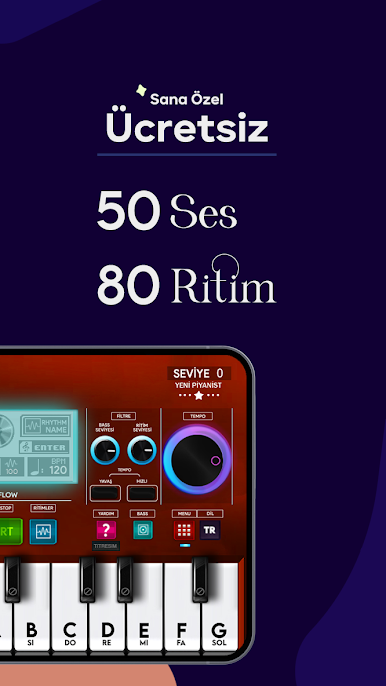
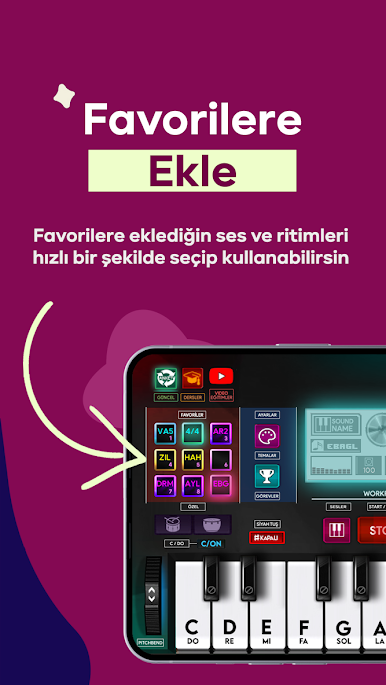
Extensive Sound Library
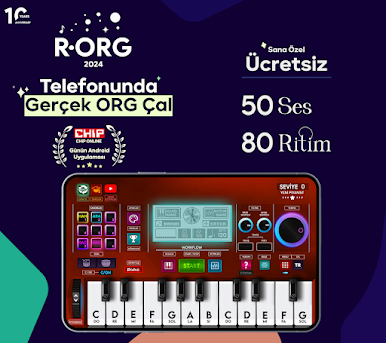
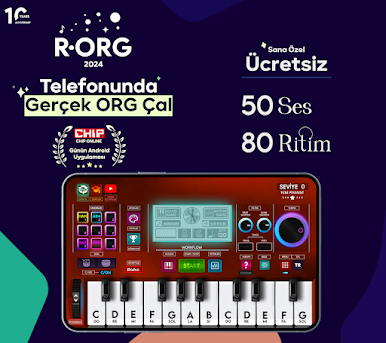
Get access to 50 different voices inspired by Turkish and Arabic music traditions. It’s perfect for mixing and matching sounds to find your own style. -
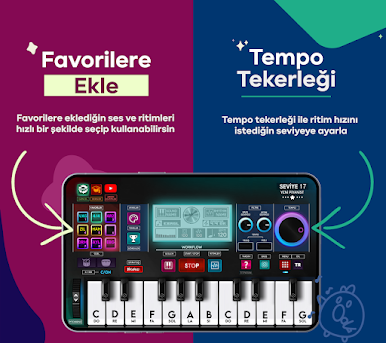
Customizable Rhythms
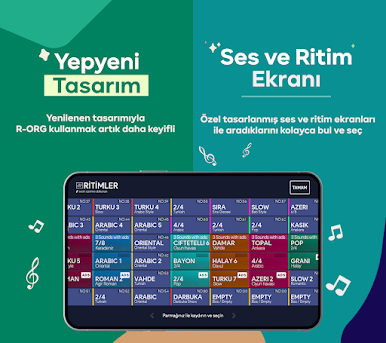
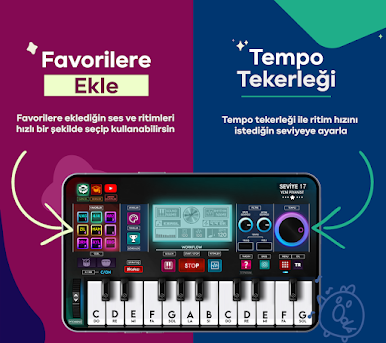
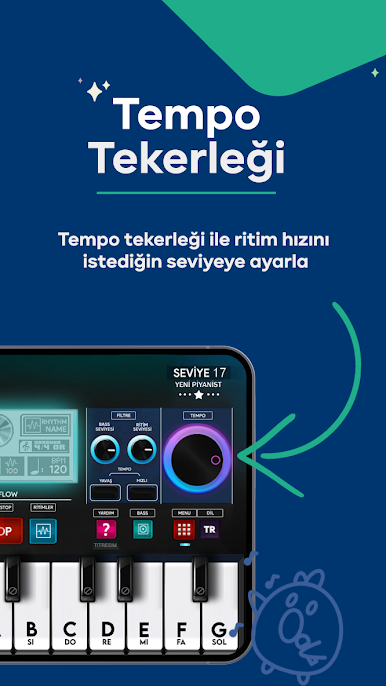
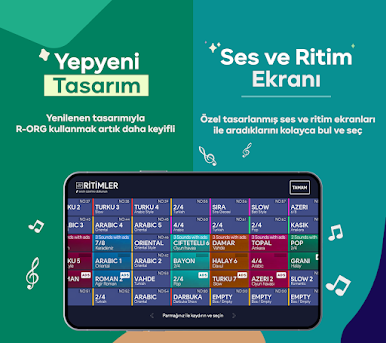
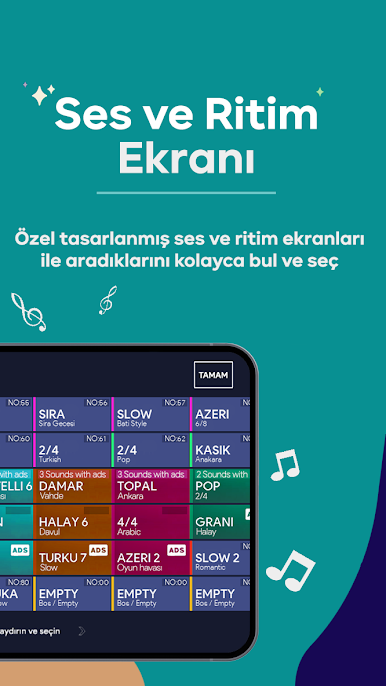
Pick from 70 built-in rhythms and adjust the tempo as fast or slow as you want. Not feeling the default speed? Just tweak it on the fly with the rhythm wheel. -
Pitchbend Fun
Add expressiveness to your music with the pitchbend feature—bend those notes, thicken up your sound, or try out new waves for a dynamic effect. -
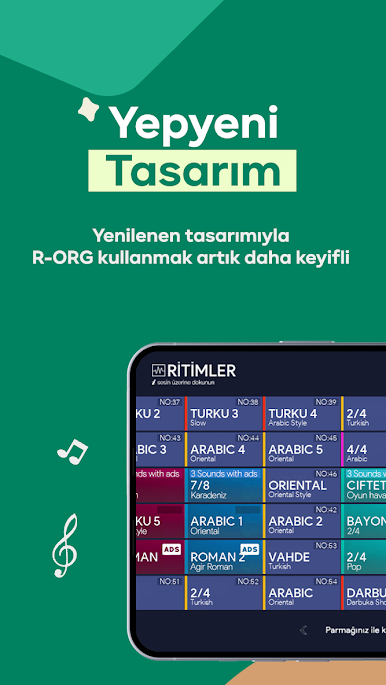
Switchable Themes
Give the app your own touch by picking a theme that matches your vibe. It’s a small thing, but it does make playing more fun. -
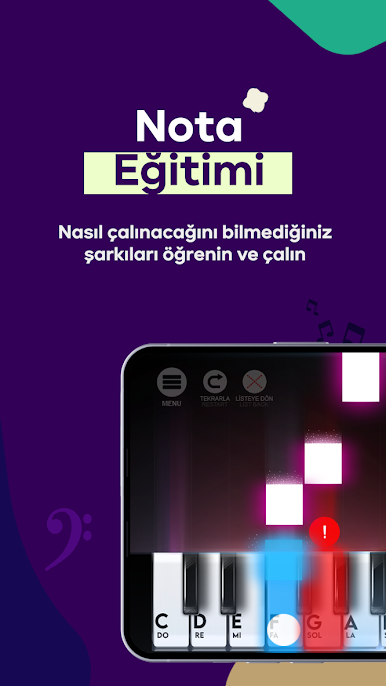
Easy Note Learning
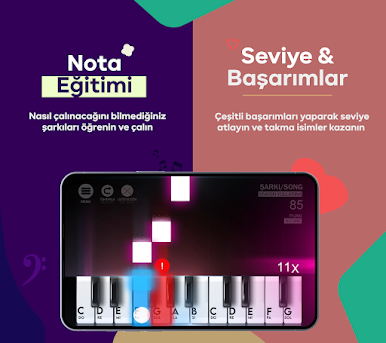
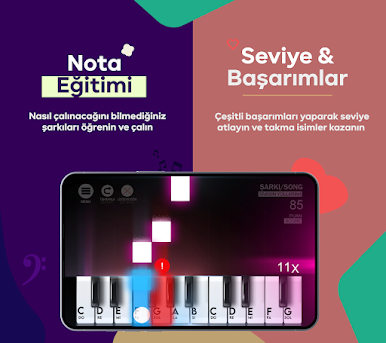
Run into a song or sequence you can’t figure out? The “any notes” tool helps you learn and play pieces that are new to you. -
Progress Tracking
There’s a built-in level system if you like seeing how you’re improving or want an extra nudge to keep practicing. -
Custom Names
Label and save your music or sets with your own names so you never lose track of your creations. -
Screen Control
No need to worry about your screen going dark in the middle of a session—the app keeps it on while you play.
You can even try out R-ORG PREMIUM with BlueStacks if you feel like stretching out on a bigger screen—makes jamming or composing even more enjoyable.
Eager to take your app experience to the next level? Start right away by downloading BlueStacks on your PC or Mac.


在電腦上遊玩R-ORG 2025: Gerçek Org Çal . 輕易上手.
-
在您的電腦上下載並安裝BlueStacks
-
完成Google登入後即可訪問Play商店,或等你需要訪問Play商店十再登入
-
在右上角的搜索欄中尋找 R-ORG 2025: Gerçek Org Çal
-
點擊以從搜索結果中安裝 R-ORG 2025: Gerçek Org Çal
-
完成Google登入(如果您跳過了步驟2),以安裝 R-ORG 2025: Gerçek Org Çal
-
在首頁畫面中點擊 R-ORG 2025: Gerçek Org Çal 圖標來啟動遊戲

