

Planyway: Calendar for Trello
在電腦上使用BlueStacks –受到5億以上的遊戲玩家所信任的Android遊戲平台。

Run Planyway: Calendar for Trello on PC or Mac
Upgrade your experience. Try Planyway: Calendar for Trello, the fantastic Productivity app from Planyway, from the comfort of your laptop, PC, or Mac, only on BlueStacks.
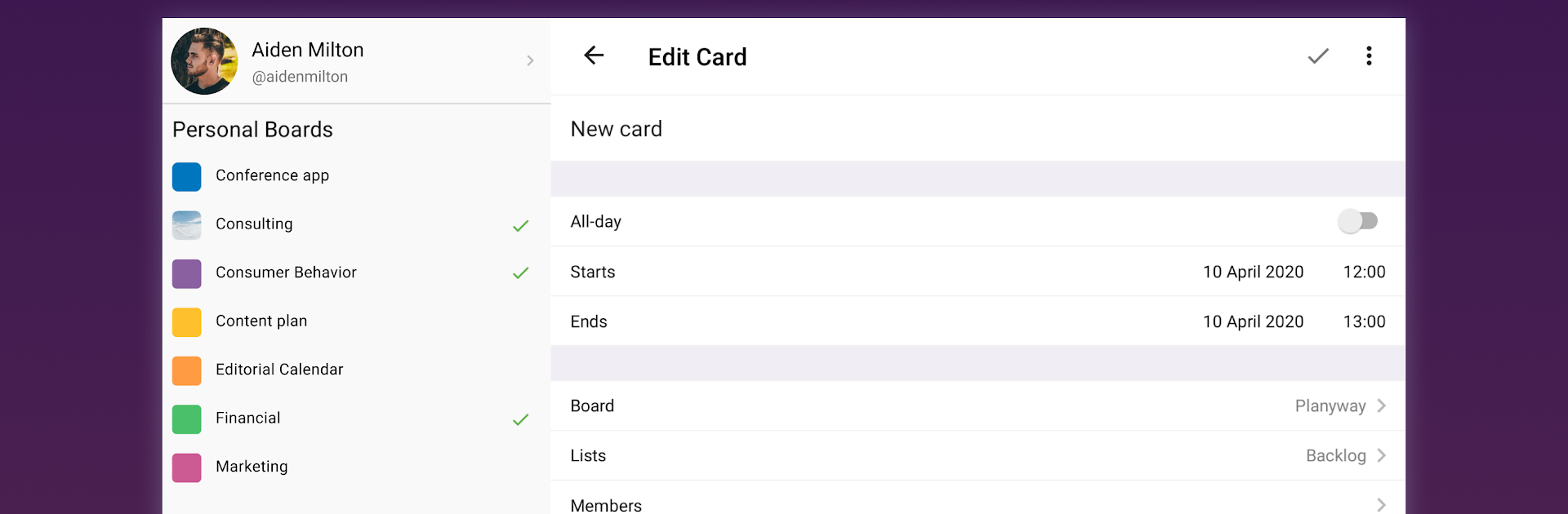
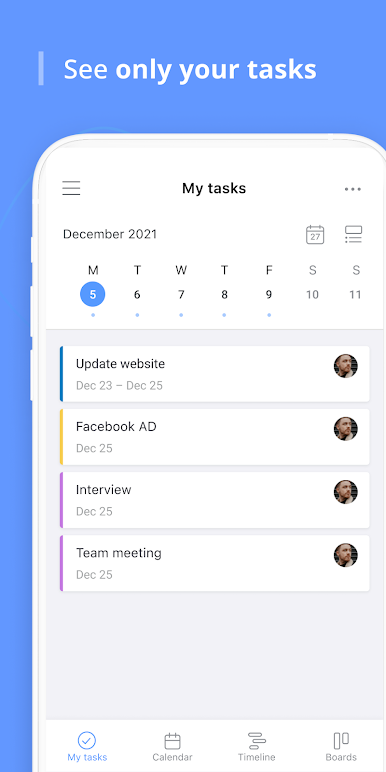
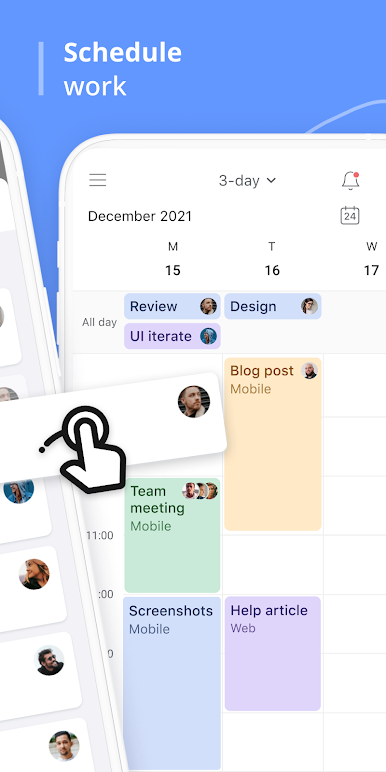
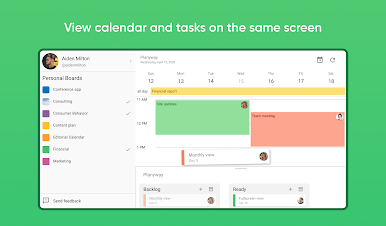
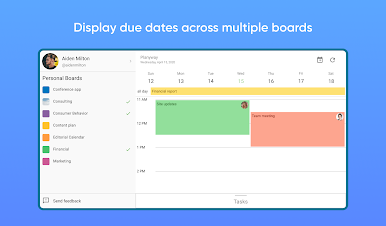
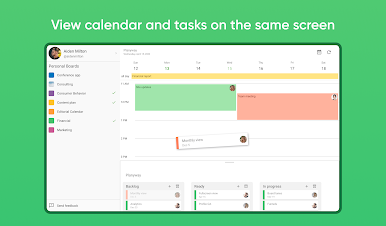
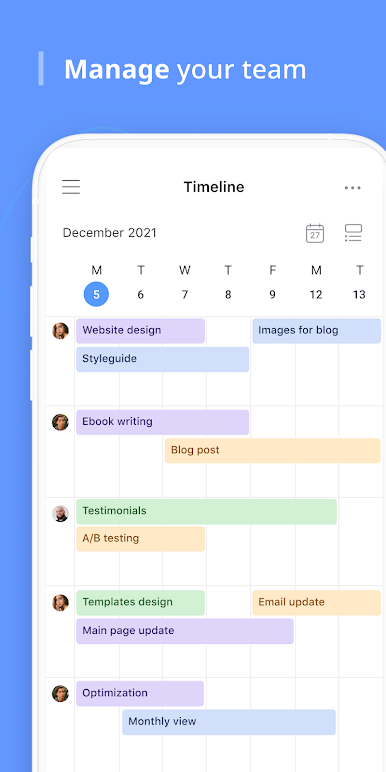
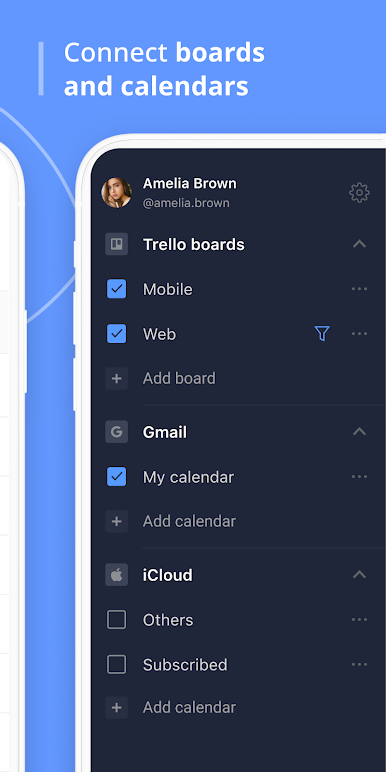
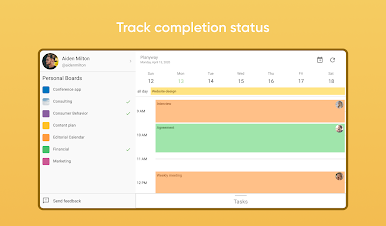
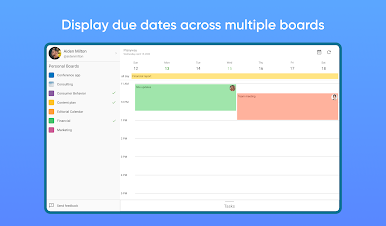
Planyway is like a control center for anyone who spends time juggling tasks in Trello – whether solo or with a whole crew. It takes all those scattered Trello boards and pulls everything together in one calendar, so there’s none of that “Wait, what’s due next?” feeling. The neat thing is the way it lays things out: there’s a timeline for the whole team, weekly and monthly calendars, and even ways to see just your own list, without everyone else’s clutter. On a PC (like through BlueStacks), seeing those larger calendar views feels pretty comfortable, especially for bigger projects or if you’re someone who has a lot going on across different boards.
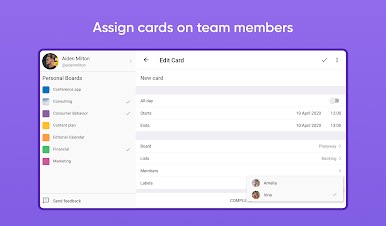
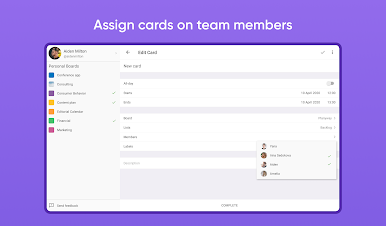
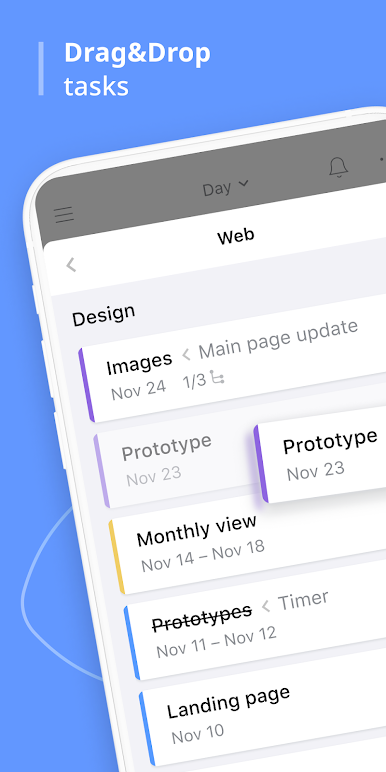
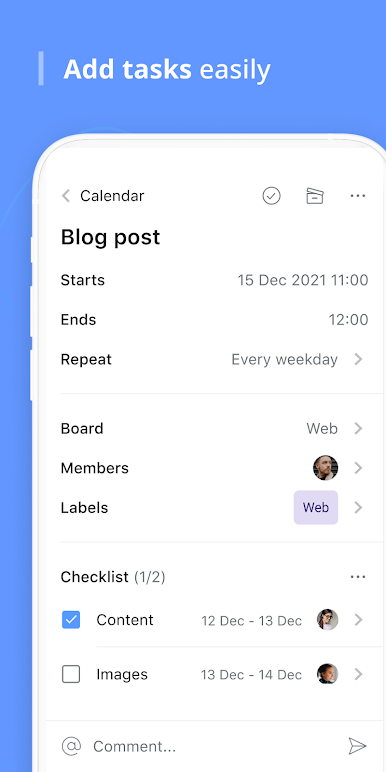
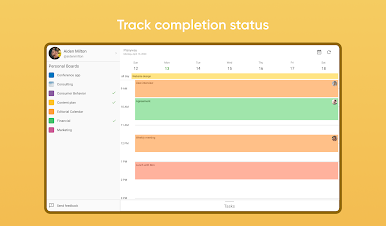
It isn’t just about tossing everything in one place—it actually lets users break big projects into smaller pieces, assign them, and keep tabs on who’s doing what. There’s some real-time syncing happening, so when things get updated in Trello or Planyway, everyone sees it right away. People who connect their Google calendars get that extra benefit of seeing outside appointments alongside work stuff. It works for personal organizing too, not just teams. The daily organizer and time tracker are there if someone wants to get granular about schedules. Overall, Planyway turns Trello from a simple board of lists into a detailed calendar and planning tool, making it easier to keep up with deadlines and see all tasks at a glance without missing anything important.
Big screen. Bigger performance. Use BlueStacks on your PC or Mac to run your favorite apps.
在電腦上遊玩Planyway: Calendar for Trello . 輕易上手.
-
在您的電腦上下載並安裝BlueStacks
-
完成Google登入後即可訪問Play商店,或等你需要訪問Play商店十再登入
-
在右上角的搜索欄中尋找 Planyway: Calendar for Trello
-
點擊以從搜索結果中安裝 Planyway: Calendar for Trello
-
完成Google登入(如果您跳過了步驟2),以安裝 Planyway: Calendar for Trello
-
在首頁畫面中點擊 Planyway: Calendar for Trello 圖標來啟動遊戲

