


應用鎖: App Lock
在電腦上使用BlueStacks –受到5億以上的遊戲玩家所信任的Android遊戲平台。

Run App Lock Fingerprint - Hide Apps, Hide Pictures on PC or Mac
Why limit yourself to your small screen on the phone? Run App Lock Fingerprint – Hide Apps, Hide Pictures, an app by RV AppStudios, best experienced on your PC or Mac with BlueStacks, the world’s #1 Android emulator.
About the App
Ever hand your phone to a friend or family member and suddenly get nervous about what they might see? App Lock Fingerprint – Hide Apps, Hide Pictures makes that sort of stress a thing of the past. Developed by RV AppStudios, this handy Tools app gives you control over who can peek into your personal stuff. Whether you want to keep certain apps locked, stash away private photos, or just make sure nobody snoops through your texts or emails, this app puts privacy right in your hands. If you’re using BlueStacks, it’s just as simple to keep things secure and organized.
App Features
- Easy App Locking
-
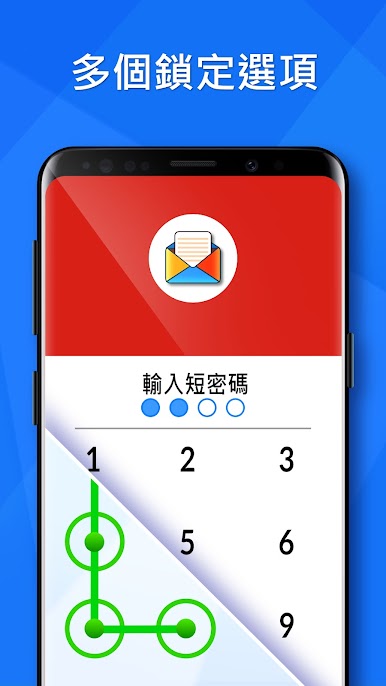
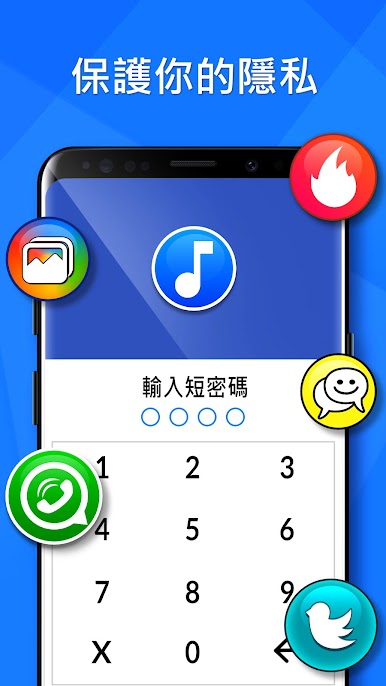
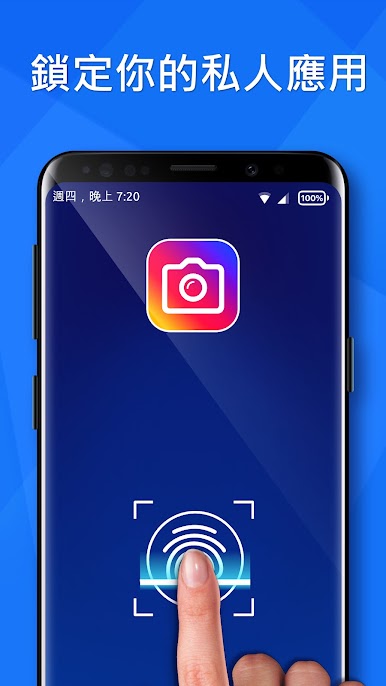
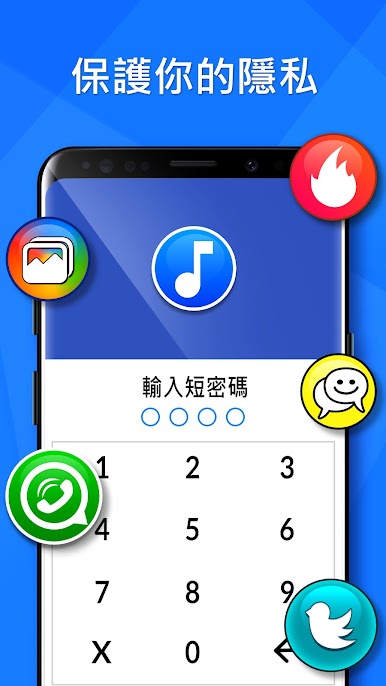
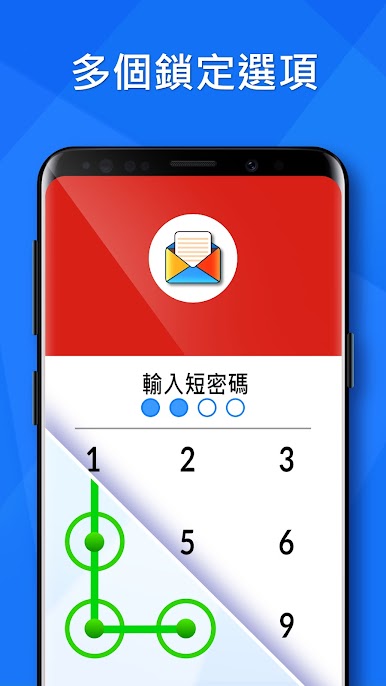
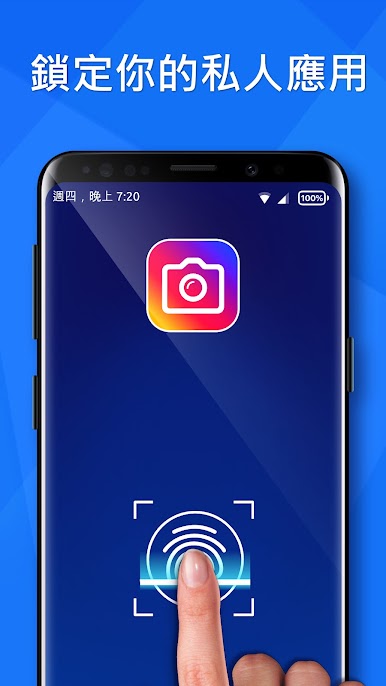
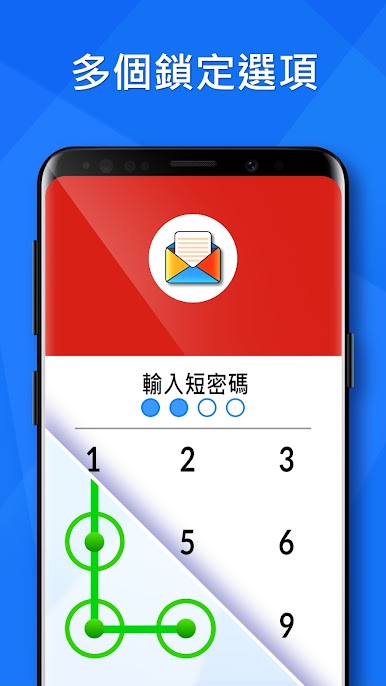
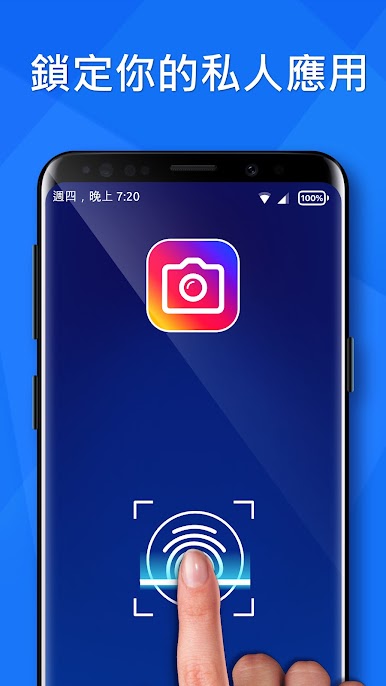
Choose exactly which apps to lock (think messaging, social, photo gallery—pretty much anything), and secure them with your PIN, pattern, or fingerprint. Hand over your phone with zero worries.
-
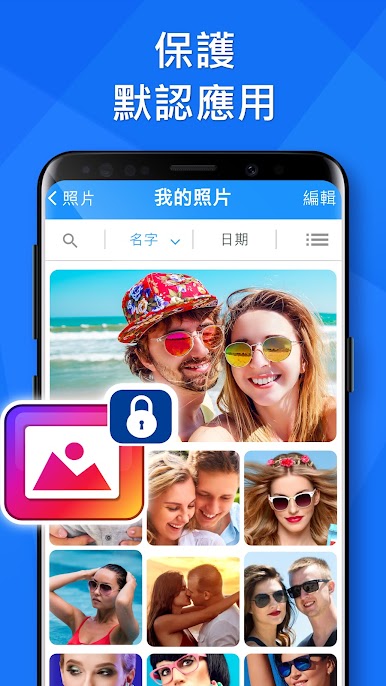
Smart Photo & Video Vault
-
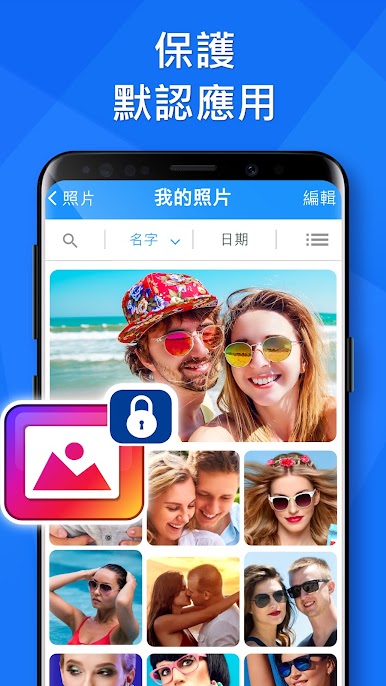
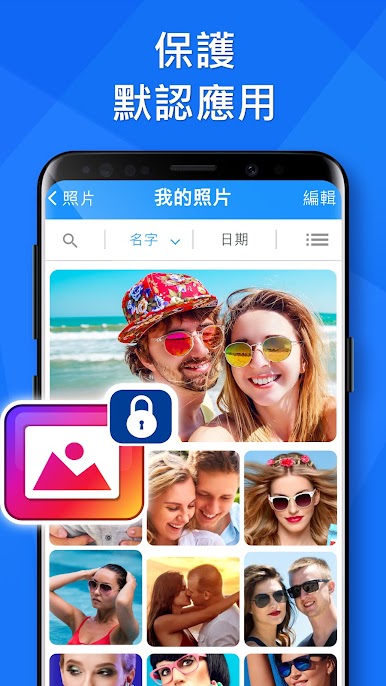
Hide those personal photos and videos you’d rather keep to yourself. Your secret gallery stays invisible until you unlock it.
-
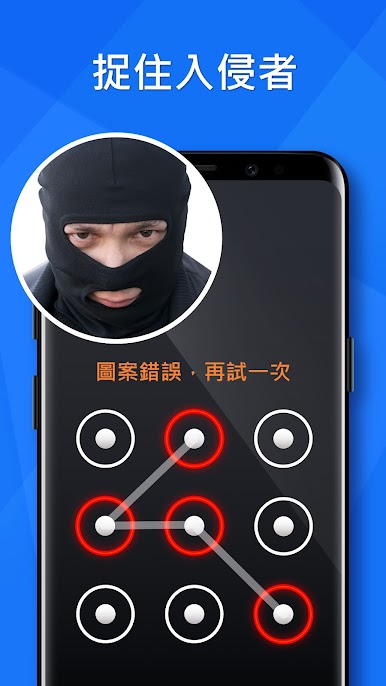
Intruder Capture
-
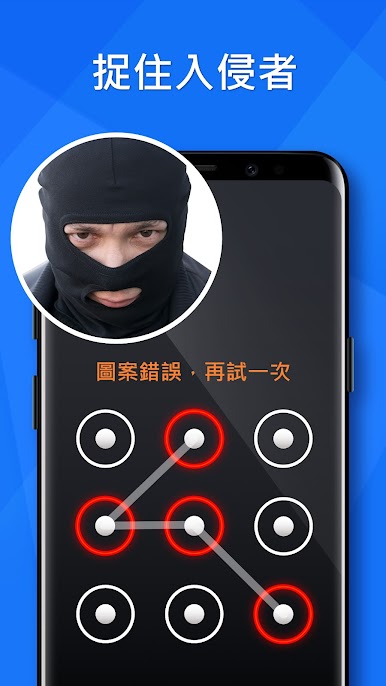
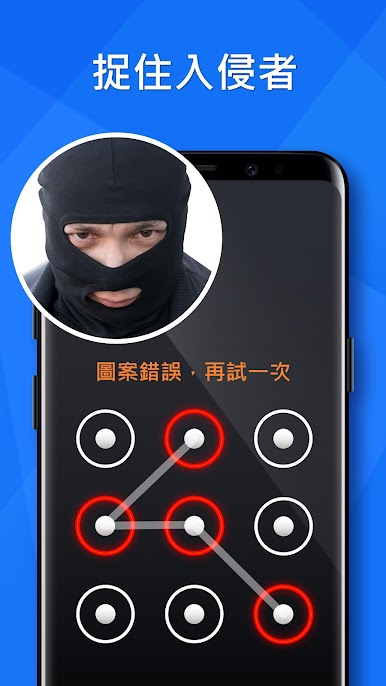
Get a snapshot and details like time and location if someone tries to get in using the wrong password or pattern. You’ll know exactly who tried (nice try, though).
-
Lock Switches
-
Want to avoid accidental changes? Lock access to toggles like Wi-Fi, mobile data, or Bluetooth, keeping curious fingers in check.
-
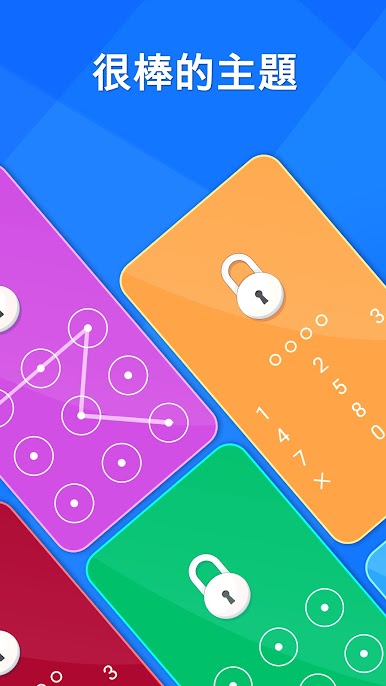
Random Keyboard & Invisible Pattern
-
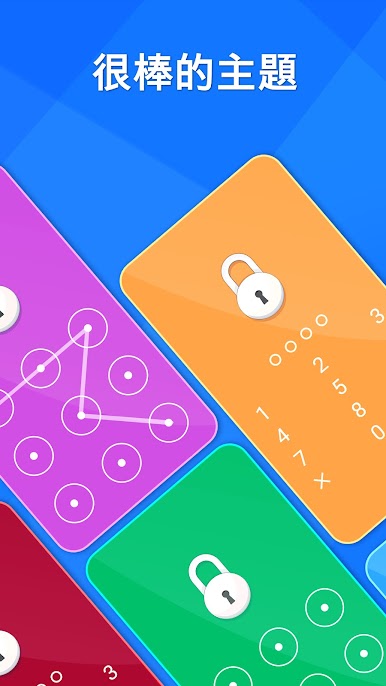
The app scrambles the number pads and lets you use an invisible lock pattern, making it tricky for anyone to guess your codes by watching.
-
Automatic App Detection
-
Just downloaded a new app? App Lock Fingerprint – Hide Apps, Hide Pictures catches it and offers to lock it right away—no need to go hunting through menus.
-
Total Control
-
Don’t just stop at apps. Lock your contacts, stop incoming calls from being answered by anyone, lock SMS, and even protect your Google Play Store from unauthorized purchases or unwanted app installs.
-
Multi-Language Support
- Whatever your preferred language, odds are you’ll find it here—easy switching makes the app accessible for everyone.
Give yourself one less thing to stress over with App Lock Fingerprint – Hide Apps, Hide Pictures, especially if you like tidying up and keeping things private—whether you’re using your phone directly or running apps on BlueStacks.
BlueStacks gives you the much-needed freedom to experience your favorite apps on a bigger screen. Get it now.
在電腦上遊玩應用鎖: App Lock . 輕易上手.
-
在您的電腦上下載並安裝BlueStacks
-
完成Google登入後即可訪問Play商店,或等你需要訪問Play商店十再登入
-
在右上角的搜索欄中尋找 應用鎖: App Lock
-
點擊以從搜索結果中安裝 應用鎖: App Lock
-
完成Google登入(如果您跳過了步驟2),以安裝 應用鎖: App Lock
-
在首頁畫面中點擊 應用鎖: App Lock 圖標來啟動遊戲

