


MTestM
在電腦上使用BlueStacks –受到5億以上的遊戲玩家所信任的Android遊戲平台。

Run MTestM on PC or Mac
Upgrade your experience. Try MTestM, the fantastic Education app from samapp, from the comfort of your laptop, PC, or Mac, only on BlueStacks.
About the App
Need to whip up a quiz, test, or exam without jumping through hoops? MTestM is built just for that. Designed by samapp for anyone in the education world (or anyone who loves making quizzes), this handy tool gives you a simple, flexible way to create, organize, and share exams. Whether you’re in the classroom, holding a training session, or just prepping for a study group, you’ll find everything you need—no extra hassle.
App Features
-
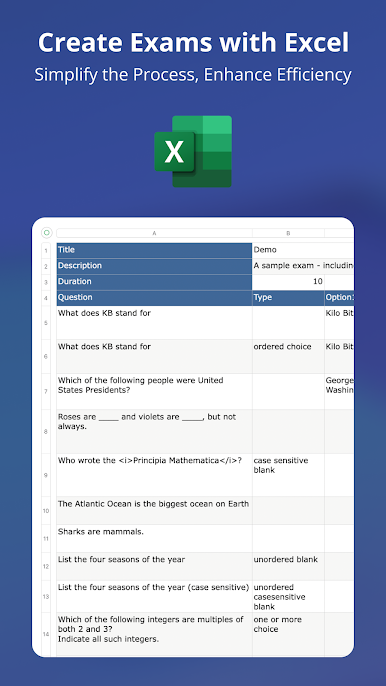
Excel-Friendly Exam Creation
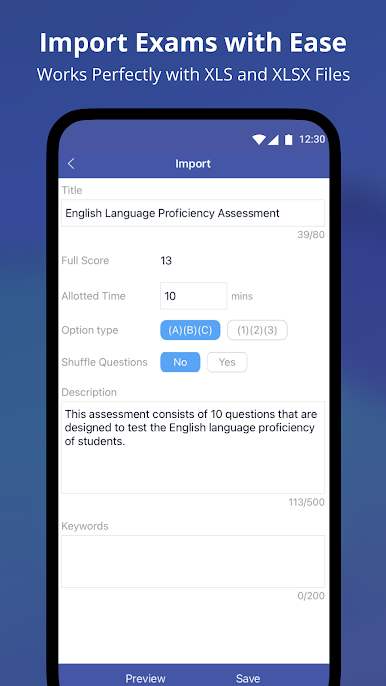
Prefer working in Excel? MTestM lets you jot down questions right in a spreadsheet, making it easy to organize them offline and import them all at once. No complicated setups or weird formatting. -
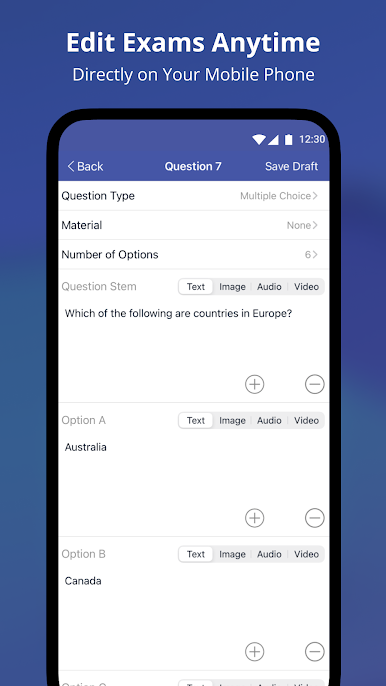
A Bunch of Question Types
Mix things up with different formats like multiple choice, single choice, fill-in-the-blank, and matching. You even get advanced options: toss in images, audio, MathML, or videos when a plain question just won’t cut it. -
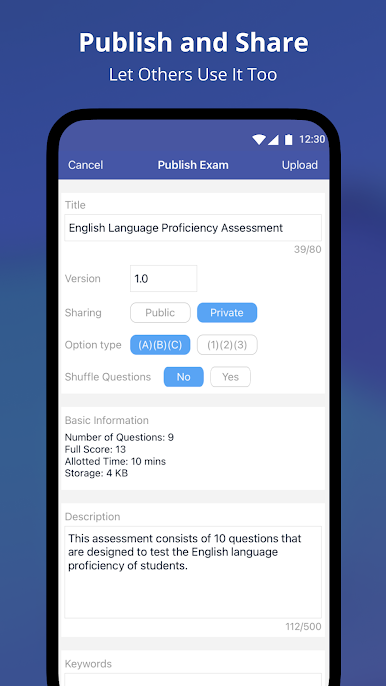
Simple Publishing Controls
Finished making your test? You can publish it for others or keep it private. If something changes, just update it—no need to start from scratch. -
Easy Exam Sharing
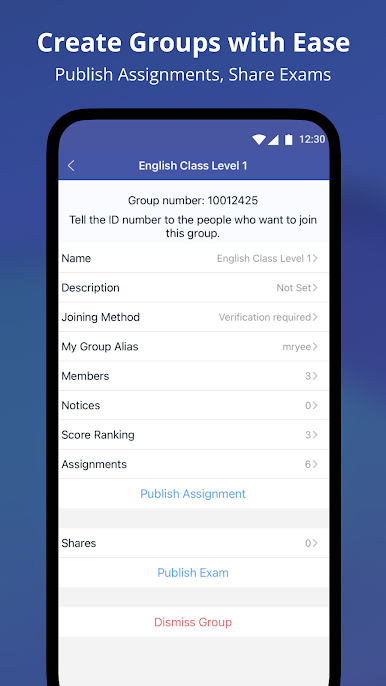
Public exams are a click away from sharing. For private quizzes, you control exactly who sees them. Teachers, learners, coworkers—everyone can collaborate or challenge each other. -
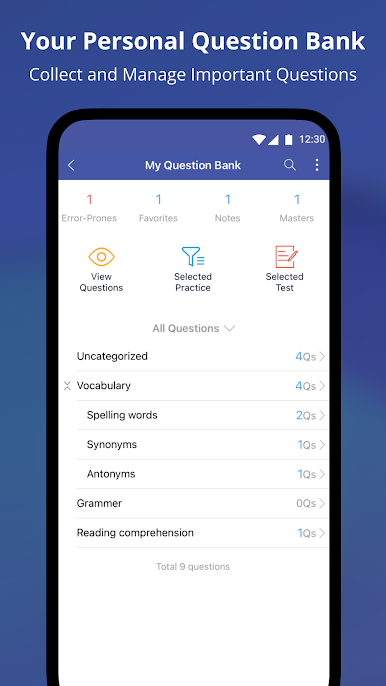
Keep Organized with Folders
Create folders and subfolders to store your exams. Search by keywords to find what you need fast, and quickly spot the latest exams or ones you just took. -
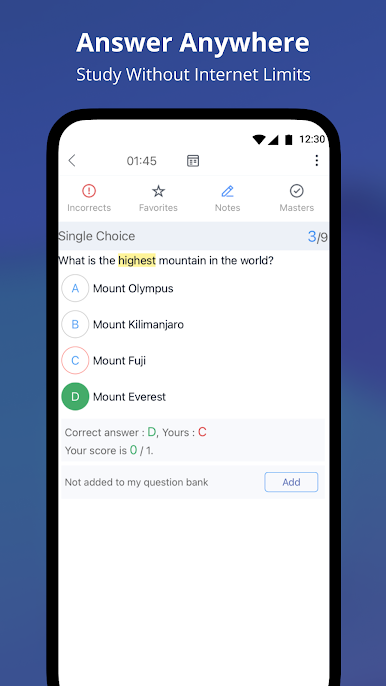
Take Exams Offline
No Wi-Fi? No problem. Run through your tests anytime, anywhere. Want to see how you did? Review your answers, retake questions you missed, or try again on your favorite ones.
If you’re using BlueStacks, you’ll have no trouble running MTestM right from your computer, making exam prep even easier.
BlueStacks brings your apps to life on a bigger screen—seamless and straightforward.
在電腦上遊玩MTestM . 輕易上手.
-
在您的電腦上下載並安裝BlueStacks
-
完成Google登入後即可訪問Play商店,或等你需要訪問Play商店十再登入
-
在右上角的搜索欄中尋找 MTestM
-
點擊以從搜索結果中安裝 MTestM
-
完成Google登入(如果您跳過了步驟2),以安裝 MTestM
-
在首頁畫面中點擊 MTestM 圖標來啟動遊戲

