


World History
5억명 이상의 게이머가 신뢰하는 안드로이드 게임 플랫폼 BlueStacks으로 PC에서 플레이하세요.

Run World History on PC or Mac
Get freedom from your phone’s obvious limitations. Use World History, made by Sana Edutech, a Education app on your PC or Mac with BlueStacks, and level up your experience.
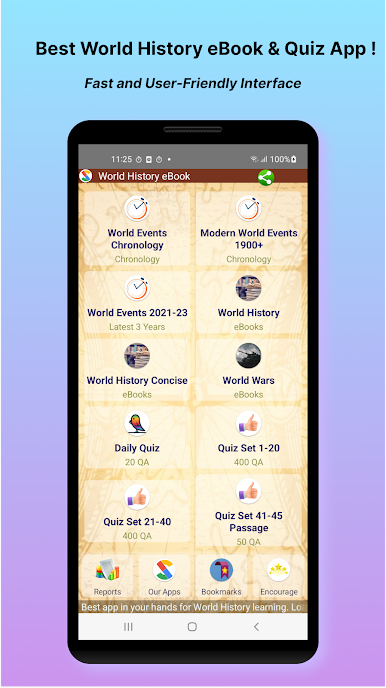
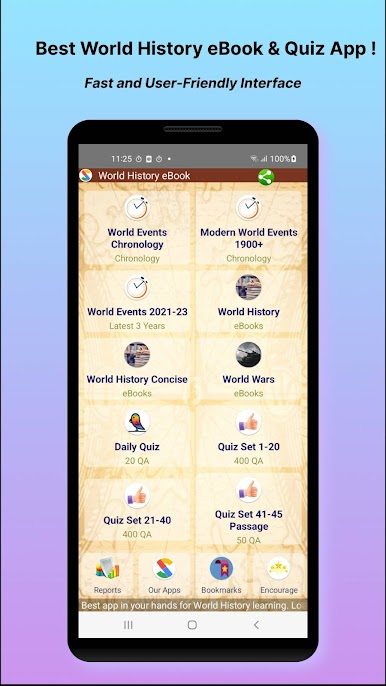
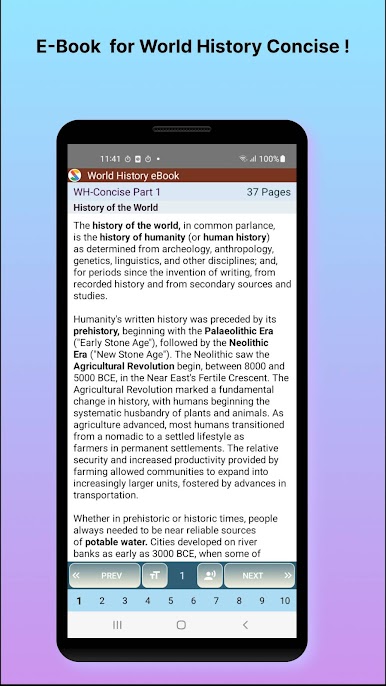
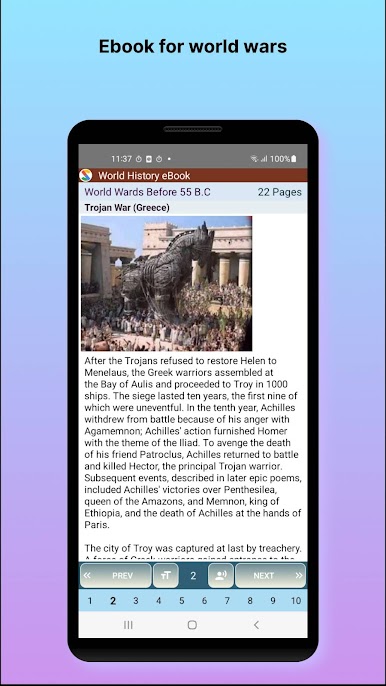
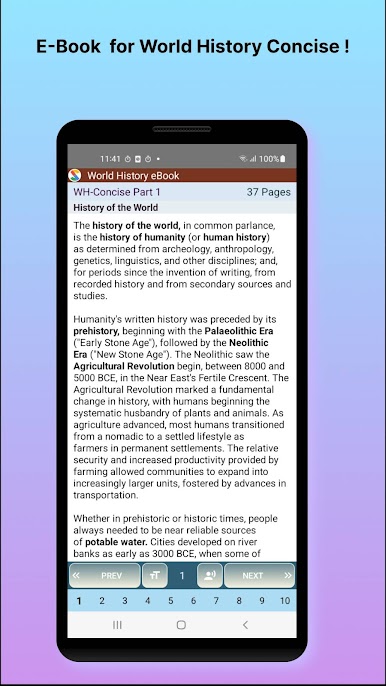
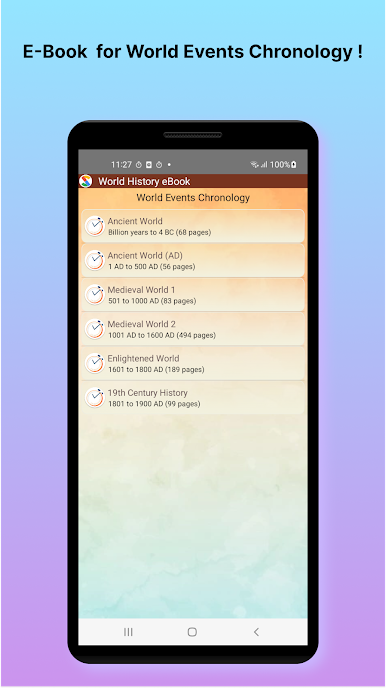
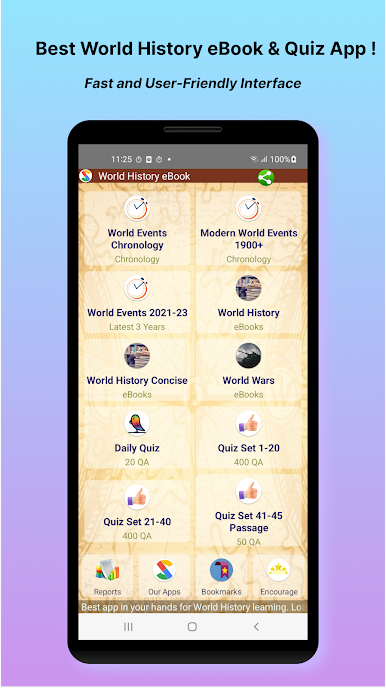
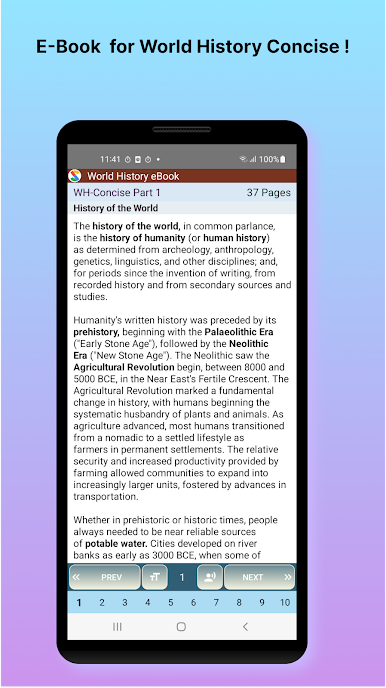
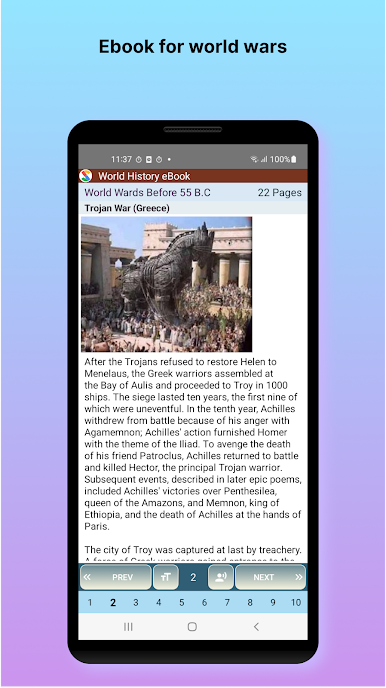
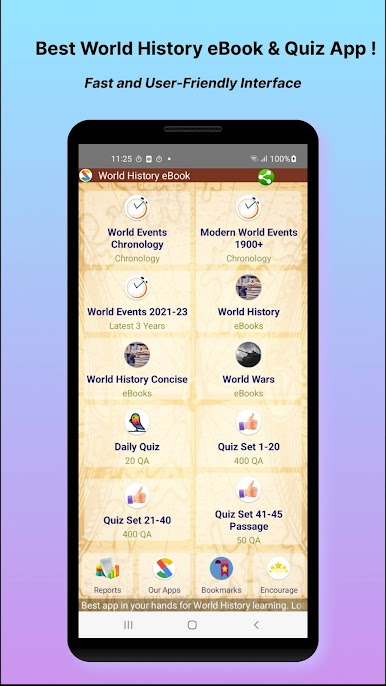
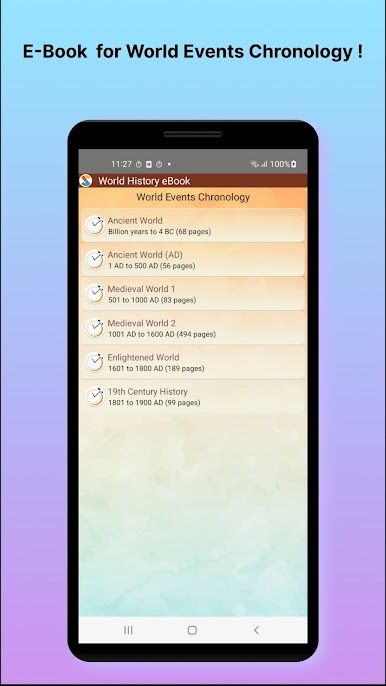
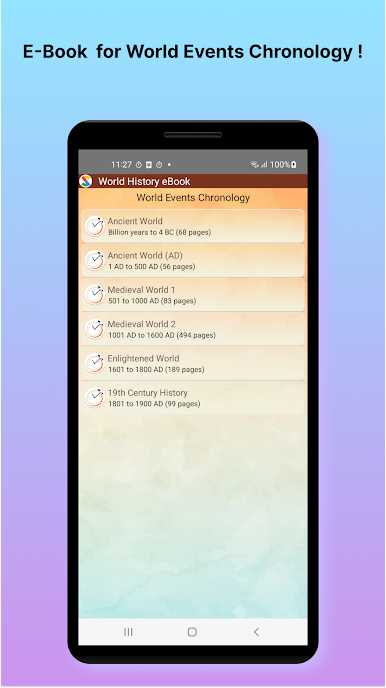
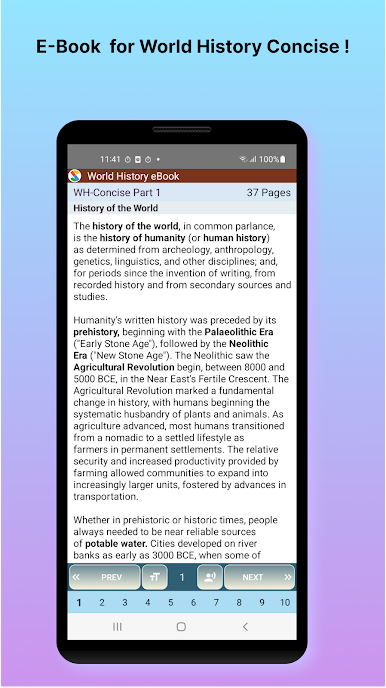
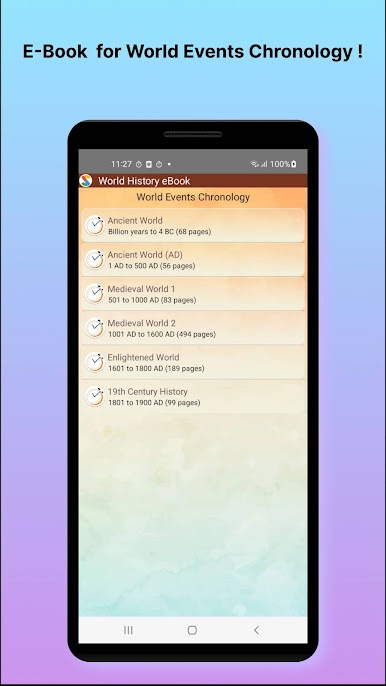
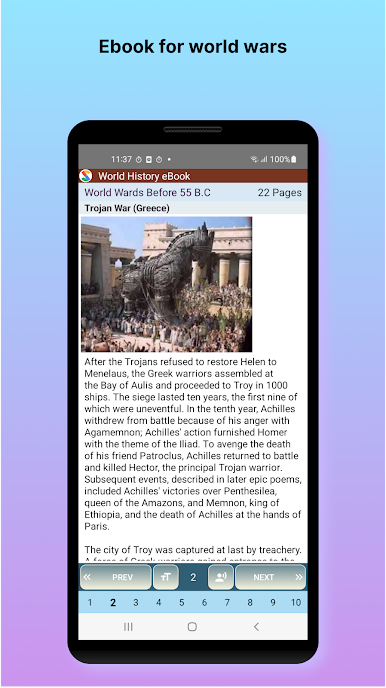
World History feels like a fast reference book mixed with a big quiz bank. Instead of flipping through chapters, there is a seek bar that lets someone jump around the topics in seconds, which is strangely satisfying. The layout is simple and quick, with short bits of text and small pictures that help lock things in. It is organised by eras and themes, so moving from Ancient civilizations to Greeks and Romans to World Wars does not feel like a maze. There is even stuff on international organizations and more recent events, so it does not stop at the usual school topics.
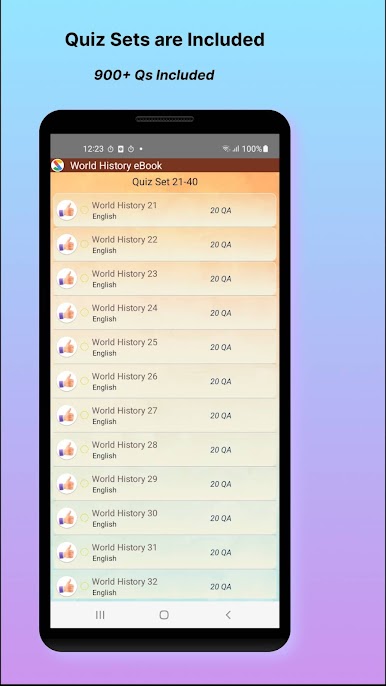
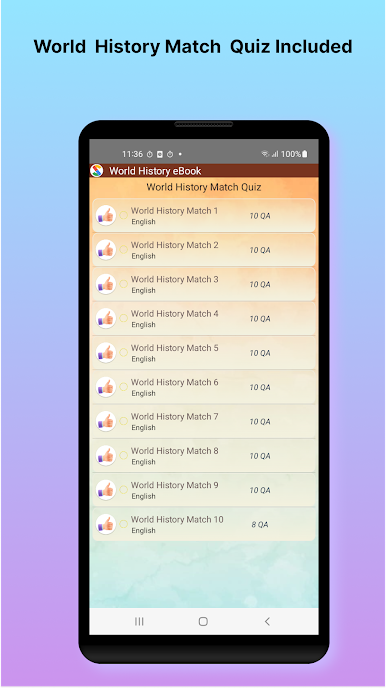
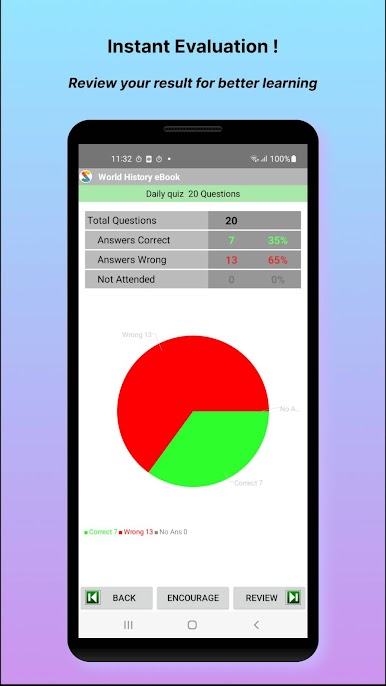
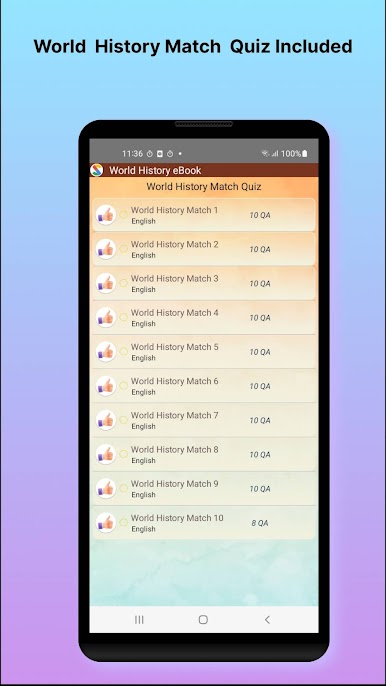
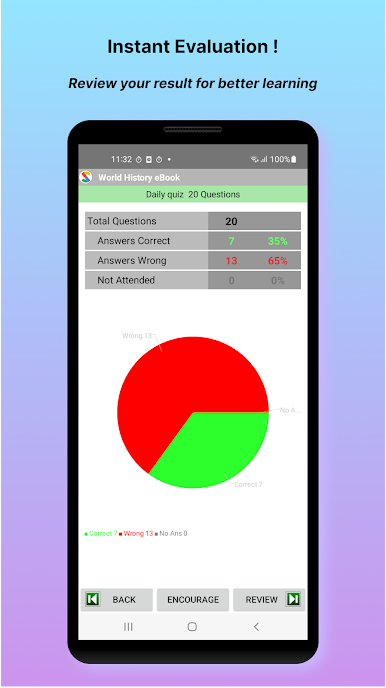
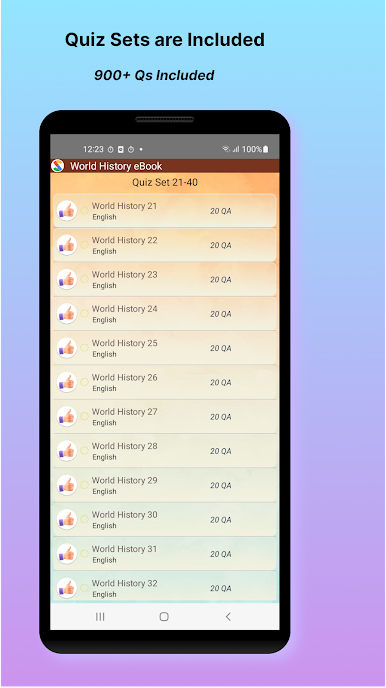
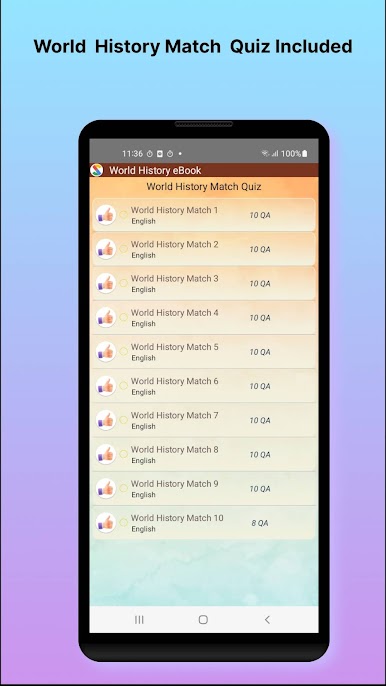
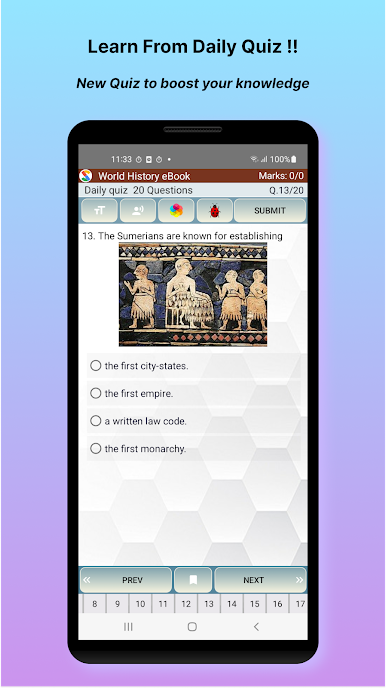
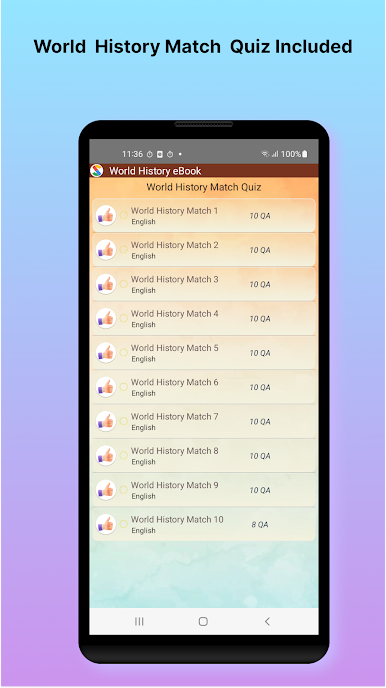
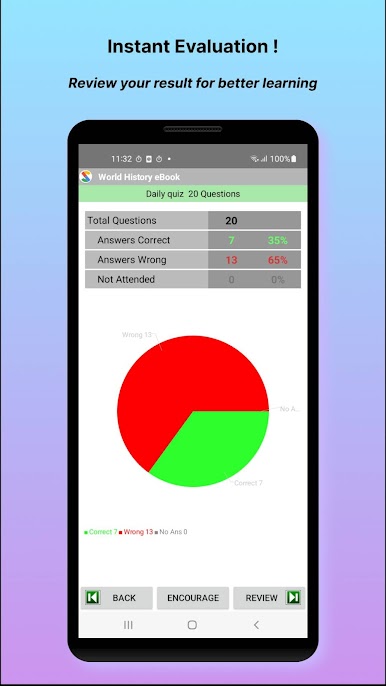
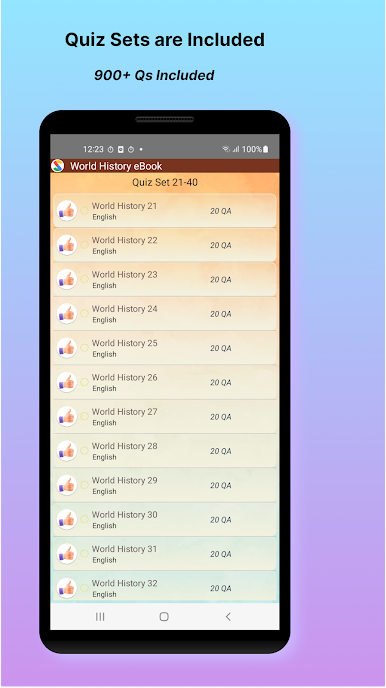
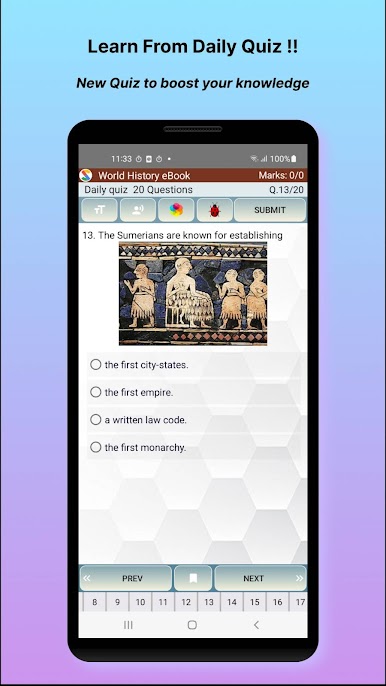
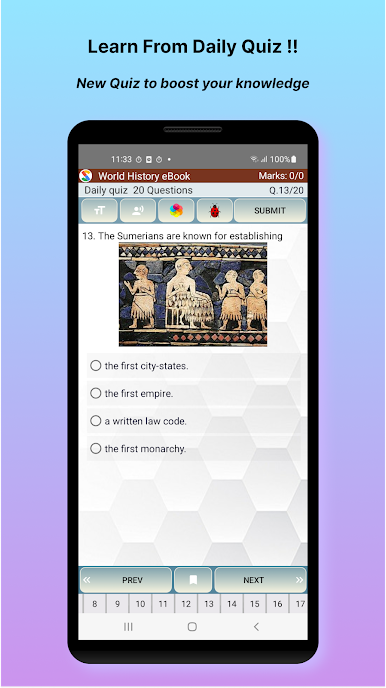
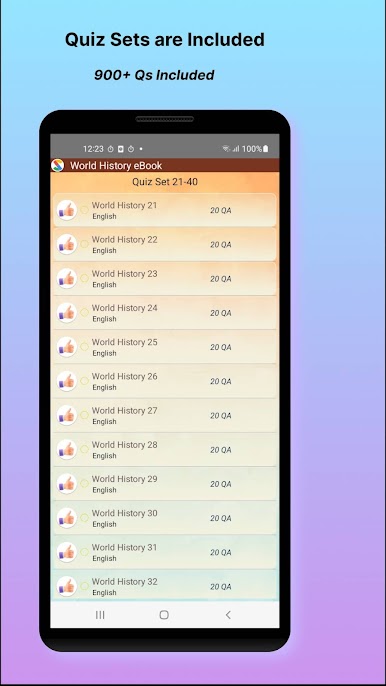
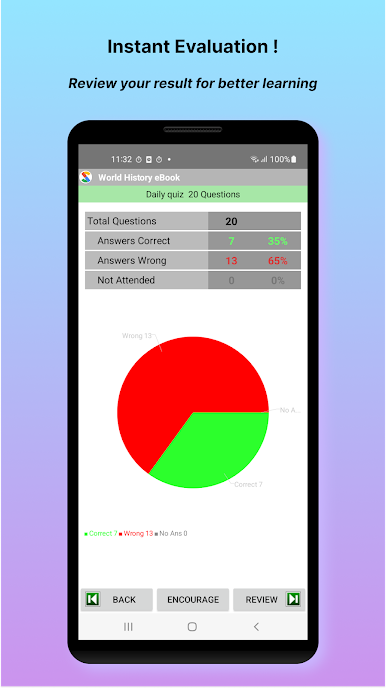
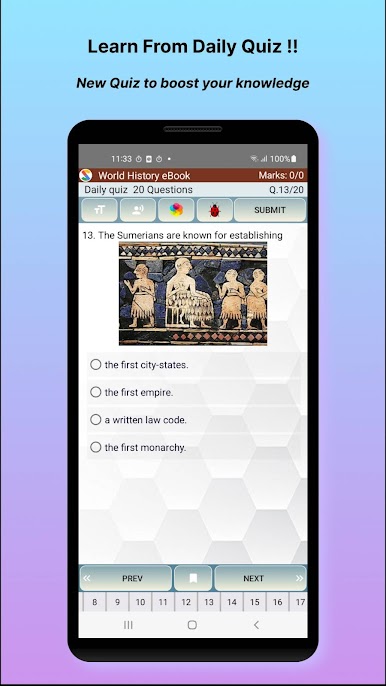
The quiz side is where it gets busy. There are a lot of questions, all in a clean multiple choice style, and results pop up immediately so a person knows what sections need work. It is useful for exam practice or just brushing up on random trivia without getting bored. Everything is open from the start, so there is no awkward wall where content is gated away. Running it on BlueStacks helps if a bigger screen is preferred, since the timelines and tiny labels read better, and using a mouse to scrub that seek bar is smooth. It is not flashy or complicated, just quick to learn from and easy to keep going for a few minutes that somehow turns into alot more.
BlueStacks gives you the much-needed freedom to experience your favorite apps on a bigger screen. Get it now.
PC에서 World History 플레이해보세요.
-
BlueStacks 다운로드하고 설치
-
Google Play 스토어에 로그인 하기(나중에 진행가능)
-
오른쪽 상단 코너에 World History 검색
-
검색 결과 중 World History 선택하여 설치
-
구글 로그인 진행(만약 2단계를 지나갔을 경우) 후 World History 설치
-
메인 홈화면에서 World History 선택하여 실행

