


Dorminhoco 2 com cronômetro
Jogue no PC com BlueStacks - A Plataforma de Jogos Android, confiada por mais de 500 milhões de jogadores.

Página modificada em: Sep 27, 2025
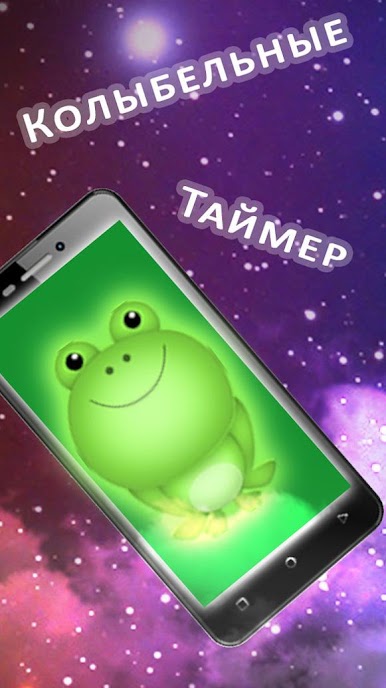
Play Night light 2 with a timer on PC
What's new?:
- Updated interface
- new tunes
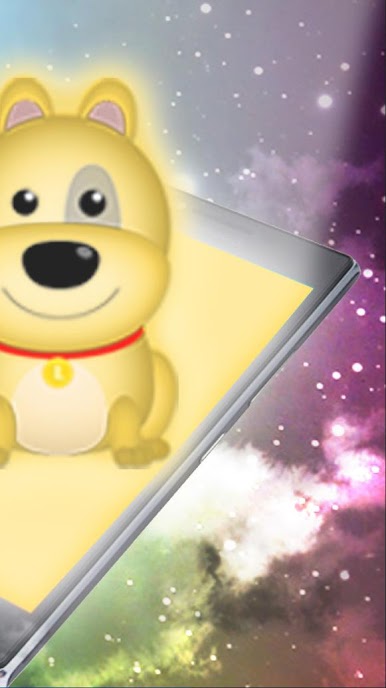
- more animals
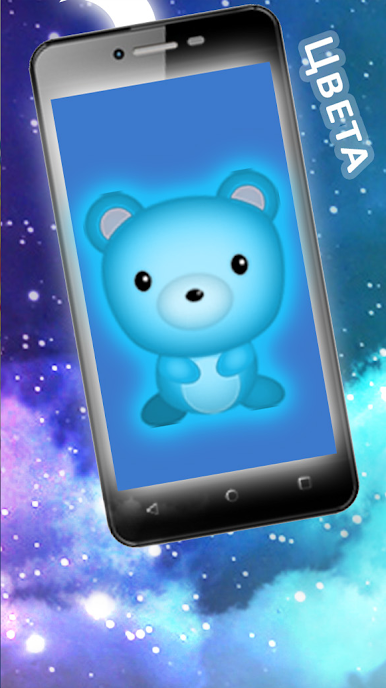
- change colors
If you always try to put babies to the bed or just divert their attention for a long time – this application for you!

Jogue Dorminhoco 2 com cronômetro no PC. É fácil começar.
-
Baixe e instale o BlueStacks no seu PC
-
Conclua o login do Google para acessar a Play Store ou faça isso mais tarde
-
Procure por Dorminhoco 2 com cronômetro na barra de pesquisa no canto superior direito
-
Clique para instalar Dorminhoco 2 com cronômetro a partir dos resultados da pesquisa
-
Conclua o login do Google (caso você pulou a etapa 2) para instalar o Dorminhoco 2 com cronômetro
-
Clique no ícone do Dorminhoco 2 com cronômetro na tela inicial para começar a jogar

