


配对。孩子们的记忆游戏。
益智 | sbitsoft.com
在電腦上使用BlueStacks –受到5億以上的遊戲玩家所信任的Android遊戲平台。

暢玩 配对。孩子们的记忆游戏。 電腦版
遊戲中的有趣之處:
• 教育瓷磚配對遊戲;
• 兒童遊戲免費精美的圖形和設計;
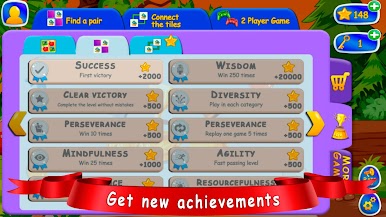
• 三種腦力遊戲模式;
• 嬰兒感官遊戲配對瓷磚;
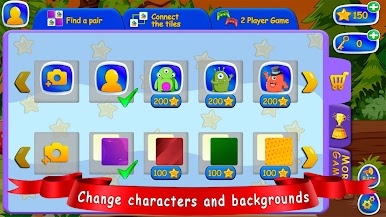
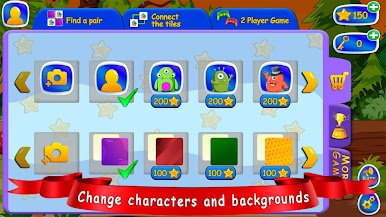
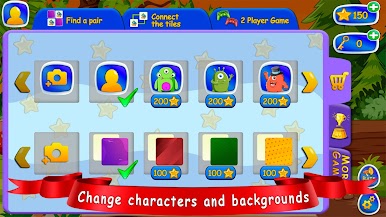
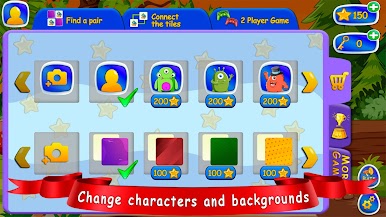
• 在兒童遊戲中購買皮膚和背景;
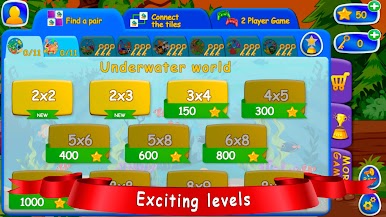
• 不同級別的難度;
• 沒有網絡的有趣遊戲;
• 免費為孩子們準備的益智遊戲;
• 定時器;
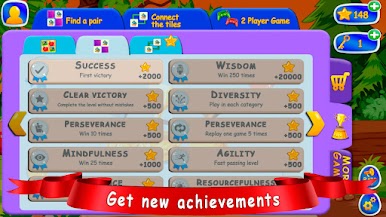
• 獎項;
• 悅耳的音樂。
對於幼兒來說,從小培養邏輯和注意力非常重要。最簡單的方法是用有趣的方式,只需找到相同的項目。例如,玩幼兒學習遊戲免費的記憶邏輯遊戲。男孩的離線遊戲和女孩的遊戲,可以訓練孩子的大腦並發展邏輯。在學習遊戲中,你不需要去除多餘的,你需要尋找成對的圖片,連接相同的物體(尋找對)。你可以倒著玩,通過注意配對的巧合找到額外的東西,收集相同的圖片。我們有用的兒童邏輯遊戲非常受嬰兒歡迎。
兒童遊戲包含三種模式:
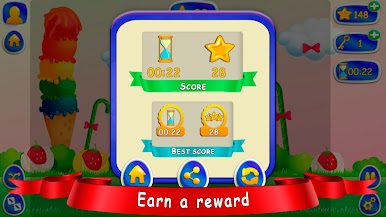
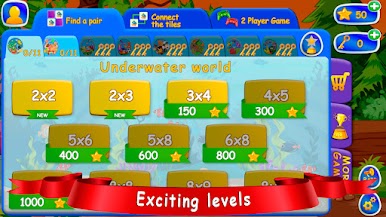
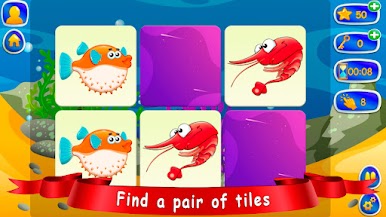
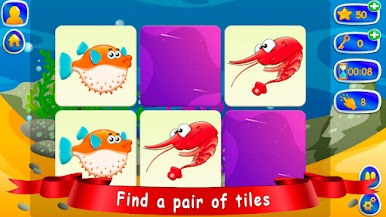
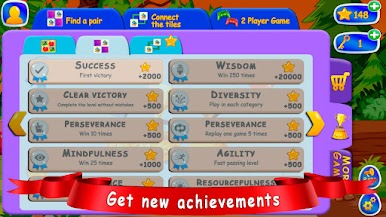
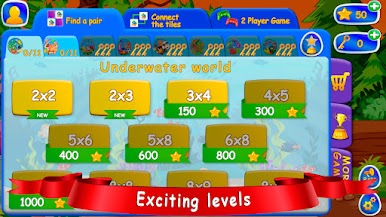
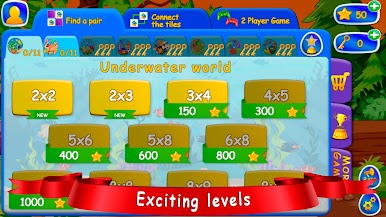
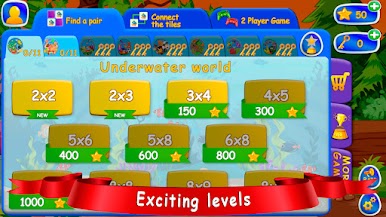
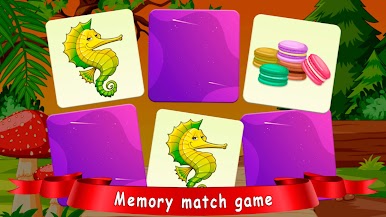
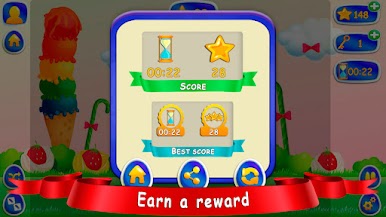
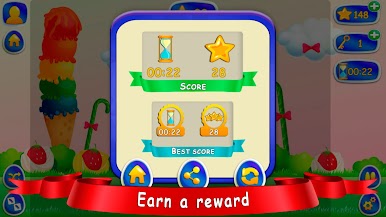
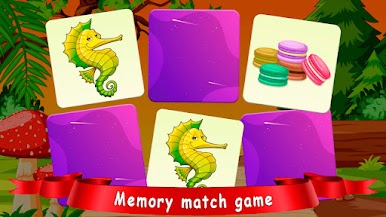
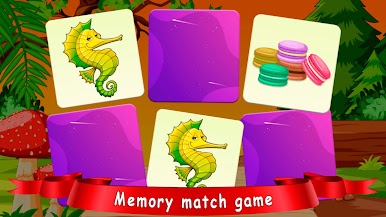
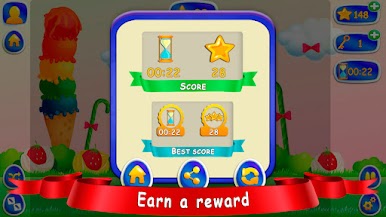
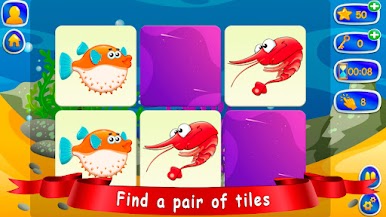
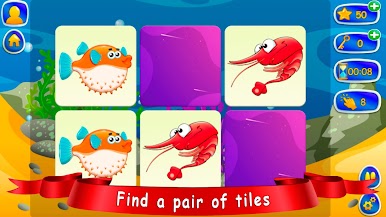
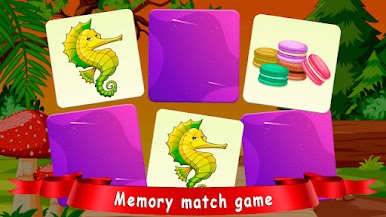
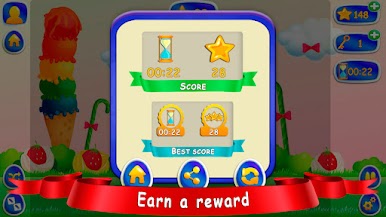
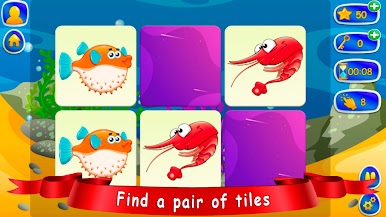
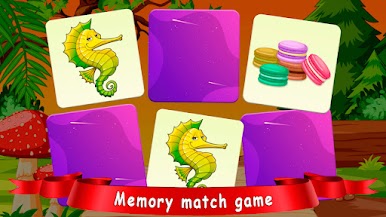
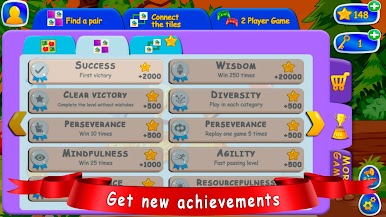
第一個幼兒遊戲“找對” - 你需要在其中找到相同的圖片,同時打開兩張卡片。當孩子玩明亮的圖片,將它們翻過來時,它就像兒童的多米諾骨牌。此外,如果這對不匹配,那麼卡片就關閉了,寶寶需要記住那裡有什麼圖片。但這一點也不難,因為遊戲中有不同的難度級別。孩子們很容易通過 2 x 2 或 2 x 3 卡片的級別,而對於年齡較大的孩子 3 x 4 或 4 x 5 卡片,則有更難的級別 - 5 x 6 和 5 x 8。此外,遊戲為兒童包含不同的部分:水果和漿果、昆蟲、蔬菜和動物、海洋生物、糖果等等。玩家可以獨立為他們最喜歡的孩子選擇那些卡片。孩子們總是喜歡創造新的記錄,為此我們提供了一個計時器。遊戲中當然有獎勵,孩子們在收到星星作為努力的獎勵時,肯定會收穫很多樂趣和積極的情緒。
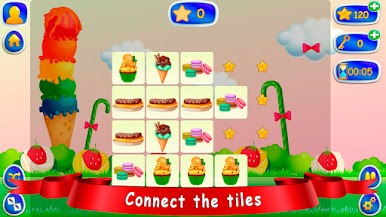
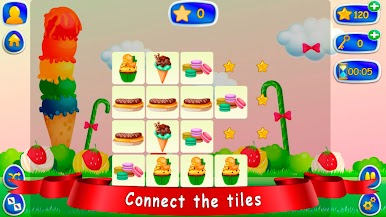
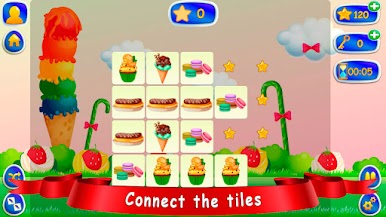
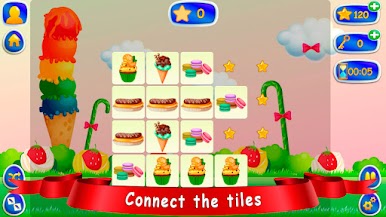
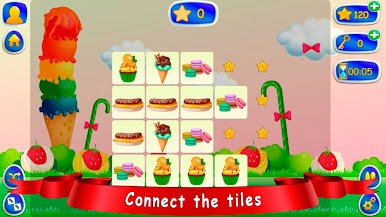
兒童模式的第二個遊戲是“瓷磚連接” - 在這種模式下,您必須連接至少三行的瓷磚。如果超過三根線,那麼您將無法連接卡。這很簡單,點擊組成一對的同一個瓷磚,你就會成功。 Tail Connect 模式也有不同的難度級別——這是每個級別混合圖片的數量。遊戲場上的牌越多,連接所有相同的圖片(對)就越困難。在這種離線模式遊戲中,就像在 Find a Pair 中一樣,有不同的部分、計時器、提示和獎勵。
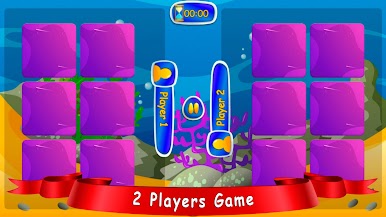
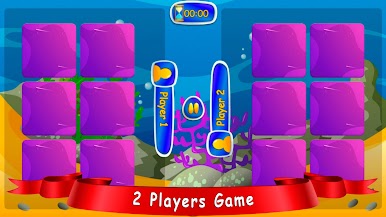
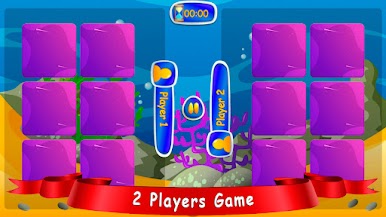
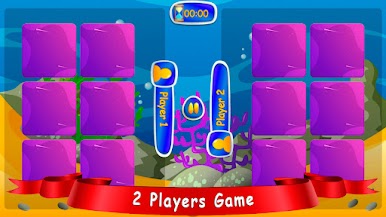
第三種遊戲模式益智遊戲“2人遊戲”與第一種模式基本相同,只是您可以一次一起玩。這是孩子們非常喜歡的一種比賽。
記憶遊戲將教孩子比較物體,突出主要特徵。將鞏固“不同”、“相同”和“配對”的概念。當然,我們的幼兒學習遊戲可以很好地培養思維、記憶力和注意力。
兒童免費遊戲是以有趣的方式讓兒童世界充滿美好印象的最簡單方法。在旅途中,您可以在沒有互聯網的情況下免費玩智能遊戲。
以 Find a pair 和 Tile Connect 的方式為 5 歲的孩子下載免費教育遊戲,並花時間看卡片,因為男孩和女孩的不同兒童遊戲可以提高注意力和邏輯性,從而開發孩子的大腦並有助於他的訓練。
• 教育瓷磚配對遊戲;
• 兒童遊戲免費精美的圖形和設計;
• 三種腦力遊戲模式;
• 嬰兒感官遊戲配對瓷磚;
• 在兒童遊戲中購買皮膚和背景;
• 不同級別的難度;
• 沒有網絡的有趣遊戲;
• 免費為孩子們準備的益智遊戲;
• 定時器;
• 獎項;
• 悅耳的音樂。
對於幼兒來說,從小培養邏輯和注意力非常重要。最簡單的方法是用有趣的方式,只需找到相同的項目。例如,玩幼兒學習遊戲免費的記憶邏輯遊戲。男孩的離線遊戲和女孩的遊戲,可以訓練孩子的大腦並發展邏輯。在學習遊戲中,你不需要去除多餘的,你需要尋找成對的圖片,連接相同的物體(尋找對)。你可以倒著玩,通過注意配對的巧合找到額外的東西,收集相同的圖片。我們有用的兒童邏輯遊戲非常受嬰兒歡迎。
兒童遊戲包含三種模式:
第一個幼兒遊戲“找對” - 你需要在其中找到相同的圖片,同時打開兩張卡片。當孩子玩明亮的圖片,將它們翻過來時,它就像兒童的多米諾骨牌。此外,如果這對不匹配,那麼卡片就關閉了,寶寶需要記住那裡有什麼圖片。但這一點也不難,因為遊戲中有不同的難度級別。孩子們很容易通過 2 x 2 或 2 x 3 卡片的級別,而對於年齡較大的孩子 3 x 4 或 4 x 5 卡片,則有更難的級別 - 5 x 6 和 5 x 8。此外,遊戲為兒童包含不同的部分:水果和漿果、昆蟲、蔬菜和動物、海洋生物、糖果等等。玩家可以獨立為他們最喜歡的孩子選擇那些卡片。孩子們總是喜歡創造新的記錄,為此我們提供了一個計時器。遊戲中當然有獎勵,孩子們在收到星星作為努力的獎勵時,肯定會收穫很多樂趣和積極的情緒。
兒童模式的第二個遊戲是“瓷磚連接” - 在這種模式下,您必須連接至少三行的瓷磚。如果超過三根線,那麼您將無法連接卡。這很簡單,點擊組成一對的同一個瓷磚,你就會成功。 Tail Connect 模式也有不同的難度級別——這是每個級別混合圖片的數量。遊戲場上的牌越多,連接所有相同的圖片(對)就越困難。在這種離線模式遊戲中,就像在 Find a Pair 中一樣,有不同的部分、計時器、提示和獎勵。
第三種遊戲模式益智遊戲“2人遊戲”與第一種模式基本相同,只是您可以一次一起玩。這是孩子們非常喜歡的一種比賽。
記憶遊戲將教孩子比較物體,突出主要特徵。將鞏固“不同”、“相同”和“配對”的概念。當然,我們的幼兒學習遊戲可以很好地培養思維、記憶力和注意力。
兒童免費遊戲是以有趣的方式讓兒童世界充滿美好印象的最簡單方法。在旅途中,您可以在沒有互聯網的情況下免費玩智能遊戲。
以 Find a pair 和 Tile Connect 的方式為 5 歲的孩子下載免費教育遊戲,並花時間看卡片,因為男孩和女孩的不同兒童遊戲可以提高注意力和邏輯性,從而開發孩子的大腦並有助於他的訓練。

在電腦上遊玩配对。孩子们的记忆游戏。 . 輕易上手.
-
在您的電腦上下載並安裝BlueStacks
-
完成Google登入後即可訪問Play商店,或等你需要訪問Play商店十再登入
-
在右上角的搜索欄中尋找 配对。孩子们的记忆游戏。
-
點擊以從搜索結果中安裝 配对。孩子们的记忆游戏。
-
完成Google登入(如果您跳過了步驟2),以安裝 配对。孩子们的记忆游戏。
-
在首頁畫面中點擊 配对。孩子们的记忆游戏。 圖標來啟動遊戲

