


PlayStation App
Jogue no PC com BlueStacks - A Plataforma de Jogos Android, confiada por mais de 500 milhões de jogadores.

Página modificada em: Dec 4, 2025
Run PlayStation App on PC or Mac
What’s better than using PlayStation App by PlayStation Mobile Inc.? Well, try it on a big screen, on your PC or Mac, with BlueStacks to see the difference.
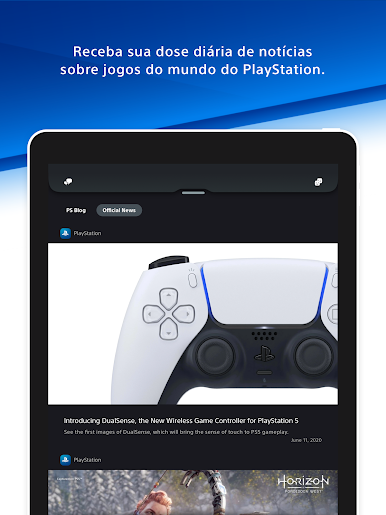
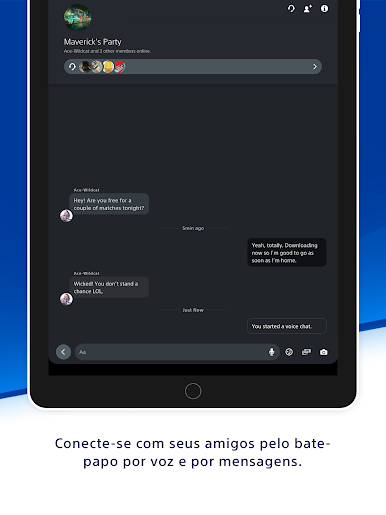
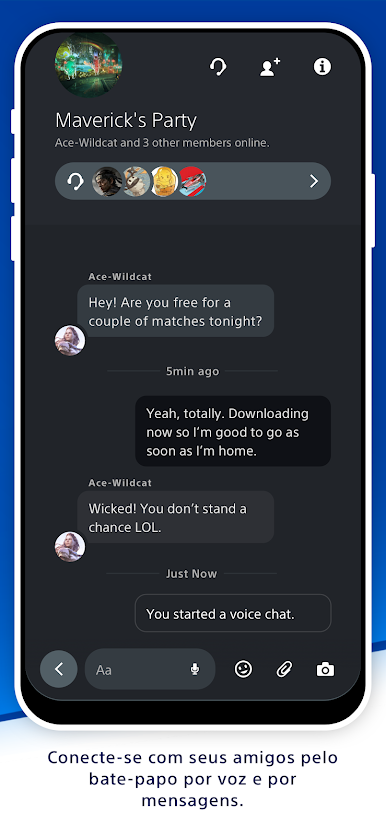
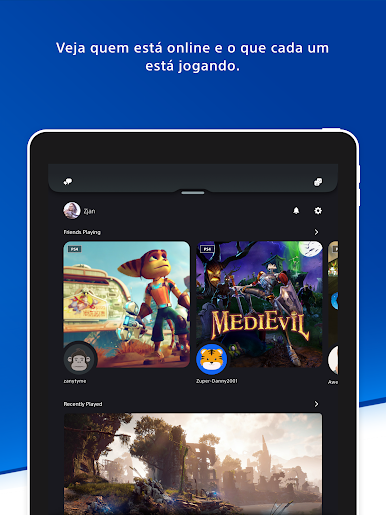
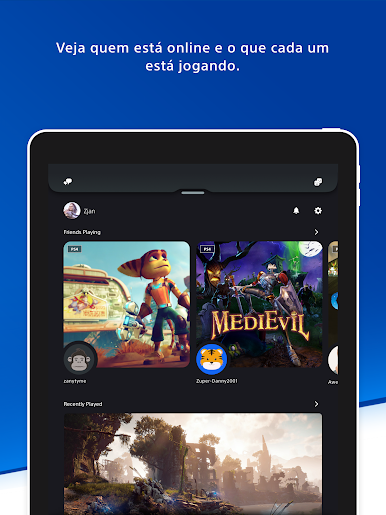
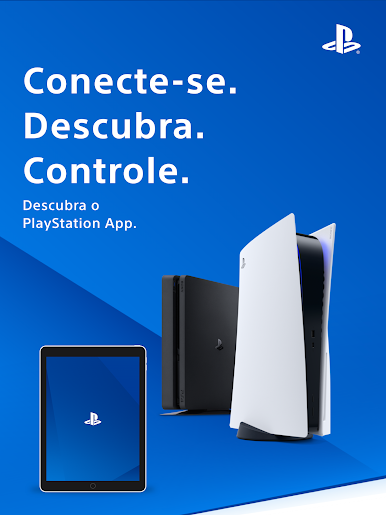
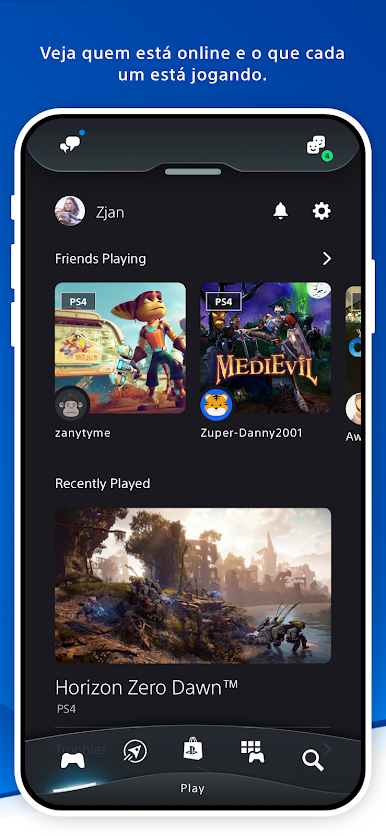
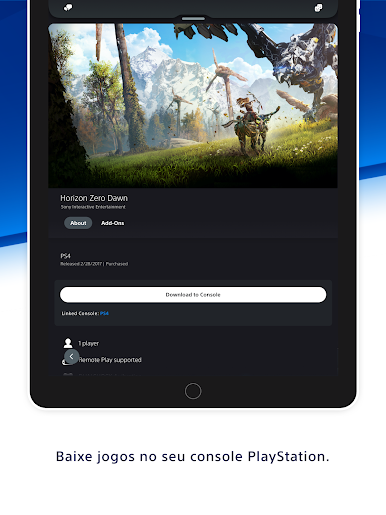
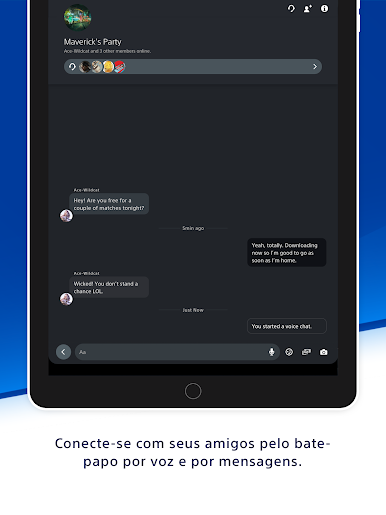
PlayStation App feels like a handy control center for anyone who lives on PlayStation. It shows who is online, what they are playing, and lets someone jump into voice chat or send quick messages without booting the console. Group chats work well for planning a co-op night, and profiles are easy to peek at, including trophies for anyone who cares about that collection. It is simple, a little no nonsense, and it keeps the social side of gaming from getting lost between work and errands.
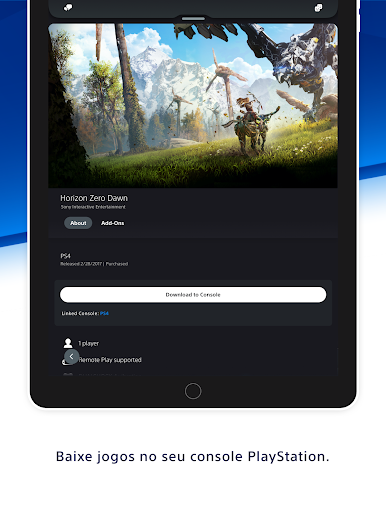
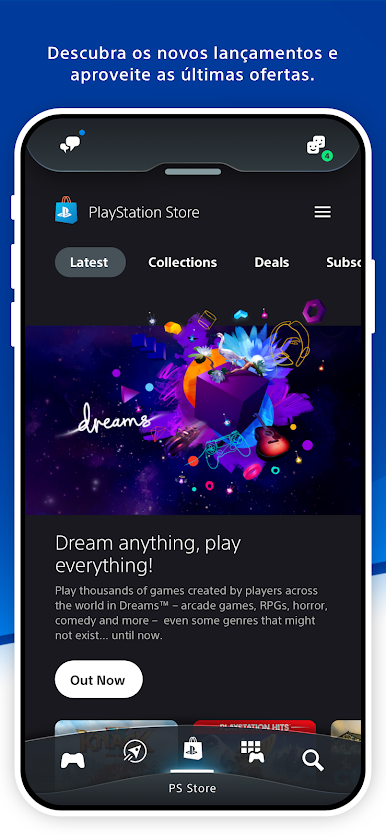
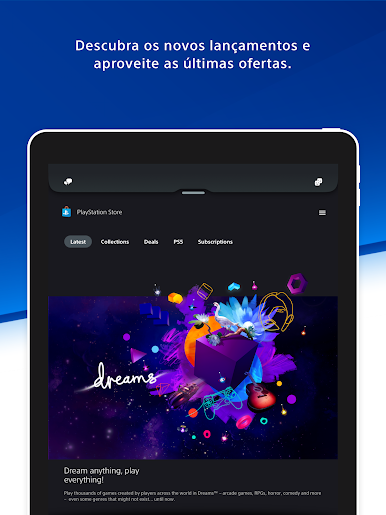
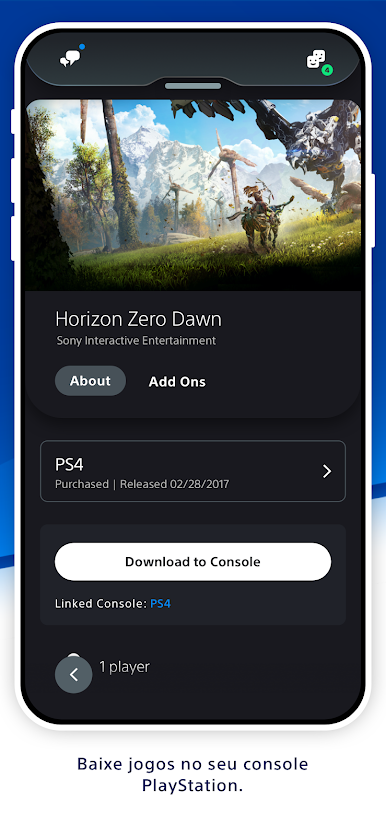
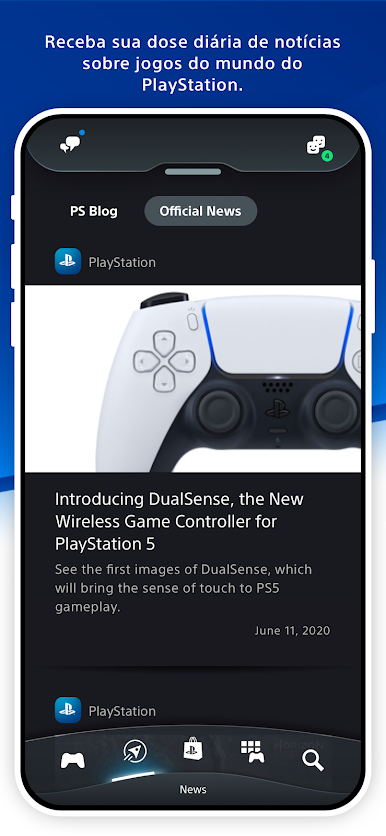
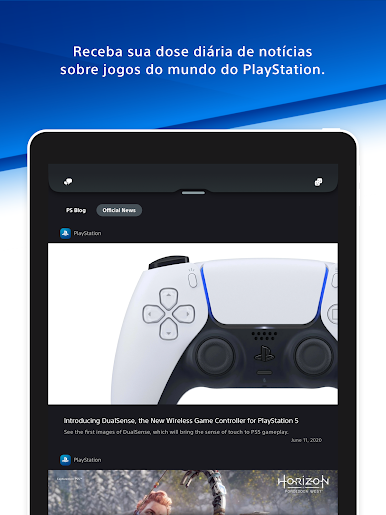
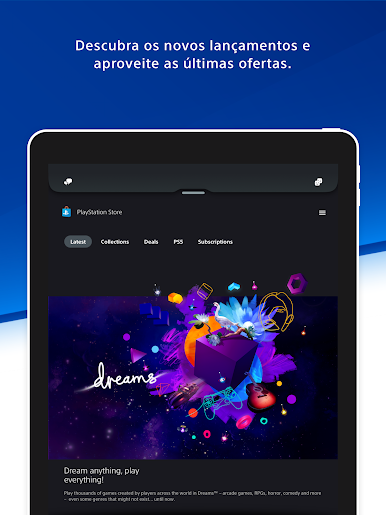
There is a steady stream of PlayStation news and new releases to browse, plus the PlayStation Store is right there for checking prices, preorders, and sales. Notifications for invites pop up fast, so it is hard to miss a session. The remote console bits are the most useful part. Someone can queue downloads and add-ons so a game is ready later, clear PS5 storage when it fills up, and even start a game remotely once the console is in rest mode. On a PC with BlueStacks, typing messages with a keyboard is much nicer and the bigger window makes swapping between chat, news, and store less fiddly. It is a companion, not a streaming app, so expectations should match that. A PlayStation Network account is needed, some features require a PS5 or PS4, and a few things can vary by region, but for staying connected and prepping downloads, it does alot right.
Big screen. Bigger performance. Use BlueStacks on your PC or Mac to run your favorite apps.
Jogue PlayStation App no PC. É fácil começar.
-
Baixe e instale o BlueStacks no seu PC
-
Conclua o login do Google para acessar a Play Store ou faça isso mais tarde
-
Procure por PlayStation App na barra de pesquisa no canto superior direito
-
Clique para instalar PlayStation App a partir dos resultados da pesquisa
-
Conclua o login do Google (caso você pulou a etapa 2) para instalar o PlayStation App
-
Clique no ícone do PlayStation App na tela inicial para começar a jogar

