

Vijeo Design'Air
在電腦上使用BlueStacks –受到5億以上的遊戲玩家所信任的Android遊戲平台。

Run Vijeo Design'Air on PC or Mac
Upgrade your experience. Try Vijeo Design’Air, the fantastic Productivity app from Schneider Electric SE, from the comfort of your laptop, PC, or Mac, only on BlueStacks.
About the App
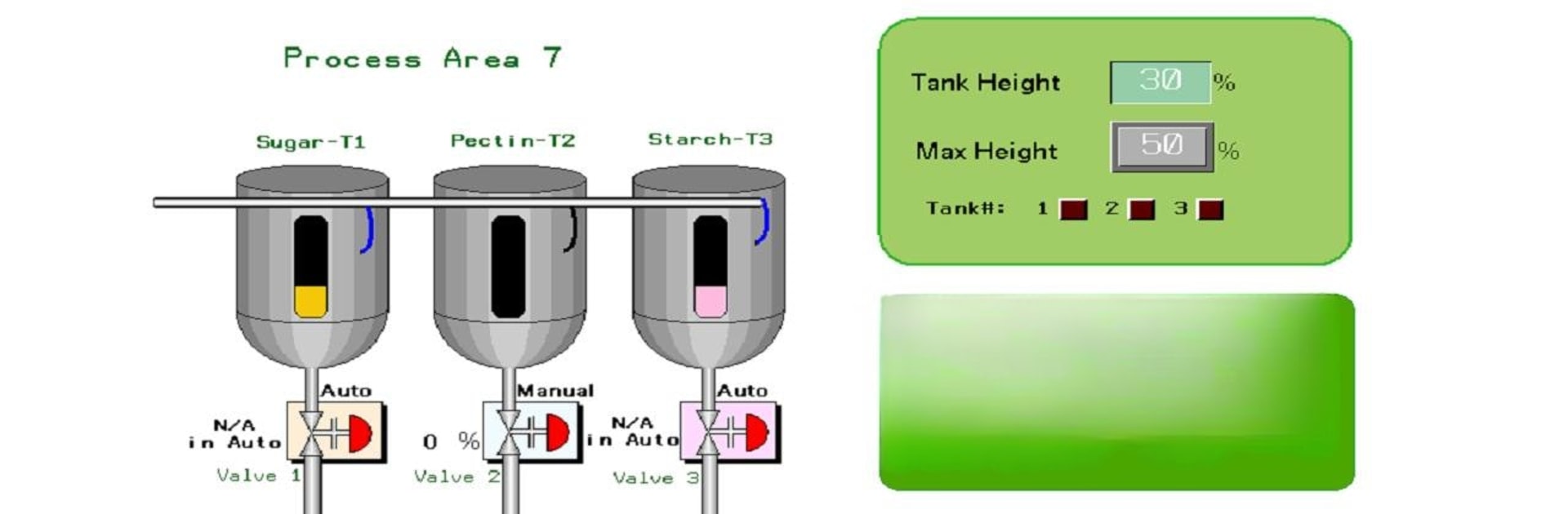
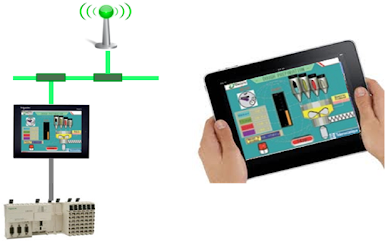
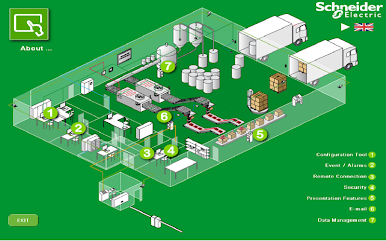
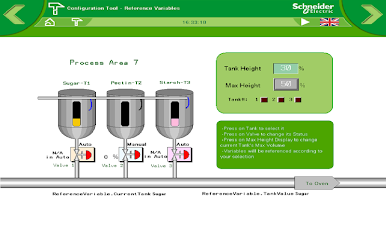
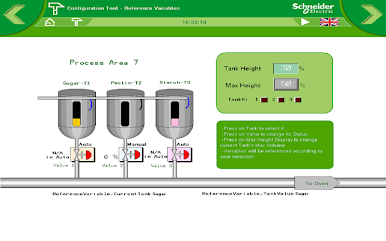
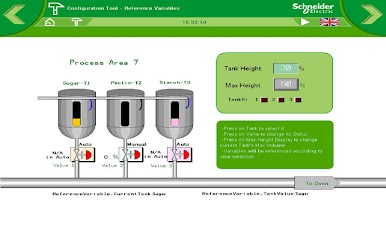
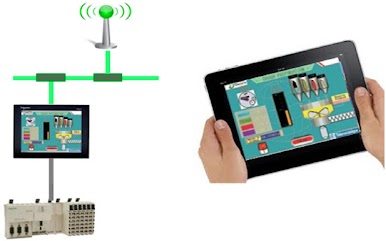
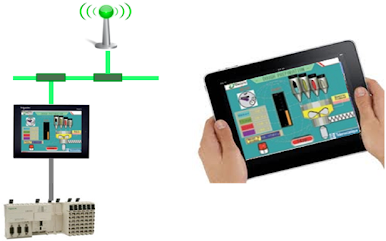
Ever wish you could check in on your HMI terminal from the other side of the plant—or maybe just from the break room? Vijeo Design’Air is here to help. Created by Schneider Electric SE, this app lets you use your phone or tablet to connect wirelessly to a Magelis HMI terminal. Whether you’re keeping tabs on processes or just need to swipe your way around a few screens, it’s all about giving you quick, remote access wherever you happen to be.
App Features
-
Remote HMI Access
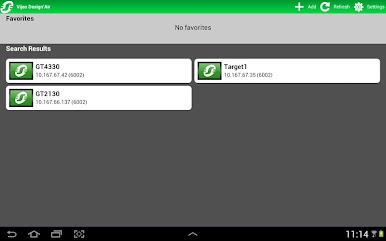
Forget being chained to the control panel. Use your phone or tablet to interact with your HMI terminal from anywhere on the local network—over WiFi, 3G, 4G, or even LTE. -
Touchscreen Controls
Tap, swipe, or pinch to navigate between screens, zoom in for more detail, or start and stop processes like you’re up close—even when you’re not. It feels pretty natural. -
Simple Setup
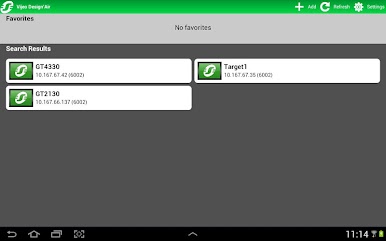
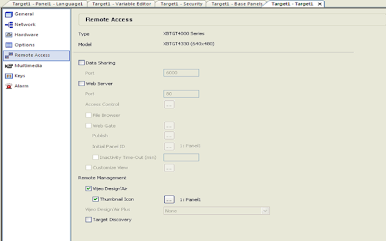
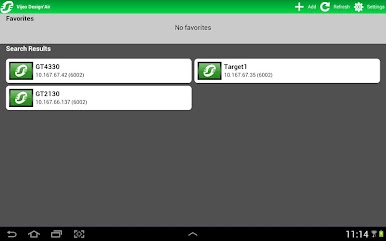
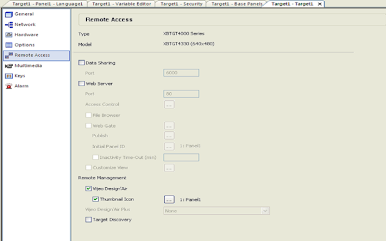
Just set things up in Vijeo Designer, and once your HMI is network-ready you can discover it right from the app. Piece of cake if you already know your way around these systems. -
User Authentication
Only the right people get in. Logins are secured so only authorized users can access and interact with the HMI terminal through the app. -
Multiple Modes
Want to test things out first? Try the free version of Vijeo Design’Air for a limited connection, or check out the demo mode if you just want to simulate a session with no actual network needed. -
Device Compatibility
Got a tablet or phone? No problem. You can use the app on either, and there’s even a version called Vijeo Design’Air Plus if you need sharper displays tailored for your device. -
Works Great on BlueStacks
Prefer using your PC? Vijeo Design’Air runs seamlessly on BlueStacks too, so you can get that big-screen experience while still enjoying all of the usual features.
BlueStacks brings your apps to life on a bigger screen—seamless and straightforward.


在電腦上遊玩Vijeo Design'Air . 輕易上手.
-
在您的電腦上下載並安裝BlueStacks
-
完成Google登入後即可訪問Play商店,或等你需要訪問Play商店十再登入
-
在右上角的搜索欄中尋找 Vijeo Design'Air
-
點擊以從搜索結果中安裝 Vijeo Design'Air
-
完成Google登入(如果您跳過了步驟2),以安裝 Vijeo Design'Air
-
在首頁畫面中點擊 Vijeo Design'Air 圖標來啟動遊戲

