


eSetup for Electrician
العب على الكمبيوتر الشخصي مع BlueStacks - نظام أندرويد للألعاب ، موثوق به من قبل أكثر من 500 مليون لاعب.

Play eSetup for Electrician on PC
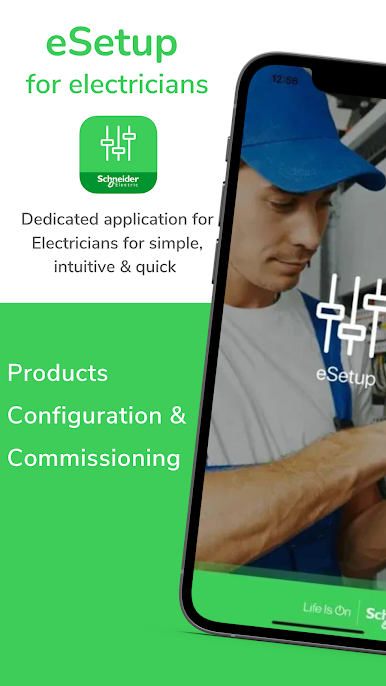
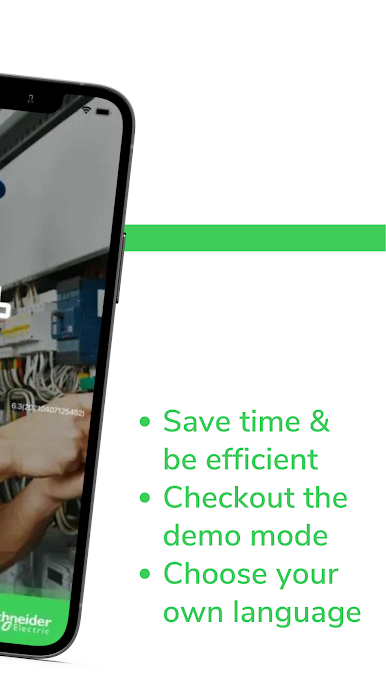
Streamline your business effortlessly and save time on installation & commissioning: with an app & intuitive interface.
No need for PC or complex tools to configure Schneider devices everything can be done using a smartphone, thanks to "eSetup for Configuration" App.
Discover the power of "eSetup for Configuration" App:
• Configure of all Schneider products with a step by step guidance (check devices supported in the list below)
• See the complete installation in DEMO Mode (no need of actual devices)
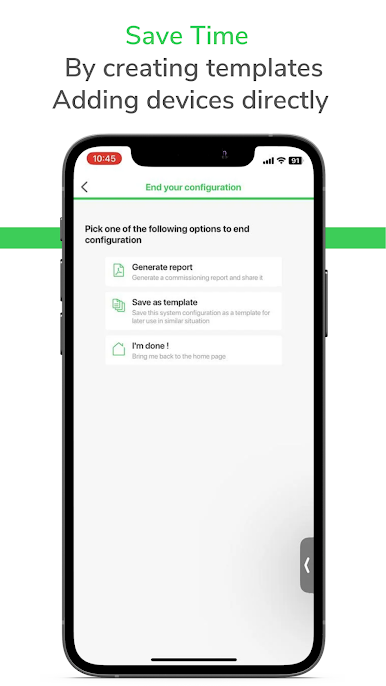
• Define the system and settings of the devices
• Verify and test the installation
• Get connected to Bluetooth or Wifi to the product directly.
This dedicated application for all installers is a commissioning tool for Wiser devices in residential and SmartLink, Powertag devices in Small Buildings.
How To Use the App:
With the eSetup app, you can configure devices without the need of an internet connection.
1. Install and power on the Schneider Electric devices
2. Connect to the product directly by using this app
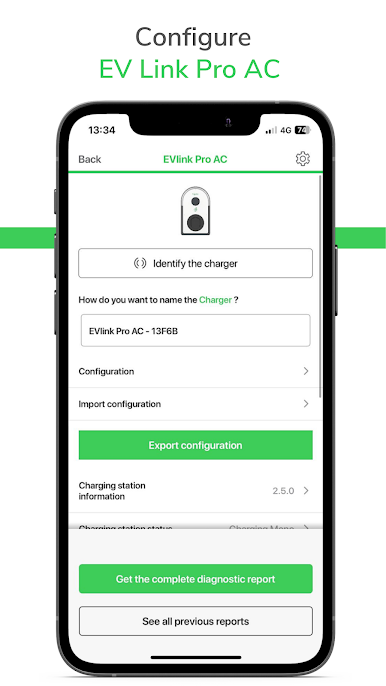
3. Start configuring the connected devices: set the device parameters, pair the devices, etc
4. Check instantly your configuration through the diagnostics
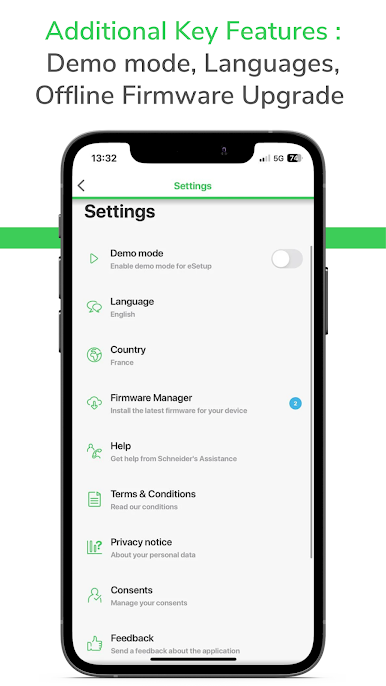
You just want to test our tool, but you don't have any products to configure?
No problem! Just activate the DEMO MODE in the app settings!
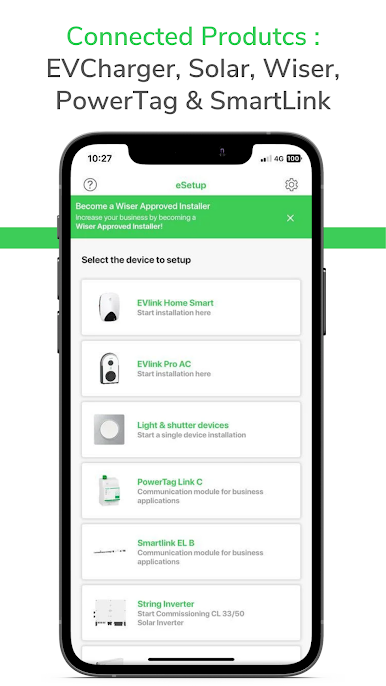
Devices supported for commissioning with this app:
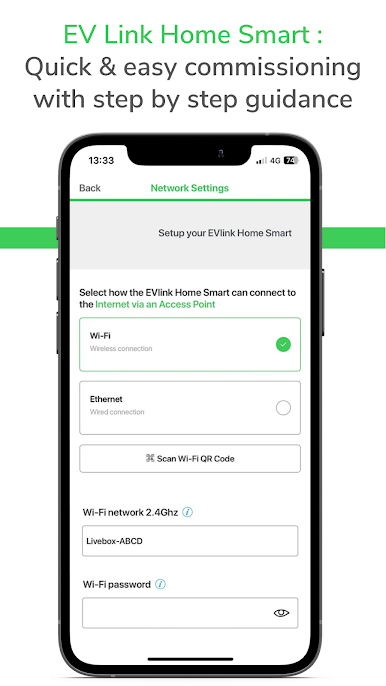
• EVlink Family products (check catalogue)
• Prosumer family products (check catalogue)
• CL Solar Inverter
• Wiser IP Module
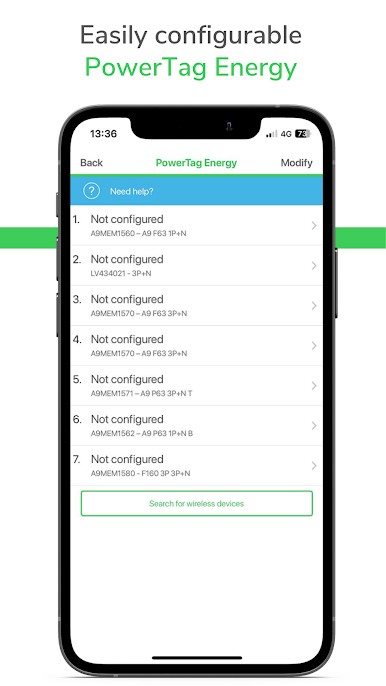
• PowerTags
• SmartLinks systems
• Wiser Home
• Wiser Home Touch
• Light and Shutter devices
To know more about these products, visit our website: http://www.schneider-electric.com/
App availability may depend on the mobile phone model/version.
العب eSetup for Electrician على جهاز الكمبيوتر. من السهل البدء.
-
قم بتنزيل BlueStacks وتثبيته على جهاز الكمبيوتر الخاص بك
-
أكمل تسجيل الدخول إلى Google للوصول إلى متجر Play ، أو قم بذلك لاحقًا
-
ابحث عن eSetup for Electrician في شريط البحث أعلى الزاوية اليمنى
-
انقر لتثبيت eSetup for Electrician من نتائج البحث
-
أكمل تسجيل الدخول إلى Google (إذا تخطيت الخطوة 2) لتثبيت eSetup for Electrician
-
انقر على أيقونة eSetup for Electrician على الشاشة الرئيسية لبدء اللعب

