

Power Device
العب على الكمبيوتر الشخصي مع BlueStacks - نظام أندرويد للألعاب ، موثوق به من قبل أكثر من 500 مليون لاعب.

Run Power Device on PC or Mac
Upgrade your experience. Try Power Device, the fantastic Tools app from Schneider Electric SE, from the comfort of your laptop, PC, or Mac, only on BlueStacks.
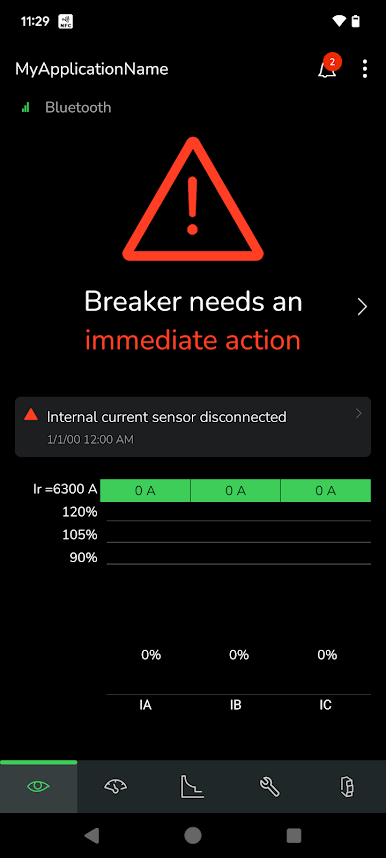
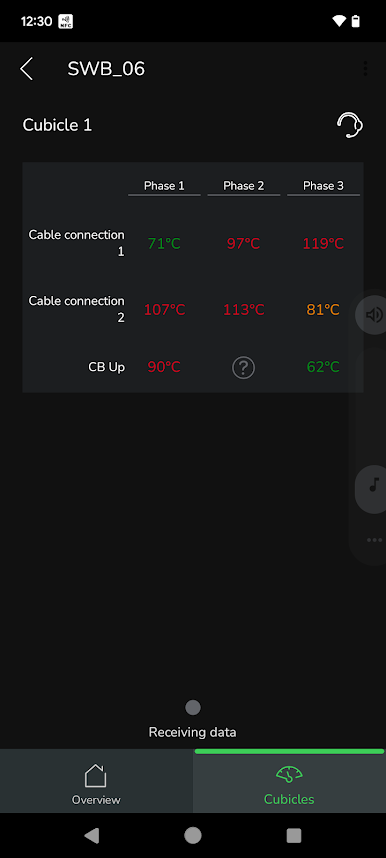
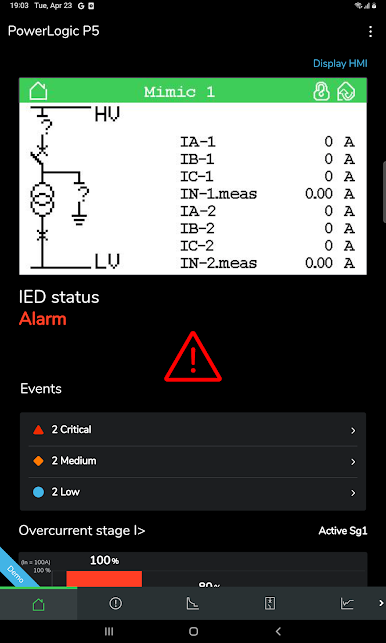
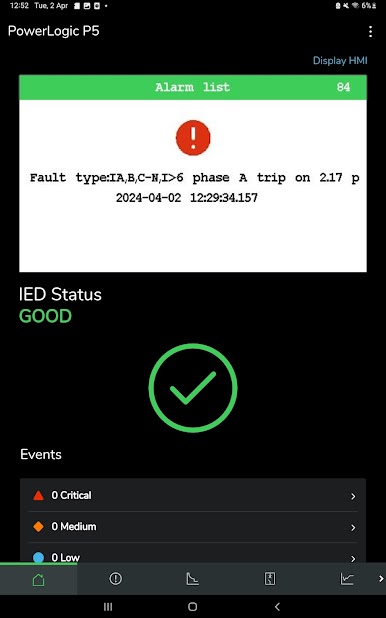
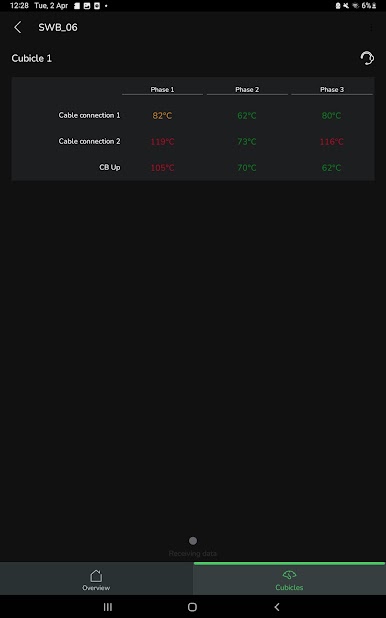
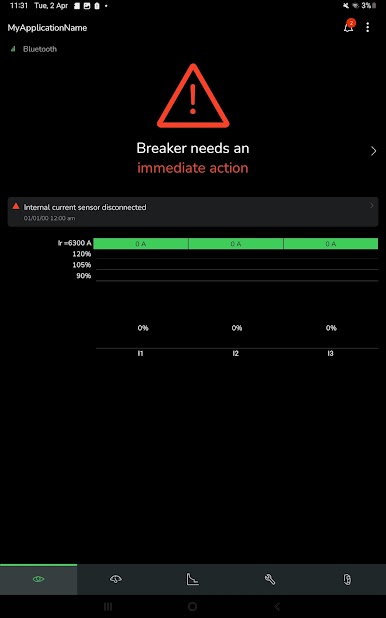
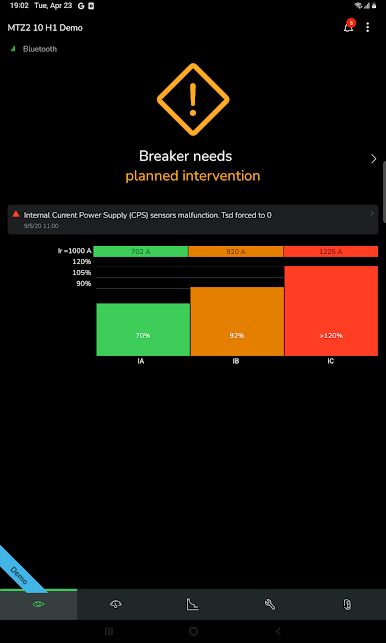
Power Device feels like a proper control panel for real electrical gear, not a toy. On a PC with BlueStacks, the layout breathes a bit more, so charts, alarms, and settings are easier to read and click through. It pulls together Schneider Electric protection relays and circuit breakers in one place, so someone can check medium or low voltage equipment without juggling different tools. The whole thing is set up to keep equipment running, spot problems early, and make routine checks less of a chore.
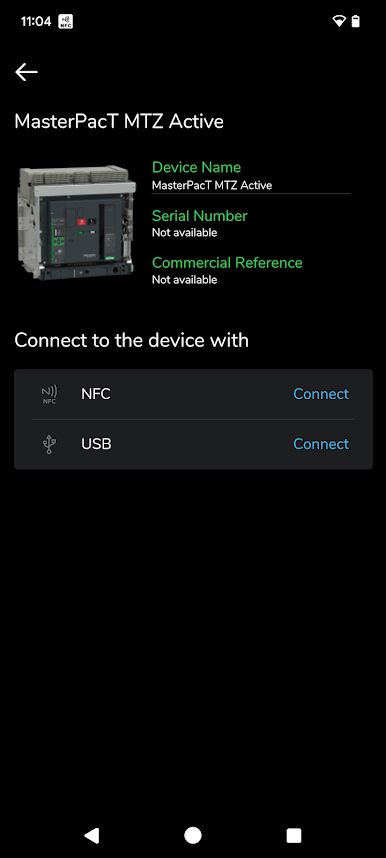
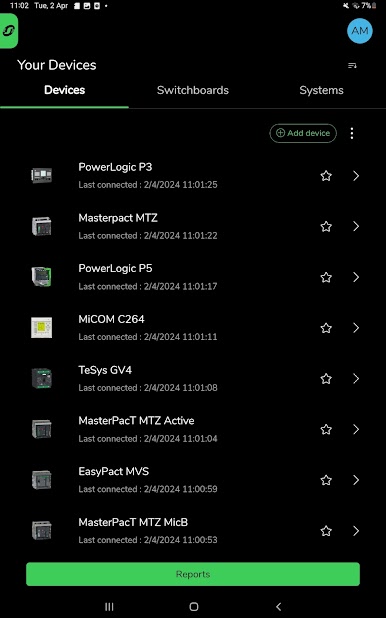
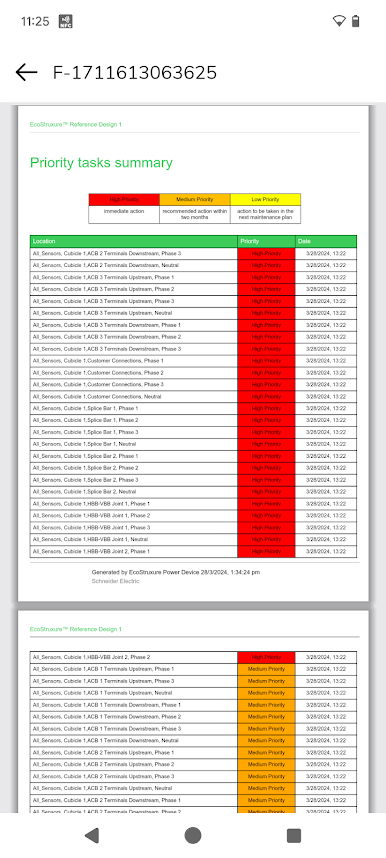
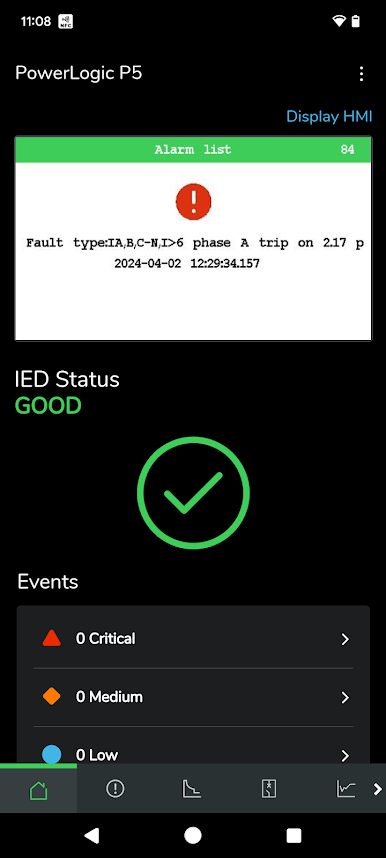
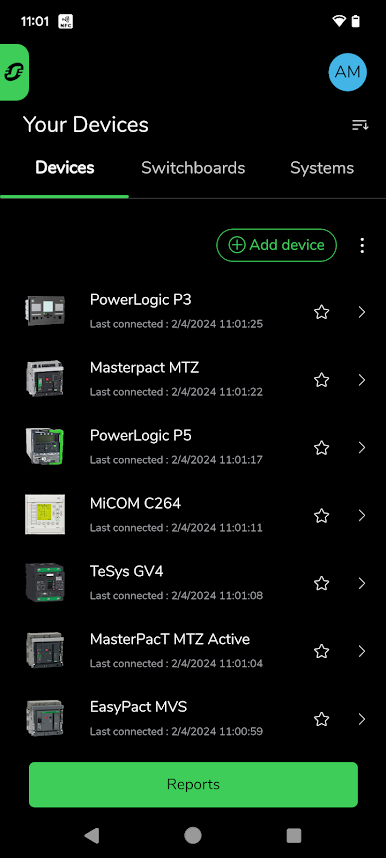
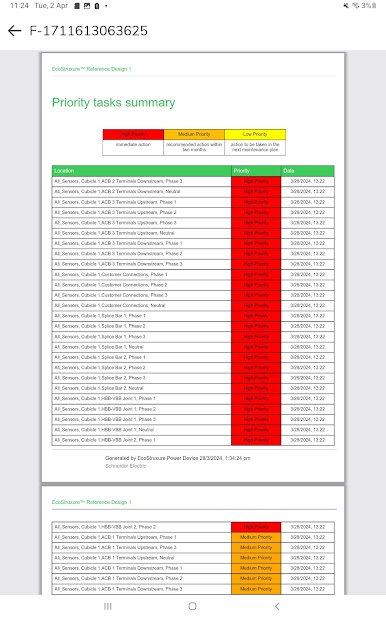
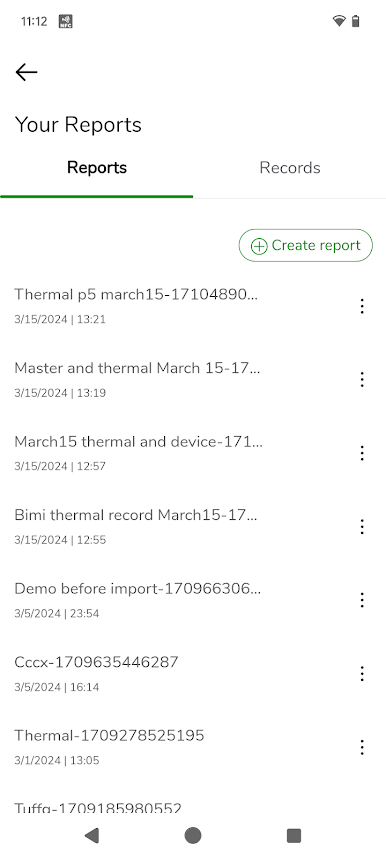
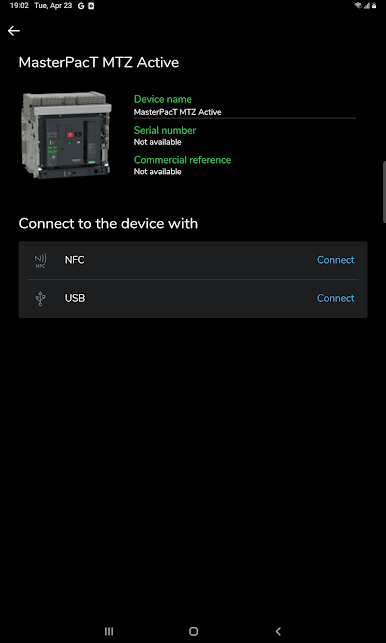
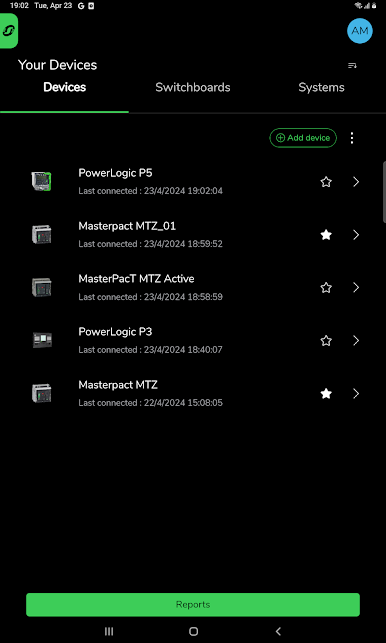
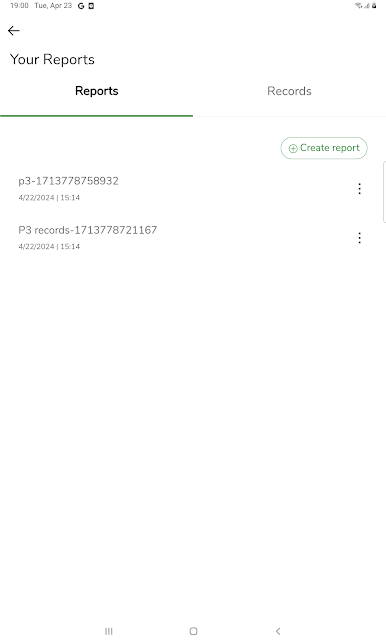
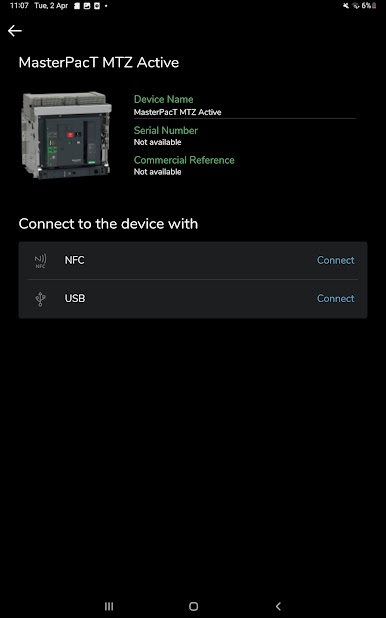
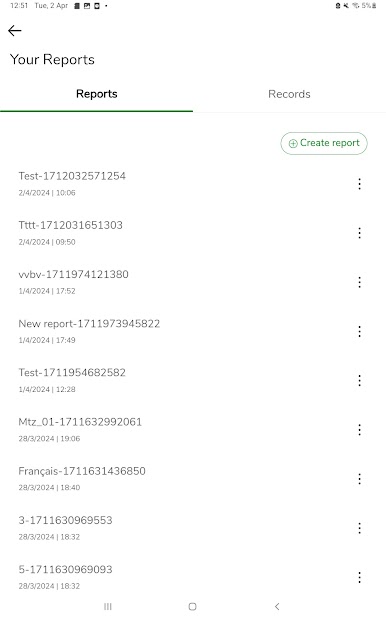
Getting started is straightforward. Scan the QR code on the device, then connect over WiFi, Bluetooth, or NFC for nearby access. Once linked, it shows live info like load levels, health, warnings, alarms, and protection settings. Thermal monitoring is built in now, so temperature and humidity from TH110 or CL110 sensors live alongside the rest of the data. It works across a bunch of hardware families such as MasterPact MTZ, Easypact units, TeSys GV4, PowerLogic P3 and P5, and MiCOM C264, with the same screens and flow so training is minimal. It handles the boring but important stuff too: quick diagnostics, guided operations, and no paper forms. Sharing a report or snapshot is as simple as sending a file through email or a cloud folder, and contacting service from inside the app is there when needed. The focus on safety and security is obvious, but it does not get in the way.
BlueStacks gives you the much-needed freedom to experience your favorite apps on a bigger screen. Get it now.
العب Power Device على جهاز الكمبيوتر. من السهل البدء.
-
قم بتنزيل BlueStacks وتثبيته على جهاز الكمبيوتر الخاص بك
-
أكمل تسجيل الدخول إلى Google للوصول إلى متجر Play ، أو قم بذلك لاحقًا
-
ابحث عن Power Device في شريط البحث أعلى الزاوية اليمنى
-
انقر لتثبيت Power Device من نتائج البحث
-
أكمل تسجيل الدخول إلى Google (إذا تخطيت الخطوة 2) لتثبيت Power Device
-
انقر على أيقونة Power Device على الشاشة الرئيسية لبدء اللعب

