


Sudoku
益智 | ScieNext
在電腦上使用BlueStacks –受到5億以上的遊戲玩家所信任的Android遊戲平台。

Play Sudoku on PC
Sudoku is a unique puzzle game experience on mobile like real sudoku on paper with a pencil :)
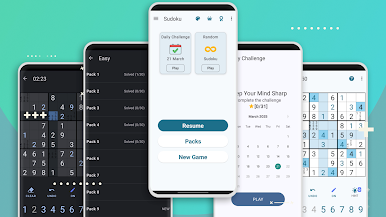
Exercise your brain wherever you go with a free Sudoku puzzle game now with 4 levels of difficulties easy, medium, hard, and very hard.
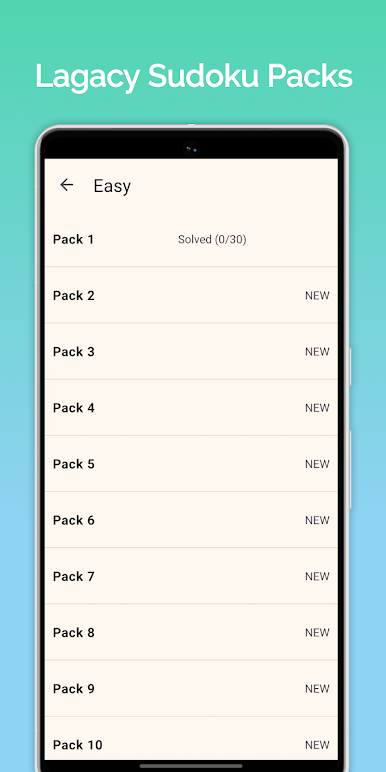
Each difficulty contains several puzzle packs and each pack contains 30 puzzles now. Total 3600+ brain Sudoku puzzles.
Solve puzzles in Sudoku, Achieve the achievements, check your worldwide rank in leaderboard, and compete with your friends if they can solve more puzzles than you.
HOW TO PLAY:
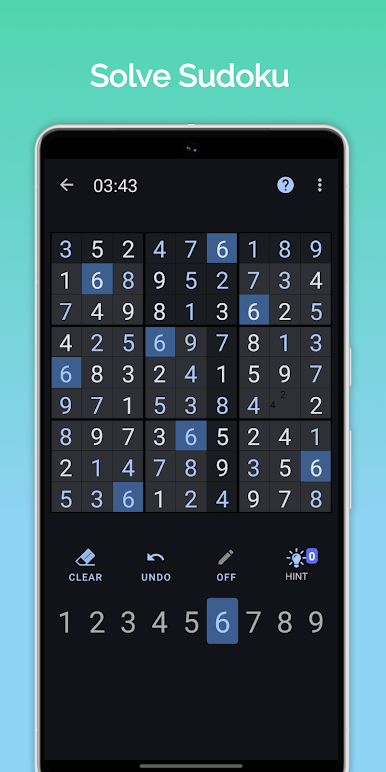
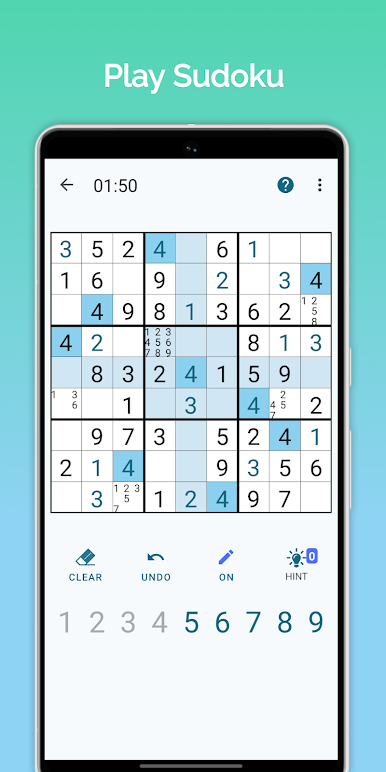
Place numbers 1 through 9 in empty cells. Each row, column, and square(3x3) needs to be filled with numbers 1 through 9, without repeating any numbers within the row, column, or square(3x3)
When whole sudoku puzzle cells are filled with solutions without any errors, the Puzzle is solved!!
Choose your favorite input mode: Number first or cell first to play easy sudoku.
Sudoku game Features:
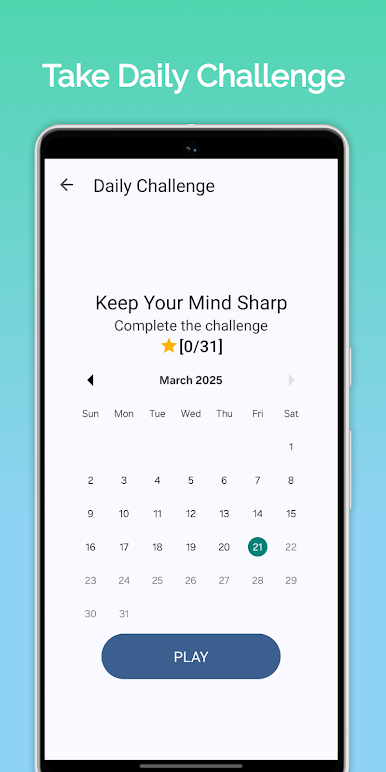
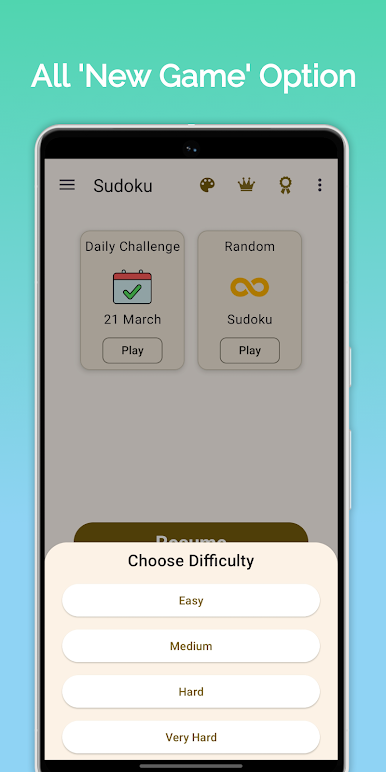
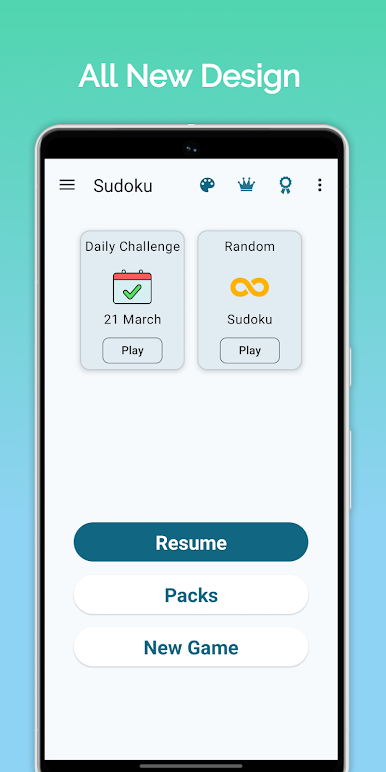
✓ Daily sudoku challenge. Solve sudoku once per day
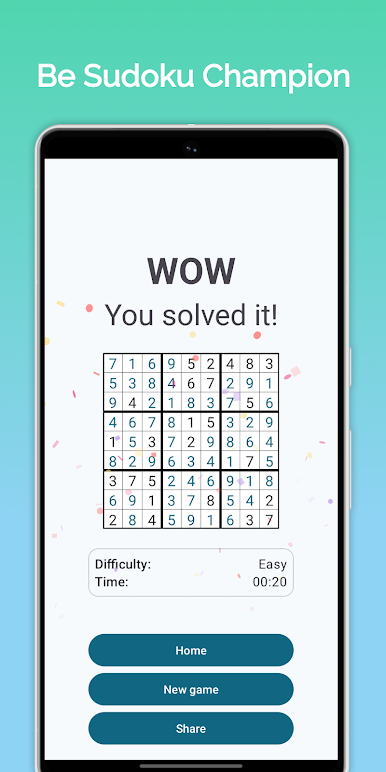
✓ Newly added win screen with a clean and satisfying finish experience
✓ Multiple input methods: select cell first & select number first
✓ Multiple Themes
✓ Night/Dark mode
✓ 4 levels of difficulties Easy, medium, hard, and very hard.
✓ Auto-save if you leave a sudoku unfinished
✓ Continuous New Game mode with multiple difficulty levels
✓ Unlimited Undo option
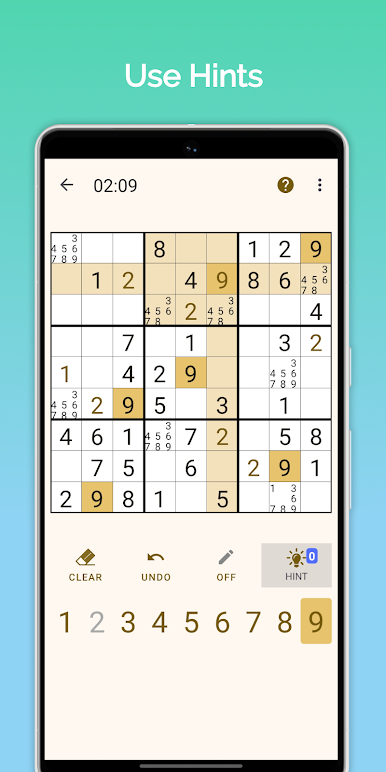
✓ Use Hint where you are stuck in the game
✓ Highlighting of a row and column related to the selected cell
✓ Highlighting Similar numbers in a cell
✓ Automatic error detection of numbers that fail to match the final sudoku solution
✓ Control Auto remove notes from settings
✓ Highlight Repeated numbers in each column, row, and block
✓ Eraser to get rid of mistakes made
✓ Turn on/off time during gameplay
✓ Use a Pencil to make notes
✓ Play Sudoku offline and online
✓ Reset the puzzle at any point
✓ Simple tutorial to learn how to play sudoku
✓ Check how many puzzles you solved and your rank in leaderboard
✓ Check how much total time you spent in sudoku in leaderboard
✓ Achieve different achievements
To access Leaderboard and Achievements, you have to sign in using google account.
Available Languages:
Hindi, English, Portuguese(Brazil), Spanish, French, German, Italian, Japanese, Danish, Dutch, Chinese, Greek, Romanian, Arabic, Turkish, Polish, Indonesian, Russian, Thai and Korean
Join us for regular updates.!!
https://facebook.com/com.scn
https://twitter.com/scienext
Exercise your brain wherever you go with a free Sudoku puzzle game now with 4 levels of difficulties easy, medium, hard, and very hard.
Each difficulty contains several puzzle packs and each pack contains 30 puzzles now. Total 3600+ brain Sudoku puzzles.
Solve puzzles in Sudoku, Achieve the achievements, check your worldwide rank in leaderboard, and compete with your friends if they can solve more puzzles than you.
HOW TO PLAY:
Place numbers 1 through 9 in empty cells. Each row, column, and square(3x3) needs to be filled with numbers 1 through 9, without repeating any numbers within the row, column, or square(3x3)
When whole sudoku puzzle cells are filled with solutions without any errors, the Puzzle is solved!!
Choose your favorite input mode: Number first or cell first to play easy sudoku.
Sudoku game Features:
✓ Daily sudoku challenge. Solve sudoku once per day
✓ Newly added win screen with a clean and satisfying finish experience
✓ Multiple input methods: select cell first & select number first
✓ Multiple Themes
✓ Night/Dark mode
✓ 4 levels of difficulties Easy, medium, hard, and very hard.
✓ Auto-save if you leave a sudoku unfinished
✓ Continuous New Game mode with multiple difficulty levels
✓ Unlimited Undo option
✓ Use Hint where you are stuck in the game
✓ Highlighting of a row and column related to the selected cell
✓ Highlighting Similar numbers in a cell
✓ Automatic error detection of numbers that fail to match the final sudoku solution
✓ Control Auto remove notes from settings
✓ Highlight Repeated numbers in each column, row, and block
✓ Eraser to get rid of mistakes made
✓ Turn on/off time during gameplay
✓ Use a Pencil to make notes
✓ Play Sudoku offline and online
✓ Reset the puzzle at any point
✓ Simple tutorial to learn how to play sudoku
✓ Check how many puzzles you solved and your rank in leaderboard
✓ Check how much total time you spent in sudoku in leaderboard
✓ Achieve different achievements
To access Leaderboard and Achievements, you have to sign in using google account.
Available Languages:
Hindi, English, Portuguese(Brazil), Spanish, French, German, Italian, Japanese, Danish, Dutch, Chinese, Greek, Romanian, Arabic, Turkish, Polish, Indonesian, Russian, Thai and Korean
Join us for regular updates.!!
https://facebook.com/com.scn
https://twitter.com/scienext


在電腦上遊玩Sudoku . 輕易上手.
-
在您的電腦上下載並安裝BlueStacks
-
完成Google登入後即可訪問Play商店,或等你需要訪問Play商店十再登入
-
在右上角的搜索欄中尋找 Sudoku
-
點擊以從搜索結果中安裝 Sudoku
-
完成Google登入(如果您跳過了步驟2),以安裝 Sudoku
-
在首頁畫面中點擊 Sudoku 圖標來啟動遊戲

