

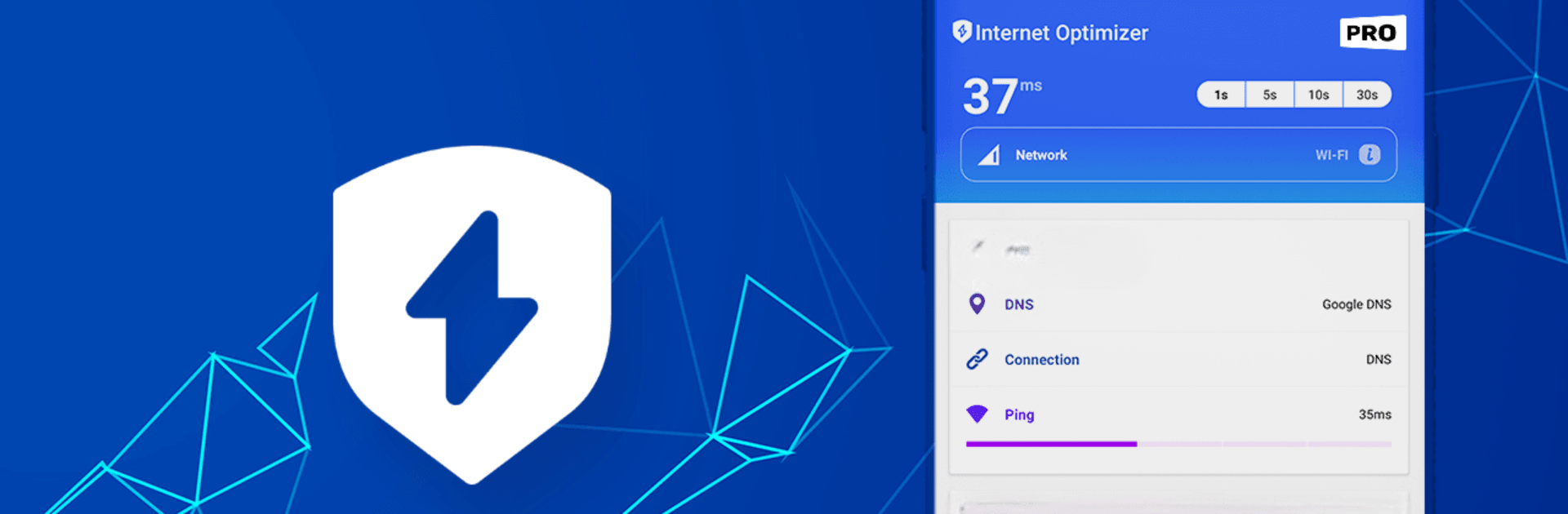
Smart DNS Changer Pro
5억명 이상의 게이머가 신뢰하는 안드로이드 게임 플랫폼 BlueStacks으로 PC에서 플레이하세요.

Run Smart DNS Changer Pro on PC or Mac
Let BlueStacks turn your PC, Mac, or laptop into the perfect home for Smart DNS Changer Pro, a fun Tools app from Scoteam.
About the App
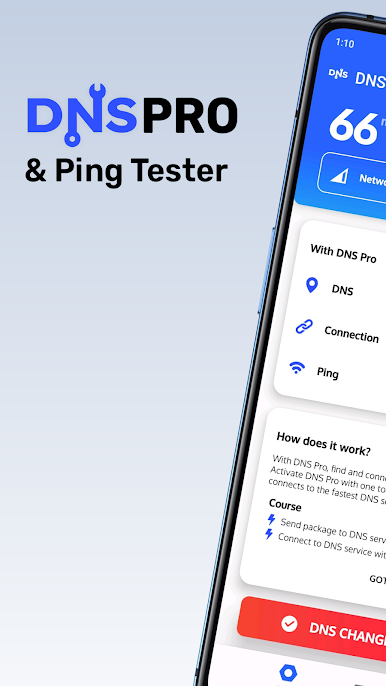
Tired of slow or unreliable internet on your Android device? Smart DNS Changer Pro by Scoteam is all about helping you find the fastest DNS connection without any fuss. Whether you’re trying to speed up your favorite apps, enjoy smoother gaming, or just get more stable browsing, this handy tool checks multiple DNS options and picks the quickest one for you. You can expect instant feedback on your network speed and clear, real-time updates about your connection—right from the main screen.
App Features
-
Automatic DNS Selection
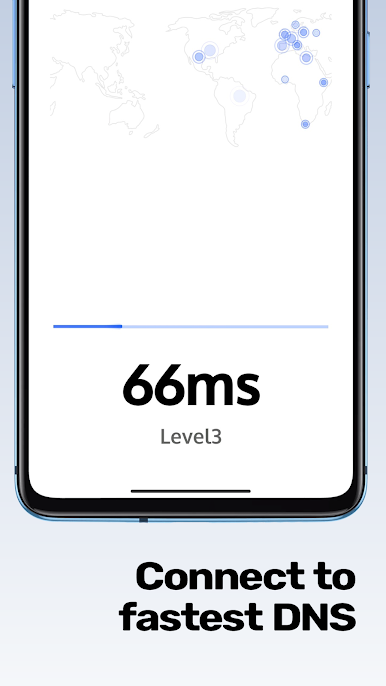
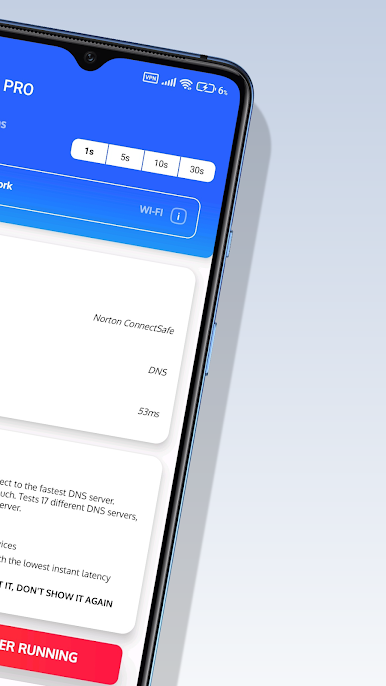
No need to guess. The app does the legwork by testing and comparing up to 17 different DNS services, finding which gives you the lowest latency on the spot. -
Live Ping Monitor
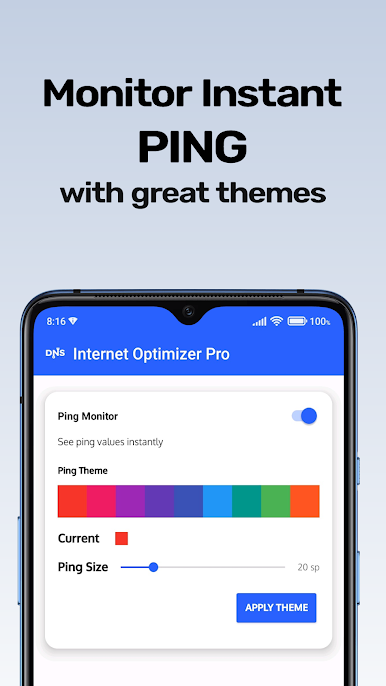
Ever wonder if your lag is your network or something else? Check your real-time ping in a little corner overlay while you play games or browse—super useful for gamers who want to see if a lag spike is coming. -
Supports Multiple Network Types
Whether you’re on Wi-Fi, 5G, 4G, or even older networks, Smart DNS Changer Pro runs tests and optimizations, so every connection type is covered. -
Ranked DNS Sorting
After testing, DNS servers are sorted by how snappy they are (measured by ping time), putting the fastest choice at your fingertips. -
Simple Connection Process
The app checks your internet connection first, runs quick ping tests, and, when you’re ready, makes the switch to the best DNS. Sometimes a quick permission pop-up (like VPN) appears, but it’s all streamlined and clear. -
Transparent Connection Info
Easily keep tabs on your active DNS server, current ping, and what kind of network you’re running—everything displayed front and center. -
Runs in the Background
Change your DNS or keep the ping monitor running without staying glued to the app; just grant a couple permissions and let it do its thing quietly. -
Works on BlueStacks
Prefer using Android tools on a bigger screen? Smart DNS Changer Pro is ready to go on BlueStacks, so you can tweak network settings from your desktop, too.
Switch to BlueStacks and make the most of your apps on your PC or Mac.
PC에서 Smart DNS Changer Pro 플레이해보세요.
-
BlueStacks 다운로드하고 설치
-
Google Play 스토어에 로그인 하기(나중에 진행가능)
-
오른쪽 상단 코너에 Smart DNS Changer Pro 검색
-
검색 결과 중 Smart DNS Changer Pro 선택하여 설치
-
구글 로그인 진행(만약 2단계를 지나갔을 경우) 후 Smart DNS Changer Pro 설치
-
메인 홈화면에서 Smart DNS Changer Pro 선택하여 실행

