


Hoo Hey How (SNS)
Jogue no PC com BlueStacks - A Plataforma de Jogos Android, confiada por mais de 500 milhões de jogadores.

Página modificada em: Jul 12, 2025
Play Hoo Hey How (SNS) on PC
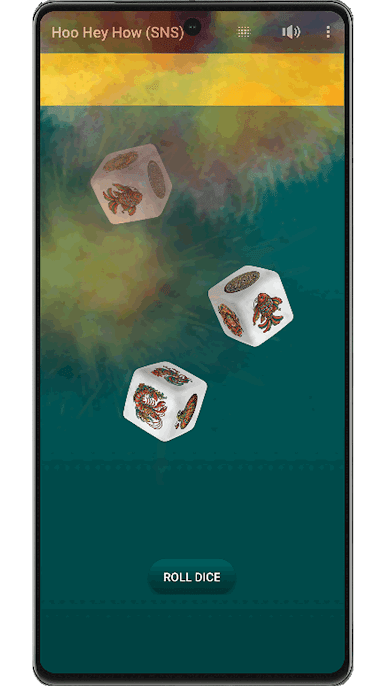
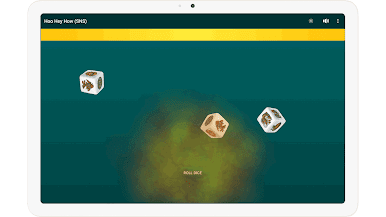
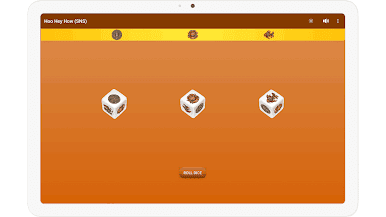
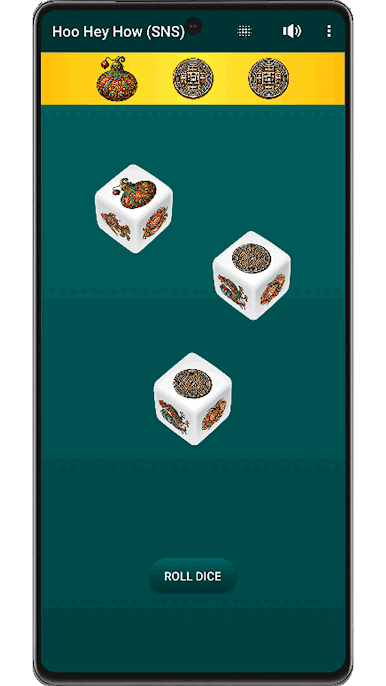
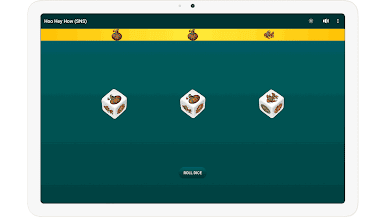
Immerse yourself in the timeless fun of Hoo Hey How, the traditional dice game loved by generations. Experience authentic gameplay with our virtual dice simulator that brings the classic symbols to life on your Android device.
Features You'll Love:
Authentic Gameplay: Play with the original rules and mechanics of Hoo Hey How.
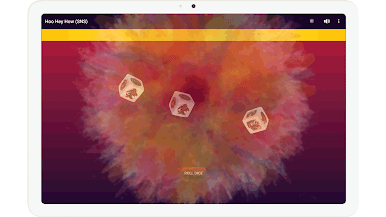
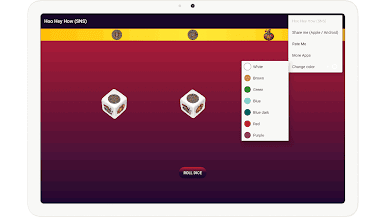
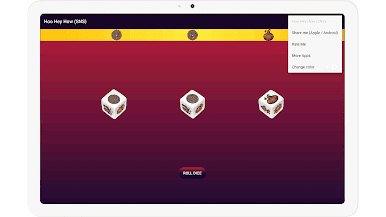
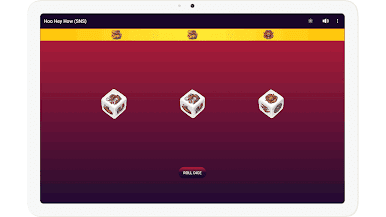
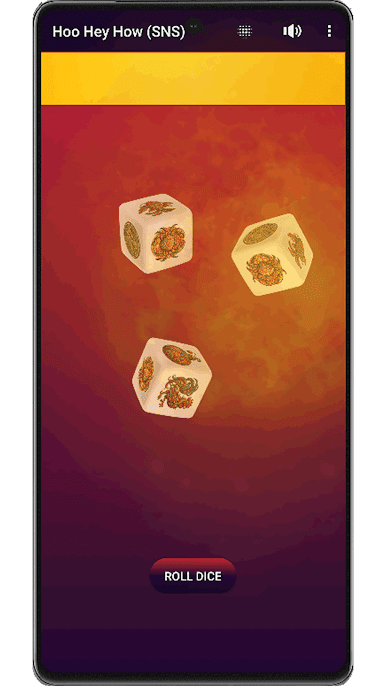
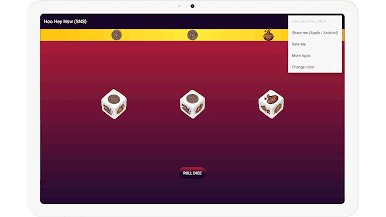
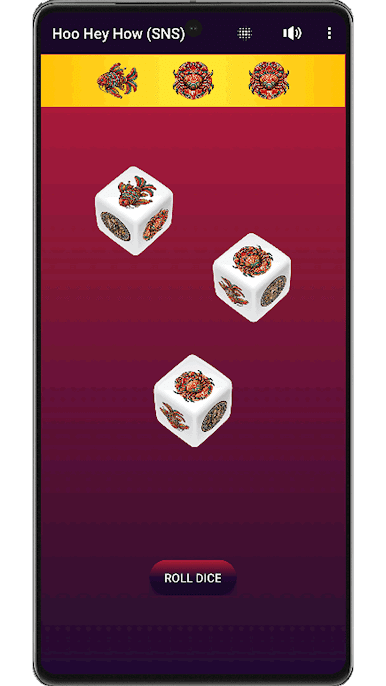
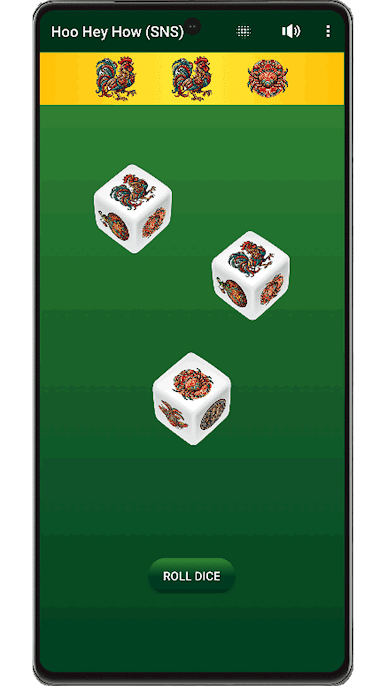
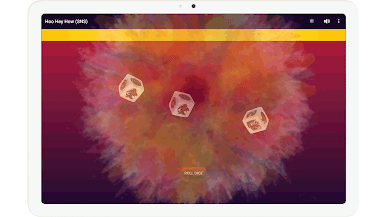
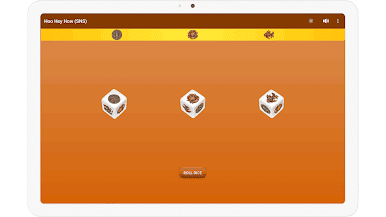
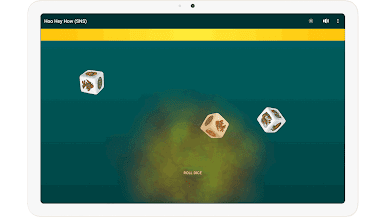
Stunning Visuals: High-quality graphics featuring traditional symbols on the dice.
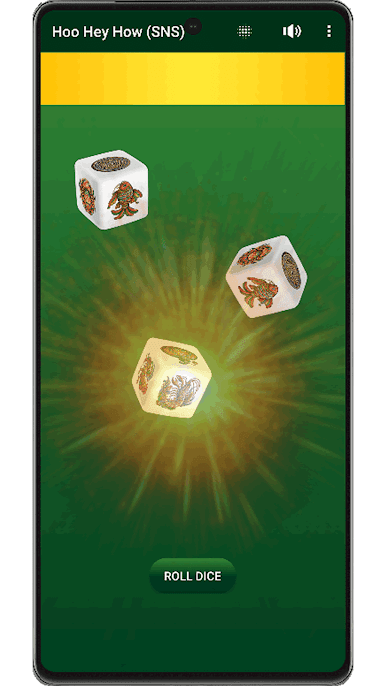
Immersive Sounds: Realistic sound effects enhance your gaming experience.
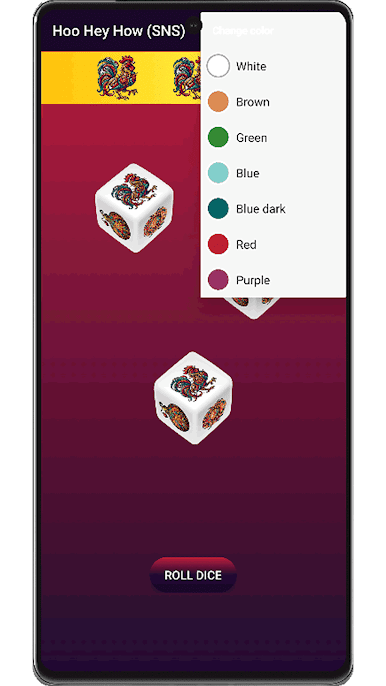
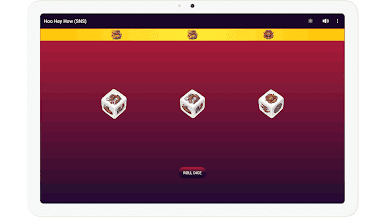
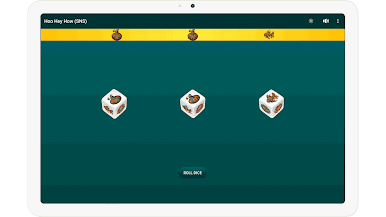
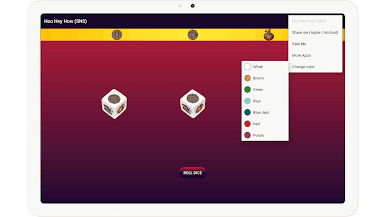
Customizable Themes: Personalize your game with various color schemes and backgrounds.
Offline Mode: Enjoy the game anytime, anywhere without an internet connection.
Virtual Dice Simulator: Simply tap to roll the virtual dice and test your luck.
Perfect for fans of dice games and traditional board games, this app brings the classic Hoo Hey How experience to your fingertips. Whether you're a seasoned player or new to the game, you'll find endless fun and excitement.
Download now and start rolling the dice!

Jogue Hoo Hey How (SNS) no PC. É fácil começar.
-
Baixe e instale o BlueStacks no seu PC
-
Conclua o login do Google para acessar a Play Store ou faça isso mais tarde
-
Procure por Hoo Hey How (SNS) na barra de pesquisa no canto superior direito
-
Clique para instalar Hoo Hey How (SNS) a partir dos resultados da pesquisa
-
Conclua o login do Google (caso você pulou a etapa 2) para instalar o Hoo Hey How (SNS)
-
Clique no ícone do Hoo Hey How (SNS) na tela inicial para começar a jogar

