


Polysyllable
在電腦上使用BlueStacks –受到5億以上的遊戲玩家所信任的Android遊戲平台。

Play Polysyllable on PC or Mac
Step into the World of Polysyllable, a thrilling Word game from the house of Second Gear Games. Play this Android game on BlueStacks App Player and experience immersive gaming on PC or Mac.
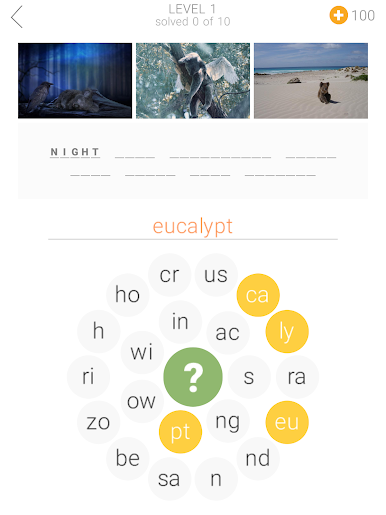
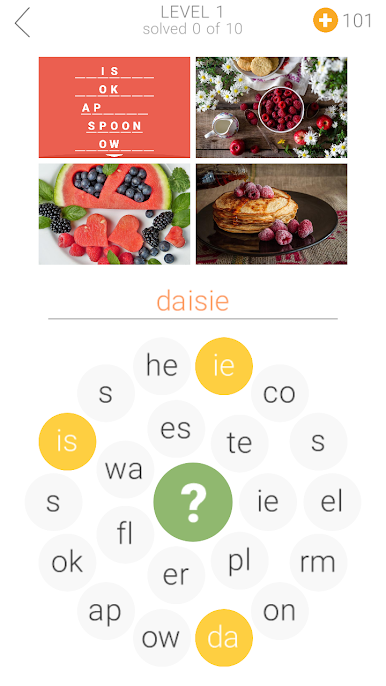
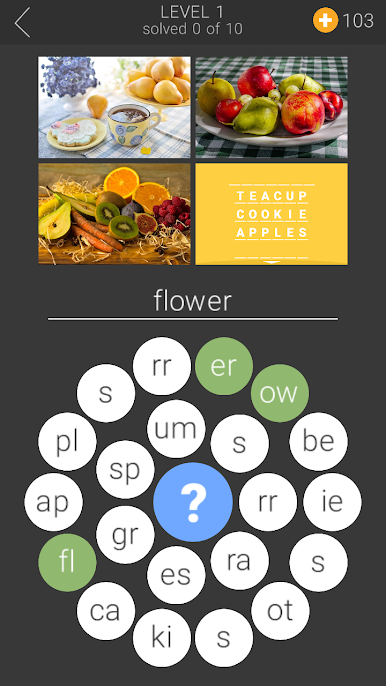
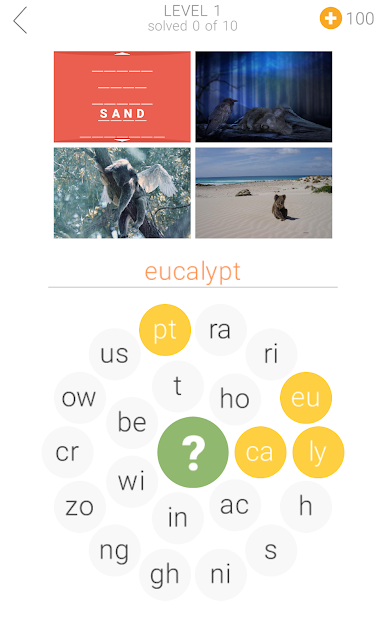
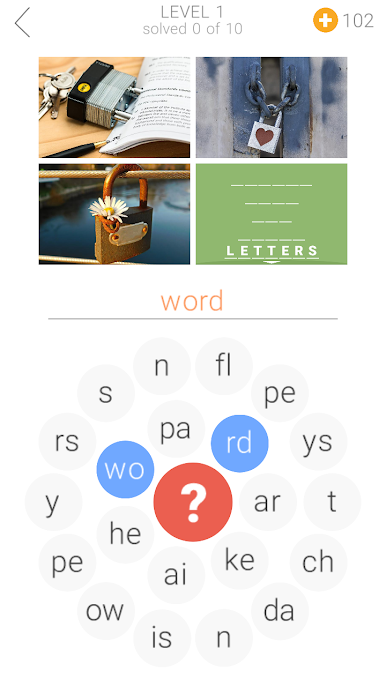
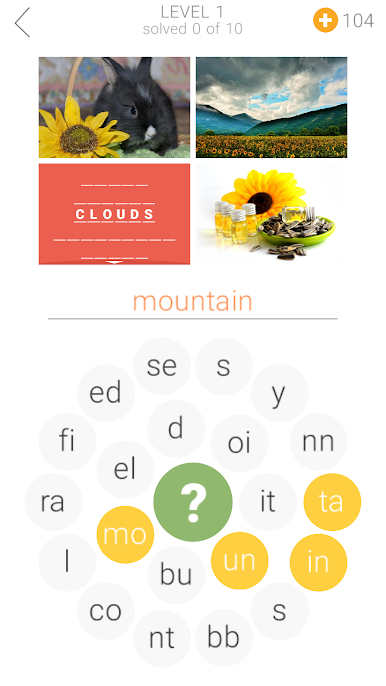
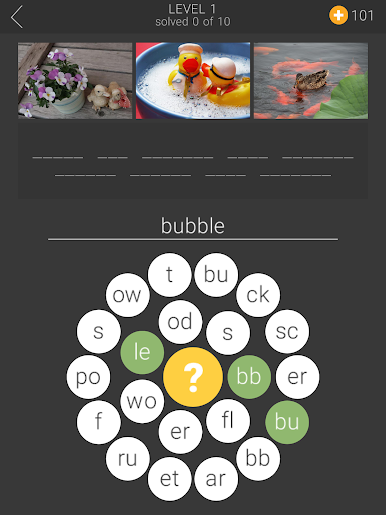
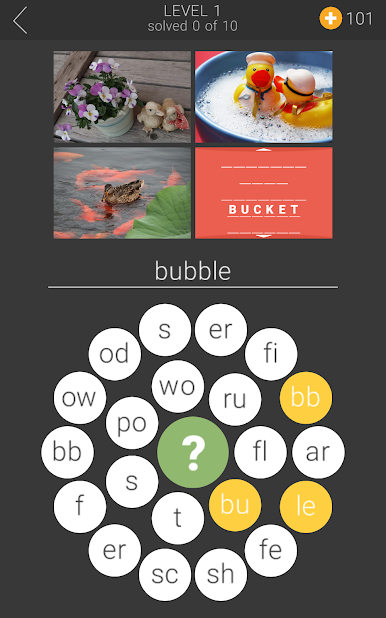
Polysyllable is kind of a blend between those spot-the-difference puzzles and word games, but it does things a little differently. Players get three photos side by side, and even though there’s a lot that’s similar among them, the real challenge is to spot what shows up in one or two pictures, but never all three. It ends up being trickier than it sounds—sometimes whatever stands out is tiny or just kind of in the background, so it really helps to actually stare at the pictures and notice little details.
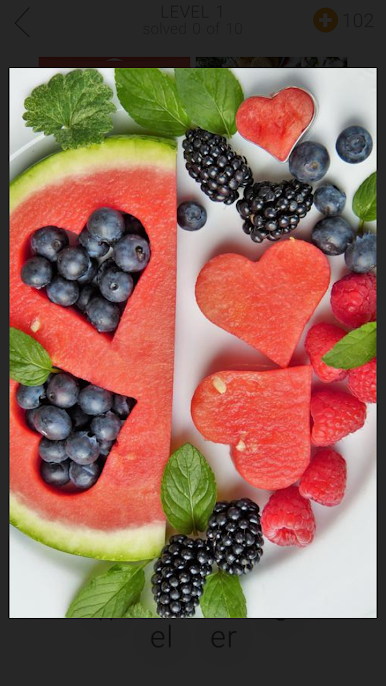
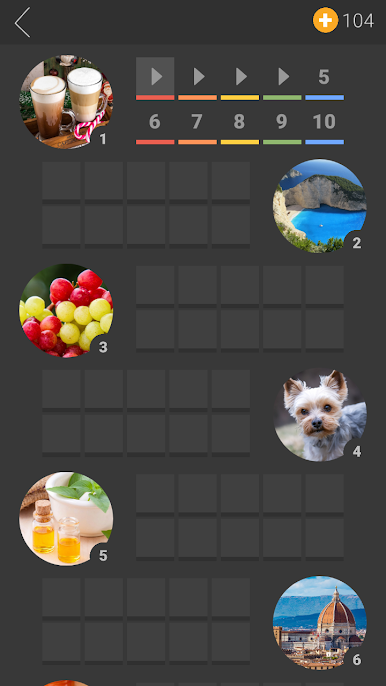
To make things less overwhelming, instead of having to write out every answer in full, the words are chopped up into short little parts. These float on a circular keyboard, and players just tap the pieces in order to spell the answer. It’s a bit like piecing together something from fragments, so it’s not just a typing thing—some brain power goes into figuring out what fits together. There’s a bunch of puzzles in there, so it’s not short on content, and the interface gives the option to zoom in on the photos whenever something looks a bit unclear. It doesn’t just stick to English either—the game can switch between a handful of languages, which is nice for players who might want to try in French, German, or any of the others. On PC (using BlueStacks), playing feels smooth because pointing and clicking around with a mouse makes picking out the details even easier than doing it on a phone, especially with the option to enlarge things. Anyone into puzzles that mix observation skills with wordplay would probably enjoy what Polysyllable does.
Start your journey now. Download the game on BlueStacks, invite your friends, and march on a new adventure.
在電腦上遊玩Polysyllable . 輕易上手.
-
在您的電腦上下載並安裝BlueStacks
-
完成Google登入後即可訪問Play商店,或等你需要訪問Play商店十再登入
-
在右上角的搜索欄中尋找 Polysyllable
-
點擊以從搜索結果中安裝 Polysyllable
-
完成Google登入(如果您跳過了步驟2),以安裝 Polysyllable
-
在首頁畫面中點擊 Polysyllable 圖標來啟動遊戲

