

FPS遭遇拍攝遊戲
在電腦上使用BlueStacks –受到5億以上的遊戲玩家所信任的Android遊戲平台。

Play FPS Encounter Shooting Games on PC or Mac
From the innovators and creators at Hazel Mobile Games, FPS Encounter Shooting Games is another fun addition to the World of Action games. Go beyond your mobile screen and play it bigger and better on your PC or Mac. An immersive experience awaits you.
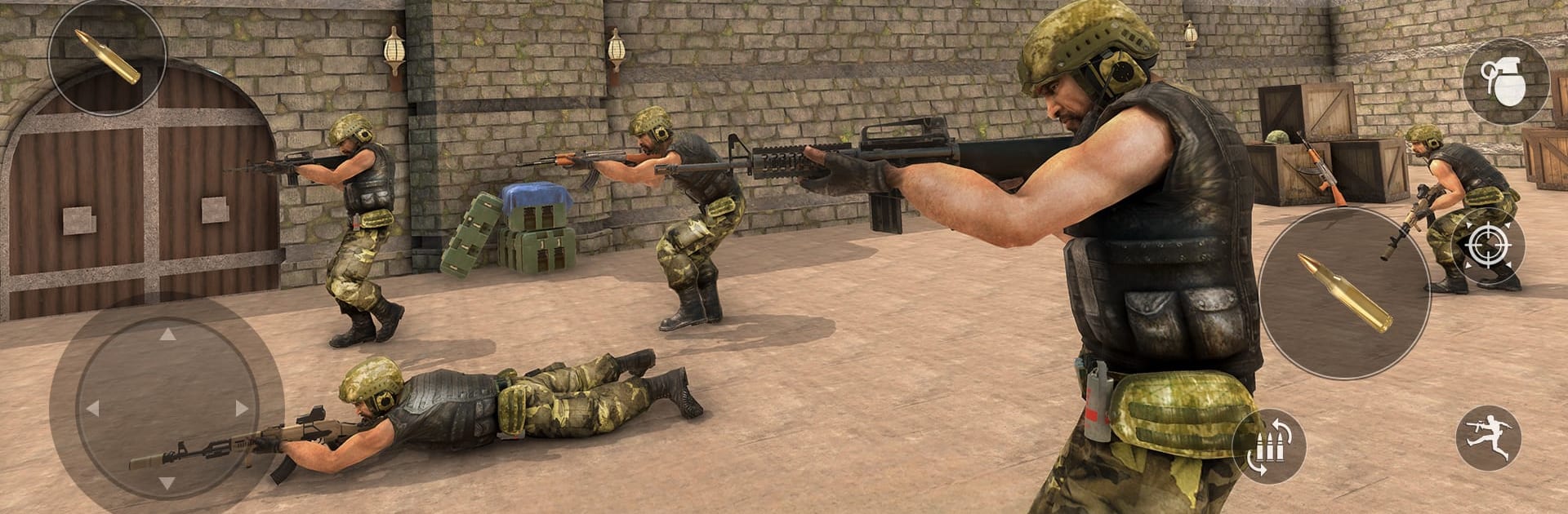
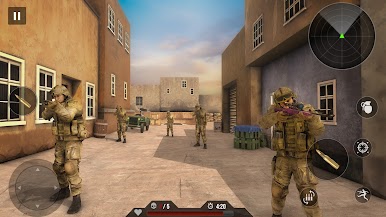
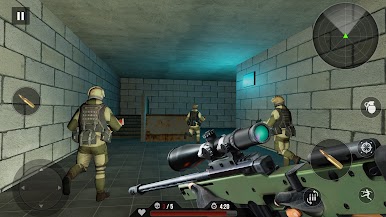
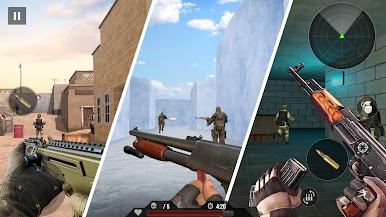
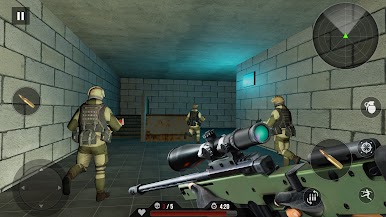
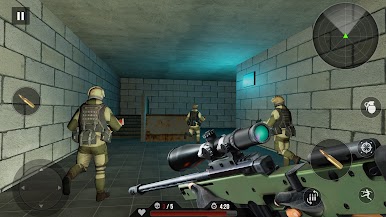
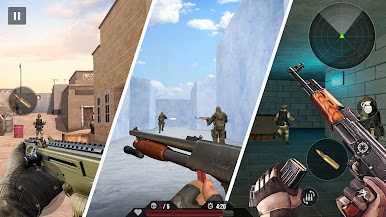
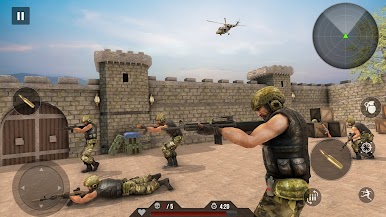
So, FPS Encounter Shooting Games is basically one of those run-and-gun shooters where you get dropped into different missions and your job is to clear out enemies—usually a bunch of tough AI soldiers, sometimes prisoners, all with some kind of army setup. It’s single player and doesn’t need an internet connection, so it’s handy if someone wants to play on the go or has spotty WiFi. The game has a strong “army commando” vibe, where every level feels like a mission out of an action movie, and you’re constantly switching between assault rifles, snipers, and other modern guns you unlock as you play along.
Something that really stands out is the sound and the look—guns have a satisfying kick, there’s punchy sound effects, and the environments, while not huge, have enough variety to keep each mission feeling slightly different. Graphics are solid for a mobile game—nothing ultra-realistic, but they look clean, and there are even ways to tweak the graphics if your computer struggles or if you’re just playing for battery life. Playing it on PC with BlueStacks, the controls feel way smoother than touchscreen, so aiming and switching weapons is easier and a bit more satisfying. The missions do get trickier as you go, with enemies that aren’t just standing around waiting for you, but actually react and try to flank or overwhelm you if you mess up. It’s all about quick reflexes, paying attention to cover, and making your shots count, especially since some enemies hit back pretty hard. If someone’s after a straightforward, action-packed shooter they can pick up and drop any time—no waiting on updates or internet—this one fits that spot nicely.
Get ready for a buttery smooth, high-performance gaming action only on BlueStacks.
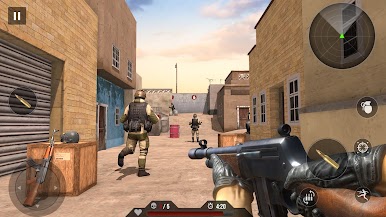
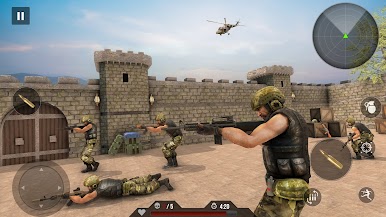
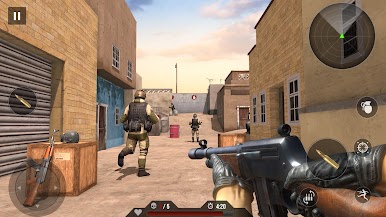
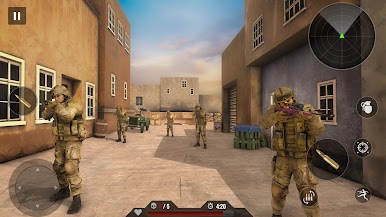
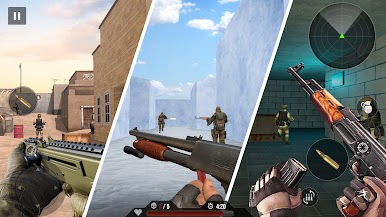
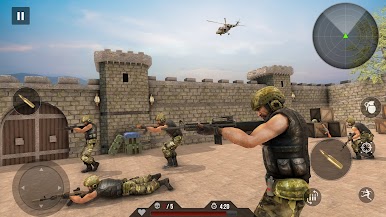
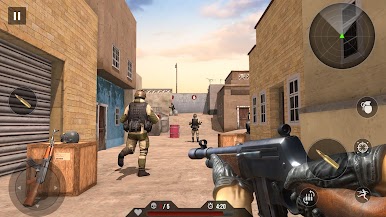
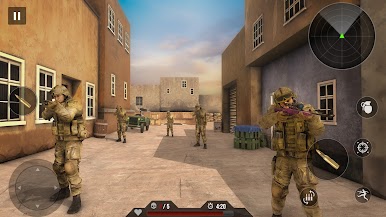
在電腦上遊玩FPS遭遇拍攝遊戲 . 輕易上手.
-
在您的電腦上下載並安裝BlueStacks
-
完成Google登入後即可訪問Play商店,或等你需要訪問Play商店十再登入
-
在右上角的搜索欄中尋找 FPS遭遇拍攝遊戲
-
點擊以從搜索結果中安裝 FPS遭遇拍攝遊戲
-
完成Google登入(如果您跳過了步驟2),以安裝 FPS遭遇拍攝遊戲
-
在首頁畫面中點擊 FPS遭遇拍攝遊戲 圖標來啟動遊戲

