

GoodSync
5억명 이상의 게이머가 신뢰하는 안드로이드 게임 플랫폼 BlueStacks으로 PC에서 플레이하세요.

Run GoodSync on PC or Mac
Get freedom from your phone’s obvious limitations. Use GoodSync, made by Siber Systems Inc, a Productivity app on your PC or Mac with BlueStacks, and level up your experience.
About the App
GoodSync, brought to you by Siber Systems Inc, is all about making file transfers and syncing between your devices a total breeze. Whether you’re juggling photos, important docs, or your favorite playlists, this productivity app gives you a simple way to keep things organized and up-to-date. Expect a smooth experience moving files from your desktop to your phone—and back again—all without the fuss. If you like the idea of having your stuff wherever you need it, you’ll appreciate what GoodSync brings to the table.
App Features
-
Easy Desktop Connection
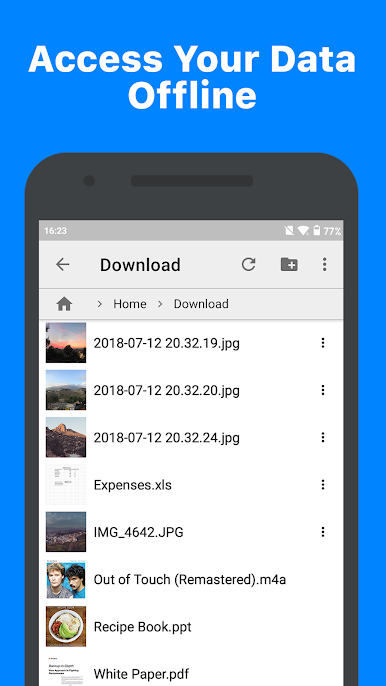
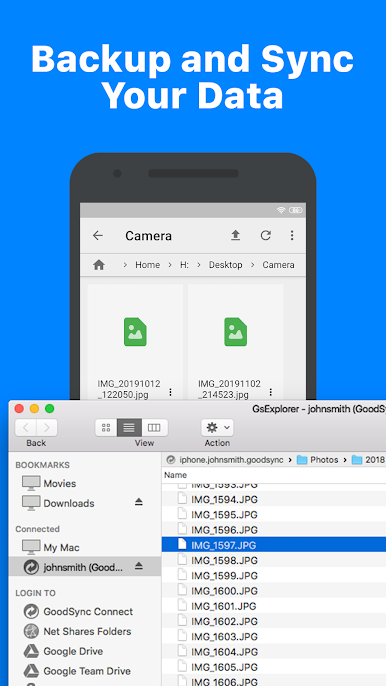
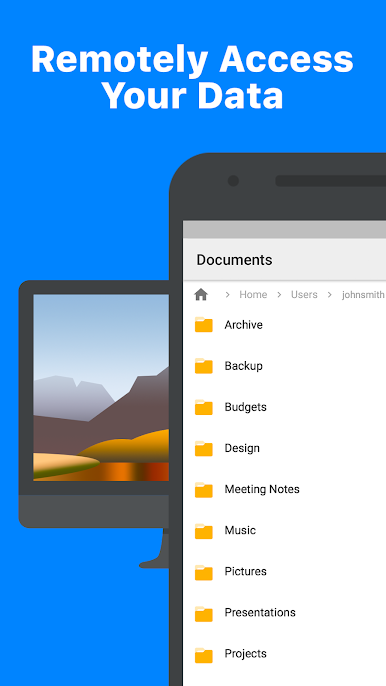
Get direct access to files from your desktop computer running GoodSync Connect. Browse, view, or grab files from your PC without any hassle, right from your phone. -
Seamless Uploads
Need to move something the other direction? Upload files or whole folders from your desktop straight to your device. It’s fast, simple, and doesn’t require extra steps. -
Built-In File Sharing Server
There’s a handy server built into the app, letting you make files on your phone available to GoodSync or GoodSync Explorer on your desktop. It’s a straightforward way to keep everything at your fingertips. -
Works Anywhere
File transfers run over WiFi or cellular networks, always picking the quickest option for speedy syncing. Get your files—wherever you are. -
Background Operation
Set the server to work quietly in the background, even without locking up your screen. You can multitask while your files do their thing. -
Startup and Network Options
Need GoodSync ready the minute your device powers on? Flip a switch. Prefer syncing only when connected to WiFi? You’re covered—customize it your way. -
Supports Multiple Storage Services
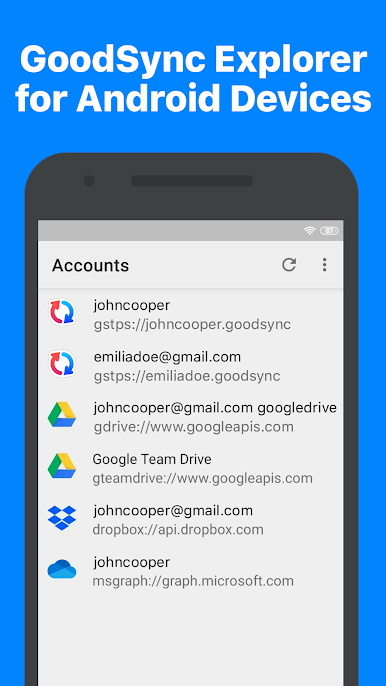
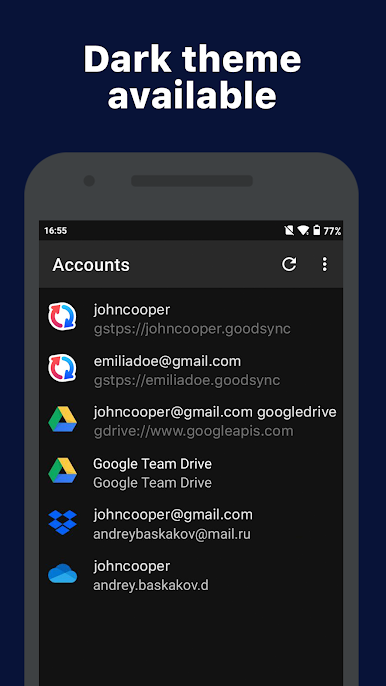
Browse cloud storage services like Google Drive, OneDrive, and even Amazon Cloud Drive (coming soon!) right from within the app. -
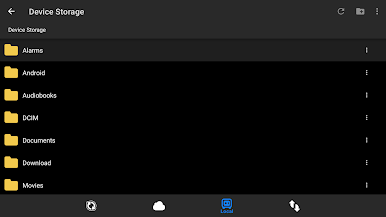
SD Card Access
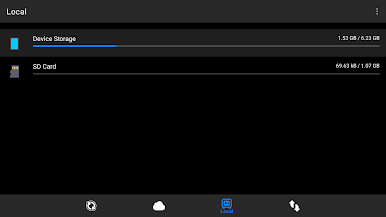
Tap into files stored on both your internal memory and any external SD cards, so nothing’s out of reach. -
Auto Sync on File Change
When the desktop client detects changes, the app can jump into action and sync things up automatically. That’s one less thing for you to worry about.
You can also give GoodSync a go on BlueStacks, if you want the convenience of managing your files from your desktop.
Big screen. Bigger performance. Use BlueStacks on your PC or Mac to run your favorite apps.
PC에서 GoodSync 플레이해보세요.
-
BlueStacks 다운로드하고 설치
-
Google Play 스토어에 로그인 하기(나중에 진행가능)
-
오른쪽 상단 코너에 GoodSync 검색
-
검색 결과 중 GoodSync 선택하여 설치
-
구글 로그인 진행(만약 2단계를 지나갔을 경우) 후 GoodSync 설치
-
메인 홈화면에서 GoodSync 선택하여 실행

