


Cell Signal Monitor
5억명 이상의 게이머가 신뢰하는 안드로이드 게임 플랫폼 BlueStacks으로 PC에서 플레이하세요.

Run Cell Signal Monitor: monitoring of mobile networks on PC or Mac
Multitask effortlessly on your PC or Mac as you try out Cell Signal Monitor: monitoring of mobile networks, a Tools app by Alexander Kozyukov on BlueStacks.
About the App
Ever wonder how strong your cell signal really is or what’s going on with the towers nearby? Cell Signal Monitor: monitoring of mobile networks makes it easy to peek behind the curtain and see what’s happening with your network connection in real time. It’s a straightforward tool for anyone curious about their signal’s ups and downs—whether you’re checking out a new neighborhood, troubleshooting a rough patch of reception, or just a bit of a data geek. You’ll spot all kinds of interesting details about your phone’s network story.
App Features
-
Live Signal Status
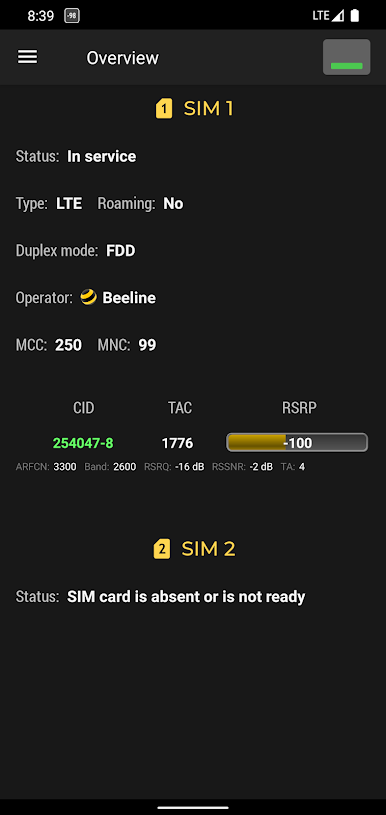
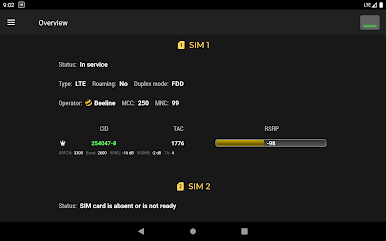
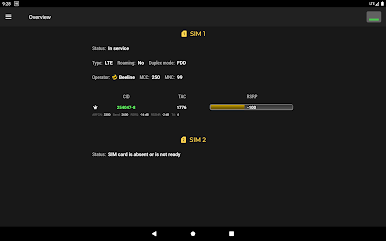
Quickly see if your connection’s working, down, or stuck in emergency mode. The app gives you all the info about your current cellular situation, so you’re never left guessing. -
Operator and Network Details
Get a snapshot of your network operator, along with handy tech details like MCC, MNC, and whether you’re running on GPRS, EDGE, UMTS, or LTE. -
Cell and Area Information
Check out which cell tower your phone’s talking to (CID) and learn more about the area codes like LAC, RNC, or TAC. It’s a simple way to spot where you’re connected. -
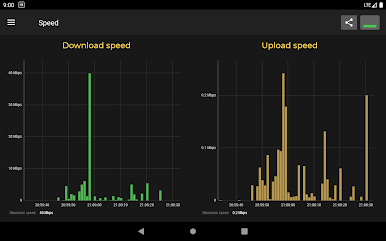
Signal Strength & Speed Graphs
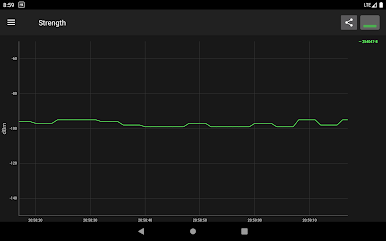
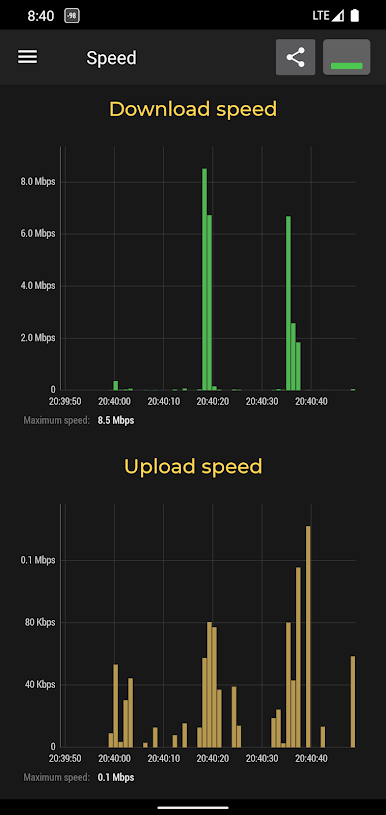
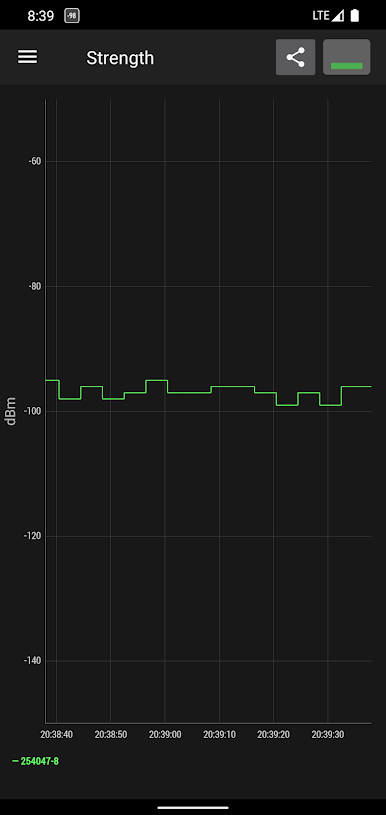
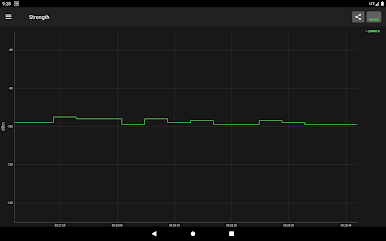
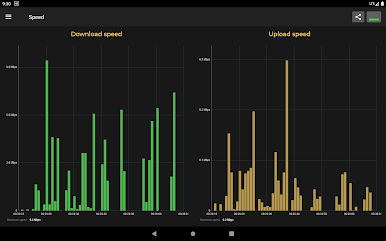
Visual graphs track how your signal changes as you move or as the day goes on. You’ll see your actual signal power (RSSI and RSRP for LTE fans) and how much data is moving through the channel. -
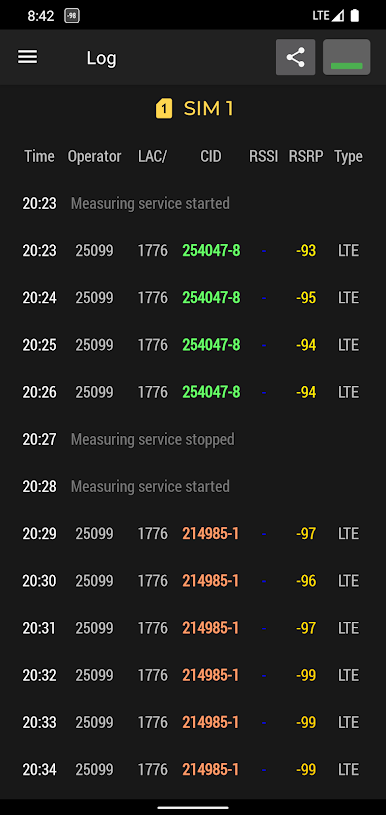
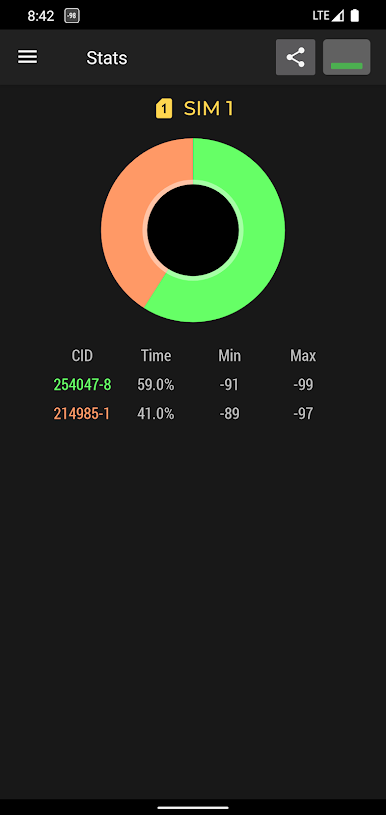
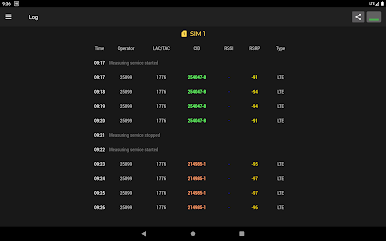
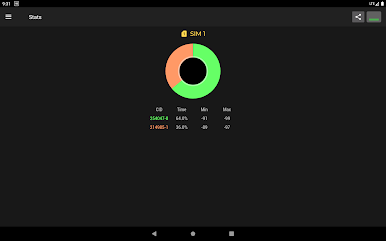
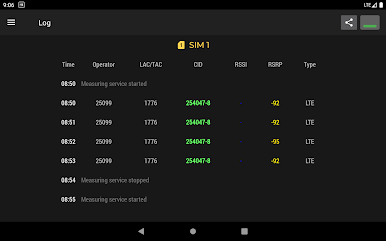
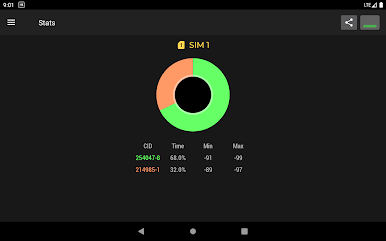
Base Station Log and Stats
Want to go deeper? Browse a log of the towers your phone’s been using, plus stats to help track your signal habits over time. You can even import CLF files to get more detailed location data mapped out for you. -
Simple, Uncluttered Interface
No fuss here—just clean tabs and easy-to-read info. You’ll find what you need fast and won’t get sidetracked by clutter. -
Smooth BlueStacks Support
If you’re running things through BlueStacks, the app slips right in, giving you a clear picture of network details without any hassle.
Just a heads-up: some features might look a little different on Samsung devices due to the way their system handles cell data.
Switch to BlueStacks and make the most of your apps on your PC or Mac.
PC에서 Cell Signal Monitor 플레이해보세요.
-
BlueStacks 다운로드하고 설치
-
Google Play 스토어에 로그인 하기(나중에 진행가능)
-
오른쪽 상단 코너에 Cell Signal Monitor 검색
-
검색 결과 중 Cell Signal Monitor 선택하여 설치
-
구글 로그인 진행(만약 2단계를 지나갔을 경우) 후 Cell Signal Monitor 설치
-
메인 홈화면에서 Cell Signal Monitor 선택하여 실행

