


Aprenda Espanhol: Fale, Leia
Jogue no PC com BlueStacks - A Plataforma de Jogos Android, confiada por mais de 500 milhões de jogadores.

Página modificada em: Jul 13, 2025
Run Learn Spanish Language on PC or Mac
Multitask effortlessly on your PC or Mac as you try out Learn Spanish Language, a Education app by LuvLingua on BlueStacks.
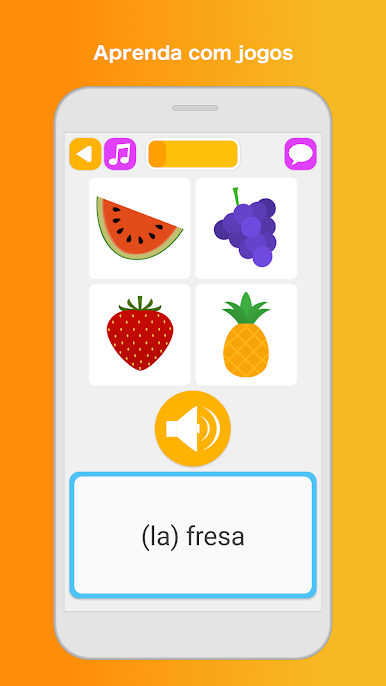
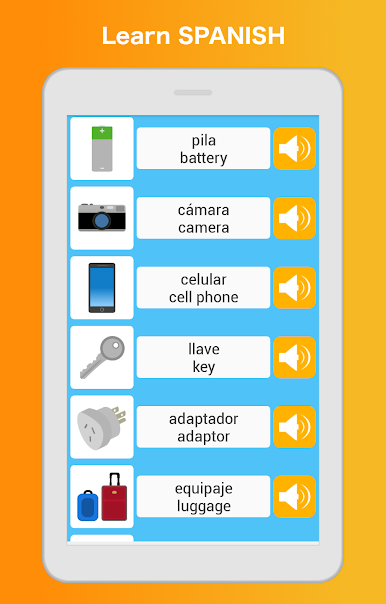
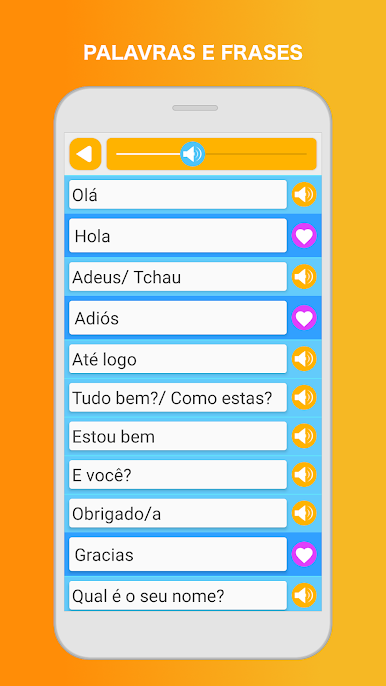
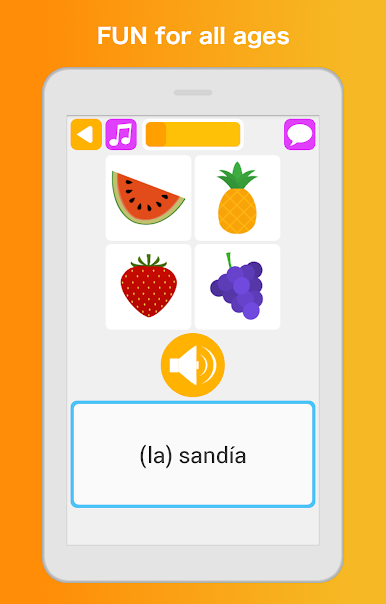
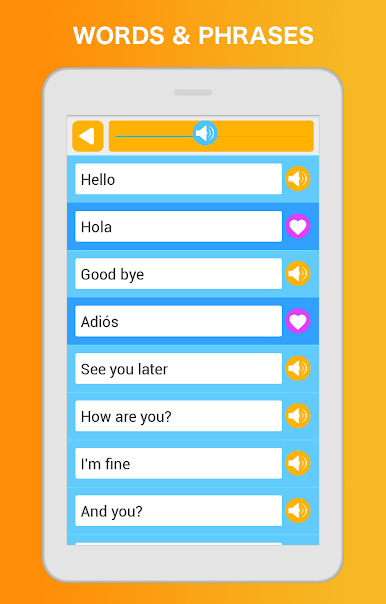
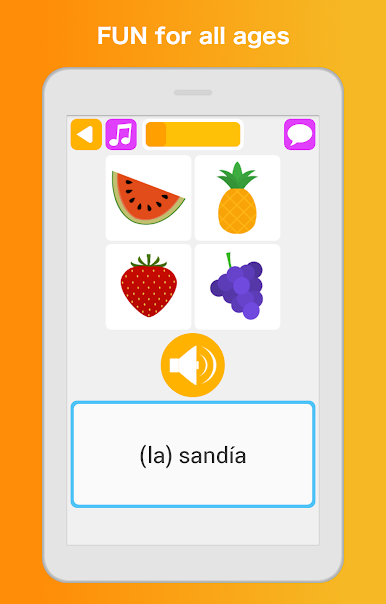
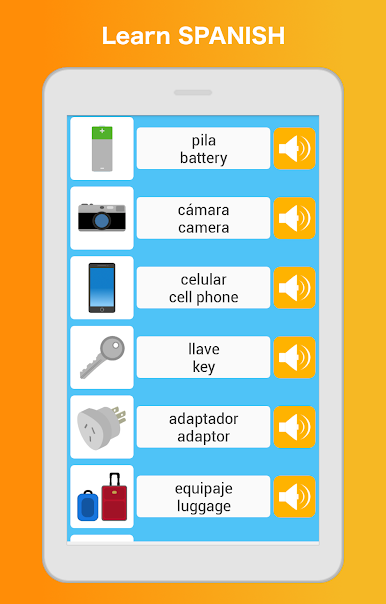
Learn Spanish Language feels like a stack of quick mini lessons that actually keep attention, not a boring textbook. It mixes little games with real study, so one minute they are matching pictures and words, and the next they are doing a listening quiz or a short write-in. The app splits everything into bite-size stages from beginner to intermediate, with clear goals and lots of review so new words stick. There is a friendly phrasebook sorted by real life stuff like greetings, directions, time, shopping, travel, school, even emergencies. Flashcards cover the basics such as numbers, food, colors, clothing, and body parts. Audio is from native speakers and sounds clean, so it is easier to hear how things should be said, then test speaking and listening right away.
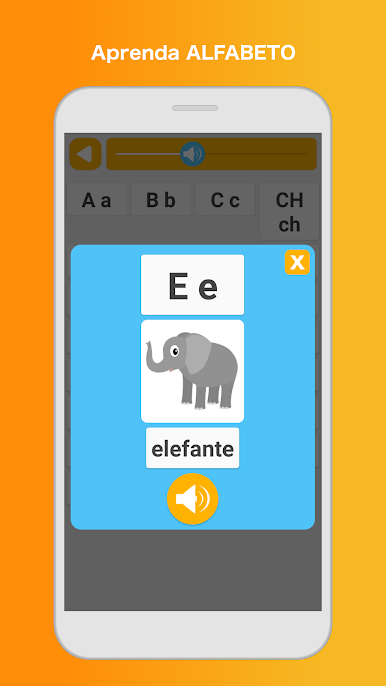
There is more than vocab drilling. An alphabet section helps with reading, and the grammar area plus a sentence builder nudges them to form proper questions and statements using nouns, verbs, and adjectives. Search is fast, saving favorites is handy, and progress tracking with small achievements gives a sense of momentum. It works offline, which is great on the go, and there are options to show or hide romanization or switch the interface language. Translations are available in many languages and feel human-made. Most content is free, with a subscription if someone wants everything. On BlueStacks, the bigger screen makes the memory and target games nicer to click through, and typing answers with a keyboard feels quicker, almost like a casual study session on a laptop. It looks simple at first, but there is alot here for kids or adults who want steady practice without stress.
Big screen. Bigger performance. Use BlueStacks on your PC or Mac to run your favorite apps.


Jogue Aprenda Espanhol: Fale, Leia no PC. É fácil começar.
-
Baixe e instale o BlueStacks no seu PC
-
Conclua o login do Google para acessar a Play Store ou faça isso mais tarde
-
Procure por Aprenda Espanhol: Fale, Leia na barra de pesquisa no canto superior direito
-
Clique para instalar Aprenda Espanhol: Fale, Leia a partir dos resultados da pesquisa
-
Conclua o login do Google (caso você pulou a etapa 2) para instalar o Aprenda Espanhol: Fale, Leia
-
Clique no ícone do Aprenda Espanhol: Fale, Leia na tela inicial para começar a jogar

