


Tell Me - Text To Speech
在電腦上使用BlueStacks –受到5億以上的遊戲玩家所信任的Android遊戲平台。

Run Tell Me - Text To Speech on PC or Mac
Upgrade your experience. Try Tell Me – Text To Speech, the fantastic Communication app from Simply Complex Apps, from the comfort of your laptop, PC, or Mac, only on BlueStacks.
About the App
Ever wish your messages, notes, or just random thoughts could speak for themselves? With Tell Me – Text To Speech by Simply Complex Apps, you can turn almost any text into clear, expressive audio in just a few taps. Whether you’re experimenting with voices for some fun, need assistance with reading, or want to turn text into custom alarms and ringtones, this app makes it a breeze. No fuss, just type, adjust, and listen.
App Features
-
Adjust Your Sound
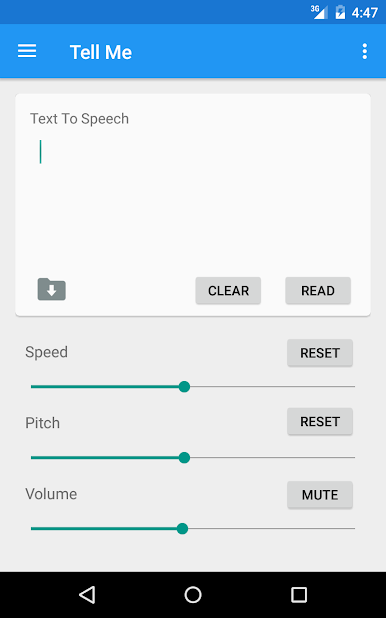
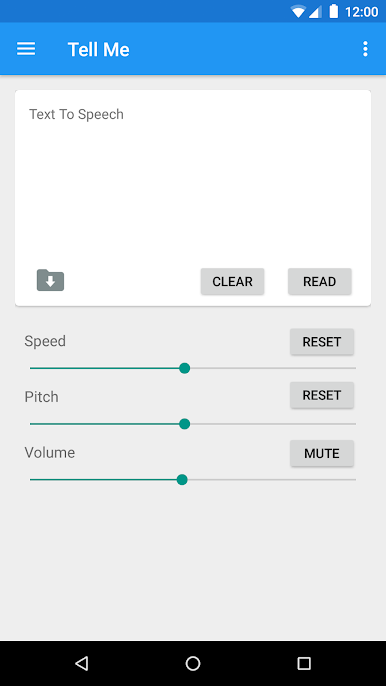
Play around with sliders for volume, pitch, and speed until the voice sounds just right to you—make it chipper, slow things down, or crank up the drama. -
Clean, Hassle-Free Interface
Everything’s laid out with simple, Material-inspired design. No clutter, no complicated menus—just straightforward tools that do what you want. -
Personalize the Look
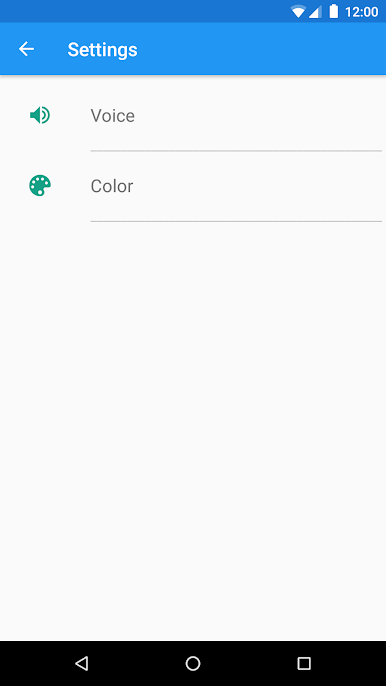
Switch up color themes to match your mood or style. It’s small touches like this that make using the app a little more enjoyable. -
Variety of Voices
Choose from several different voice options—including US English, UK English, or even unique picks like Jarvis—for whatever project or mood you’re in. -
Voice Styles Galore
Mix up the tone, accent, or style of speech so every phrase sounds fresh or fits the message you want to send. -
Save and Share Audio Files
Convert your favorite text into audio and save it as a file. Handy if you want to reuse funny lines or helpful notes later on. -
Quick-Access Presets
Use the slide-out menu for preset texts when you’re short on time or just want to try out the app’s features without thinking too hard. -
Set Custom Sounds
Make your own ringtones, notification sounds, or alarms—right from inside the app using your synthesized speech files. -
Great on Tablets Too
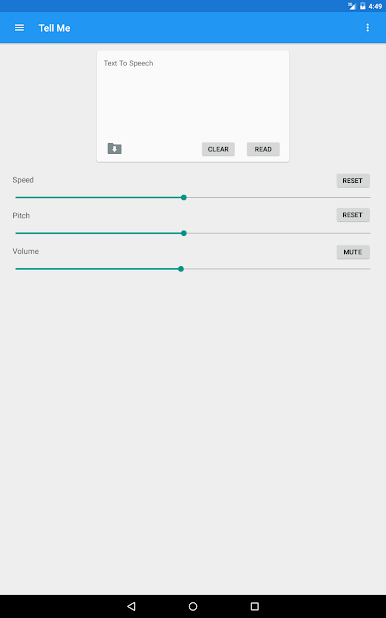
Works smoothly across various devices, so you’ll get a good experience whether you’re on a phone or a bigger screen.
You’ll get more out of Tell Me – Text To Speech by Simply Complex Apps if you try it on BlueStacks—it just opens things up a bit more and makes experimenting with voices and sounds even easier.
BlueStacks brings your apps to life on a bigger screen—seamless and straightforward.
在電腦上遊玩Tell Me - Text To Speech . 輕易上手.
-
在您的電腦上下載並安裝BlueStacks
-
完成Google登入後即可訪問Play商店,或等你需要訪問Play商店十再登入
-
在右上角的搜索欄中尋找 Tell Me - Text To Speech
-
點擊以從搜索結果中安裝 Tell Me - Text To Speech
-
完成Google登入(如果您跳過了步驟2),以安裝 Tell Me - Text To Speech
-
在首頁畫面中點擊 Tell Me - Text To Speech 圖標來啟動遊戲

