

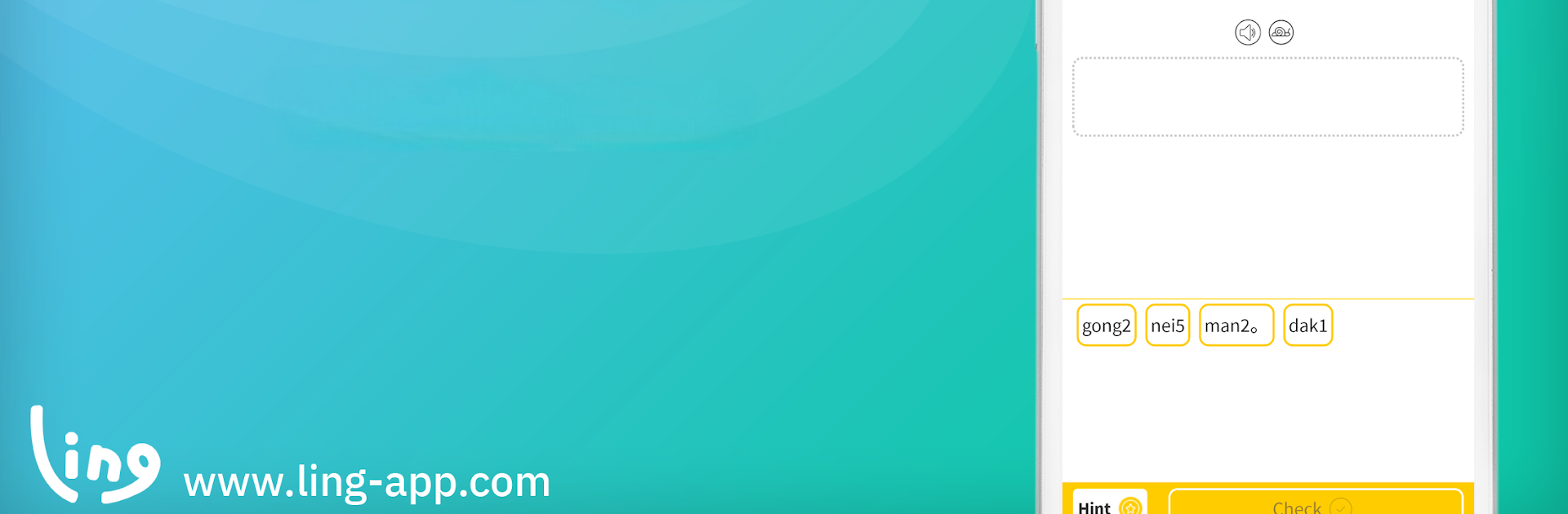
تتَعلم بأن تَكتبّ الكانتونية
العب على الكمبيوتر الشخصي مع BlueStacks - نظام أندرويد للألعاب ، موثوق به من قبل أكثر من 500 مليون لاعب.

Run Learn Cantonese Language with Master Ling on PC or Mac
Let BlueStacks turn your PC, Mac, or laptop into the perfect home for Learn Cantonese Language with Master Ling, a fun Education app from Simya Solutions Ltd..
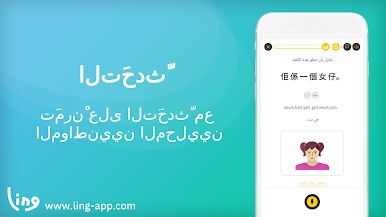
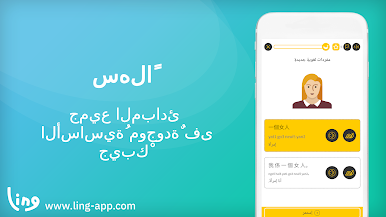
So the Learn Cantonese Language with Master Ling app honestly feels like playing a bunch of quick games that just happen to teach you Cantonese along the way. Instead of dry lessons or lots of memorizing, everything’s broken up into small activities—like matching words to pictures, tapping out answers, and little quizzes here and there. It’s easy to move around too, so nothing feels overwhelming. The bit that stands out most is the range: whether someone just wants to pick up a few basics for travel, or actually work on writing and pronunciation, there’s something that fits.
The app goes further than flashcards—there’s this chatbot conversation tool where you can practice chatting (which is way less intimidating than talking to a real person right away). There’s even stuff to help practice writing the characters with your finger, so it isn’t just about speaking. The interface is clean, and it works the same on PC with BlueStacks as it would on your phone, so everything looks familiar. Plus, the courses grow with you. There are different topics, and it doesn’t matter if you know zero Cantonese or just want to fine tune things. It feels more like hanging out and trying fun challenges rather than sitting through a lesson. And if you ever get stuck, the app’s pretty good at reviewing stuff, so it’s easy to go back and practice.
Eager to take your app experience to the next level? Start right away by downloading BlueStacks on your PC or Mac.
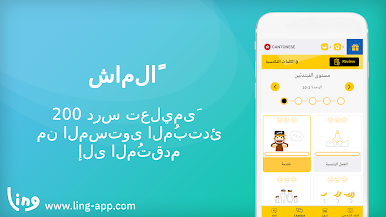
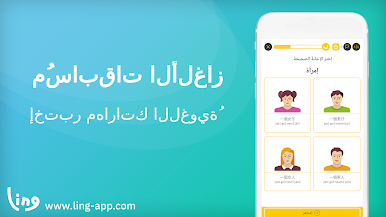
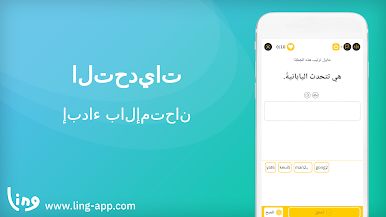

العب تتَعلم بأن تَكتبّ الكانتونية على جهاز الكمبيوتر. من السهل البدء.
-
قم بتنزيل BlueStacks وتثبيته على جهاز الكمبيوتر الخاص بك
-
أكمل تسجيل الدخول إلى Google للوصول إلى متجر Play ، أو قم بذلك لاحقًا
-
ابحث عن تتَعلم بأن تَكتبّ الكانتونية في شريط البحث أعلى الزاوية اليمنى
-
انقر لتثبيت تتَعلم بأن تَكتبّ الكانتونية من نتائج البحث
-
أكمل تسجيل الدخول إلى Google (إذا تخطيت الخطوة 2) لتثبيت تتَعلم بأن تَكتبّ الكانتونية
-
انقر على أيقونة تتَعلم بأن تَكتبّ الكانتونية على الشاشة الرئيسية لبدء اللعب

