


تطبيق Write Me - تعلم أبجدية ا
العب على الكمبيوتر الشخصي مع BlueStacks - نظام أندرويد للألعاب ، موثوق به من قبل أكثر من 500 مليون لاعب.

Run Learn To Write Thai Alphabet - Consonants & Vowels on PC or Mac
What’s better than using Learn To Write Thai Alphabet – Consonants & Vowels by Simya Solutions Ltd.? Well, try it on a big screen, on your PC or Mac, with BlueStacks to see the difference.
About the App
Learn To Write Thai Alphabet – Consonants & Vowels turns learning Thai script into something you’ll actually look forward to. Built by Simya Solutions Ltd. (Genre: Education), it blends stroke-by-stroke writing practice with quick games and a playful progress story so you can pick up consonants, vowels, and real words without slogging through dry drills. Prefer a bigger canvas? You can also practice on your computer using BlueStacks.
App Features
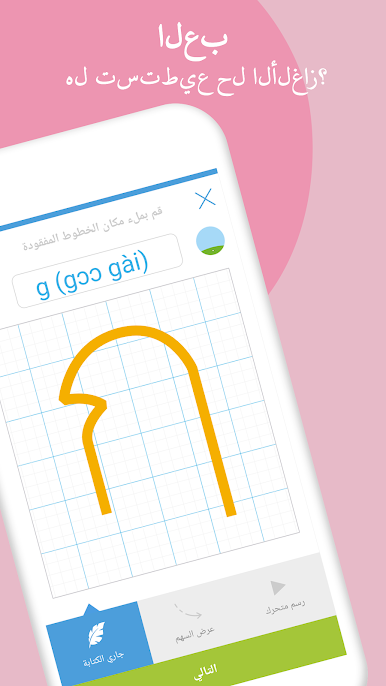
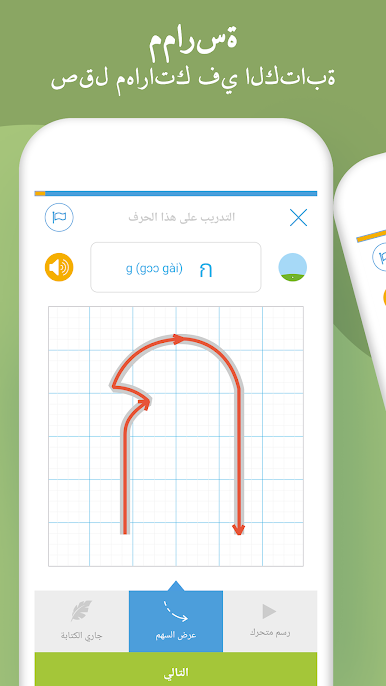
- Handwriting guidance: Follow clear stroke-order animations and get instant feedback as you trace each Thai letter, from basic consonants to stacked vowels and marks.
- Smart recognition: The app checks your strokes and shapes in real time, helping you fix mistakes on the spot and build muscle memory the right way.
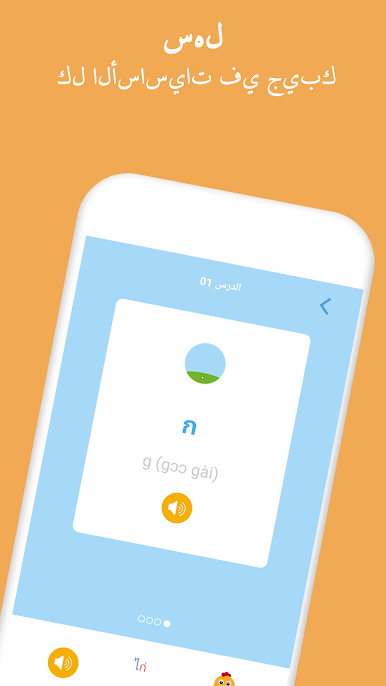
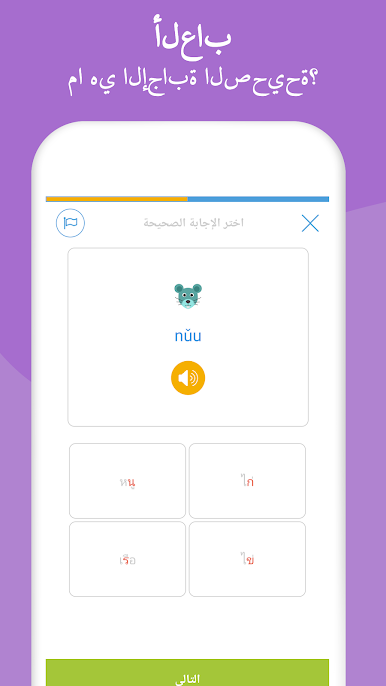
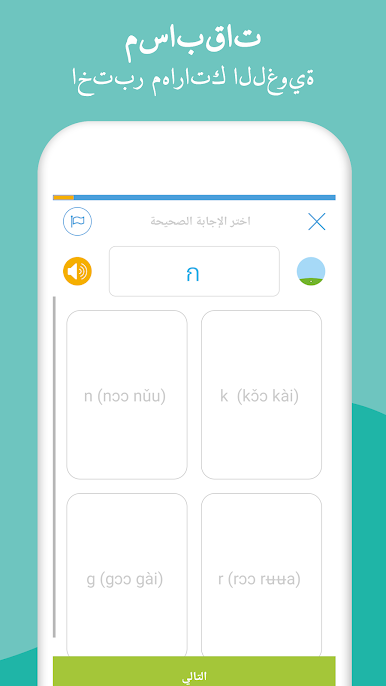
- Mini-games that stick: Use flashcards, rapid-fire quizzes, and matching tasks to connect symbols with sounds and simple words—quick sessions that actually add up.
- Fill-and-fix puzzles: Complete missing parts of tricky characters to lock in details that are easy to overlook.
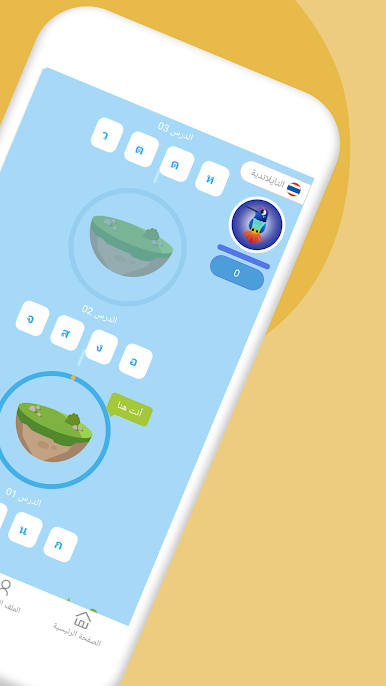
- Hummingbird progress story: Grow lilies in a small garden and watch a hummingbird evolve as you master each set—gentle motivation without pressure.
- Native audio throughout: Hear how each letter and example word is really pronounced, then mimic the sound while you write.
- Structured paths: Start as a total beginner or jump into tougher characters if you’ve already got the basics—courses adapt to where you are.
- Clean, friendly design: Simple navigation and short lessons make it easy to squeeze in practice anytime.
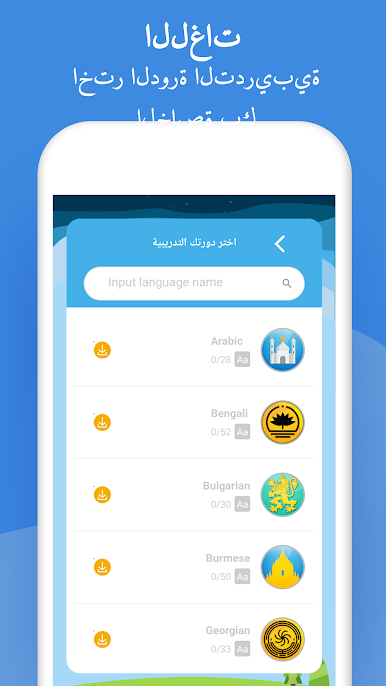
- More scripts available: Curious about other writing systems? Additional alphabet courses are ready when you are, right inside the same app.
Eager to take your app experience to the next level? Start right away by downloading BlueStacks on your PC or Mac.

العب تطبيق Write Me - تعلم أبجدية ا على جهاز الكمبيوتر. من السهل البدء.
-
قم بتنزيل BlueStacks وتثبيته على جهاز الكمبيوتر الخاص بك
-
أكمل تسجيل الدخول إلى Google للوصول إلى متجر Play ، أو قم بذلك لاحقًا
-
ابحث عن تطبيق Write Me - تعلم أبجدية ا في شريط البحث أعلى الزاوية اليمنى
-
انقر لتثبيت تطبيق Write Me - تعلم أبجدية ا من نتائج البحث
-
أكمل تسجيل الدخول إلى Google (إذا تخطيت الخطوة 2) لتثبيت تطبيق Write Me - تعلم أبجدية ا
-
انقر على أيقونة تطبيق Write Me - تعلم أبجدية ا على الشاشة الرئيسية لبدء اللعب

