


The 20 - D&D and RPG Companion
在電腦上使用BlueStacks –受到5億以上的遊戲玩家所信任的Android遊戲平台。

Play Role Player Pages on PC or Mac
Role Player Pages brings the Role Playing genre to life, and throws up exciting challenges for gamers. Developed by Sir Yorgan, this Android game is best experienced on BlueStacks, the World’s #1 app player for PC and Mac users.
About the Game
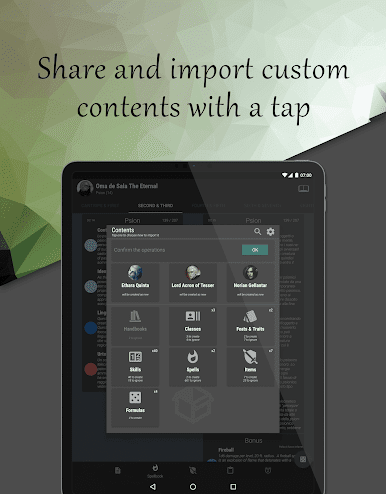
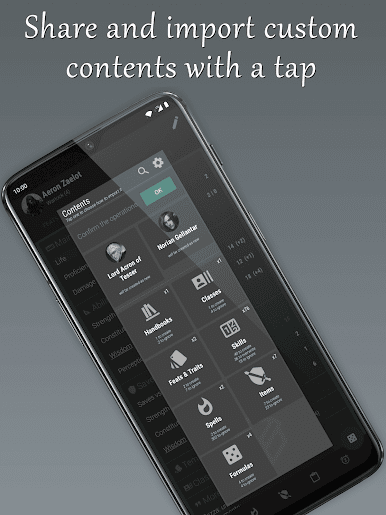
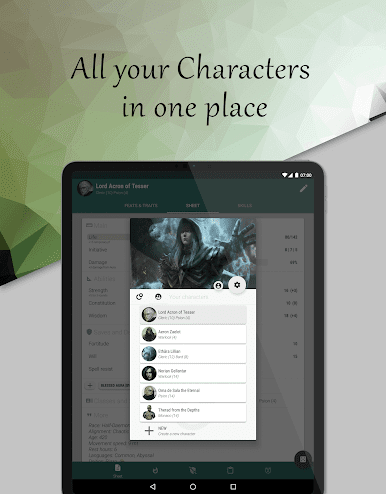
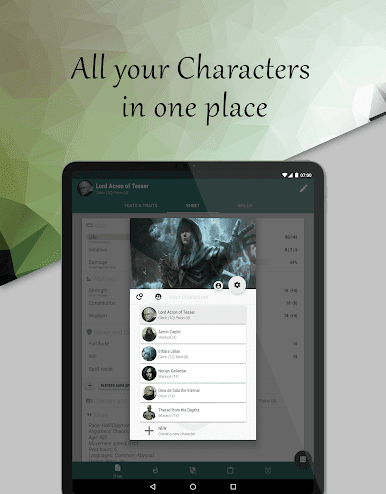
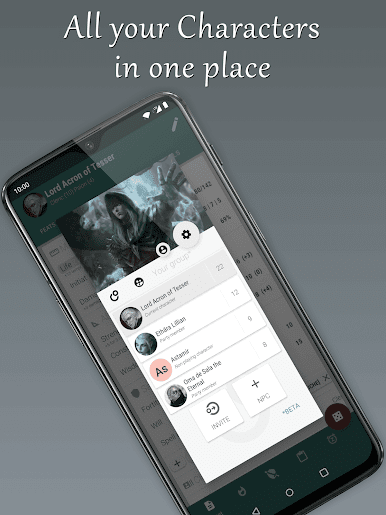
Role Player Pages is a handy companion for anyone deep into third or fifth edition D&D adventures. Tired of juggling paper sheets and endless eraser shavings? This app from Sir Yorgan makes keeping track of your fantasy alter egos way simpler. Whether you’re running spelllists, tracking feats, or just making sure you don’t forget how much gold you’ve got, Role Player Pages takes the hassle out of character management.
Game Features
- Easy Character Sheets: Separate your permanent stats from temporary buffs and effects, so you never lose track of what’s changing during those chaotic battles.
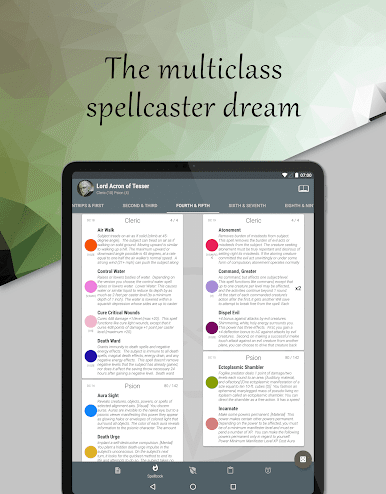
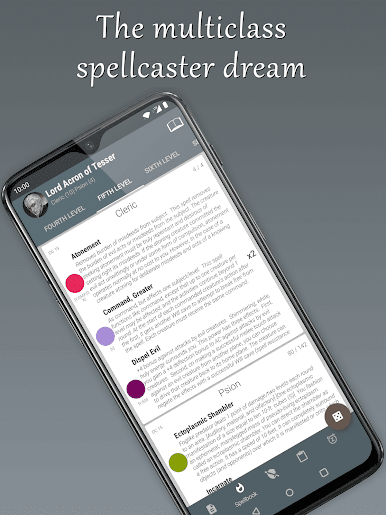
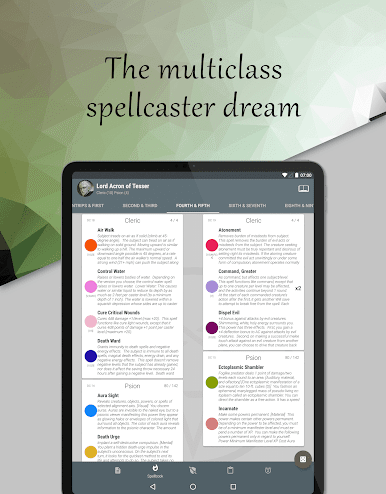
- Multi-Class Friendly: Designed to handle both single-class and multi-class characters, so feel free to craft the quirky bard-barbarian combo of your dreams.
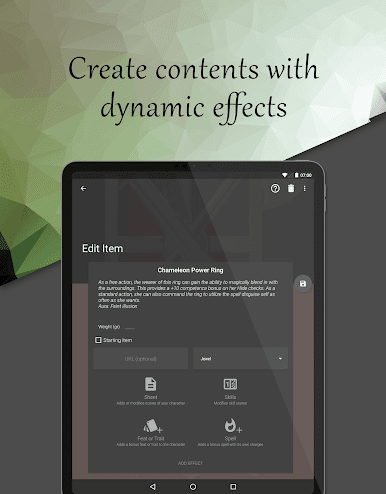
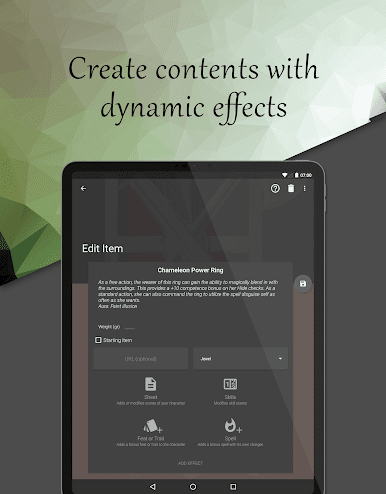
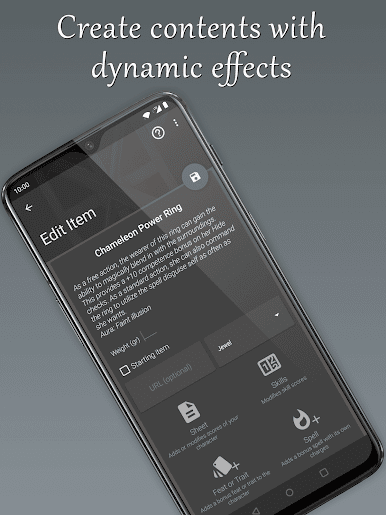
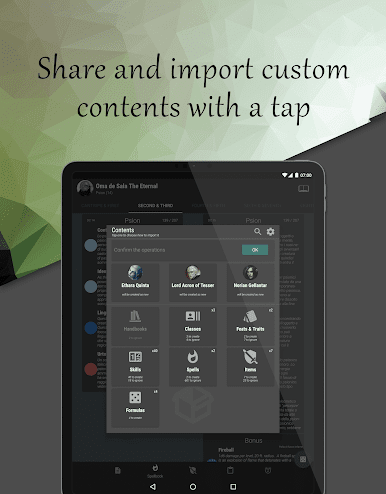
- Customizable Feats and Traits: Jot down racial abilities, class skills, or any tricky daily counters in one flexible spot.
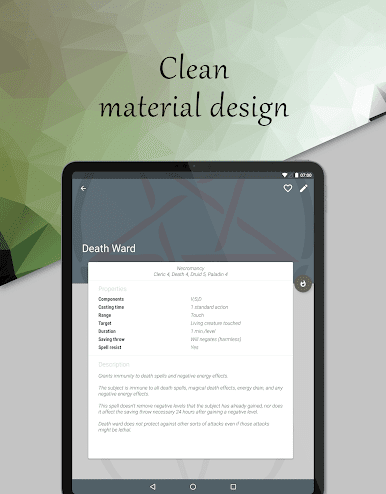
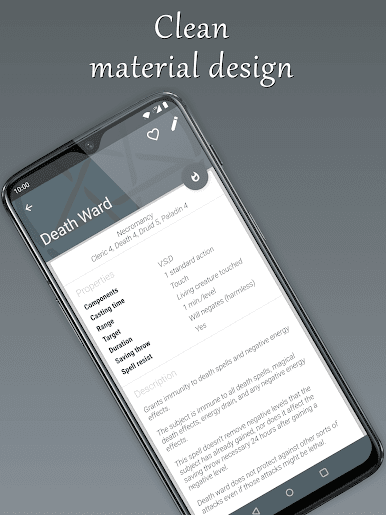
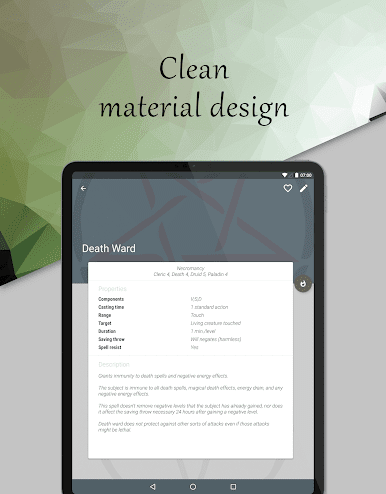
- Spellbook Management: Keep all your spells tidy, no matter your casting style, and even add your own custom creations if you’re feeling inventive.
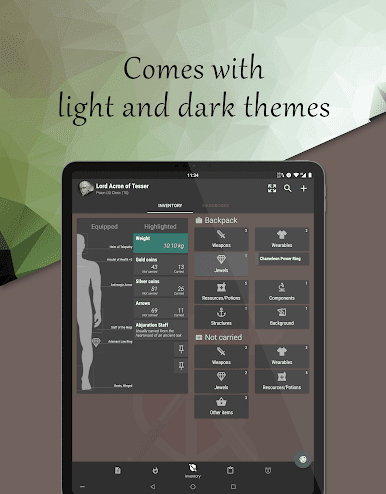
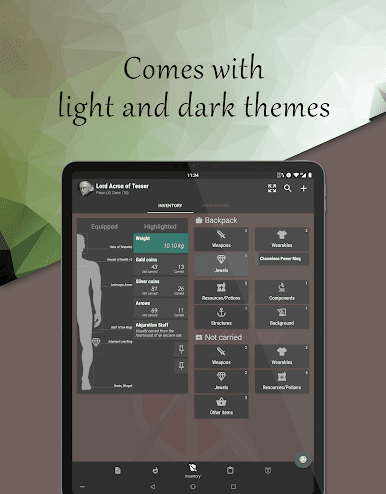
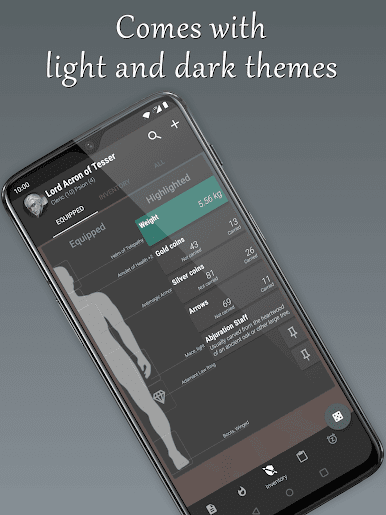
- Inventory Tracking: Manage your gear, potions, and loot. There’s even an automatic weight calculator, so you’ll always know if you’re overloaded.
- One-Tap Rest Function: With a single tap, reset your spells, items, and ability uses, making those long rest breaks a breeze.
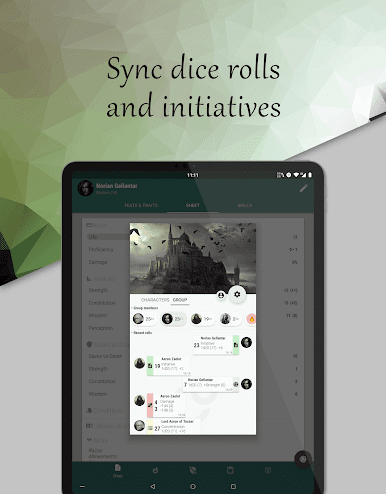
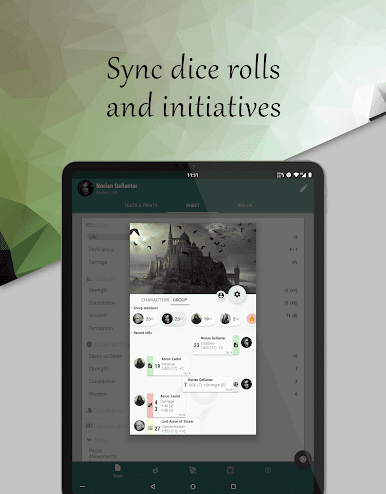
- Dice Roller Integration: Launch dice rolls right from feats or spells, or use standalone dice—no more scrambling for a d20 under the couch.
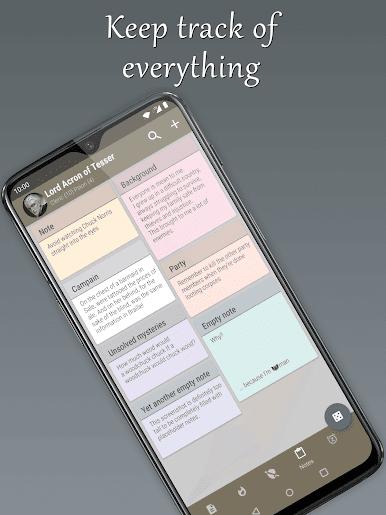
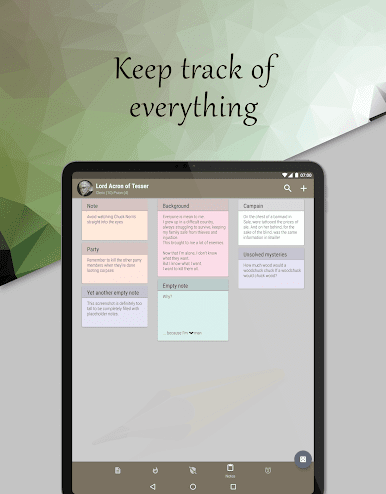
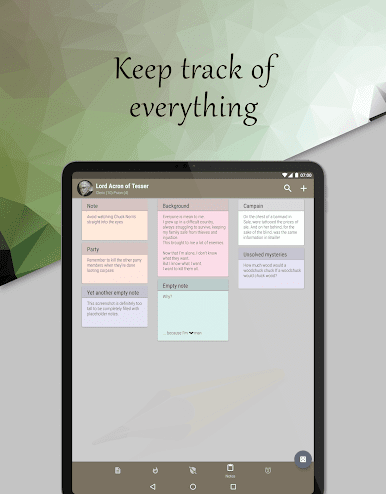
- Personal Notes: There’s a notes page for your secrets, reminders, or just scribbling future plans for world domination.
- Seamless with BlueStacks: Works smoothly if you prefer handling your character sheets on PC, bringing everything together with bigger screens and easy access.
Slay your opponents with your epic moves. Play it your way on BlueStacks and dominate the battlefield.


在電腦上遊玩The 20 - D&D and RPG Companion . 輕易上手.
-
在您的電腦上下載並安裝BlueStacks
-
完成Google登入後即可訪問Play商店,或等你需要訪問Play商店十再登入
-
在右上角的搜索欄中尋找 The 20 - D&D and RPG Companion
-
點擊以從搜索結果中安裝 The 20 - D&D and RPG Companion
-
完成Google登入(如果您跳過了步驟2),以安裝 The 20 - D&D and RPG Companion
-
在首頁畫面中點擊 The 20 - D&D and RPG Companion 圖標來啟動遊戲

