


Jewels Switch
العب على الكمبيوتر الشخصي مع BlueStacks - نظام أندرويد للألعاب ، موثوق به من قبل أكثر من 500 مليون لاعب.

Play Jewels Switch on PC or Mac
Jewels Switch brings the Arcade genre to life, and throws up exciting challenges for gamers. Developed by Words Mobile, this Android game is best experienced on BlueStacks, the World’s #1 app player for PC and Mac users.
About the Game
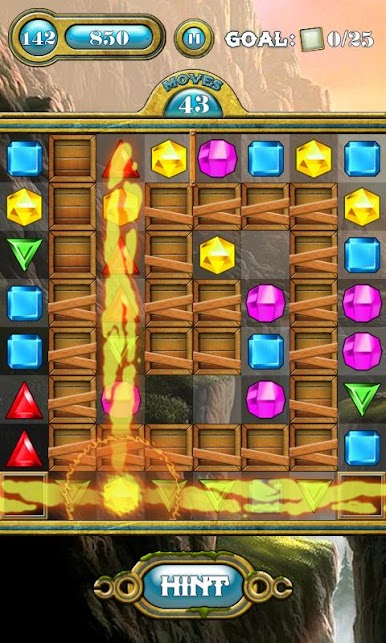
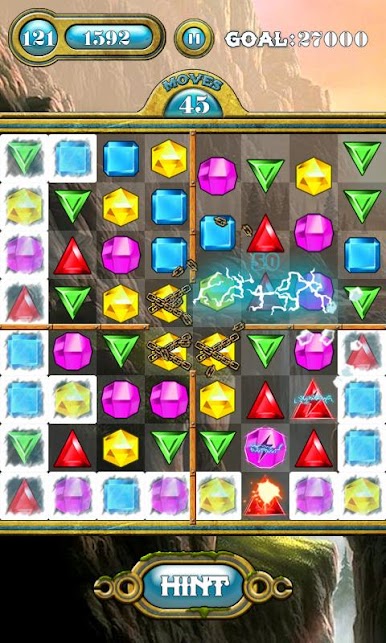
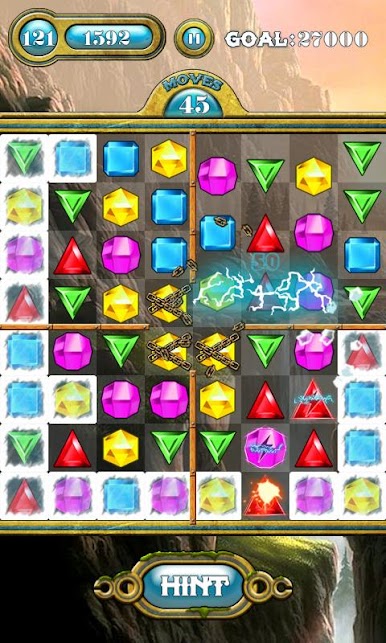
Jewels Switch from Words Mobile brings that classic gem-matching challenge right to your screen with a satisfying, colorful twist. If you’re the type who can’t resist matching three of the same thing just to see ‘em disappear, you’ll feel right at home here. The experience is all about solving clever puzzles at your own pace—or racing the clock, if you’re in the mood for a challenge.
Game Features
-
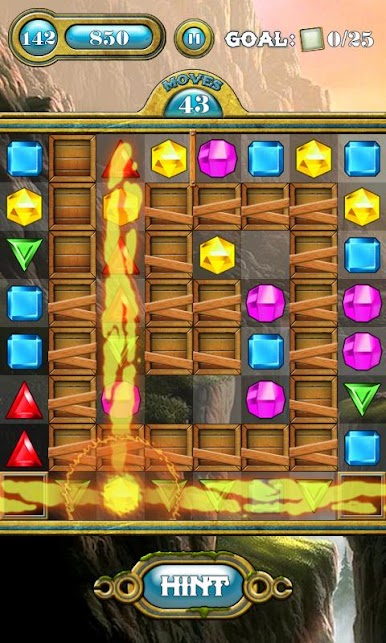
Tons of Levels: There are over 250 distinct puzzles to work through, each with its own little quirks. You won’t be running out of things to solve anytime soon.
-
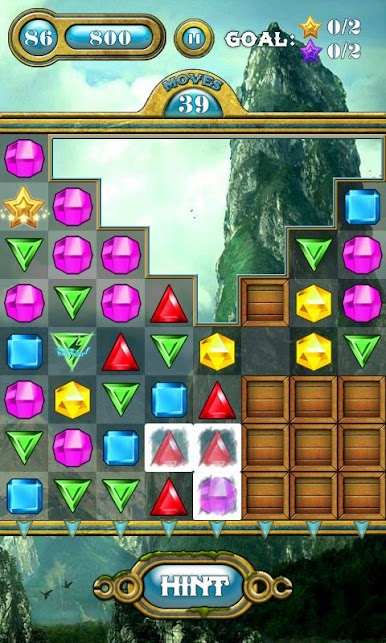
Arcade Mode: Tackle one level at a time and work toward reaching specific goals. Each puzzle feels just that little bit different, so things stay fresh.
-
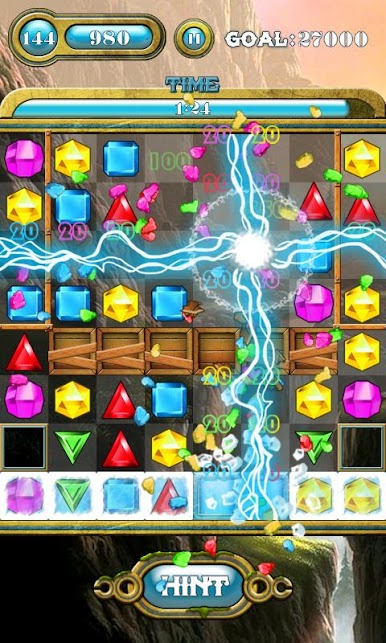
Time Mode: Think you’re fast? Speed things up and see how many gems you can clear before time runs out. It’s your skills versus the clock.
-
Bright, Lively Visuals: The candy-colored gems and smooth animations give every round a little extra sparkle, making matches super satisfying.
-
Easy to Jump In: The controls couldn’t be simpler—just swap neighboring jewels to make a row of three or more. Anyone can pick it up and start playing.
-
Getting Good is Tough: Sure, it’s easy enough to start, but don’t be fooled—getting through those tougher levels and nailing the high scores will keep you coming back.
You can enjoy Jewels Switch in full color and detail on BlueStacks, which makes every gem pop, whether you’re on PC or Mac.
Slay your opponents with your epic moves. Play it your way on BlueStacks and dominate the battlefield.


العب Jewels Switch على جهاز الكمبيوتر. من السهل البدء.
-
قم بتنزيل BlueStacks وتثبيته على جهاز الكمبيوتر الخاص بك
-
أكمل تسجيل الدخول إلى Google للوصول إلى متجر Play ، أو قم بذلك لاحقًا
-
ابحث عن Jewels Switch في شريط البحث أعلى الزاوية اليمنى
-
انقر لتثبيت Jewels Switch من نتائج البحث
-
أكمل تسجيل الدخول إلى Google (إذا تخطيت الخطوة 2) لتثبيت Jewels Switch
-
انقر على أيقونة Jewels Switch على الشاشة الرئيسية لبدء اللعب

