

Messenger: Text Messages, SMS
5억명 이상의 게이머가 신뢰하는 안드로이드 게임 플랫폼 BlueStacks으로 PC에서 플레이하세요.

Run Messenger Color - SMS on PC or Mac
Upgrade your experience. Try Messenger Color – SMS, the fantastic Communication app from Sunny Lighting, from the comfort of your laptop, PC, or Mac, only on BlueStacks.
About the App
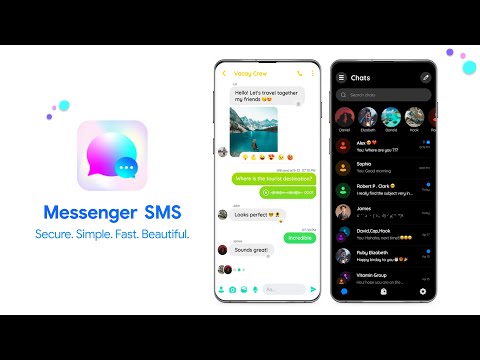
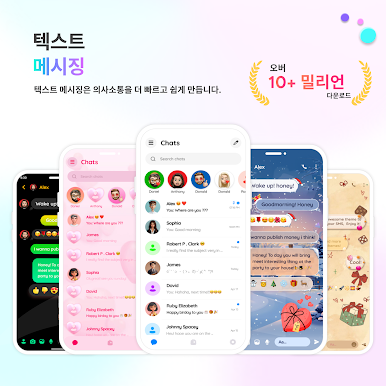
Messenger Color – SMS by Sunny Lighting is here to bring a bit of fun and color to your daily texting routine. Whether you’re juggling conversations with friends or keeping in touch with family, this Communication app keeps everything simple, fast, and totally customizable. Think of it as your go-to space for sending messages, pictures, and more—all wrapped up in a splash of personality.
App Features
-
All-in-One Messaging
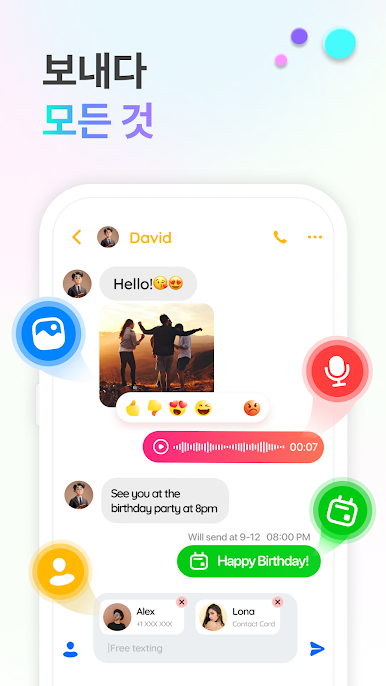
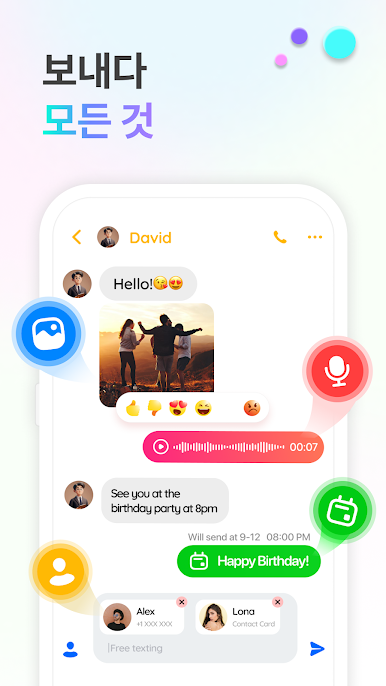
Manage your SMS and MMS on one screen. Read, send, forward—whatever you need, it’s easy to do in one spot. -
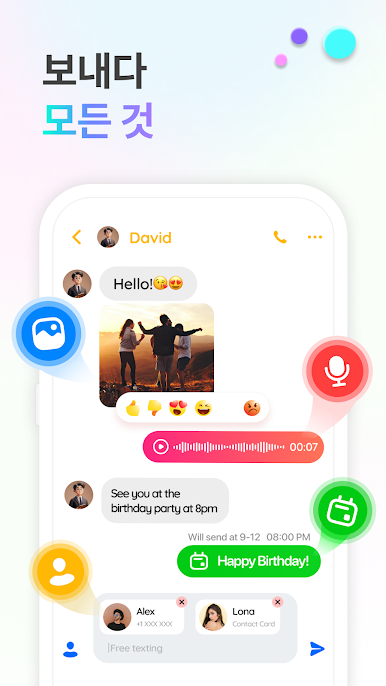
Media Support
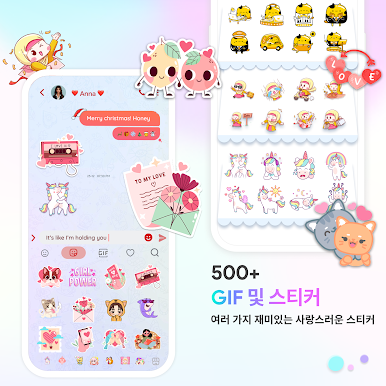
Share photos, videos, and even audio files alongside your text messages, so your convos don’t just stop at the basics. -
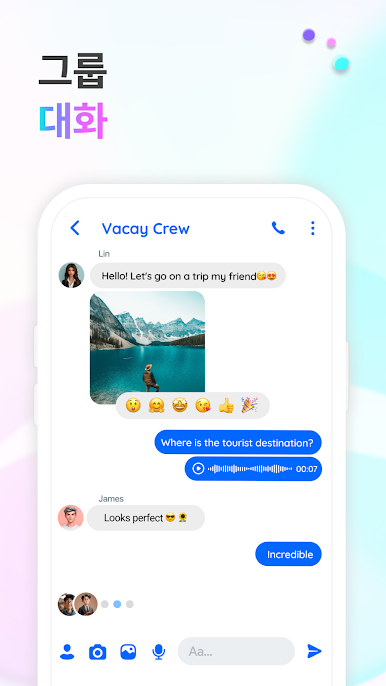
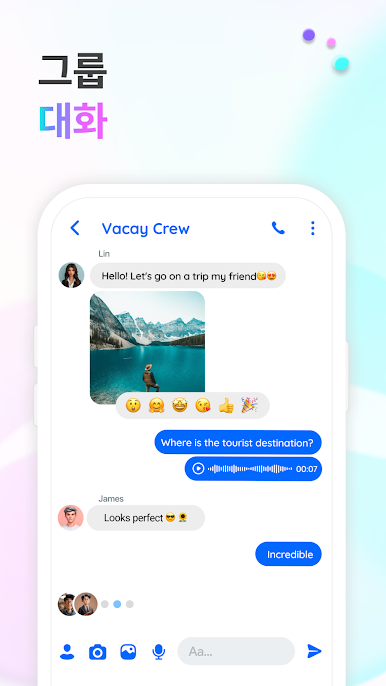
Group Messaging
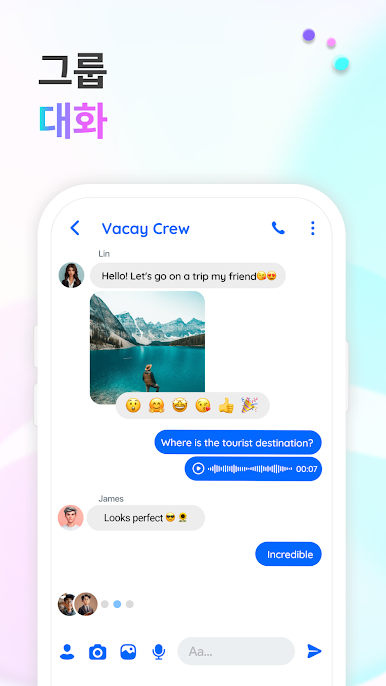
Bring everyone together. Add several people to a chat and keep the conversation going, whether it’s for weekend plans or family check-ins. -
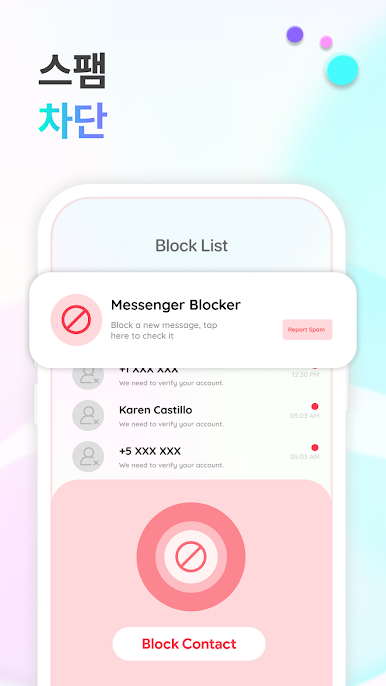
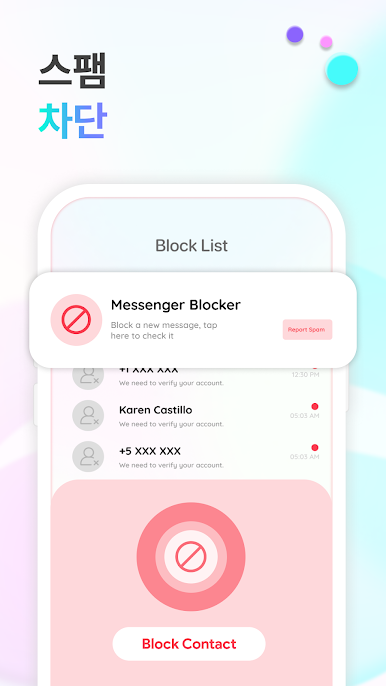
Block Unwanted Contacts
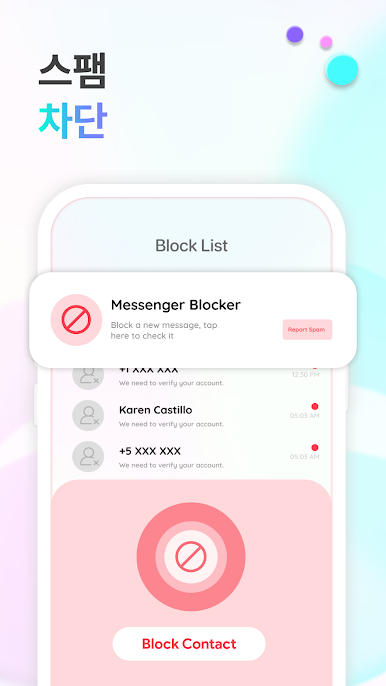
Cut the noise—block SMS and MMS from people you’d rather not hear from. -
Quick Delete
Need to clear out old threads or random spam? Just tap to delete messages you no longer need. -
Dual SIM
Got two numbers? No problem. Messenger Color – SMS handles both seamlessly, so you always know which SIM sent or received each message. -
Mute Notifications
Don’t want to be interrupted? Mute notifications from specific chats or contacts without silencing everything. -
Easy Contact Adding
Add new phone numbers to your contact list directly from messages, without extra steps. -
Quick Dial
Sometimes a text isn’t enough. Call straight from your chat if you want to switch things up. -
Theme Variety
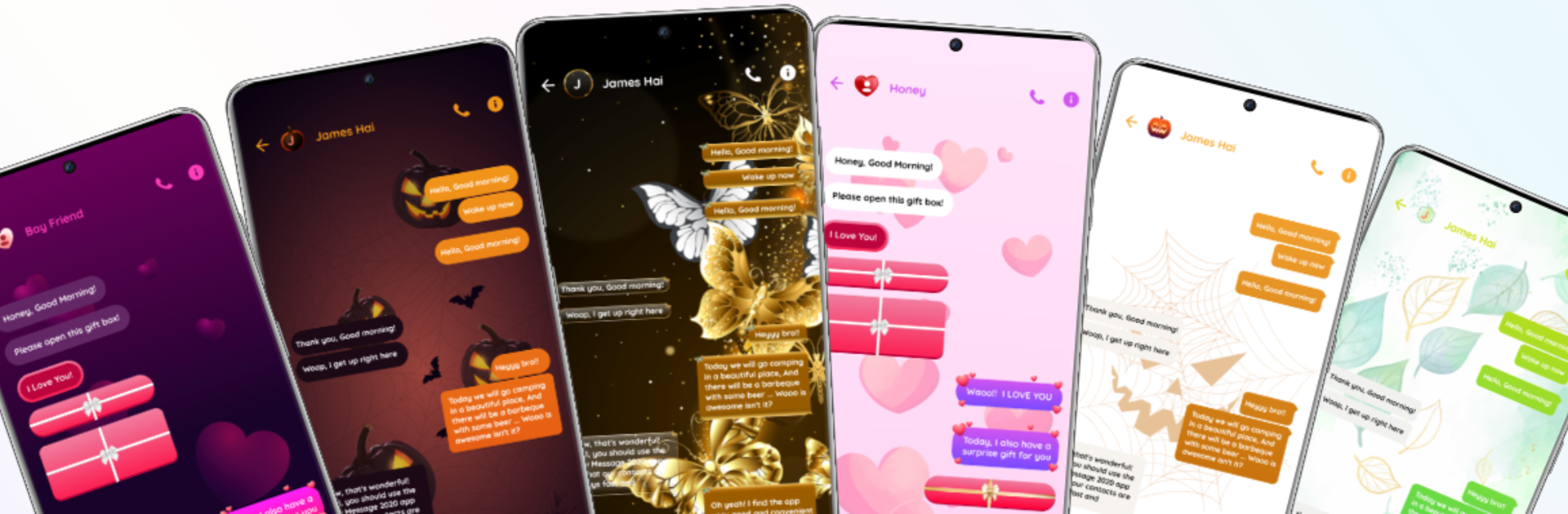
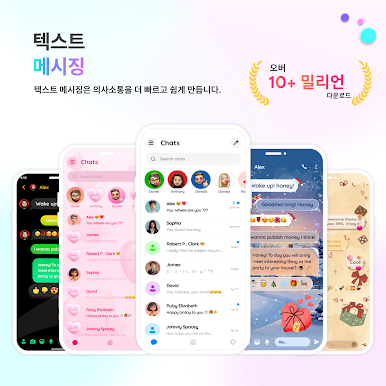
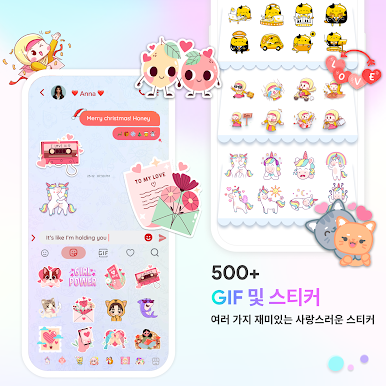
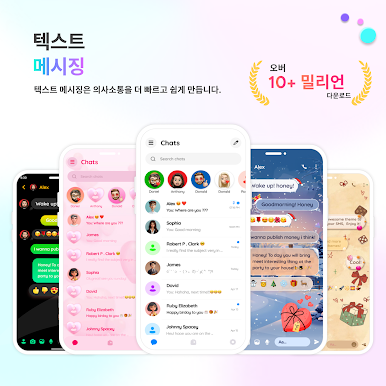
Change how your app looks with free SMS themes: from dark mode to rain, or make your own. Design your own thing—no rules. -
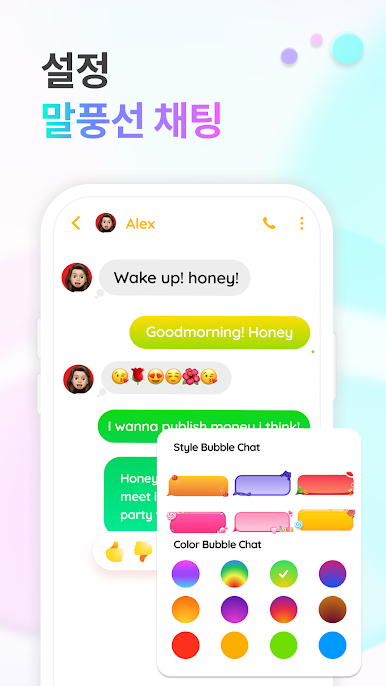
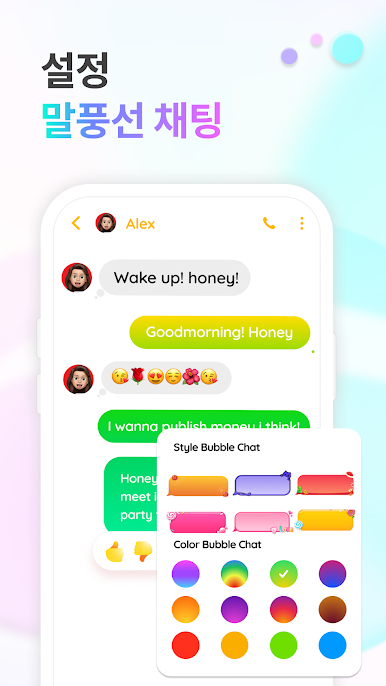
Custom Conversation Bubbles
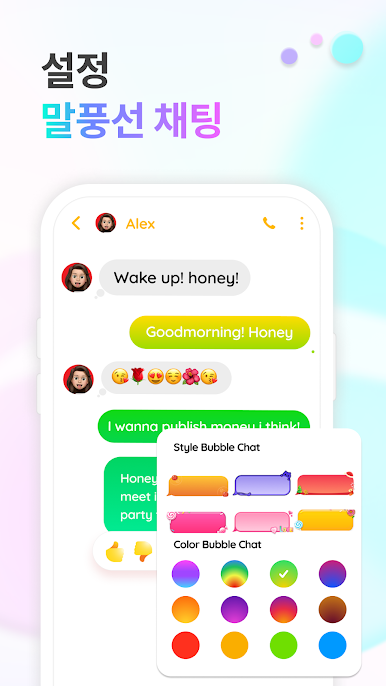
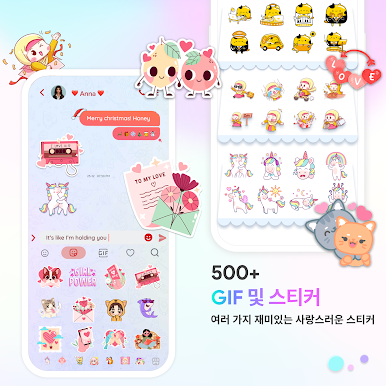
Pick colorful bubble chat designs to make chats feel less dull and more you. -
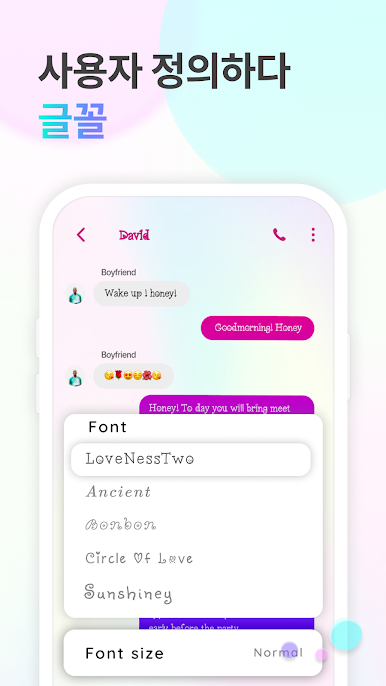
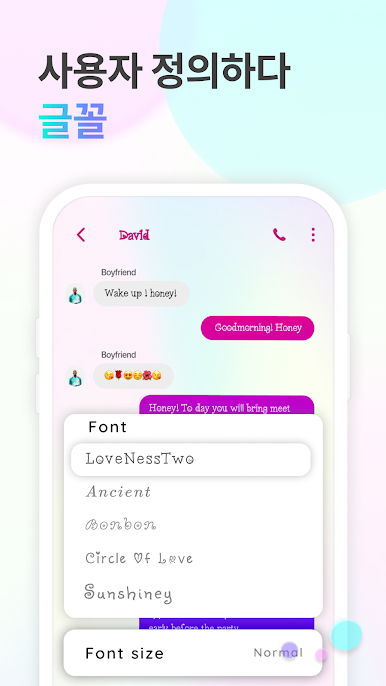
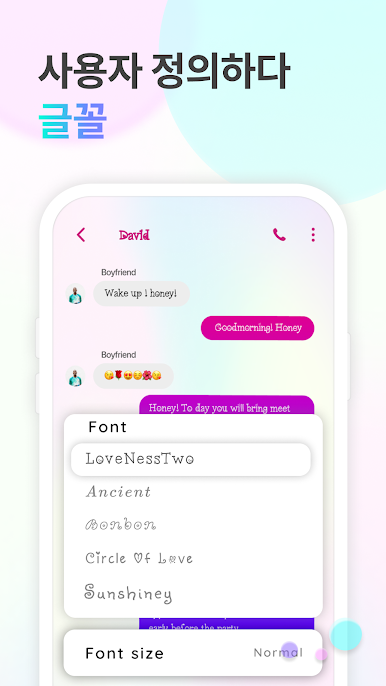
Font Collection
Experiment with over 500 fonts to find something that matches your mood or style—seriously, there’s a lot.
You can even enjoy Messenger Color – SMS on a big screen with BlueStacks if you want extra space for all those group chats and colorful themes.
BlueStacks gives you the much-needed freedom to experience your favorite apps on a bigger screen. Get it now.
PC에서 Messenger: Text Messages, SMS 플레이해보세요.
-
BlueStacks 다운로드하고 설치
-
Google Play 스토어에 로그인 하기(나중에 진행가능)
-
오른쪽 상단 코너에 Messenger: Text Messages, SMS 검색
-
검색 결과 중 Messenger: Text Messages, SMS 선택하여 설치
-
구글 로그인 진행(만약 2단계를 지나갔을 경우) 후 Messenger: Text Messages, SMS 설치
-
메인 홈화면에서 Messenger: Text Messages, SMS 선택하여 실행

