


Gravador de Chamadas
Jogue no PC com BlueStacks - A Plataforma de Jogos Android, confiada por mais de 500 milhões de jogadores.

Página modificada em: Oct 31, 2022
Run Automatic Call Recorder Pro on PC or Mac
Multitask effortlessly on your PC or Mac as you try out Automatic Call Recorder Pro, a Productivity app by SMSROBOT LTD on BlueStacks.
About the App
Ever wanted an easy way to keep track of your phone conversations without having to scribble down notes? Automatic Call Recorder Pro from SMSROBOT LTD steps in to handle just that. It’s designed for folks who appreciate a bit of organization in their busy lives — just open the app, and it quietly does its job, recording your calls in the background while you focus on talking. Whether you’re making deals, sorting family plans, or just need a backup for those tricky details, this Productivity tool has your back.
App Features
-
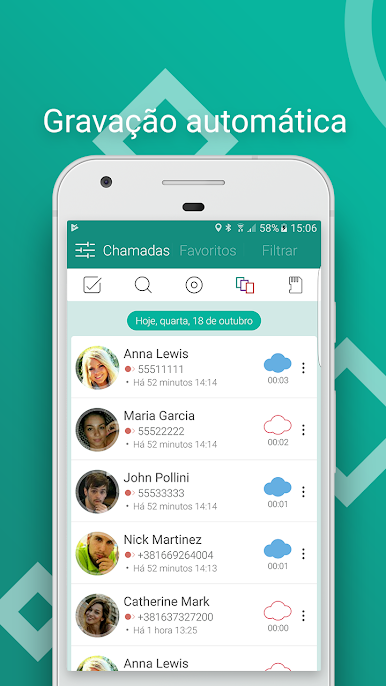
Automatic Call Recording
No stress, no manual button-pushing—every incoming and outgoing call gets recorded automatically. You don’t have to remember to hit “record.” -
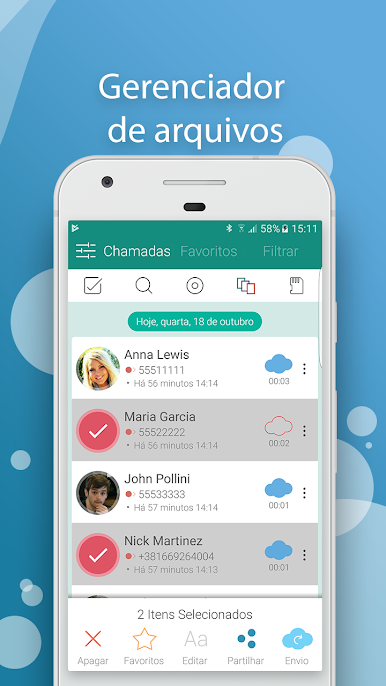
Manage Your Library
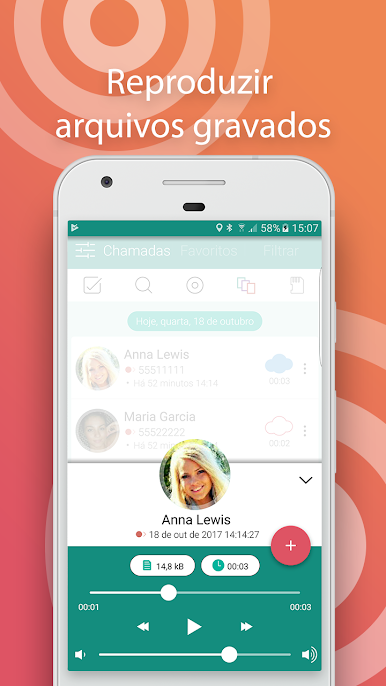
Browse calls with an advanced file manager. Play back conversations, save those important chats as MP3 files, or clean out what you don’t need with a quick swipe. -
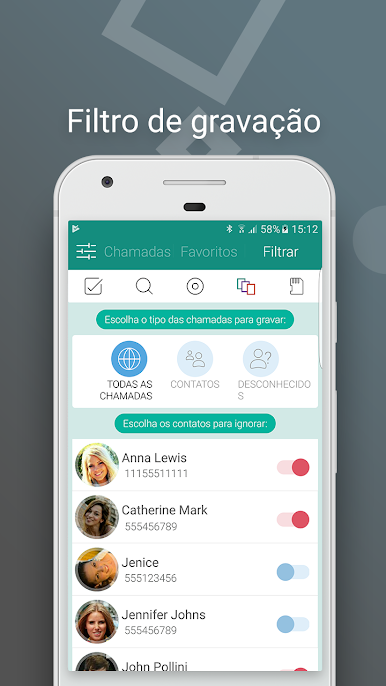
Caller ID & Custom Recording
See who’s calling even if they’re not in your contacts. Decide which calls get saved: record per contact, block others, or exclude specific numbers, so your boss’s calls get logged, but not your telemarketer pal. -
Favorites & Search
Easily tag important conversations as “favorites.” Looking for a particular chat? Use the search function to quickly bring up just the right recording. -
Security & Privacy
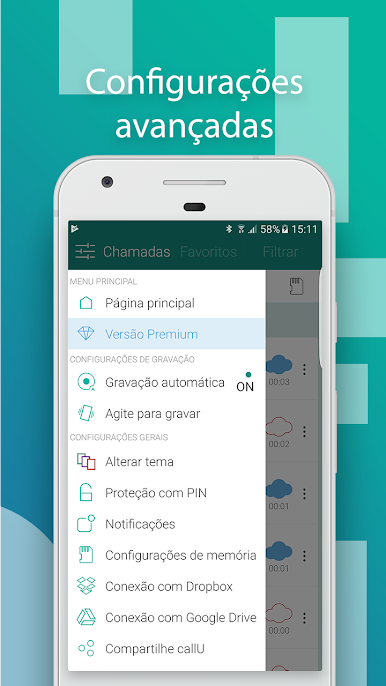
Set up a password so your recordings are for your ears only. Your private business stays private. -
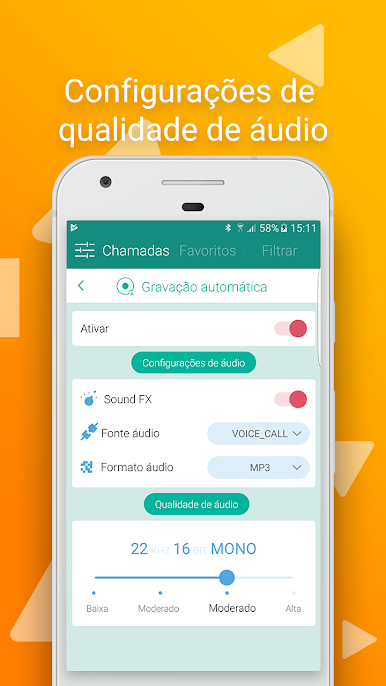
Flexible Audio Settings
Choose the audio format that works for you—MP3 or WAV. Adjust quality and pick recording modes to fit your needs, from all numbers to just select contacts. -
Easy Sharing
Need to send a recording to someone? Do it straight from the app via email, Dropbox, Google Drive, WhatsApp, or even SMS. Sharing’s a breeze. -
After Call Prompt
Get a handy prompt after each call to decide right then and there if you want to save it. No more sifting through calls you didn’t care to keep. -
Multi-Device-Friendly
Optimized for devices like the Samsung Galaxy S9 and S9 Plus, but runs smoothly on a range of Android phones. Works perfectly if you’re using BlueStacks, too. -
Personalized Experience
Mark recordings as important or group-select multiple files to delete, share, or organize your audio library exactly how you like it.
If you need an organized, hands-off way to handle your call recordings and want everything in one smart package, Automatic Call Recorder Pro wraps it all up without the fuss.
Switch to BlueStacks and make the most of your apps on your PC or Mac.
Jogue Gravador de Chamadas no PC. É fácil começar.
-
Baixe e instale o BlueStacks no seu PC
-
Conclua o login do Google para acessar a Play Store ou faça isso mais tarde
-
Procure por Gravador de Chamadas na barra de pesquisa no canto superior direito
-
Clique para instalar Gravador de Chamadas a partir dos resultados da pesquisa
-
Conclua o login do Google (caso você pulou a etapa 2) para instalar o Gravador de Chamadas
-
Clique no ícone do Gravador de Chamadas na tela inicial para começar a jogar

