


Socrative Student
العب على الكمبيوتر الشخصي مع BlueStacks - نظام أندرويد للألعاب ، موثوق به من قبل أكثر من 500 مليون لاعب.

Run Socrative Student on PC or Mac
Multitask effortlessly on your PC or Mac as you try out Socrative Student, a Education app by Showbie Inc. on BlueStacks.
About the App
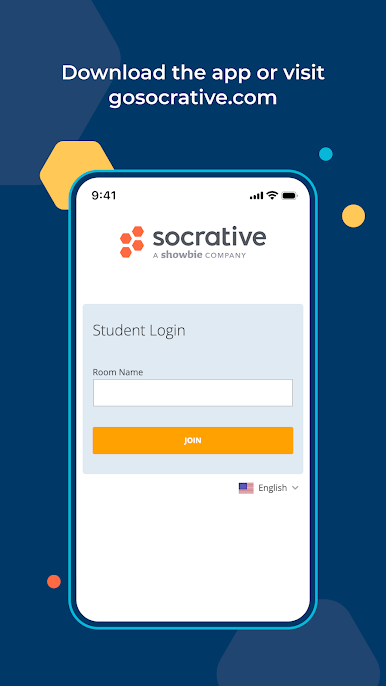
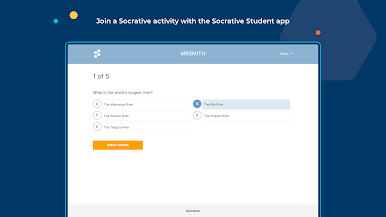
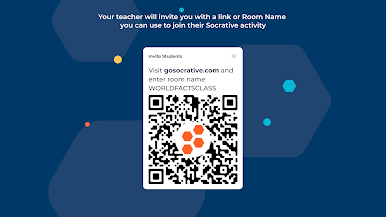
Socrative Student makes answering classroom questions way more interactive and less stressful. Whether your teacher loves pop quizzes, uses on-the-fly polls, or surprises the class with quick games, this app lets you share your answers in real-time—no signup stress, just jump in with your teacher’s room code. Expect a bunch of question types and some friendly competition along the way. It’s all about sharing what you know and seeing how the whole class is doing—without any added fuss.
App Features
-
Instant Answer Sharing
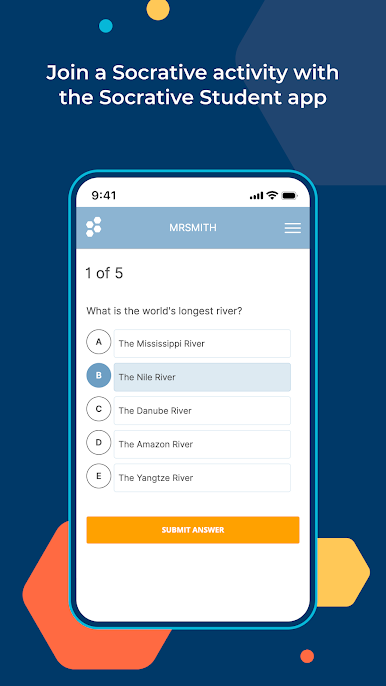
Jump into classroom activities with multiple choice, true/false, and open-ended questions. All you need is your teacher’s code—no account hassles. -
Real-Time Feedback
Get instant updates as you answer, so you can see where you stand and your teacher gets a great view of the entire class’s understanding. -
Open-Ended Polls
Not everything is a multiple choice! Share your thoughts with open responses, then see how your ideas match up against your classmates with instant voting. -
Exit Tickets
Got a minute left in class? Teachers can drop a quick “exit ticket” to check understanding before everyone heads out. -
Space Race Game
Learning gets a playful twist when the class splits into teams and competes in Space Race—you’ll want bragging rights. -
Detailed Reporting
Reports break down class trends, right down to which questions had everyone puzzled or breezing through. Teachers get these reports straight to Google Drive if they want. -
Works Everywhere
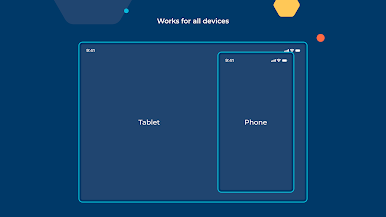
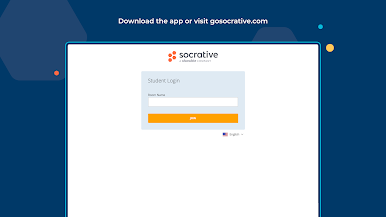
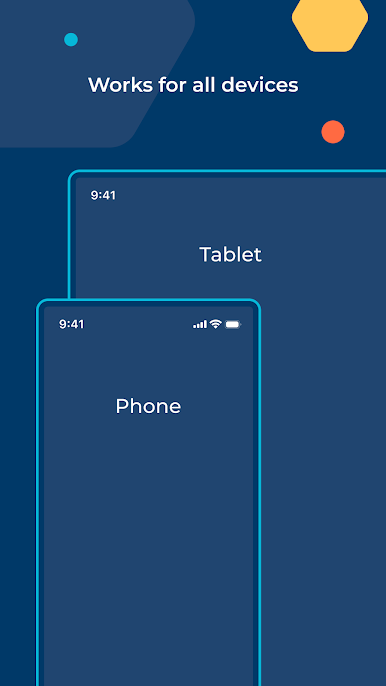
Jump on using your phone, tablet, laptop, or desktop. Socrative Student handles them all, and plays nice with browsers like Chrome, Firefox, Safari, and even Internet Explorer.
And yep, if you’re using BlueStacks on your computer, Socrative Student runs smoothly there, too.
BlueStacks brings your apps to life on a bigger screen—seamless and straightforward.

العب Socrative Student على جهاز الكمبيوتر. من السهل البدء.
-
قم بتنزيل BlueStacks وتثبيته على جهاز الكمبيوتر الخاص بك
-
أكمل تسجيل الدخول إلى Google للوصول إلى متجر Play ، أو قم بذلك لاحقًا
-
ابحث عن Socrative Student في شريط البحث أعلى الزاوية اليمنى
-
انقر لتثبيت Socrative Student من نتائج البحث
-
أكمل تسجيل الدخول إلى Google (إذا تخطيت الخطوة 2) لتثبيت Socrative Student
-
انقر على أيقونة Socrative Student على الشاشة الرئيسية لبدء اللعب

