


Relógios e planos de fundo
Jogue no PC com BlueStacks - A Plataforma de Jogos Android, confiada por mais de 500 milhões de jogadores.

Página modificada em: Oct 4, 2024
Play Clocks and Live Wallpapers on PC
Key Features:
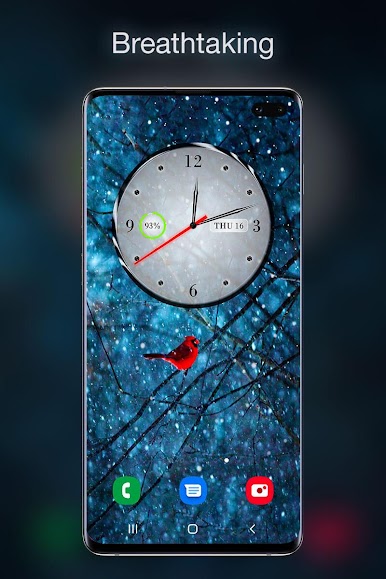
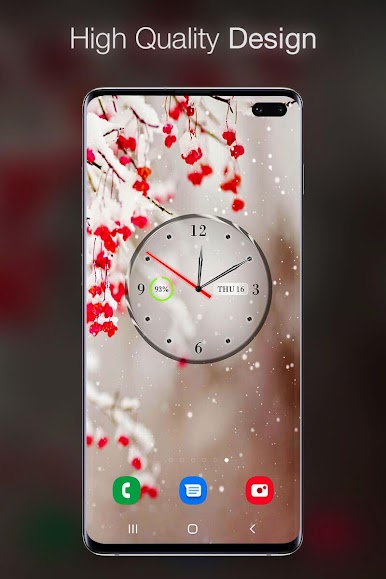
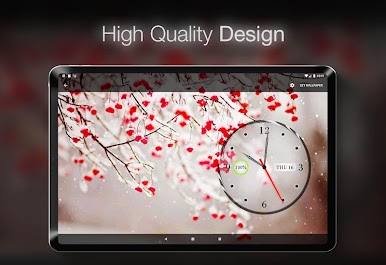
1. Analog Clock:
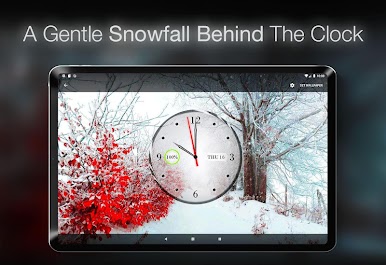
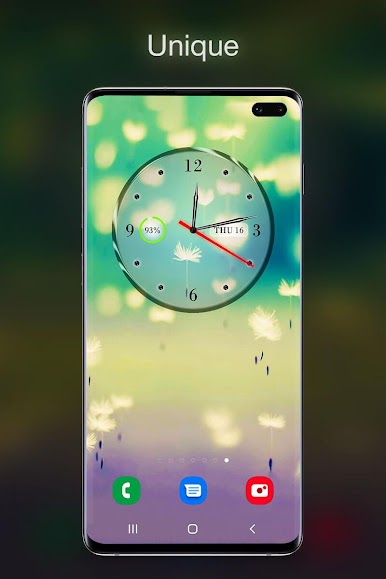
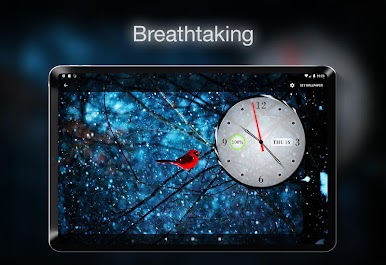
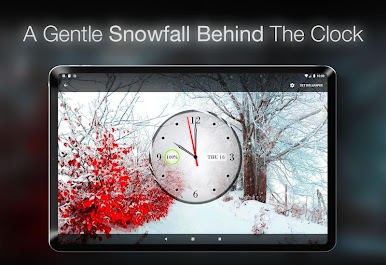
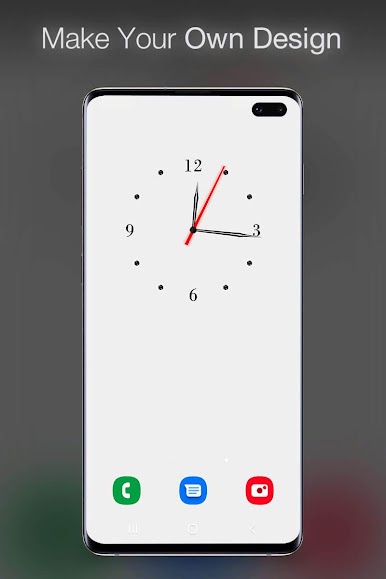
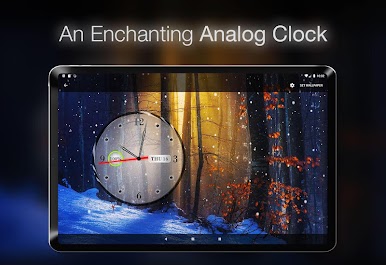
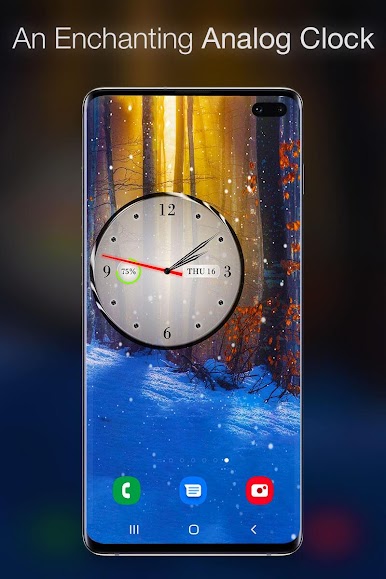
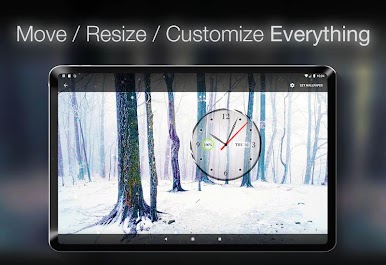
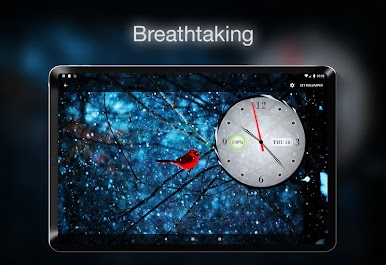
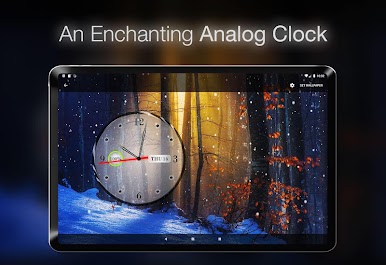
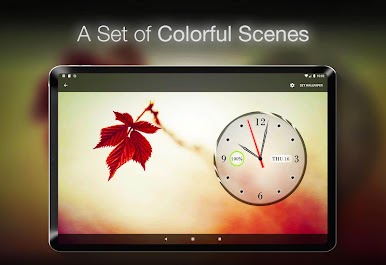
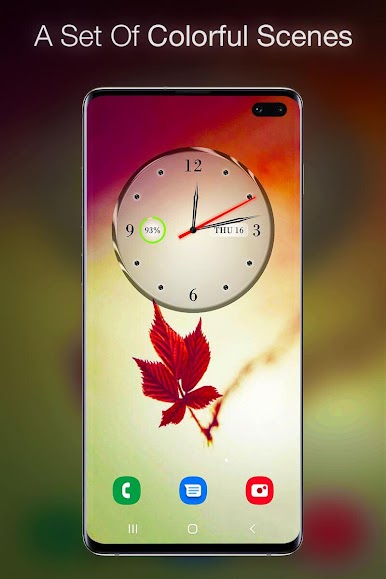
Moving Handles: Enjoy the classic charm of an analog clock with dynamic, smoothly moving handles.
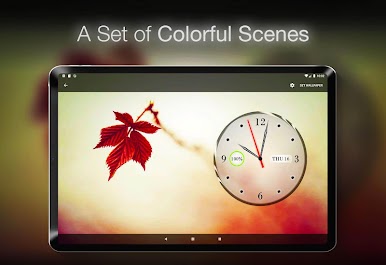
Battery Indicator: Keep track of your device's battery life with a subtle yet informative indicator.
Calendar Date Indicator: Stay organized with the integrated calendar date display, ensuring you're always on top of your schedule.
2. Animated Backgrounds:
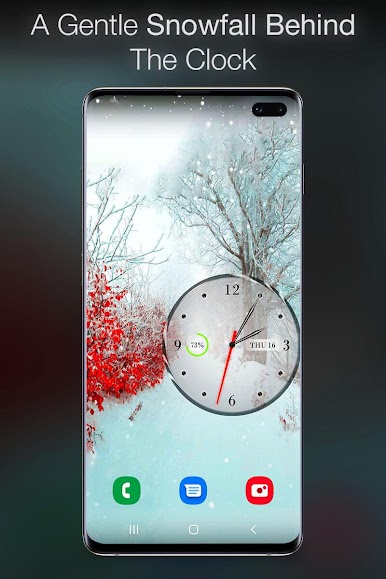
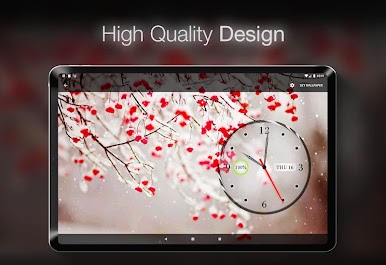
Falling Snow: Create a winter wonderland on your screen with realistic falling snow that can be customized to your liking.
Rainfall: Experience the soothing ambiance of a gentle rain shower with adjustable intensity, speed, and direction.
Water Waves: Add a touch of serenity with animated water waves that mimic the calming effect of flowing water.
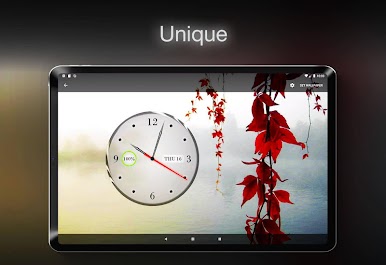
Trees and Flowers: Bring nature to your device with animated trees and flowers swaying gracefully in the wind.
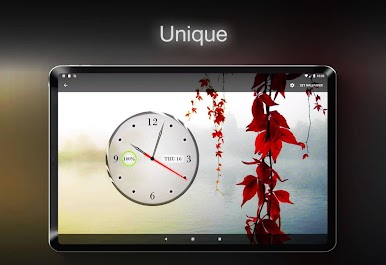
Custom Background: Add your own photo as the clock background to create a personalized and unique look.
Customization Options:
Clock Design:
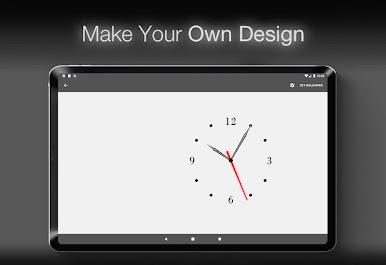
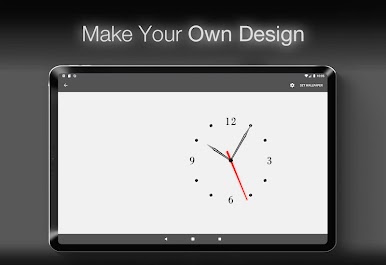
Faces: Choose from a variety of clock faces to match your style and mood.
Handles: Customize the clock hands to your preference, selecting from different designs and styles.
Numerals & Markers: Personalize the clock numerals and markers.
Appearance:
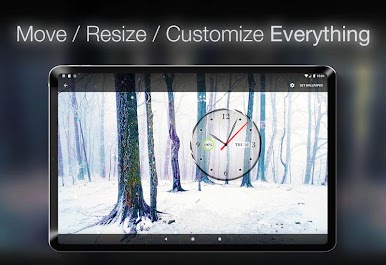
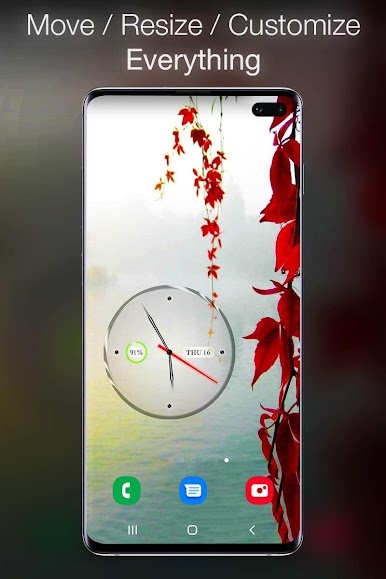
Position: Move the clock to any position on your screen for optimal visibility.
Size: Adjust the size of the clock to suit your display and personal preference.
Transparency: Control the transparency of the clock face, numerals, and markers to seamlessly blend with your wallpaper.
Colors: Change the color of the clock face, numerals, markers, and battery & date text to match your theme.
Display Settings:
Show/Hide Battery Indicator: Toggle the battery indicator on or off based on your needs.
Show/Hide Calendar Date Indicator: Choose whether to display the calendar date for a cleaner look.
Show/Hide Clock: Decide when to show or hide the clock to maintain a clutter-free home screen.
Animated Effects:
Snow and Rain: Customize the size, intensity, speed, direction, and opacity of the falling snow and rainfall to create the perfect atmospheric effect.
Tree and Leaves Wind Intensity: Adjust the wind intensity to make trees and leaves move gently or sway vigorously.
Water Waves Intensity: Modify the intensity of water waves for a calm or dynamic visual experience.
Why Choose Clock and Live Wallpapers?
Clock and Live Wallpapers is your go-to app for a stylish and functional home screen. Transform your device with just a few taps and enjoy a unique, personalized experience every day.
Jogue Relógios e planos de fundo no PC. É fácil começar.
-
Baixe e instale o BlueStacks no seu PC
-
Conclua o login do Google para acessar a Play Store ou faça isso mais tarde
-
Procure por Relógios e planos de fundo na barra de pesquisa no canto superior direito
-
Clique para instalar Relógios e planos de fundo a partir dos resultados da pesquisa
-
Conclua o login do Google (caso você pulou a etapa 2) para instalar o Relógios e planos de fundo
-
Clique no ícone do Relógios e planos de fundo na tela inicial para começar a jogar

