


Nested Folder Notes - Folino
5억명 이상의 게이머가 신뢰하는 안드로이드 게임 플랫폼 BlueStacks으로 PC에서 플레이하세요.

Run Notes in folders with checklists and pictures on PC or Mac
Multitask effortlessly on your PC or Mac as you try out Notes in folders with checklists and pictures, a Productivity app by Holistic Apps on BlueStacks.
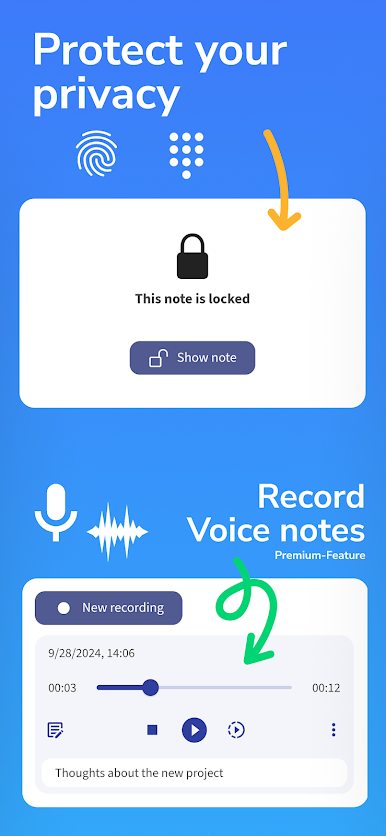
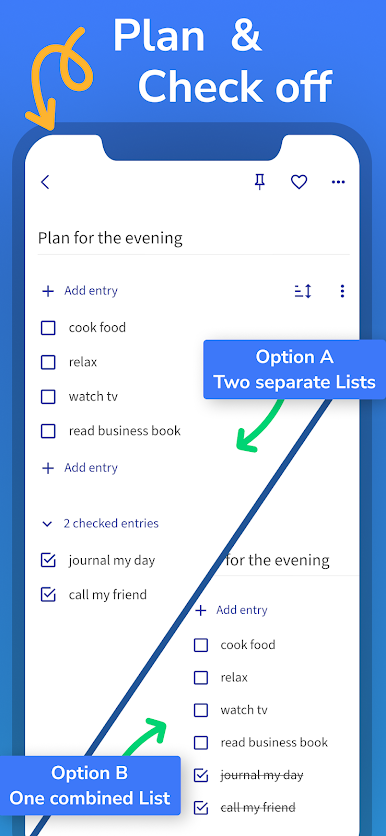
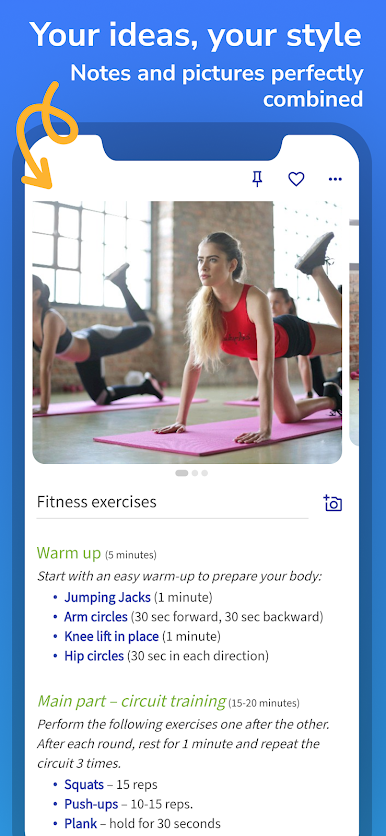
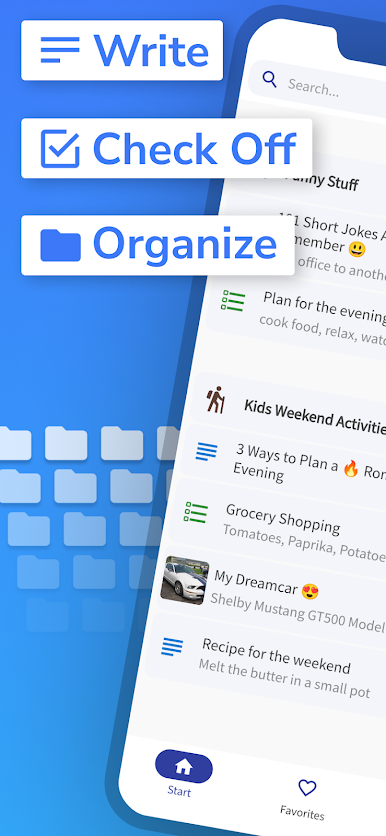
This app is all about making note-taking as organized (or as chaotic) as you want it to be. You can break things down into as many folders and subfolders as you need, which comes in handy for people who love everything in its place—or just have way too many notes floating around. Creating checklists is quick, so it’s simple to tick things off, move stuff around, and actually see what’s done or pending. Pictures can be added to notes if you want a visual reminder, though that part might need a little extra purchase inside the app.
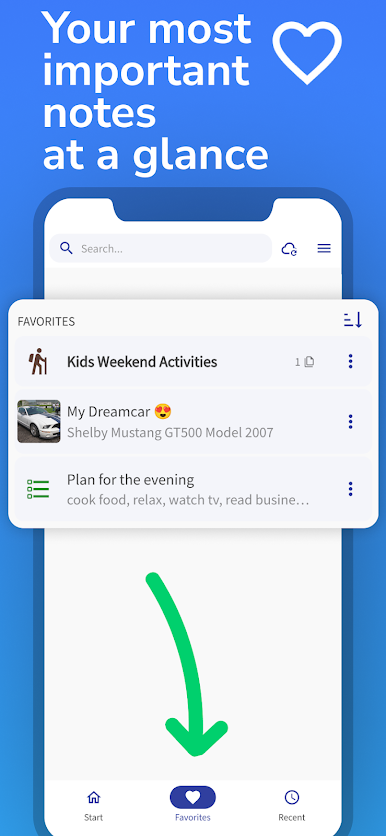
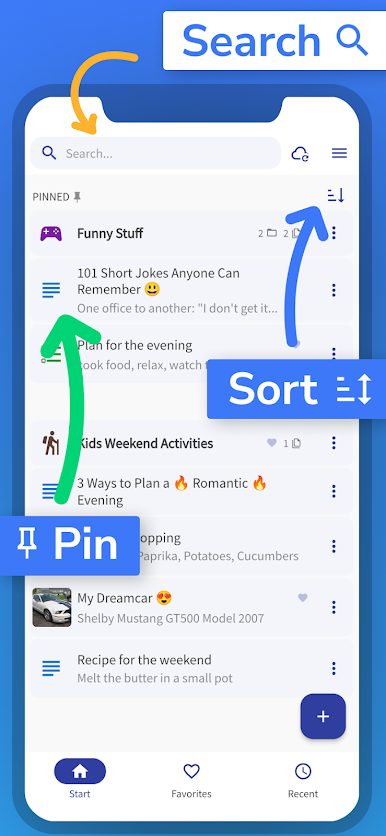
What’s nice is that it’s quiet—no ads popping up, nothing tracking who you are or what you do. The search is fast, so if you’ve lost a note somewhere, you’ll find it quickly. If you like pinning your most-used lists or notes so you don’t have to scroll, that’s here too. Recent items and favorites help with hopping back to things you use all the time. Even if you delete something by mistake, there’s a trash where you can get it back, so no panic.
Using it on PC through BlueStacks feels pretty smooth, especially for anyone who likes typing on a full keyboard. There’s offline support, so you don’t need the internet all the time, and if you want to back things up or sync across devices, it’s a manual process (uses Google Drive). Dark mode is built in for anyone who hates bright screens. It’s really about giving you options for how you want your notes to look and work. If you want a note app that just works without a lot of noise, this one does the trick.
BlueStacks brings your apps to life on a bigger screen—seamless and straightforward.

PC에서 Nested Folder Notes - Folino 플레이해보세요.
-
BlueStacks 다운로드하고 설치
-
Google Play 스토어에 로그인 하기(나중에 진행가능)
-
오른쪽 상단 코너에 Nested Folder Notes - Folino 검색
-
검색 결과 중 Nested Folder Notes - Folino 선택하여 설치
-
구글 로그인 진행(만약 2단계를 지나갔을 경우) 후 Nested Folder Notes - Folino 설치
-
메인 홈화면에서 Nested Folder Notes - Folino 선택하여 실행

